Home Blog Page 165

Changing stereo to dual-mono in Adobe Premiere Pro

0

Premiere Pro likes stereo audio to remain stereo by default but you have complete control to change individual files or the fundamental way in which Premiere Pro imports stereo files so that they always behave like dual-mono files.
Final Cut Pro 7 users should really think about making dual-mono the new default to mimic what they’ve been used to.

Download your FREE 30 day trial of Adobe Creative Cloud
http://adobe.ly/1S3mZW3
Tell your story with Reverse Video

0

Reverse video can be used for more than visual effects. You can use in an editorial sense or stylistically. Either way, Premiere Pro let’s you flip a simple “switch” to change the direction of a clip and to easily flip it back.

Download your FREE 30 day trial of Adobe Creative Cloud
http://adobe.ly/1S3mZW3
Set to Frame Size vs Scale to Frame Size

0

It can be very confusing when trying to understand the difference between Set to Frame Size vs Scale to Frame Size. They both look like they are doing the same thing, but one can give you pixelated results if you add additional scaling the the clip.

Download your FREE 30 day trial of Adobe Creative Cloud
http://adobe.ly/1S3mZW3
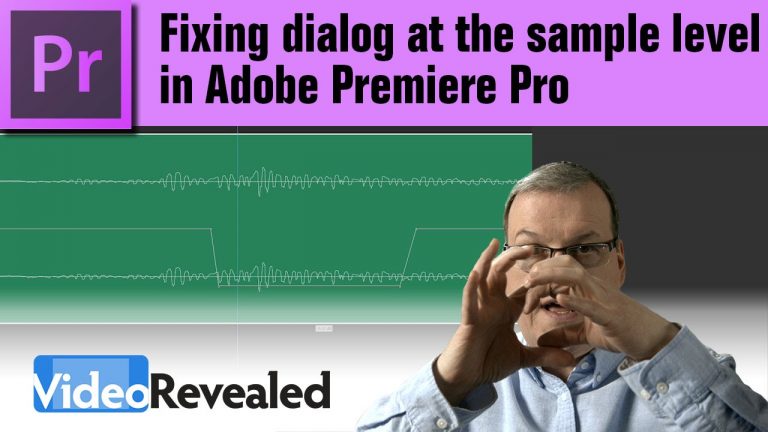
Fixing Dialog at the Sample Level in Adobe Premiere Pro

0

Premiere Pro is the only editing program that gives the editor the ability to zoom into the audio waveform at the sample level. If you’ve every tried to remove pops, clicks, or ums and ahs with keyframes in other editing programs, you soon find out that not being able to zoom closer than the individual frames is huge restriction.

Download your FREE 30 day trial of Adobe Creative Cloud
http://adobe.ly/1S3mZW3
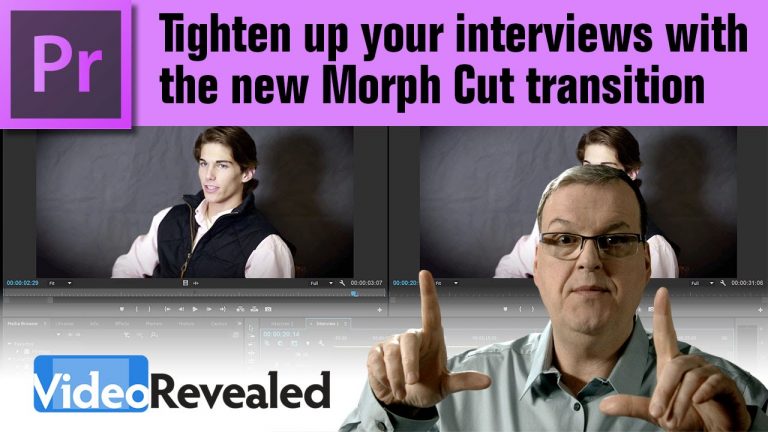
Tighten up your interviews with the Morph Cut Transition in Premiere Pro

0

The new Morph Cut transition blends, or morphs, two different frames together to create a seamless cut. If you experience any stuttering during playback with a Morph Cut transition then there are a few steps you can take to make it work.

Download your FREE 30 day trial of Adobe Creative Cloud
http://adobe.ly/1S3mZW3

Appearance panel settings and why can’t I change the BLUE!?

0

Adobe adopted a default interface that’s dark gray with blue accents. You can easily tweak the brightness and saturation to suit your needs.
Also, find out why you can’t pick your own interface colors.

Download your FREE 30 day trial of Adobe Creative Cloud
http://adobe.ly/1S3mZW3
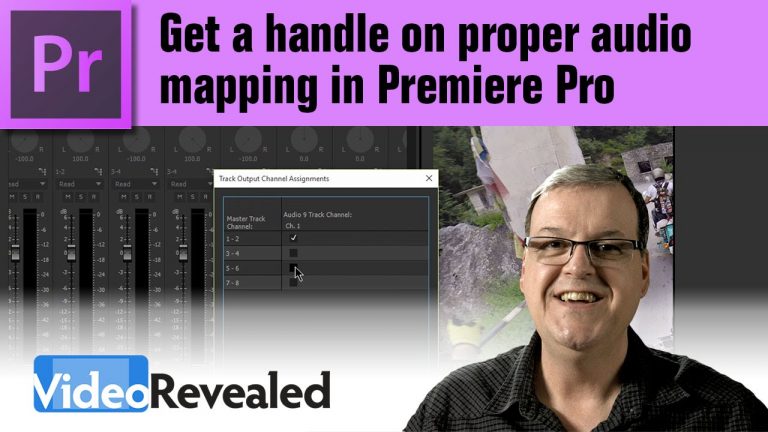
Get a handle on proper audio mapping in Adobe Premiere Pro

0

Premiere Pro has easy to use audio mapping features so you can control the signal from any track to any output.

CHECK OUT VOHIMANSHU FOR VOICE OVERS!
With over 5 years in the voice over business I have been doing voice overs for e-learning, TV commercials, narrations, children stories.
https://www.fiverr.com/vohimanshu

Making Workspaces work for you in Adobe Premiere Pro

0

It’s never been easier to get the benefits of working with Workspaces with Premiere Pro’s Workspace Bar.

Download your FREE 30 day trial of Adobe Creative Cloud
http://adobe.ly/1S3mZW3
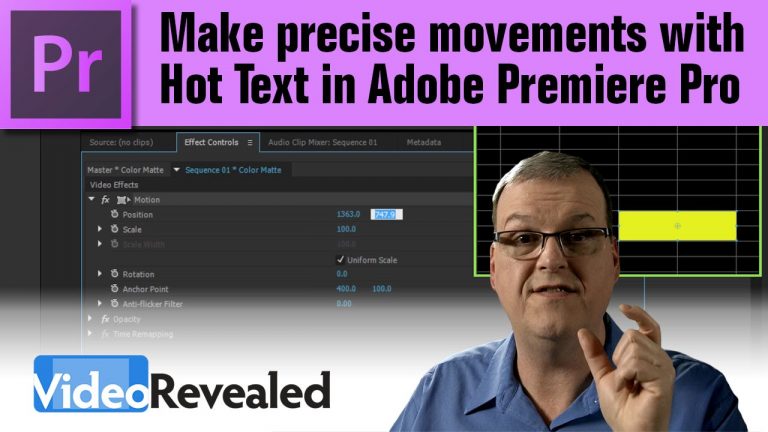
Make precise movements with Hot Text in Adobe Premiere Pro

0

Sometimes a mouse just doesn’t cut it when you’re trying to move something in precise increments. Using Hot Text and the arrow keys on your keyboard, you can now move in tenths, ones and decimal place movements to position your videos, titles, graphics or objects.

Download your FREE 30 day trial of Adobe Creative Cloud
http://adobe.ly/1S3mZW3
Anchor Point manipulation made easy in Adobe Premiere Pro

0

Knowing what and how to precisely move the Anchor Point of any video, title, graphic or object will give you more control of your final project. Also learn how direct Anchor Point manipulation will benefit you.

Download your FREE 30 day trial of Adobe Creative Cloud
http://adobe.ly/1S3mZW3