Home Blog Page 358

#PSin30 – Create a Website Text Header in Photoshop

0

Check out another of my videos: “BREAKDOWN: Select and Mask vs. Refine Edge – Photoshop CC”

-~-~~-~~~-~~-~-

Check out all my tutorials and articles: http://tutvid.com/

INSTAGRAM & MORE:
http://instagram.com/tutvid

https://www.facebook.com/tutvid

DESCRIPTION:
Yet another #PSin30 and this one is a cool little trick using a solid color adjustment layer to really bring out text in a website header when you’re using a photo as the background of that website header. Check it out!
#PSin30 – Sample Colors from The Web w/ Photoshop

0

Check out another of my videos: “BREAKDOWN: Select and Mask vs. Refine Edge – Photoshop CC”

-~-~~-~~~-~~-~-

All my tutorials and articles here! — http://tutvid.com/

INSTAGRAM & MORE:
http://instagram.com/tutvid

https://www.facebook.com/tutvid

DESCRIPTION:
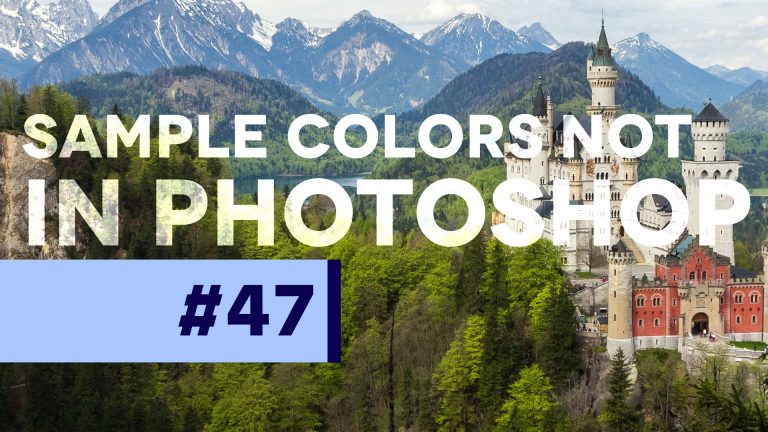
Have you ever been frustrated trying to copy a color you’ve found online? Did you know that you can use Photoshop’s Eyedropper tool to sample colors even from the web? That’s exactly what we’ll cover in this quick Photoshop tip today.

#PSin30 – Add Depth to Eyes in Photoshop CC

0

Check out another of my videos: “BREAKDOWN: Select and Mask vs. Refine Edge – Photoshop CC”

-~-~~-~~~-~~-~-

Check out all the tutorials I have to offer right here! http://tutvid.com/

INSTAGRAM & MORE:
http://instagram.com/tutvid

https://www.facebook.com/tutvid

DESCRIPTION:
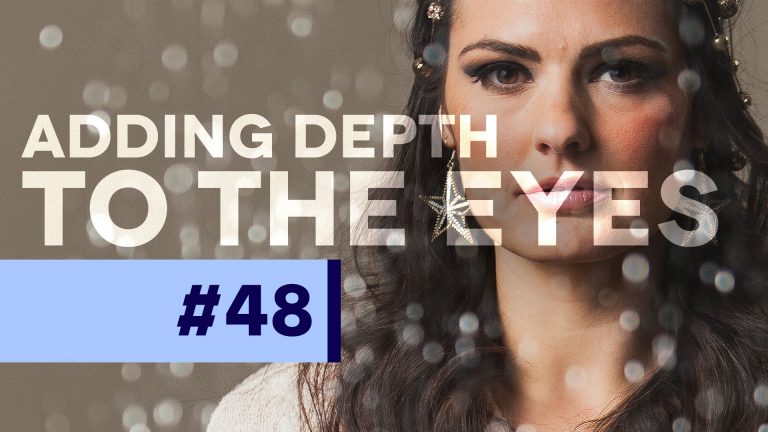
Check out today’s #PSin30 and learn how to add some light into a subject’s eyes to really create and enhance the depth that you see in someone’s eyes. This is an amazing trick for adding “life” to your portrait photos when it’s applicable. Enjoy!

Snapchat me, bro: tutvid.com

#PSin30 – What the heck are Noise Gradients?! Photoshop Tutorial

0

Check out another of my videos: “BREAKDOWN: Select and Mask vs. Refine Edge – Photoshop CC”

-~-~~-~~~-~~-~-

Visit my site: http://tutvid.com/

INSTAGRAM & MORE:
http://instagram.com/tutvid

https://www.facebook.com/tutvid

DESCRIPTION:
Have you ever used noise gradients in Photoshop? Let’s take a very quick look at them now. Heck, I’m not even sure how I’d use them!

#PSin30 – High Pass Sharpening in Photoshop

0

Check out another of my videos: “BREAKDOWN: Select and Mask vs. Refine Edge – Photoshop CC”

-~-~~-~~~-~~-~-

Visit my site here: http://tutvid.com/

INSTAGRAM & MORE:
http://instagram.com/tutvid

https://www.facebook.com/tutvid

DESCRIPTION:
High pass sharpening is quick and easy and this quick tip will show you how to apply it it literally ANY image and do it in less than 90 seconds. Check out this quick tip to see when and how I use High Pass.

#PSin30 – How to Overlay/Apply a Texture in Photoshop

0

Check out another of my videos: “BREAKDOWN: Select and Mask vs. Refine Edge – Photoshop CC”

-~-~~-~~~-~~-~-

Have you checked out my site yet? HERE: http://tutvid.com/

INSTAGRAM & MORE:
http://instagram.com/tutvid

https://www.facebook.com/tutvid

DESCRIPTION:
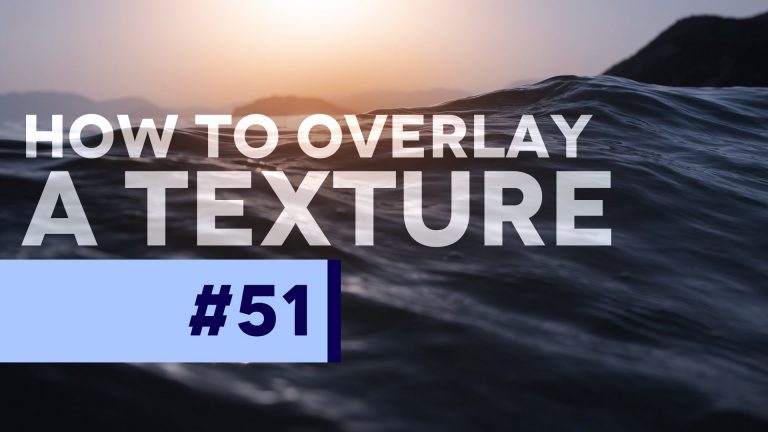
Harnessing the power of the Soft Light blend mode is one of the most underrated little features in Photoshop. We’re going to use it here in this quick Photoshop tip to apply a blend mode. This is a technique that can be used to apply almost any texture to almost any surface in Photoshop.

#PSin30 – How & Why to Invert a Mask in Photoshop

0

Check out another of my videos: “BREAKDOWN: Select and Mask vs. Refine Edge – Photoshop CC”

-~-~~-~~~-~~-~-

Check out my website! http://tutvid.com/

INSTAGRAM & MORE:
http://instagram.com/tutvid

https://www.facebook.com/tutvid

DESCRIPTION:
In today’s #PSin30 we’ll cover a little trick that I use on a daily basis and it’s become so second-nature to me that I almost forgot to share this little tip with you guys! It only takes a moment so you’ve gotta check this one out!

#PSin30 – How to Add Beautiful Film Grain in Photoshop CC

0

Check out another of my videos: “BREAKDOWN: Select and Mask vs. Refine Edge – Photoshop CC”

-~-~~-~~~-~~-~-

Written tutorial and downloadable files are HERE: http://tutvid.com/

INSTAGRAM & MORE:
http://instagram.com/tutvid

https://www.facebook.com/tutvid

DESCRIPTION:
In this #PSin30 tutorial, we’ll take a look at my favorite way to create and add grain to a document in Photoshop. This technique will always create realistic grain and create different patterns of grain each time you use this technique!

#PSin30 – Changing Layer Opacity Trick Photoshop CC

0

Check out another of my videos: “BREAKDOWN: Select and Mask vs. Refine Edge – Photoshop CC”

-~-~~-~~~-~~-~-

See the other tutorials and articles I have on my website! http://tutvid.com/

INSTAGRAM & MORE:
http://instagram.com/tutvid

https://www.facebook.com/tutvid

DESCRIPTION:
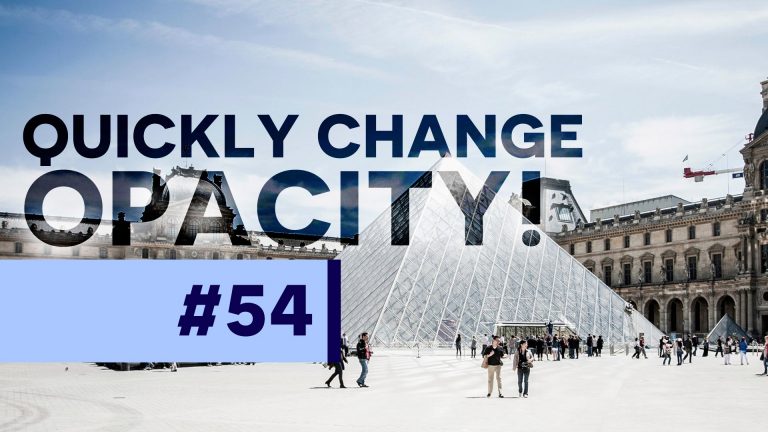
In today’s #PSin30 we’ll take a look at how to quickly change a layer or a tool’s opacity in Photoshop with a simple hotkey to make the change. This is a must-know tip for saving time as you plow through your Photoshop projects!

#PSin30 – Text Editing Hotkey in Photoshop CC

0

Check out another of my videos: “BREAKDOWN: Select and Mask vs. Refine Edge – Photoshop CC”

-~-~~-~~~-~~-~-

Check out all of my tutorials and articles here: http://tutvid.com/

INSTAGRAM & MORE:
http://instagram.com/tutvid

https://www.facebook.com/tutvid

DESCRIPTION:
Reduce mouse movement while you’re editing text and you can really speed up your workflow in Photoshop. In this #PSin30 we’ll take a look at quickly changing text in Photoshop.