Home Blog Page 391

Designing with Divs Layers & CSS Styles: Dreamweaver Tutorial!

0

Check out another of my videos: “BREAKDOWN: Select and Mask vs. Refine Edge – Photoshop CC”

-~-~~-~~~-~~-~-

Check this video out at Hi-Res here: http://www.tutvid.com/tutorials/dreamweaver/tutorials/apDivsBeginner.php

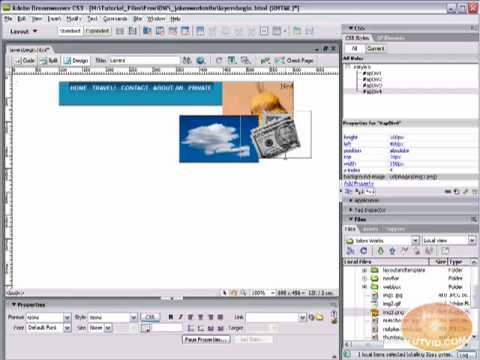
In the following video we will learn all about creating layers or as they are called in CS3 AP Divs. Learn about applying properties to custom CSS rules and using stacked Divs to create interesting effects with images. This is a good beginner’s guide to Divs and CSS in general. Please enjoy responsibly and check out the site http://www.tutvid.com
Dynamic Art in Adobe Illustrator! Video Tutorial

0

Check out another of my videos: “BREAKDOWN: Select and Mask vs. Refine Edge – Photoshop CC”

-~-~~-~~~-~~-~-

FULL VIDEO: http://www.tutvid.com/tutorials/illustrator/tutorials/dynamicArt.php

This video was somehow automatically shortened by Youtube in Feb. of 2009. Instead of taking it down I decided to simply include a link to the full video on tutvid.com.

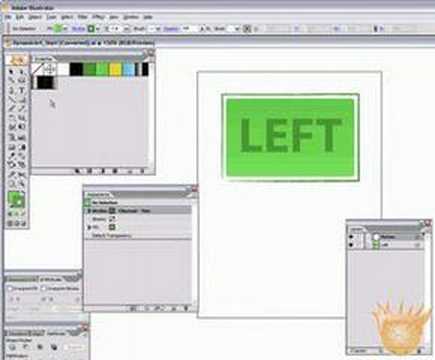
Check out this cool way to make your artwork so it is updated automatically from now on!

Creating, Animating Advanced Rollover Buttons in Flash CS3

0

Check out another of my videos: “BREAKDOWN: Select and Mask vs. Refine Edge – Photoshop CC”

-~-~~-~~~-~~-~-

Check this video out at Hi-Res here: http://www.tutvid.com/tutorials/flash/tutorials/advButton.php

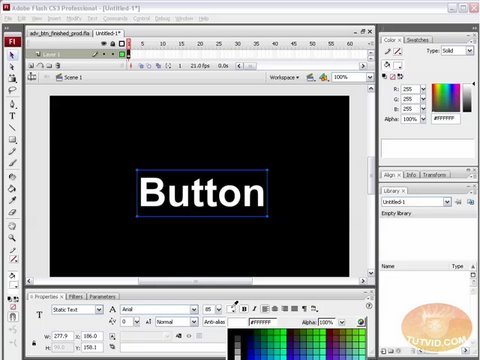
In this video tutorial we will learn about advanced-looking but not-so-hard-to-create buttons. These kind of buttons are all over the web in just about ever kind of flash site out there! Follow along with this video even if you do not have CS3 and you should have no problems! There is virtually no scripting which also makes this one much easier. Have fun and please check out http://www.tutvid.com for more free training material!

Gallery Photograph Effect: Photoshop CS3

0

Check out another of my videos: “BREAKDOWN: Select and Mask vs. Refine Edge – Photoshop CC”

-~-~~-~~~-~~-~-

Check this out in higher res here: http://www.tutvid.com/tutorials/photoshop/tutorials/createGalleryStylewActions.php

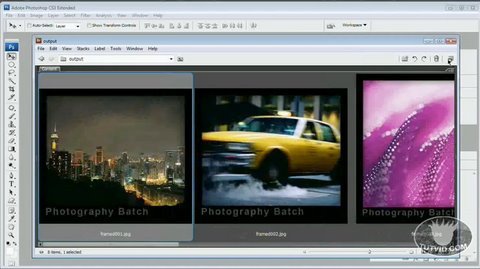
I really love actions in Photoshop and time-saving features in any program for that matter. In this case we will be applying a nice black frame, a vignette, and a customizable caption to a photograph in the blink of an eye with an action! If you have never used actions before this is a perfect place to start! If you have used actions before you will still enjoy it! Enjoy saving time in Photoshop!

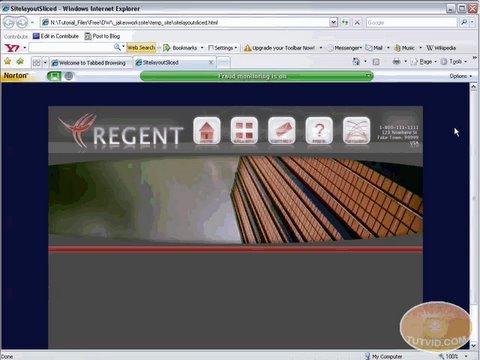
Import your PSD layouts into Dreamweaver!

0

Check out another of my videos: “BREAKDOWN: Select and Mask vs. Refine Edge – Photoshop CC”

-~-~~-~~~-~~-~-

Check this video out at Hi-Res here: http://www.tutvid.com/tutorials/dreamweaver/tutorials/importPSDToDream.php

We will export a web layout made in Photoshop and build an editable website layout in Dreamweaver. We will then convert the page to a template for future use and ease of editing. Have fun with this one!

Check out http://www.tutvid.com for more great training!

Make a Golden Award Badge in Illustrator! Tutorial!

0

Check out another of my videos: “BREAKDOWN: Select and Mask vs. Refine Edge – Photoshop CC”

-~-~~-~~~-~~-~-

FULL VIDEO: http://www.tutvid.com/tutorials/illustrator/tutorials/goldAward.php

This video was somehow automatically shortened by Youtube in Feb. of 2009. Instead of taking it down I decided to simply include a link to the full video on tutvid.com.

Make this nice Golden Award Badge in Adobe Illustrator!

Dragging and Playing MovieClips! – Flash Tutorial

0

Check out another of my videos: “BREAKDOWN: Select and Mask vs. Refine Edge – Photoshop CC”

-~-~~-~~~-~~-~-

FULL VIDEO: http://www.tutvid.com/tutorials/flash/tutorials/controllingMC.php

This video was somehow automatically shortened by Youtube in Feb. of 2009. Instead of taking it down I decided to simply include a link to the full video on tutvid.com.

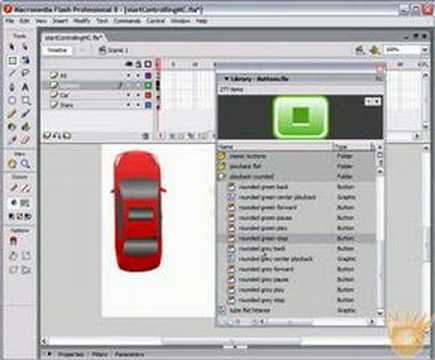
Check out this tutorial on allowing users to stop and play movie clips AND drag movie clips as they wish! Learn a bit of Action Script as well! Hope you like it!

Change Hair Color: Brunette to Blonde Photoshop CS3 Tutorial

0

Check out another of my videos: “BREAKDOWN: Select and Mask vs. Refine Edge – Photoshop CC”

-~-~~-~~~-~~-~-

Check this video out at Hi-Res here: http://www.tutvid.com/tutorials/photoshop/tutorials/brunetteToBlondeHairColor.php

Changing hair color in Photoshop(Brunette to BLONDE, not Brown :P) is quite popular, but transforming a head of dark, or brown hair in not so easy, matter of fact most people would skip right over after a try or two and find a blonde or settle for something that does not look that great. In the following video we will tackle transforming a brunette to a full blown blonde and we will use a technique that will be very re-usable on all types of images. Check it out and enjoy!
http://www.tutvid.com

Send Emails with a Web Form: PHP Scripting

0

Check out another of my videos: “BREAKDOWN: Select and Mask vs. Refine Edge – Photoshop CC”

-~-~~-~~~-~~-~-

Check this video out at Hi-Res here: http://www.tutvid.com/tutorials/dreamweaver/tutorials/phpFormHandler.php

Files are Located here: http://www.tutvid.com/resources/projectFiles/

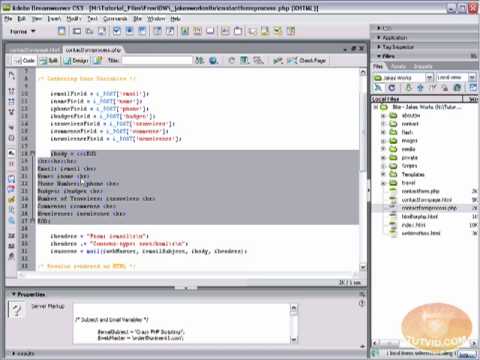
In the following tutorial we will start with a few html files and we will build an Email Handling PHP script that sends info from your web form to your email! It is pretty easy PHP so enjoy learning and Have fun! I am using Dreamweaver CS3, but you can use pretty much any version of Dreamweaver, just follow closely and try not to make mistakes. Please enjoy and don’t forget to check out the site
http://www.tutvid.com
Vector Glassy Gel Button in Illustrator – Tutorial!

0

Check out another of my videos: “BREAKDOWN: Select and Mask vs. Refine Edge – Photoshop CC”

-~-~~-~~~-~~-~-

FULL VIDEO: http://www.tutvid.com/tutorials/illustrator/tutorials/gelButton.php

This video was somehow automatically shortened by Youtube in Feb. of 2009. Instead of taking it down I decided to simply include a link to the full video on tutvid.com.

Make this cool slick glassy gel button in Adobe Illustrator!