Home Blog Page 409

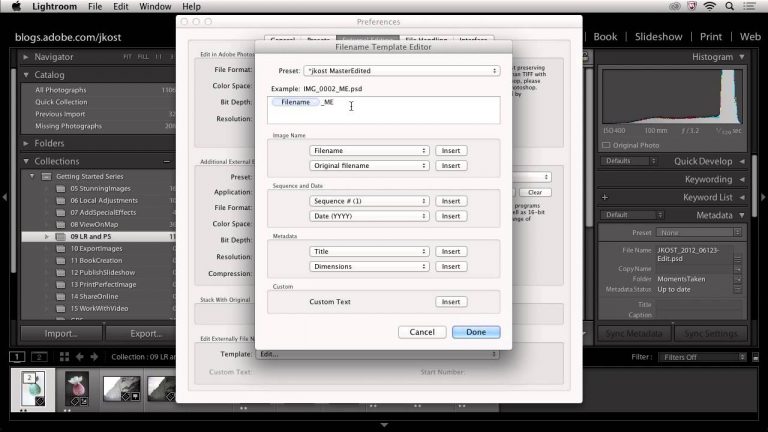
Lightroom 5: Moving Between Lightroom and Photoshop

0

Learn how to seamlessly move images between Lightroom and Photoshop with the exact control that you need. Discover how easy it is to create panoramas, merge 16 bit high-dynamic range (HDR) images and open multiple photographs into a single file in Photoshop.

Try or buy Lightroom 5: http://adobe.ly/11wZbft

Follow Lightroom:
http://facebook.com/Lightroom

http://plus.google.com/+Lightroom
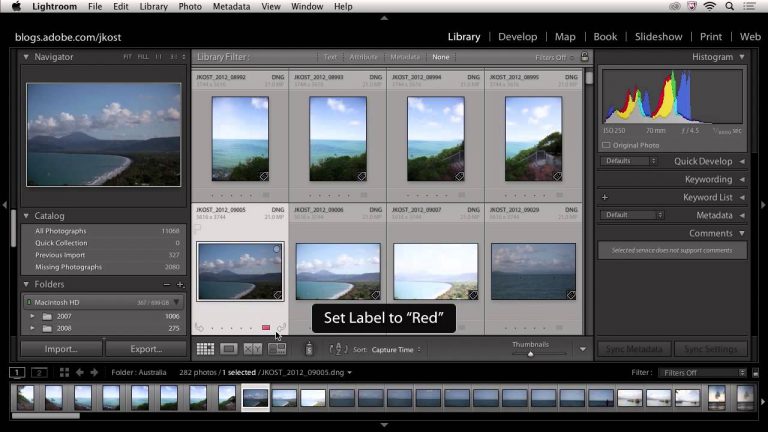
Lightroom 5: Select, Rate and Prioritize Your Images

0

Find out which method of rating images works best for the photography you do in order to quickly edit down your shoot and view your best photographs.

Try or buy Lightroom 5: http://adobe.ly/11wZbft

Follow Lightroom:
http://facebook.com/Lightroom

http://plus.google.com/+Lightroom
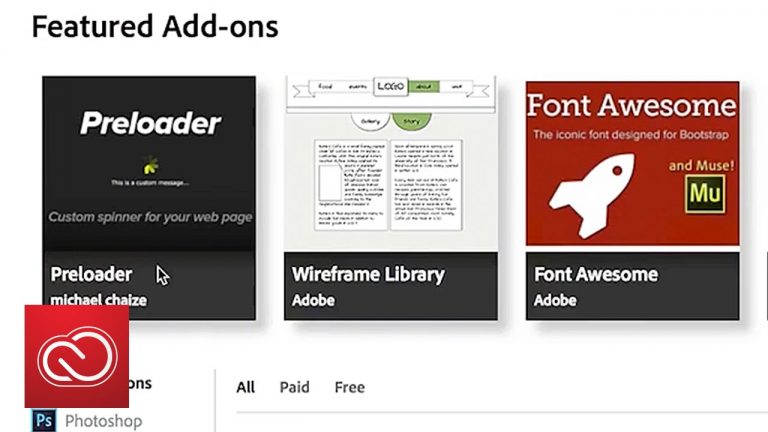
Adobe Muse – Get Started with Starter Files & Elements | Adobe Creative Cloud

0

Get started designing your site in Adobe Muse with the help of downloadable starter files and design elements from the Add-ons marketplace.

More Adobe Muse tutorials on helpx.adobe.com: https://helpx.adobe.com/muse/tutorials.html?sdid=H4B1XYD1&mv=social

Subscribe: https://www.youtube.com/user/adobecreativecloud?sub_confirmation=1

LET’S CONNECT
Facebook: http://facebook.com/adobecreativecloud
Twitter: http://twitter.com/creativecloud
Instagram: http://www.instagram.com/adobecreativecloud/

Adobe Creative Cloud gives you the world’s best creative apps so you can turn your brightest ideas into your greatest work across your desktop and mobile devices.

Lightroom 5: Publish a Slideshow

0

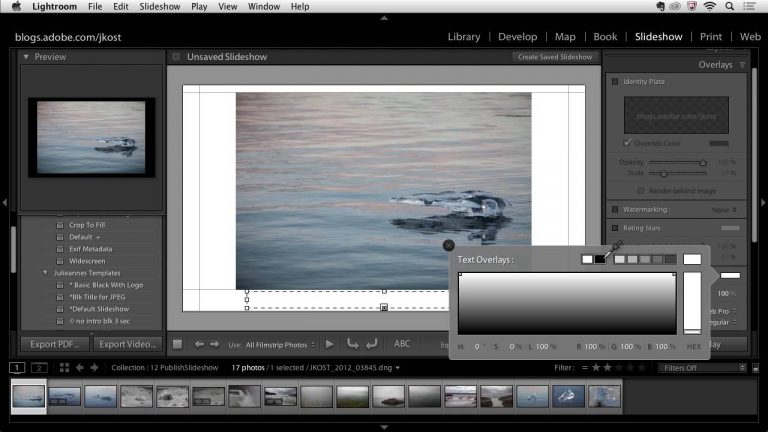
Learn how to create, render and publish a slideshow with audio, video and stills to tell the perfect story.

Try or buy Lightroom 5: http://adobe.ly/11wZbft

Follow Lightroom:
http://facebook.com/Lightroom

http://plus.google.com/+Lightroom
Add self-hosted web fonts in Adobe Muse | Adobe Creative Cloud

0

Take a look at how easy it is to add self-hosted web fonts in Adobe Muse.

More Adobe Muse tutorials on helpx.adobe.com: https://helpx.adobe.com/muse/tutorials.html?sdid=H4B1XYD1&mv=social

Subscribe: https://www.youtube.com/user/adobecreativecloud?sub_confirmation=1

LET’S CONNECT
Facebook: http://facebook.com/adobecreativecloud
Twitter: http://twitter.com/creativecloud
Instagram: http://www.instagram.com/adobecreativecloud/

Adobe Creative Cloud gives you the world’s best creative apps so you can turn your brightest ideas into your greatest work across your desktop and mobile devices.

Lightroom 5: Share Images Online

0

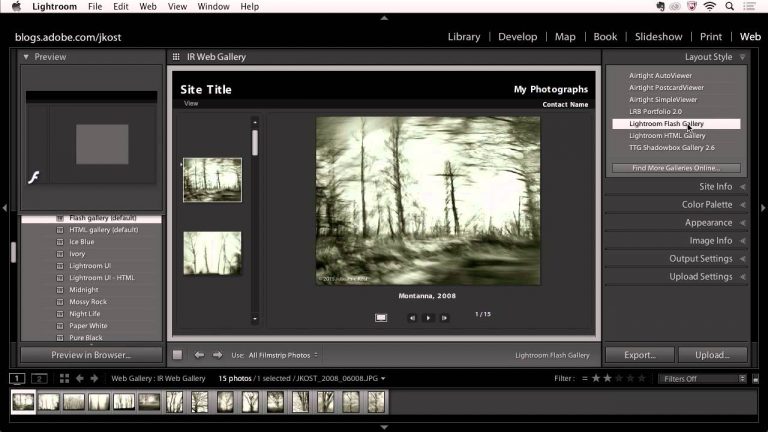
Discover the many ways that Lightroom can help you share your images including creating web galleries, automating photo sharing via Publish Services and quickly sending images via email.

Try or buy Lightroom 5: http://adobe.ly/11wZbft

Follow Lightroom:
http://facebook.com/Lightroom

http://plus.google.com/+Lightroom

Adode Muse Scroll Effects: Layers | Adobe Creative Cloud

0

Learn how to create an interactive web experience without writing code in Adobe Muse.

More Adobe Muse tutorials on helpx.adobe.com: https://helpx.adobe.com/muse/tutorials.html?sdid=H4B1XYD1&mv=social

Subscribe: https://www.youtube.com/user/adobecreativecloud?sub_confirmation=1

LET’S CONNECT
Facebook: http://facebook.com/adobecreativecloud
Twitter: http://twitter.com/creativecloud
Instagram: http://www.instagram.com/adobecreativecloud/

Adobe Creative Cloud gives you the world’s best creative apps so you can turn your brightest ideas into your greatest work across your desktop and mobile devices.

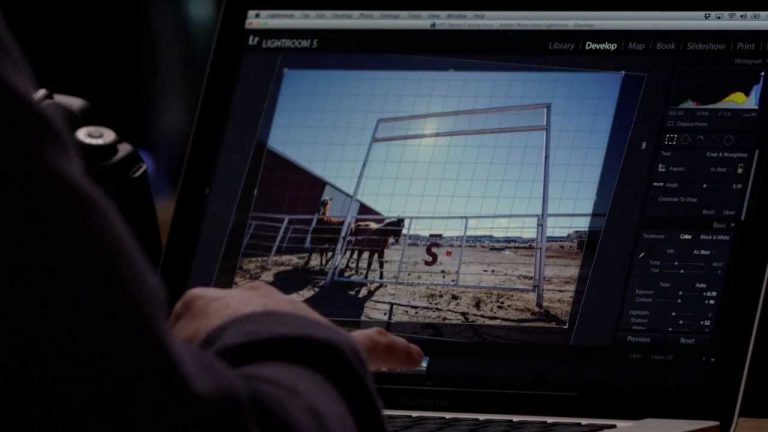
Lightroom 5: Upright

0

Discover how to automatically fix common problems such as tilted horizons as well as converging verticals in buildings using Lightroom’s new Upright controls for perspective correction.

Try or buy Lightroom 5: http://adobe.ly/11wZbft

Follow Lightroom:
http://facebook.com/Lightroom

http://plus.google.com/+Lightroom
Create a responsive web page in Adobe Muse | Adobe Creative Cloud

0

Learn how to create a responsive web page in Adobe Muse.

More Adobe Muse tutorials on helpx.adobe.com: https://helpx.adobe.com/muse/tutorials.html?sdid=H4B1XYD1&mv=social

Subscribe: https://www.youtube.com/user/adobecreativecloud?sub_confirmation=1

LET’S CONNECT
Facebook: http://facebook.com/adobecreativecloud
Twitter: http://twitter.com/creativecloud
Instagram: http://www.instagram.com/adobecreativecloud/

Adobe Creative Cloud gives you the world’s best creative apps so you can turn your brightest ideas into your greatest work across your desktop and mobile devices.

Lightroom 5: Advanced Healing Brush

0

Discover the new enhancements to Lightroom’s advanced Healing Brush, including the ability to heal and clone non-circular brush spots as well as remove easy to miss sensor dust with using the new Visualization slider.

Try or buy Lightroom 5: http://adobe.ly/11wZbft

Follow Lightroom:
http://facebook.com/Lightroom

http://plus.google.com/+Lightroom