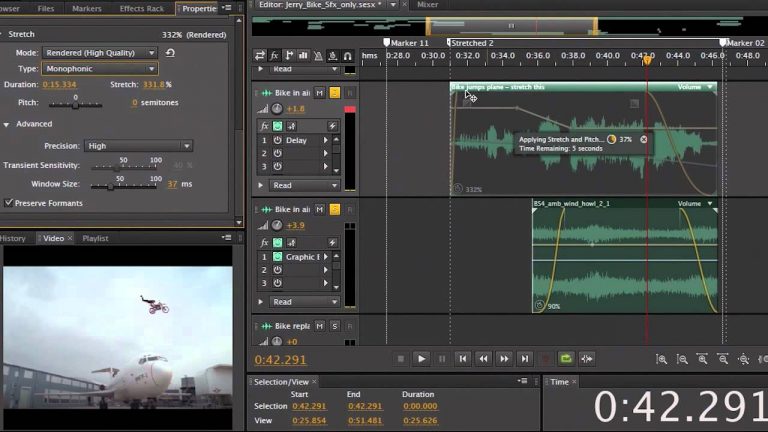
Adobe Evangelist Jason Levine shows how to use the clip time stretching and real time pitch correction in Audition CS6.
Intuitive Video Creation in Photoshop CS6
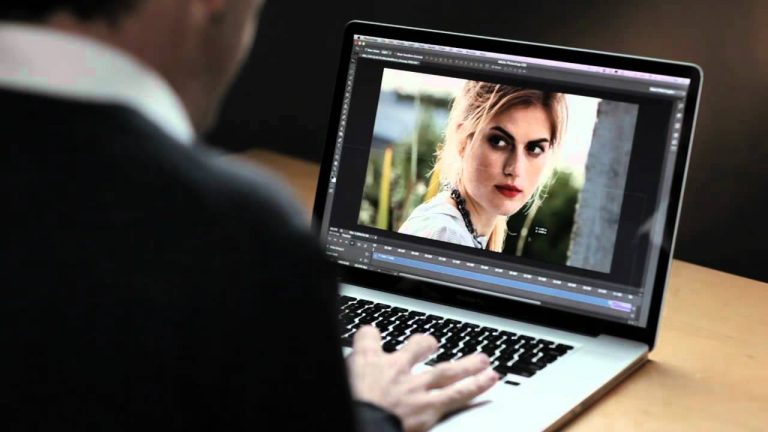
Bring Photoshop editing power to your video footage. Easily enhance any clip using the full range of familiar Photoshop tools, and then create movies using an intuitive set of video tools.
Get Photoshop CC: http://adobe.ly/10ekpOA
Follow Photoshop:
https://www.facebook.com/Photoshop
Tweets by Photoshop
https://plus.google.com/+Photoshop
source: youtube.com
Creating PDF Forms with InDesign CS6
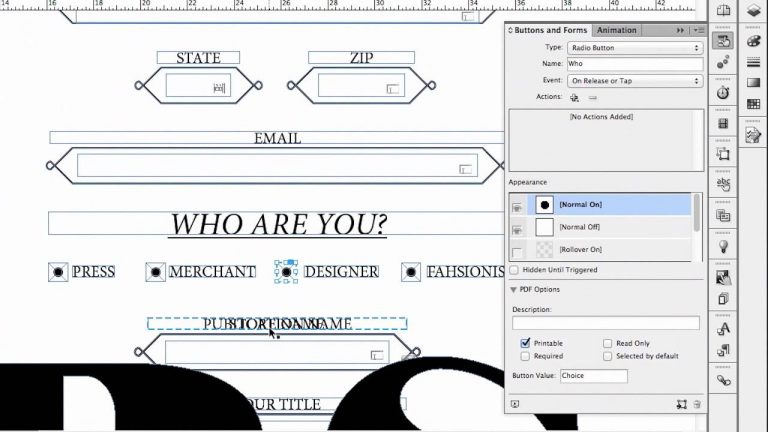
Adobe Design Evangelist, Terry White, shows how to create PDF forms with InDesign CS6.
How To Edit Faster in Audition CS6
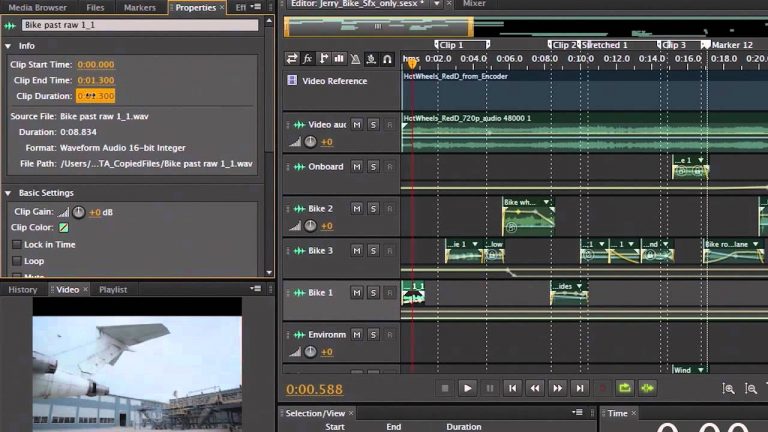
Adobe Evangelist Jason Levine shows how to edit faster and more efficiently in Audition CS6.
Mercury Graphics Engine in Photoshop CS6
See near-instant results when editing with key tools such as Liquify and Puppet Warp. The new Adobe Mercury Graphics Engine delivers unprecedented responsiveness for a fluid feel as you work.
Get Photoshop CC: http://adobe.ly/10ekpOA
Follow Photoshop:
https://www.facebook.com/Photoshop
Tweets by Photoshop
https://plus.google.com/+Photoshop
source: youtube.com
What’s New in Audition CS6
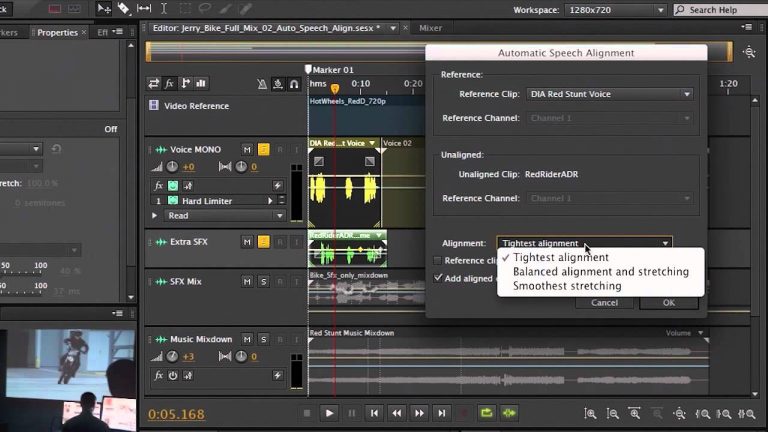
Adobe Evangelist Jason Levine shows what’s new in Audition CS6 including session templates, the new media browser, and clip time stretching.
What is CS6 Design Standard
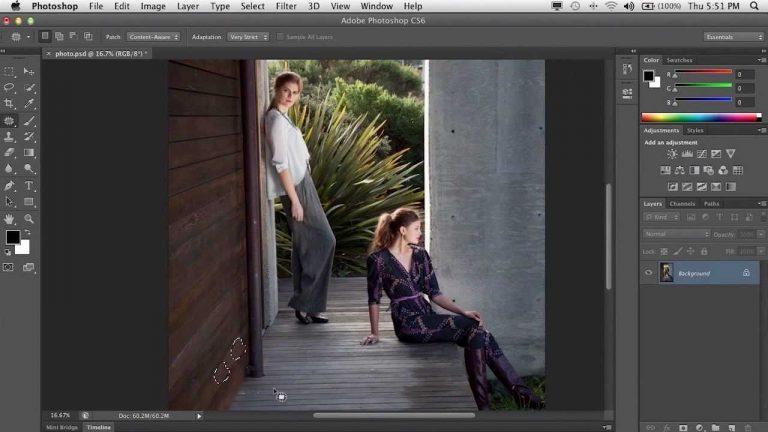
Adobe DesignEvangelist, Terry White, shows new users the types of things you can createusing CS6 Design Standard.
What’s New in Photoshop CS6

Principal Product Manager Bryan O’Neil Hughes provides an overview of Photoshop CS6 including hardware-accelerated features, customer-requested features, content-aware move, background save and much more.
Get Photoshop CC: http://adobe.ly/10ekpOA
Follow Photoshop:
https://www.facebook.com/Photoshop
Tweets by Photoshop
https://plus.google.com/+Photoshop
source: youtube.com
Sync Settings in InDesign CC | Adobe Creative Cloud
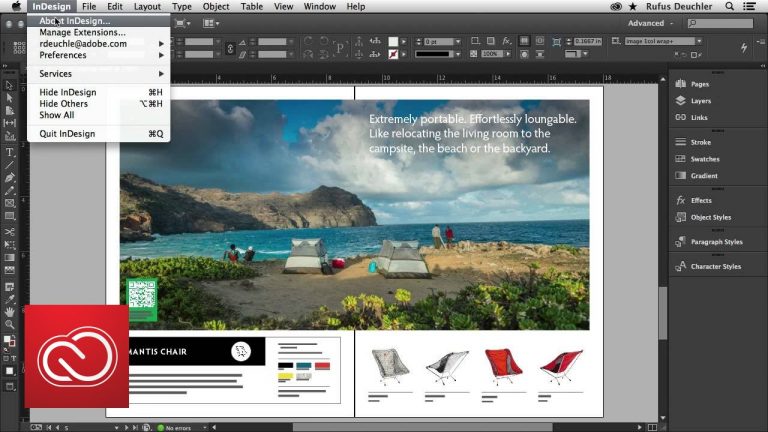
Rufus Deuchler, Adobe worldwide evangelist, shows you the new Sync Settings feature in InDesign, which allows you to synchronize your workspace settings to Creative Cloud — including keyboard shortcuts, presets and workspaces — so they go where you go.
Subscribe: https://www.youtube.com/user/adobecreativecloud?sub_confirmation=1
LET’S CONNECT
Facebook: http://facebook.com/adobecreativecloud
Twitter: http://twitter.com/creativecloud
Instagram: http://www.instagram.com/adobecreativecloud/
Adobe Creative Cloud gives you the world’s best creative apps so you can turn your brightest ideas into your greatest work across your desktop and mobile devices.
How to use Auto Speech Alignment in Audition
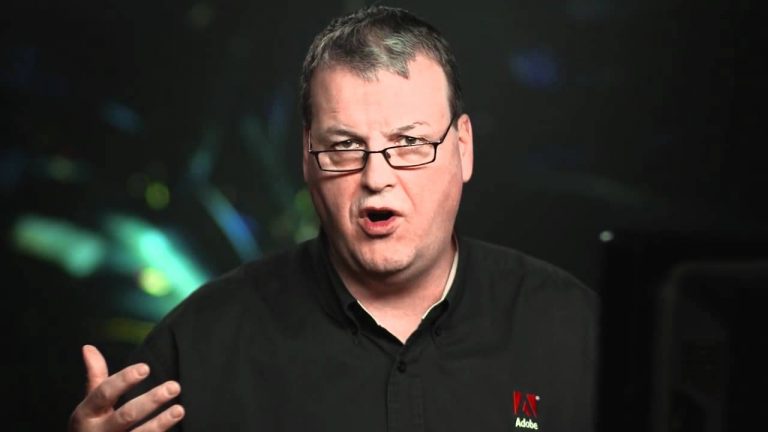
Learn how to match re-recorded dialog perfectly, whether or not the re-recorded timing matches the original.