Home Blog Page 164

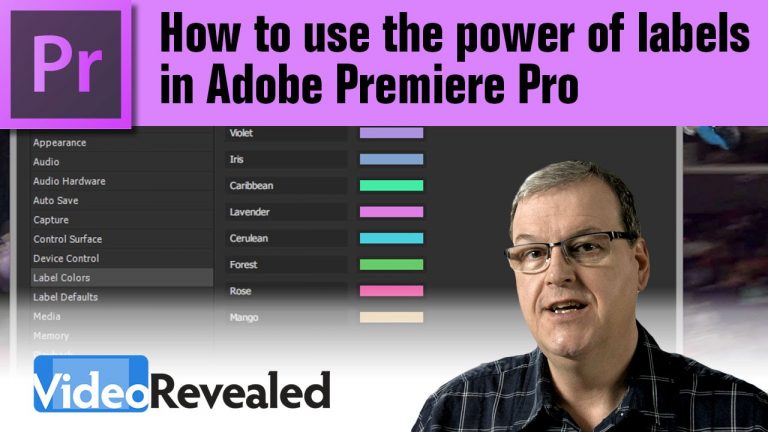
How to use the power of labels in Adobe Premiere Pro

0

Being able to select multiple items in your Project panel or Timeline can save you tons of time. Saving selections via labels will give you a giant performance boost.
Also, take advantage of a “secret tip” on how you can update ever single instance of any item throughout your project!

Download your FREE 30 day trial of Adobe Creative Cloud
http://adobe.ly/1S3mZW3
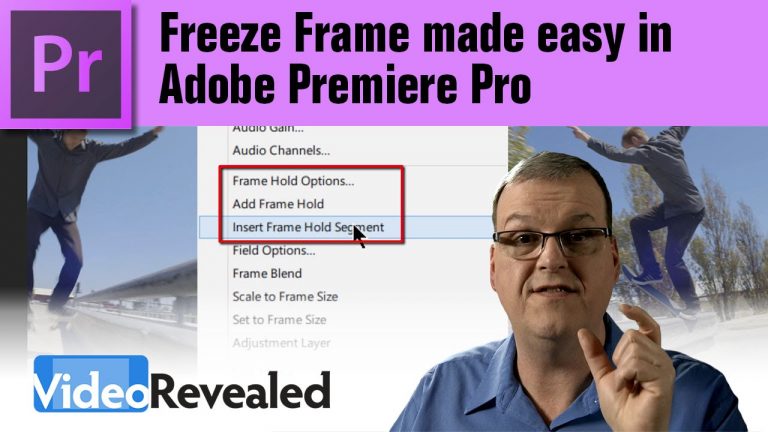
Freeze Frame made easy in Adobe Premiere Pro

0

Premiere Pro can instantly create a freeze frame effect in your Timeline and give you all the control to edit the duration and image you use. It can’t get any easier and more customizable than this!

Download your FREE 30 day trial of Adobe Creative Cloud
http://adobe.ly/1S3mZW3
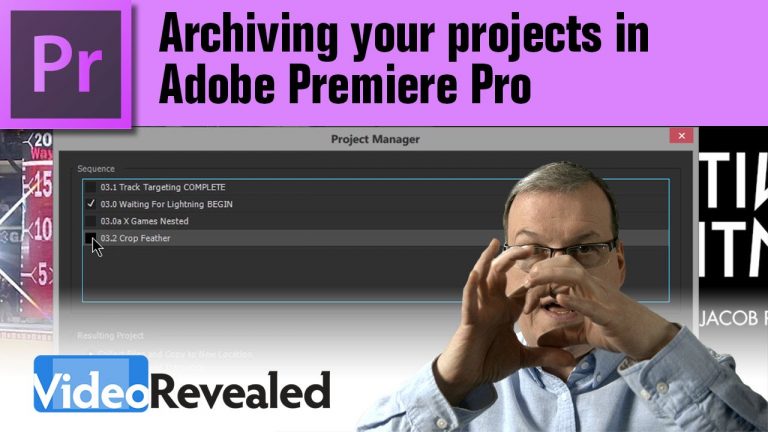
Archiving your projects in Adobe Premiere Pro

0

As an editor, it’s important to understand the the job isn’t done until you’ve properly archived your edit. Luckily, the Project Manager in Adobe Premiere Pro is chock full of features to help you do it right.
For Mac users, yes you can import a preset and backup to ProRes.

Download your FREE 30 day trial of Adobe Creative Cloud
http://adobe.ly/1S3mZW3
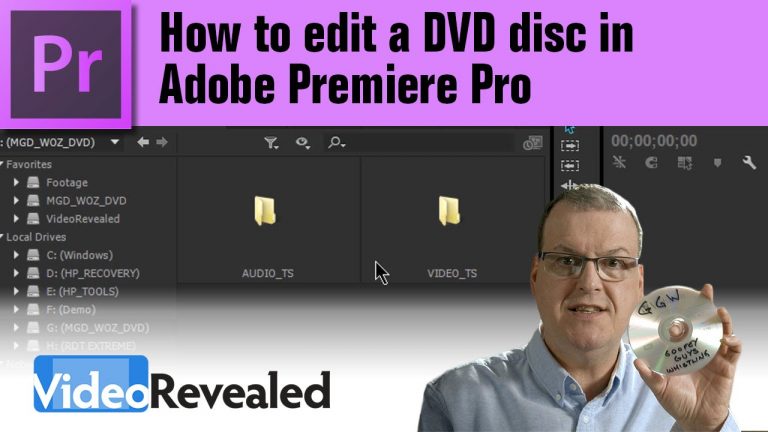
How to edit a DVD disc in Adobe Premiere Pro

0

If you thought the only way to edit the files on a DVD was to rip it first, then you’ll be happy to know that Adobe Premiere Pro can edit the native .VOB files directly. For top performance, first copy all the files to your hard drive before editing.

Download your FREE 30 day trial of Adobe Creative Cloud
http://adobe.ly/1S3mZW3
To install Premiere Pro CS6, follow this guide: http://i.imgur.com/5Yz0jKg.png

For a tutorial on how to install Encore, watch this tutorial: https://www.youtube.com/watch?v=ULYmSdv3FkU

Premiere Pro object removal with Opacity Masks (Garbage Mattes)

0

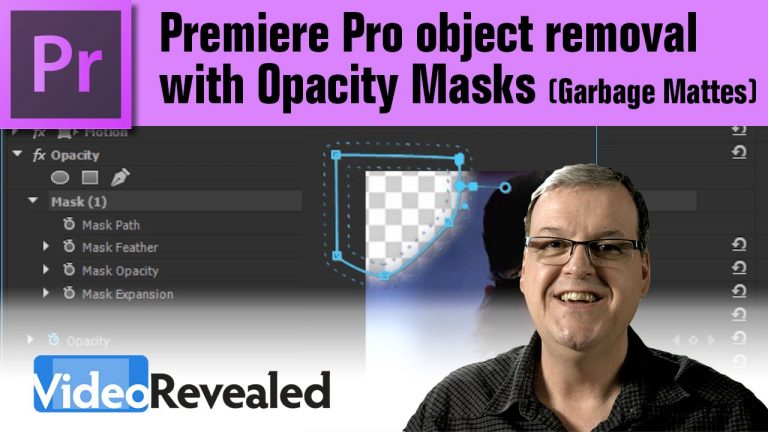
If you’re used to using Garbage Mattes to draw masks around objects in video, then you might find Opacity Masks easier to use. Every clip comes with its own Opacity Mask and you can add as many masks as you need and invert them when you need to.
An added bonus is the ability to track the mask with moving objects.

Check out Power User masking tips!

Download your FREE 30 day trial of Adobe Creative Cloud
http://adobe.ly/1S3mZW3
Rampant Design Tools is your secret weapon!

0

Rampant Design Tools is thousands of QuickTime movies that work like visual effects, giving your production more punch and drive. From simple glamorous color overlays to dirt, grunge, fire and snow, Rampant has what it takes to kick some ass.

Download your FREE 30 day trial of Adobe Creative Cloud
http://adobe.ly/1S3mZW3
Visit Rampant Design Tools

Video Effects Simplified

Easy Timeline linking in Adobe Premiere Pro

0

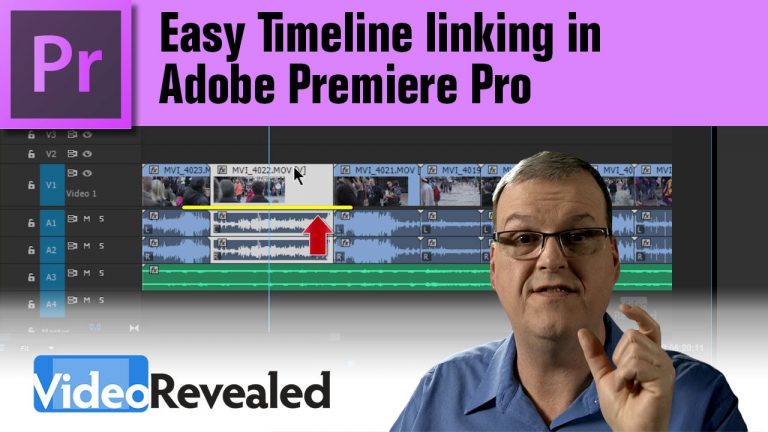
Being able to quickly select the clip or clips you want in the Timeline is essential to being productive. Premiere Pro allows you to globally or manually link or unlink anything with just a quick keyboard shortcut.

Download your FREE 30 day trial of Adobe Creative Cloud
http://adobe.ly/1S3mZW3
Relinking your media in Adobe Premiere Pro

0

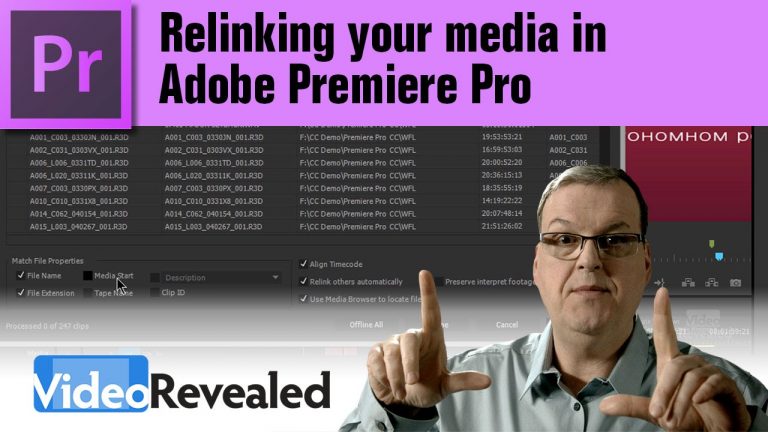
Premiere Pro will relink your media and automatically find all the other clips you maybe missing as long as they are in the same relative path.

Download your FREE 30 day trial of Adobe Creative Cloud
http://adobe.ly/1S3mZW3
Using the Pancake Timeline in Adobe Premiere Pro

0

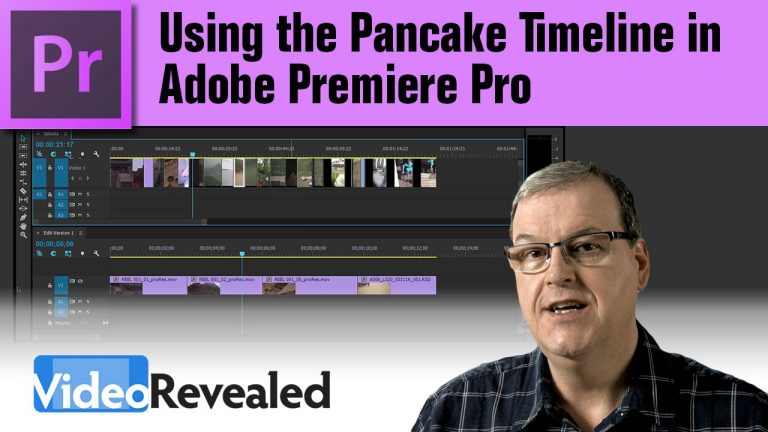
If you find yourself having to look at numerous clips to make a final movie, then using the Pancake Timeline might be a huge time saver for you. It’s a simple concept to just drag one Timeline over another, but the result can transform your workflow.

Download your FREE 30 day trial of Adobe Creative Cloud
http://adobe.ly/1S3mZW3
Visit Vashi Visuals for great insight into editing for cinema.
http://vashivisuals.com/

3-point and 4-point Precision Editing in Adobe Premiere Pro

0

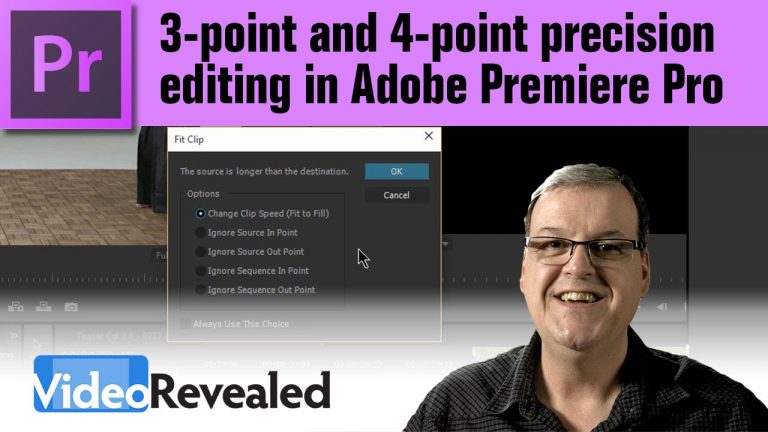
If you want to edit with frame accurate precision, then you should look at using 3-point and 4-points editing techniques.

Download your FREE 30 day trial of Adobe Creative Cloud
http://adobe.ly/1S3mZW3