Home Blog Page 166

Properly aligning Effects Keyframes in Adobe Premiere Pro

0

There are times when you need to align different tracks and effects keyframes with each other. That’s a challenge because Premiere Pro only shows you one keyframe at a time in the Timeline. This tutorial shows you how to easily translate any keyframe position to other layers and effects.

Download your FREE 30 day trial of Adobe Creative Cloud
http://adobe.ly/1S3mZW3
How to read the Info panel in Adobe Premiere Pro

0

There are times, especially in projects with various formats, that you need to quickly display information about a particular video, audio clip or still image. The Info panel may be slightly hidden, but it contains all the information you need including clip duration.

Download your FREE 30 day trial of Adobe Creative Cloud
http://adobe.ly/1S3mZW3
Highlight a face and zoom in with Adobe Premiere Pro

0

Any time you try to create an animation that contains two operations, you might think you have to nest timelines or precompose comps. Well Premiere Pro can do it all with a single layer of video. Add the powerful Mask Tracker to the mix, and you can highlight a face and zoom in quickly and efficiently.

Download your FREE 30 day trial of Adobe Creative Cloud
http://adobe.ly/1S3mZW3
Use track mattes for stunning visual styles in Adobe Premiere Pro

0

Animated track mattes are a quick way to add visual style to your videos. Premiere Pro’s titles can be used to create original shapes and opacity making track mattes even more amazing.

Check out Rampant Design Tools animated mattes:

Video Effects Simplified

Download your FREE 30 day trial of Adobe Creative Cloud
http://adobe.ly/1S3mZW3
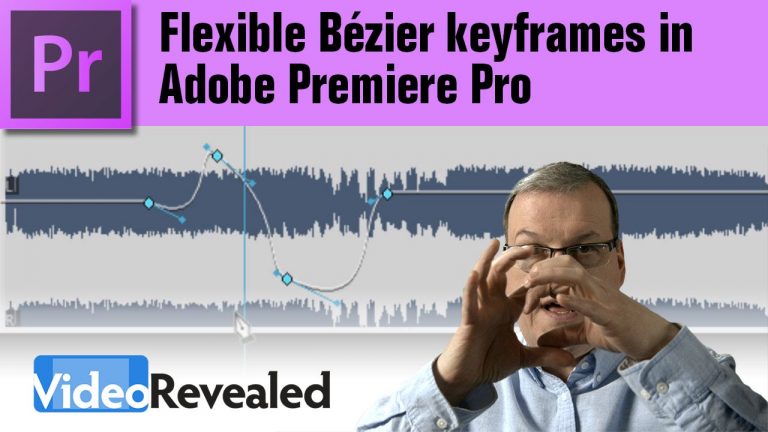
Flexible Bézier keyframes in Adobe Premiere Pro

0

Adding flexible Bézier keyframes guarantee that your parameter changes are smooth and natural. Whether you’re changing volume, opacity or any third-party effects, Premiere Pro can easily change any linear keyframe into a Bézier keyframe.

Download your FREE 30 day trial of Adobe Creative Cloud
http://adobe.ly/1S3mZW3
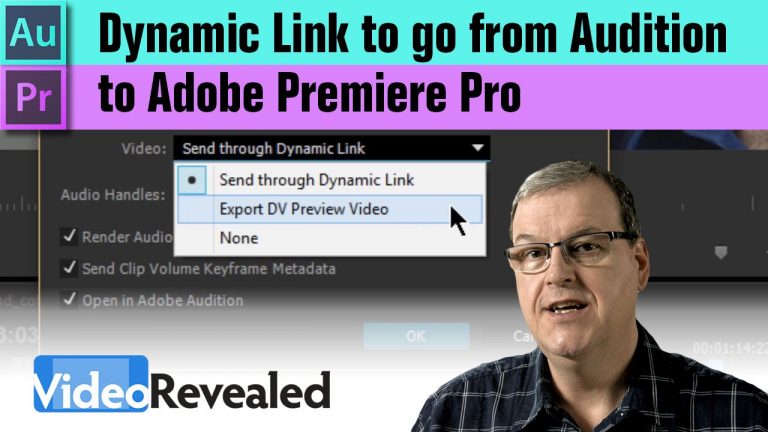
Dynamic link to go from Premiere Pro to Audition

0

If you’re used to sending your mixes from Premiere Pro to Audition, then you’ll be happy to learn that you can use Dynamic Link to keep the video “live”, meaning any changes you make to the video are updated in Audition.
NOTE: You still have to render the audio from Audition back to Premiere Pro but that can be done with one click into new tracks in Premiere Pro. You’ll need CC 2015 to make this work.

Download your FREE 30 day trial of Adobe Creative Cloud
http://adobe.ly/1S3mZW3
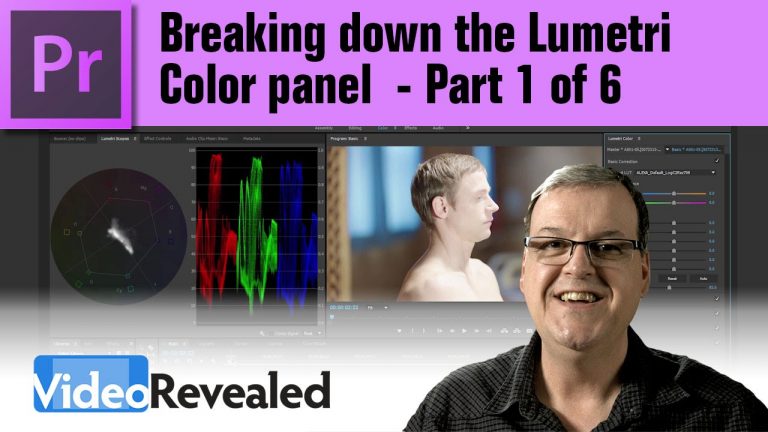
Breaking down the Lumetri Color panel – Part 1 of 6

0

The Lumetri Color panel is the first innovative, task based workflow for manipulating color and light. Learn why the Exposure slider is the most powerful part of this new color workflow.
Part 1 will cover the Basic Correction controls.

Part 2 will be released on Aug. 11.

Download your FREE 30 day trial of Adobe Creative Cloud
http://adobe.ly/1S3mZW3
Check out the amazing Vincent Laforet
http://www.vincentlaforet.com/

Breaking down the Lumetri Color panel – Part 2 of 6

0

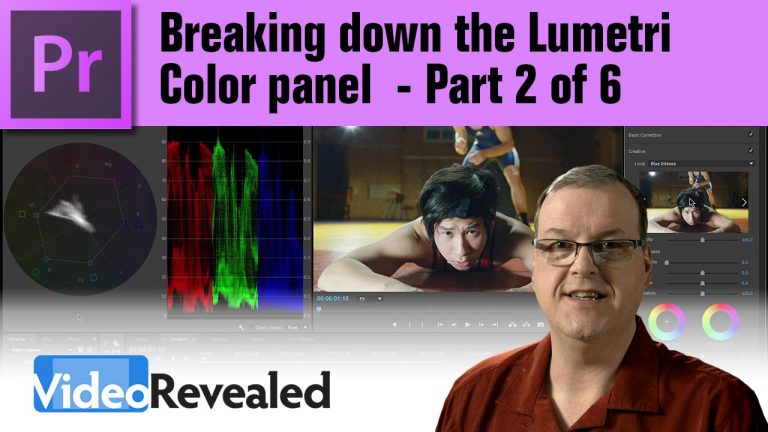
This tutorial looks at the Creative category of the Lumetri Color panel and explores how you can add additional Looks to the list. It also looks at how to use Faded Film, Sharpen, Vibrance and creative duo-tone video.

Set the keyboard shortcut to turn the Lumetri effect on and off by following this screenshot: http://i.imgur.com/Fobs7BR.png

Download your FREE 30 day trial of Adobe Creative Cloud
http://adobe.ly/1S3mZW3
Breaking down the Lumetri Color panel – Part 3 of 6

0

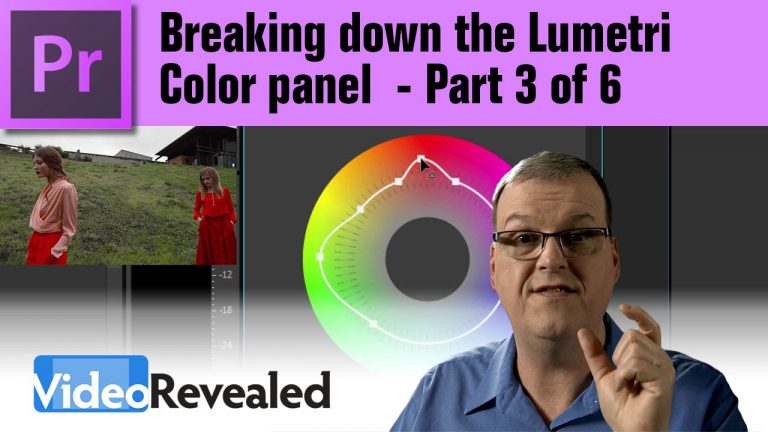
This tutorial looks at the Curves category of the Lumetri Color panel. Learn to use the incredibly powerful Hue Saturation Curves and why the RGB curves will preserve your saturation.

Part 4 will be released Aug. 15

Download your FREE 30 day trial of Adobe Creative Cloud
http://adobe.ly/1S3mZW3
Check out the amazing Vincent Laforet
http://www.vincentlaforet.com/

Breaking down the Lumetri Color panel – Part 4 of 6

0

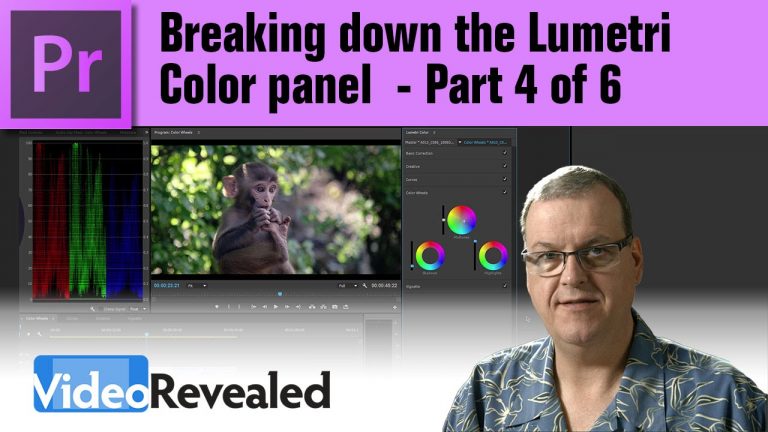
This tutorial looks at the Color Wheels category of the Lumetri Color panel including how to really crush the shadows and highlights.

Part 5 will be released Aug. 17.

Download your FREE 30 day trial of Adobe Creative Cloud
http://adobe.ly/1S3mZW3