Home Blog Page 192

After Effects Tutorial – Optimize your Project and Render Settings

Store: http://www.creatrix-visuals.com/

Support us on Patreon (+Rewards): https://www.patreon.com/CreatrixVisuals?ty=h

How you guys doing! Here is a quick tutorial on optimizing your project’s color management, dynamic range as well as your render settings before you press render for After Effects. This is an important process for when you do any kind of work ( especially color correction and color grading) and you want the best quality. Make sure to tune in for the next After Effects tutorial.

Gunshot Sound Design Tutorial – Free SFX

Store: http://www.creatrix-visuals.com/

Support us on Patreon (+Rewards): https://www.patreon.com/CreatrixVisuals?ty=h

Twitter: https://twitter.com/CreatrixVisuals

Facebook: https://www.facebook.com/Creatrix-Visuals-190156374676259/timeline

The gunshot…one of the most famous after effects visual effects and yet not so easy to pull it off and make it look professional and cinematic. In the first part we saw the after effects muzzle flash tutorial and gave an in depth look at the visuals. In this tutorial we will analyse the gun sound design that goes with it to enhance the impact and further carry the viewer’s perception. Fire up after effects and lets get started!

Free High quality gun sounds: http://www.creatrix-visuals.com/sound-assets

Propject and Render settings: https://www.youtube.com/watch?v=x9-iiXhLrNI

Equipment used:

– Canon 70D (no magic lantern use)
– 50mm 1.8 STM
– After Effects CC

– Black screen
– Limo Studios starter light kit (amazon)

– ASG Heavy weight spring Clock
– Police Handcufs

Song used for VFX Preview:
Hitman by Kevin MacLeod is licensed under a Creative Commons Attribution license (https://creativecommons.org/licenses/by/4.0/)
Source: http://incompetech.com/music/royalty-free/index.html?isrc=USUAN1300013
Artist: http://incompetech.com/


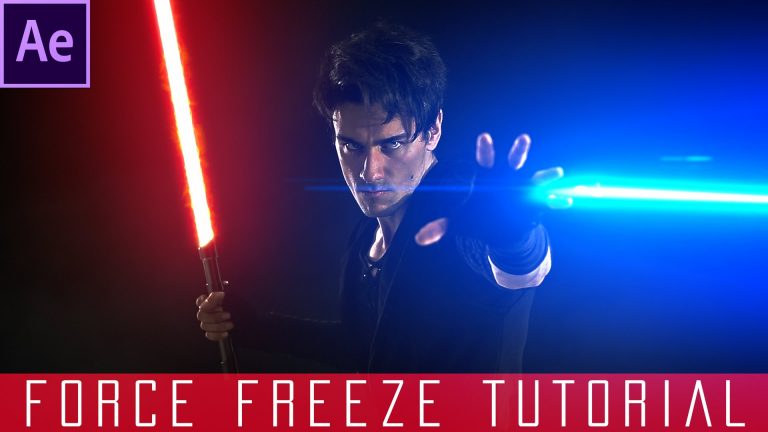
After Effects Force Freeze Tutorial – Star Wars VFX Academy # 3

Star Wars SFX: http://www.creatrix-visuals.com/sound-assets

Store: http://www.creatrix-visuals.com/

VIDEOBLOCKS: https://videoblocks.com/x/CreatrixVisuals_0516

Support us on PATREON (+Rewards): https://www.patreon.com/CreatrixVisuals?ty=h

Twitter: https://twitter.com/CreatrixVisuals

Facebook: https://www.facebook.com/Creatrix-Visuals-190156374676259/timeline

Hey what is up guys, Chris Connor here and welcome to the second after effects star wars tutorial of the long awaited Star Wars VFX Academy. Continuing things off with a very cool effect I came up with…the Force Freeze inspired by the force awakens visuals! This Star Wars After Effects Project means a lot to me cause I put many hours in it and it has being a long time coming so fire up After effects and lets get started with an amazing series of star wars visual effects tutorials!

Make sure to tune in for the next one (levitation, lightsaber, force push, force lightning, force deflect, sith eyes and more)

Stay Creative!

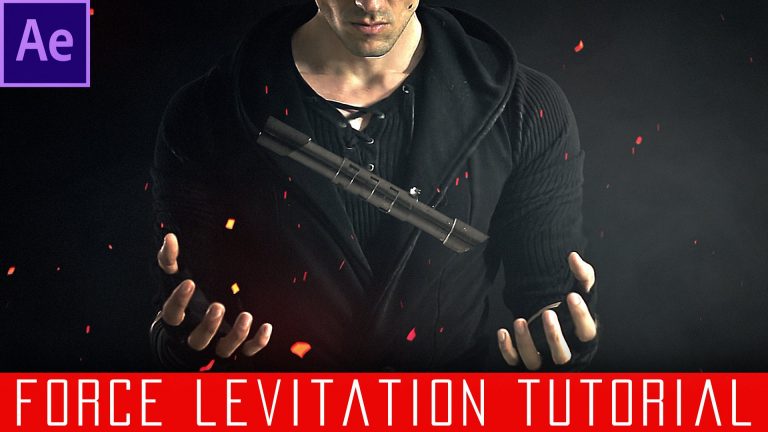
After Effects Force Levitation Tutorial – Star Wars VFX Academy # 1

Star Wars SFX: http://www.creatrix-visuals.com/sound-assets

Store: http://www.creatrix-visuals.com/

VIDEOBLOCKS: https://videoblocks.com/x/CreatrixVisuals_0516

Support us on PATREON (+Rewards): https://www.patreon.com/CreatrixVisuals?ty=h

Twitter: https://twitter.com/CreatrixVisuals

Facebook: https://www.facebook.com/Creatrix-Visuals-190156374676259/timeline

Hey what is up guys, Chris Connor here and welcome to the introduction of the long awaited Star Wars VFX Academy. Starting things off with a very cool effect I came up with…the Force Levitation! This Star Wars After Effects Project means a lot to me cause I put many hours in it and it has being a long time coming so fire up After effects and lets get started with an amazing series of star wars visual effects tutorials!

Make sure to tune in for the next one (lightsaber, force push, force lightning, force deflect, sith eyes and more)

Stay Creative!

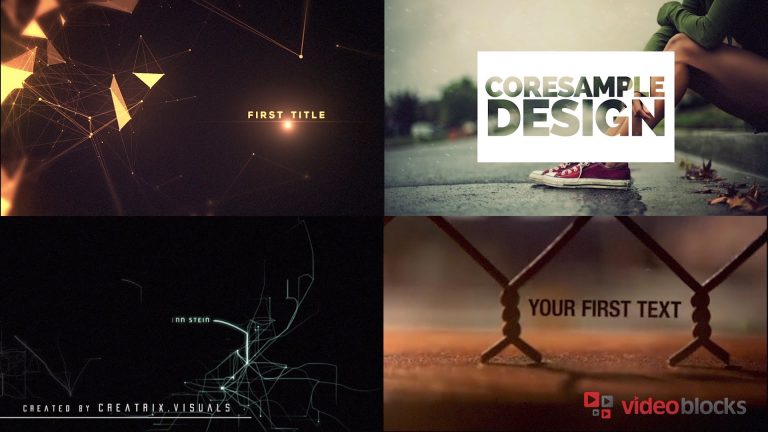
Promote your brand using After Effects Templates – Videoblocks Tutorial

Store: http://www.creatrix-visuals.com/

Visit VideoBlocks to redeem your 7-day free trial: https://www.videoblocks.com/x/CreatrixVisuals_AE_0616

Hey guys, today I am going to show you how you can use ready-made Adobe After Effects templates from Videoblocks to customise them and get great logo intros, templates, title sequences and more without having to design them from 0!

Template used:

http://bit.ly/CreatrixTemplate

https://www.videoblocks.com/video/after-effects-cs5-template-hex-logo-intro-44btukk/

Support us on PATREON (+Rewards): https://www.patreon.com/CreatrixVisua…

Twitter: https://twitter.com/CreatrixVisuals

Facebook: https://www.facebook.com/Creatrix-Vis…

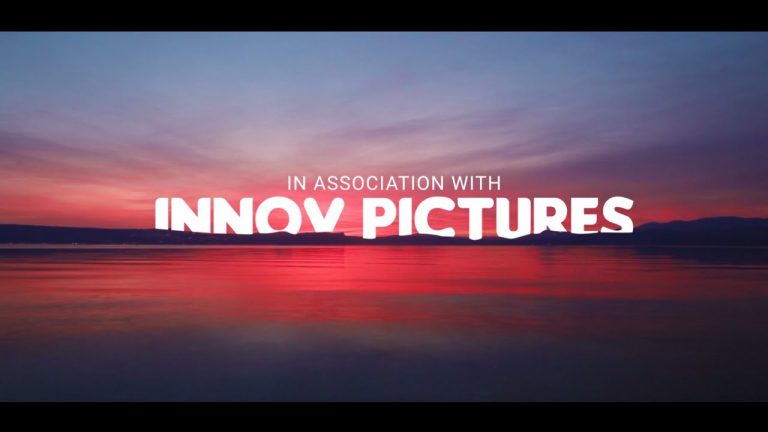
Cinematic Film Intro in After Effects – After Effects Tutorial – No Third Party Plugin

0

Start Your Free 7 Day Trial of VideoBlocks:
http://videoblocks.com/AvnishParker_0617

—-Download—-

Video Clips
https://goo.gl/fhaa24
https://goo.gl/OxNOz5
https://goo.gl/hHOLGo

Fonts
https://goo.gl/ZLRvam

Hey Everyone,
I am back with my another very exciting and very special After Effects Tutorial. This Tutorial is different from the all other previous tutorials. In this Tutorial, we are going to learn how to Mask your video in Text, How to display Text behind the objects, and How to remove Sky in Effects. Also learn how to make Film Title Sequence in After Effects, with some easy methods.

As always, this tutorial is Free, and we are not using any third party plugin for creating this.

Every single Tutorial on my channel is made with Love and Hard work, So don’t forget to leave a Like.. 🙂

————————————————-

Join me on social networks.
Twitter: https://goo.gl/EU9EcF
YouTube Channel: https://goo.gl/1kzZ8K
Facebook: https://goo.gl/ZOaQUp

Support Me on Patreon: https://goo.gl/iSTaoU

—————————————————-

For Business Enquiry, Email me:
avnish.parker@gmail.com

—————————————————-


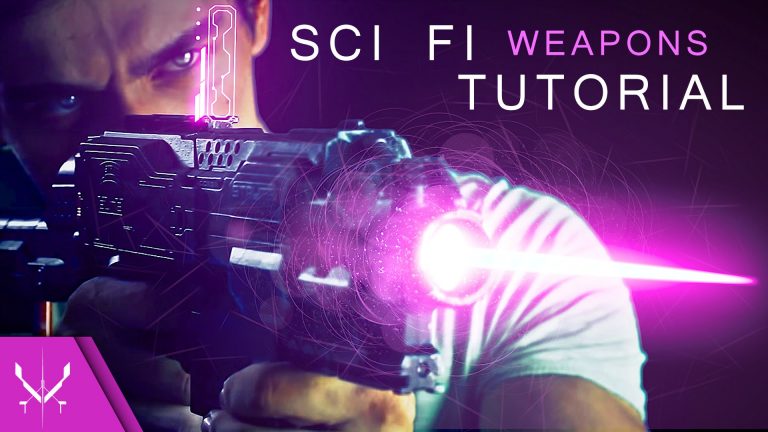
After Effects Sci-Fi Weapons Tutorial

Store: http://www.creatrix-visuals.com/

Support us on Patreon (+Rewards): https://www.patreon.com/CreatrixVisuals?ty=h

Twitter: https://twitter.com/CreatrixVisuals

Facebook: https://www.facebook.com/Creatrix-Visuals-190156374676259/timeline

Creatrix: http://chrisconnorfilms.wix.com/creatrix-visuals

Hey guys, here is the After effects tutorial on videocopilot’s sci fi weapons using motionpulse and shockwave. It’s the first time I do something like this so please forgive the quality of the instructions. If you understand the process I am sure you will be able to replicate the effect just make sure to adjust the process to your footage. Thanks for the support. Go VFX your Vids!!! – Also if you can like-comment-share or if you feel awesome subscribe I would appreciate it –

Original video:

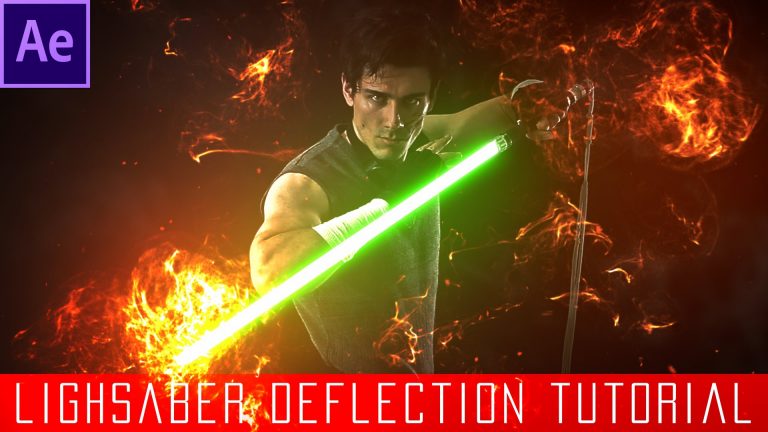
After Effects Lightsaber Deflection Tutorial – Star Wars VFX Academy # 4

Star Wars SFX: http://www.creatrix-visuals.com/sound-assets

Store: http://www.creatrix-visuals.com/

VIDEOBLOCKS: https://videoblocks.com/x/CreatrixVisuals_0516

Support us on PATREON (+Rewards): https://www.patreon.com/CreatrixVisuals?ty=h

Twitter: https://twitter.com/CreatrixVisuals

Facebook: https://www.facebook.com/Creatrix-Visuals-190156374676259/timeline

Hey what is up guys, Chris Connor here and welcome to the second after effects star wars tutorial of the long awaited Star Wars VFX Academy. Continuing things off with a very cool effect I came up with…the Lightsaber Deflection that was first shown in the star wars the apprentice visuals! This Star Wars After Effects Project means a lot to me cause I put many hours in it and it has being a long time coming so fire up After effects and lets get started with an amazing series of star wars visual effects tutorials!

Make sure to tune in for the next one (levitation, lightsaber, force push, force lightning, force deflect, sith eyes and more)

Stay Creative!

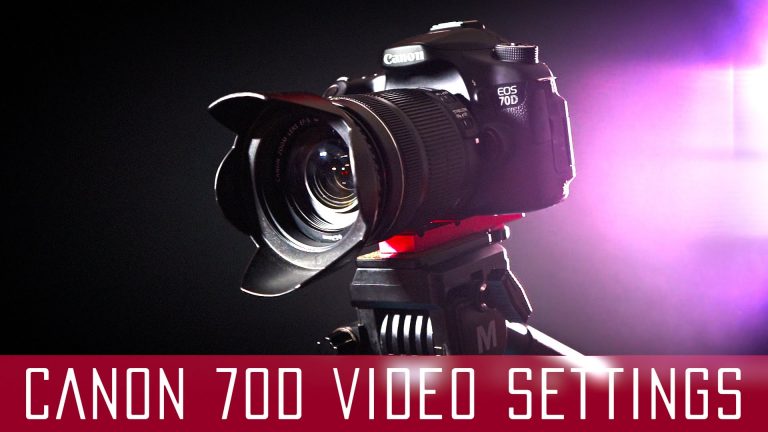
Best Canon 70D Video Settings for Film

Store: http://www.creatrix-visuals.com/

Support us on Patreon (+Rewards): https://www.patreon.com/CreatrixVisuals?ty=h

Twitter: https://twitter.com/CreatrixVisuals

Facebook: https://www.facebook.com/Creatrix-Visuals-190156374676259/timeline

Technicolor: http://www.technicolor.com/en/solutions-services/cinestyle

Cinematic Grading Tutorial: https://www.youtube.com/watch?v=ir2TmoRDNHY

Hey guys, In this Video I will show you how to turn your Canon 70D into a filmaking tool by going through core settings as well as picture profiles and sharpening values. Throughout my youtube videos not once did I installed magic lantern’s software by hacking my camera. Now that the Canon 80D is announced I think is worth taking a look at the 70D since it is still one of the best DSLR’s.

If you follow the instructions and expose correctly using ISO, Aperture and Shutter controls you will have a great image to work in after effects with color grading techniques and achieve the cinematic look.

Equipment used:

– Canon 70D (no magic lantern use)
– 50mm 1.8 STM
– 18-135mm 3.5 STM
– After Effects CC

– Black screen
– Limo Studios starter light kit (amazon)

After Effects Tutorial – Freeze Water Drops in Space

Store: http://www.creatrix-visuals.com/

Support us on Patreon (+Rewards): https://www.patreon.com/CreatrixVisuals?ty=h

Color Grade Tutorial: https://www.youtube.com/watch?v=ir2TmoRDNHY
Settings Tutorial: https://www.youtube.com/watch?v=x9-iiXhLrNI

Twitter: https://twitter.com/CreatrixVisuals

Facebook: https://www.facebook.com/Creatrix-Visuals-190156374676259/timeline

Hey what is up guys, Chris Connor here and in this after effects tutorial I am going to show you how to freeze a water drop mid air for supernatural VFX. This is linked to the Trance concept vid which pusses the cinematic limits of what one person can do on his/her own. From implementing dynamic camera movement based on real shake data to turning a comon bathroom into a film concept location, from props to an even more advanced layer system for achieving the cinematic look with color grading in after effects, to sound design…the list goes on.

Equipment used:

– Canon 70D (no magic lantern use)
– 50mm 1.8 STM
– After Effects CC