Home Blog Page 342

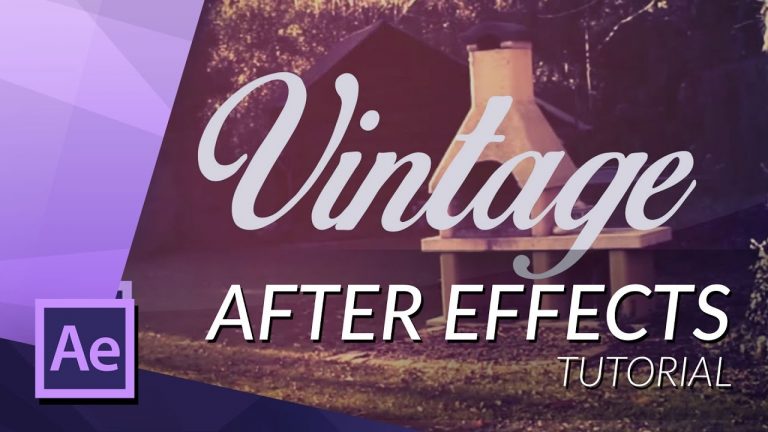
HOW TO CREATE A VINTAGE LOOK IN AFTER EFFECTS

0

In this video I wil go over the effects used to create a cool ‘vintage look’ with Adobe After Effects

► SUBSRIBE! – http://bit.ly/ignaceyt
► TOLERATED STORE – http://bit.ly/storeyt

♦ Uploading:
Every single day!

♦ Music from:
http://bit.ly/1tfTfh7

♦ Programs I use:
– Adobe After Effects
– Adobe Premiere Pro
– Adobe Audition
– Adobe Photoshop
– Maxon Cinema 4D

Adobe Store:
http://bit.ly/productsadobe

♦ Basic Recording Gear:
– Panasonic GH4
– Metabones Canon EF
– Sigma 17-50mm F2.8 Lens.

♦ Popular Playlists:
– Adobe After Effects Tutorials http://bit.ly/2dxxoil
– Adobe Premiere Pro Tutorials http://bit.ly/2cYW252
– Maxon Cinema 4D Tutorials http://bit.ly/2dDBSQx
– Hardware reviews http://bit.ly/2dxwO4q
– News & Updates http://bit.ly/2dAciwF
– Speed Art http://bit.ly/2dxwZwu

♦ Social Media:
– Twitter http://www.twitter.com/ignacealeya
– Instagram http://instagram.com/ignacealeya
– Facebook http://bit.ly/toleratedfacebook
– Site http://www.toleratedstore.com

♦ Business:
info@tolerated.be

Be sure to leave a comment and to check out my channel! I have a lot more video’s.
Let’s start creating!

Host & Creator
Ignace Aleya
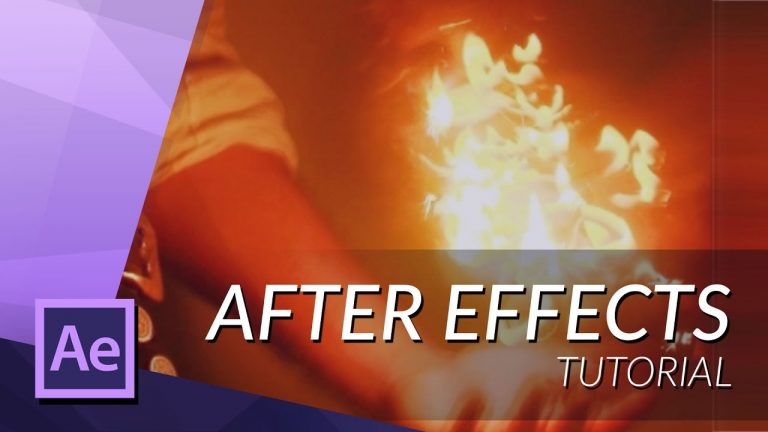
HOW TO CREATE FIRE WITH PARTICULAR IN AFTER EFFECTS

0

►In this video I will explain how to create fire in Adobe After Effects CS5.5 with the plug-in Trapcode Particular. Any questions? Post them below.
Plug-in Trapcode Particular : http://bit.ly/1TlgO21

► SUBSRIBE! – http://bit.ly/ignaceyt
► TOLERATED STORE – http://bit.ly/storeyt

♦ Uploading:
Every single day!

♦ Music from:
http://bit.ly/1tfTfh7

♦ Programs I use:
– Adobe After Effects
– Adobe Premiere Pro
– Adobe Audition
– Adobe Photoshop
– Maxon Cinema 4D

Adobe Store:
http://bit.ly/productsadobe

♦ Basic Recording Gear:
– Panasonic GH4
– Metabones Canon EF
– Sigma 17-50mm F2.8 Lens.

♦ Popular Playlists:
– Adobe After Effects Tutorials http://bit.ly/2dxxoil
– Adobe Premiere Pro Tutorials http://bit.ly/2cYW252
– Maxon Cinema 4D Tutorials http://bit.ly/2dDBSQx
– Hardware reviews http://bit.ly/2dxwO4q
– News & Updates http://bit.ly/2dAciwF
– Speed Art http://bit.ly/2dxwZwu

♦ Social Media:
– Twitter http://www.twitter.com/ignacealeya
– Instagram http://instagram.com/ignacealeya
– Facebook http://bit.ly/toleratedfacebook
– Site http://www.toleratedstore.com

♦ Business:
info@tolerated.be

Be sure to leave a comment and to check out my channel! I have a lot more video’s.
Let’s start creating!

Host & Creator
Ignace Aleya
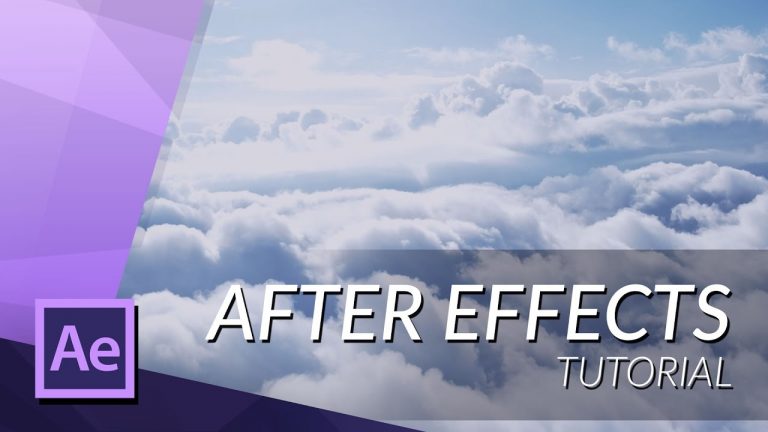
HOW TO FLY TROUGH CLOUDS IN AFTER EFFECTS – PARTICULAR

0

►A tutorial that reveals some techniques for Trapcode Particular.
plug-in Trapcode Particular : http://bit.ly/1TlgO21

► SUBSRIBE! – http://bit.ly/ignaceyt
► TOLERATED STORE – http://bit.ly/storeyt

♦ Uploading:
Every single day!

♦ Music from:
http://bit.ly/1tfTfh7

♦ Programs I use:
– Adobe After Effects
– Adobe Premiere Pro
– Adobe Audition
– Adobe Photoshop
– Maxon Cinema 4D

Adobe Store:
http://bit.ly/productsadobe

♦ Basic Recording Gear:
– Panasonic GH4
– Metabones Canon EF
– Sigma 17-50mm F2.8 Lens.

♦ Popular Playlists:
– Adobe After Effects Tutorials http://bit.ly/2dxxoil
– Adobe Premiere Pro Tutorials http://bit.ly/2cYW252
– Maxon Cinema 4D Tutorials http://bit.ly/2dDBSQx
– Hardware reviews http://bit.ly/2dxwO4q
– News & Updates http://bit.ly/2dAciwF
– Speed Art http://bit.ly/2dxwZwu

♦ Social Media:
– Twitter http://www.twitter.com/ignacealeya
– Instagram http://instagram.com/ignacealeya
– Facebook http://bit.ly/toleratedfacebook
– Site http://www.toleratedstore.com

♦ Business:
info@tolerated.be

Be sure to leave a comment and to check out my channel! I have a lot more video’s.
Let’s start creating!

Host & Creator
Ignace Aleya
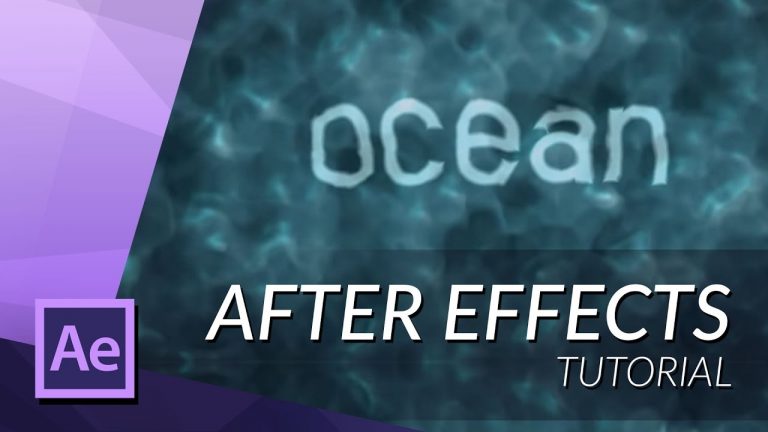
HOW TO CREATE REALISTIC WATER IN AFTER EFFECTS

0

►In this tutorial I will be showing you how to create realistic water using only Adobe After Effects and no extern plug-ins.

► SUBSRIBE! – http://bit.ly/ignaceyt
► TOLERATED STORE – http://bit.ly/storeyt

♦ Uploading:
Every single day!

♦ Music from:
http://bit.ly/1tfTfh7

♦ Programs I use:
– Adobe After Effects
– Adobe Premiere Pro
– Adobe Audition
– Adobe Photoshop
– Maxon Cinema 4D

Adobe Store:
http://bit.ly/productsadobe

♦ Basic Recording Gear:
– Panasonic GH4
– Metabones Canon EF
– Sigma 17-50mm F2.8 Lens.

♦ Popular Playlists:
– Adobe After Effects Tutorials http://bit.ly/2dxxoil
– Adobe Premiere Pro Tutorials http://bit.ly/2cYW252
– Maxon Cinema 4D Tutorials http://bit.ly/2dDBSQx
– Hardware reviews http://bit.ly/2dxwO4q
– News & Updates http://bit.ly/2dAciwF
– Speed Art http://bit.ly/2dxwZwu

♦ Social Media:
– Twitter http://www.twitter.com/ignacealeya
– Instagram http://instagram.com/ignacealeya
– Facebook http://bit.ly/toleratedfacebook
– Site http://www.toleratedstore.com

♦ Business:
info@tolerated.be

Be sure to leave a comment and to check out my channel! I have a lot more video’s.
Let’s start creating!

Host & Creator
Ignace Aleya
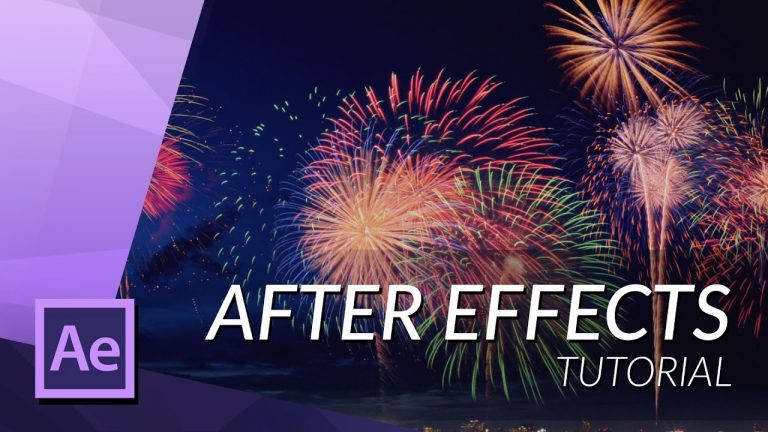
HOW TO CREATE FIREWORKS IN AFTER EFFECTS

0

►In this video I will be showing you how to create fireworks with adobe after effects using the plug-in Trapcode Particular, link here:
http://bit.ly/1TlgO21

►Great for your new year’s video’s!

► SUBSRIBE! – http://bit.ly/ignaceyt
► TOLERATED STORE – http://bit.ly/storeyt

♦ Uploading:
Every single day!

♦ Music from:
http://bit.ly/1tfTfh7

♦ Programs I use:
– Adobe After Effects
– Adobe Premiere Pro
– Adobe Audition
– Adobe Photoshop
– Maxon Cinema 4D

Adobe Store:
http://bit.ly/productsadobe

♦ Basic Recording Gear:
– Panasonic GH4
– Metabones Canon EF
– Sigma 17-50mm F2.8 Lens.

♦ Popular Playlists:
– Adobe After Effects Tutorials http://bit.ly/2dxxoil
– Adobe Premiere Pro Tutorials http://bit.ly/2cYW252
– Maxon Cinema 4D Tutorials http://bit.ly/2dDBSQx
– Hardware reviews http://bit.ly/2dxwO4q
– News & Updates http://bit.ly/2dAciwF
– Speed Art http://bit.ly/2dxwZwu

♦ Social Media:
– Twitter http://www.twitter.com/ignacealeya
– Instagram http://instagram.com/ignacealeya
– Facebook http://bit.ly/toleratedfacebook
– Site http://www.toleratedstore.com

♦ Business:
info@tolerated.be

Be sure to leave a comment and to check out my channel! I have a lot more video’s.
Let’s start creating!

Host & Creator
Ignace Aleya
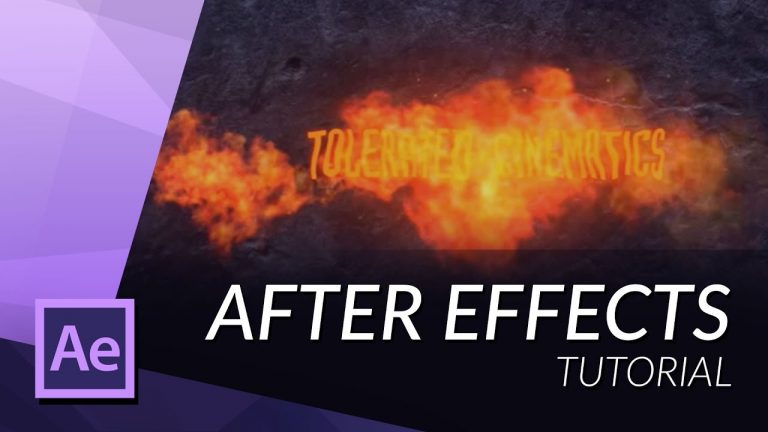
HOW TO MAKE THE FIRE TEXT REVEAL IN AFTER EFFECTS

0

►In this tutorial I will be showing you how to create a fire text reveal using Trapcode Particular and a smoke element from videocopilot.

►videocopilot’s smoke element:
http://www.videocopilot.net/tutorials…

► SUBSRIBE! – http://bit.ly/ignaceyt
► TOLERATED STORE – http://bit.ly/storeyt

♦ Uploading:
Every single day!

♦ Music from:
http://bit.ly/1tfTfh7

♦ Programs I use:
– Adobe After Effects
– Adobe Premiere Pro
– Adobe Audition
– Adobe Photoshop
– Maxon Cinema 4D

Adobe Store:
http://bit.ly/productsadobe

♦ Basic Recording Gear:
– Panasonic GH4
– Metabones Canon EF
– Sigma 17-50mm F2.8 Lens.

♦ Popular Playlists:
– Adobe After Effects Tutorials http://bit.ly/2dxxoil
– Adobe Premiere Pro Tutorials http://bit.ly/2cYW252
– Maxon Cinema 4D Tutorials http://bit.ly/2dDBSQx
– Hardware reviews http://bit.ly/2dxwO4q
– News & Updates http://bit.ly/2dAciwF
– Speed Art http://bit.ly/2dxwZwu

♦ Social Media:
– Twitter http://www.twitter.com/ignacealeya
– Instagram http://instagram.com/ignacealeya
– Facebook http://bit.ly/toleratedfacebook
– Site http://www.toleratedstore.com

♦ Business:
info@tolerated.be

Be sure to leave a comment and to check out my channel! I have a lot more video’s.
Let’s start creating!

Host & Creator
Ignace Aleya
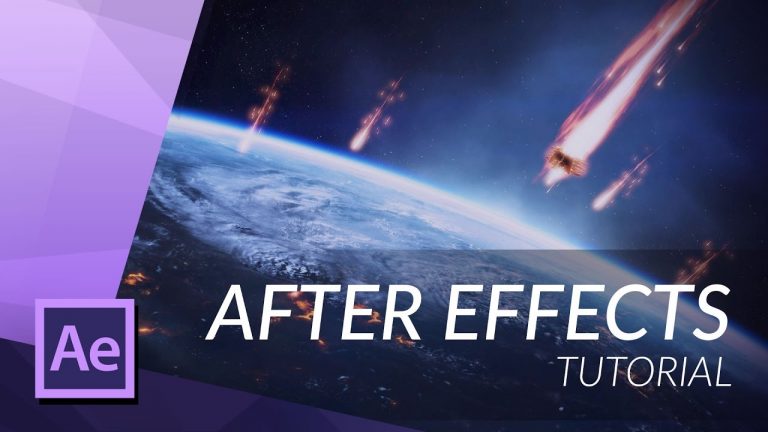
HOW TO CREATE A METEOR WITH PARTICULAR IN AFTER EFFECTS

0

Create a FREE account with Dissolve to receive 3 FREE HD clips valued over $150 – http://dissolve.com/?link=NF9878

► SUBSRIBE! – http://bit.ly/ignaceyt
► TOLERATED STORE – http://bit.ly/storeyt

In this tutorial I will teach you how to create a meteor in Adobe After Effects using the trapcode plug-in then integrade it into some footage from Dissolve.com

Dissolve provides high-quality footage on a wide variety of topics for use in professional television and web-based advertising work, corporate promotions and training videos, editorial and documentary settings, interactive web sites, video games and mobile applications.

Like Dissolve on facebook – https://www.facebook.com/dissolvefootage

♦ Uploading:
Every single day!

♦ Music from:
http://bit.ly/1tfTfh7

♦ Programs I use:
– Adobe After Effects
– Adobe Premiere Pro
– Adobe Audition
– Adobe Photoshop
– Maxon Cinema 4D

Adobe Store:
http://bit.ly/productsadobe

♦ Basic Recording Gear:
– Panasonic GH4
– Metabones Canon EF
– Sigma 17-50mm F2.8 Lens.

♦ Popular Playlists:
– Adobe After Effects Tutorials http://bit.ly/2dxxoil
– Adobe Premiere Pro Tutorials http://bit.ly/2cYW252
– Maxon Cinema 4D Tutorials http://bit.ly/2dDBSQx
– Hardware reviews http://bit.ly/2dxwO4q
– News & Updates http://bit.ly/2dAciwF
– Speed Art http://bit.ly/2dxwZwu

♦ Social Media:
– Twitter http://www.twitter.com/ignacealeya
– Instagram http://instagram.com/ignacealeya
– Facebook http://bit.ly/toleratedfacebook
– Site http://www.toleratedstore.com

♦ Business:
info@tolerated.be

Be sure to leave a comment and to check out my channel! I have a lot more video’s.
Let’s start creating!

Host & Creator
Ignace Aleya
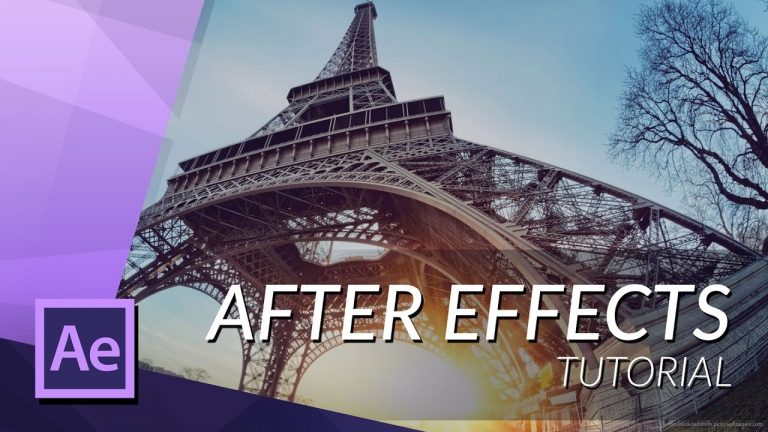
HOW TO REMOVE THE FISHEYE EFFECT IN AFTER EFFECTS

0

I will be showing you a quick and easy way to fix the lens distortion you get from a fisheye lens in Adobe After Effects, this is especially handy when you film a lot with the gopro so you don’t need to worry about how you film your shot and just always use a wide angle and fix the distortion in post.

► SUBSRIBE! – http://bit.ly/ignaceyt
► TOLERATED STORE – http://bit.ly/storeyt

♦ Uploading:
Every single day!

♦ Music from:
http://bit.ly/1tfTfh7

♦ Programs I use:
– Adobe After Effects
– Adobe Premiere Pro
– Adobe Audition
– Adobe Photoshop
– Maxon Cinema 4D

Adobe Store:
http://bit.ly/productsadobe

♦ Basic Recording Gear:
– Panasonic GH4
– Metabones Canon EF
– Sigma 17-50mm F2.8 Lens.

♦ Popular Playlists:
– Adobe After Effects Tutorials http://bit.ly/2dxxoil
– Adobe Premiere Pro Tutorials http://bit.ly/2cYW252
– Maxon Cinema 4D Tutorials http://bit.ly/2dDBSQx
– Hardware reviews http://bit.ly/2dxwO4q
– News & Updates http://bit.ly/2dAciwF
– Speed Art http://bit.ly/2dxwZwu

♦ Social Media:
– Twitter http://www.twitter.com/ignacealeya
– Instagram http://instagram.com/ignacealeya
– Facebook http://bit.ly/toleratedfacebook
– Site http://www.toleratedstore.com

♦ Business:
info@tolerated.be

Be sure to leave a comment and to check out my channel! I have a lot more video’s.
Let’s start creating!

Host & Creator
Ignace Aleya
.

HOW TO CREATE THE 2.5D PARALAX EFFECT IN AFTER EFFECT

0

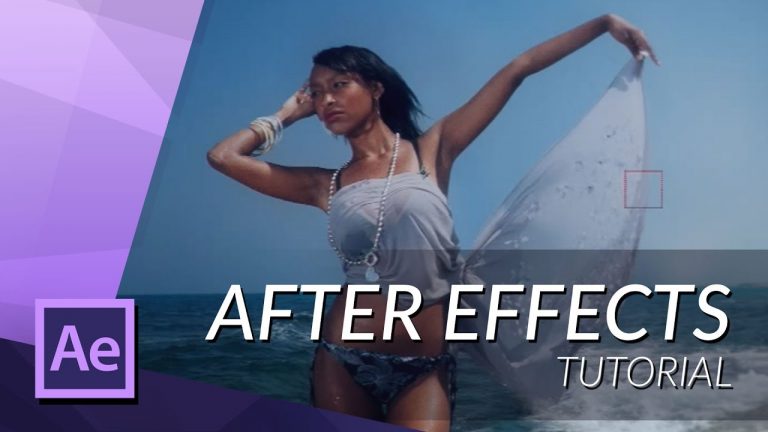
►In this tutorial you will learn how to use photoshop to remove objects from a background and separate your subject from the background in one single photo. Then we will import it in after effects to create a 3D movement with 2D images.

►Model used in video:
http://tinyurl.com/ohmnakm

► SUBSRIBE! – http://bit.ly/ignaceyt
► TOLERATED STORE – http://bit.ly/storeyt

♦ Uploading:
Every single day!

♦ Music from:
http://bit.ly/1tfTfh7

♦ Programs I use:
– Adobe After Effects
– Adobe Premiere Pro
– Adobe Audition
– Adobe Photoshop
– Maxon Cinema 4D

Adobe Store:
http://bit.ly/productsadobe

♦ Basic Recording Gear:
– Panasonic GH4
– Metabones Canon EF
– Sigma 17-50mm F2.8 Lens.

♦ Popular Playlists:
– Adobe After Effects Tutorials http://bit.ly/2dxxoil
– Adobe Premiere Pro Tutorials http://bit.ly/2cYW252
– Maxon Cinema 4D Tutorials http://bit.ly/2dDBSQx
– Hardware reviews http://bit.ly/2dxwO4q
– News & Updates http://bit.ly/2dAciwF
– Speed Art http://bit.ly/2dxwZwu

♦ Social Media:
– Twitter http://www.twitter.com/ignacealeya
– Instagram http://instagram.com/ignacealeya
– Facebook http://bit.ly/toleratedfacebook
– Site http://www.toleratedstore.com

♦ Business:
info@tolerated.be

Be sure to leave a comment and to check out my channel! I have a lot more video’s.
Let’s start creating!

Host & Creator
Ignace Aleya
HOW TO WATERBEND TUTORIAL FOR CINEMA 4D AND AFTER EFFECTS

0

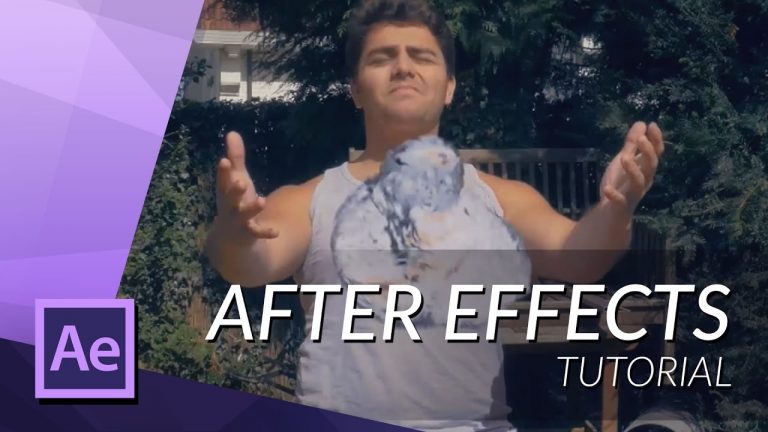
A tutorial on how to do basic water bending for the ALS challenge, everything that I earn from this tutorial will be donated to ALS so I’m not making any profit.

► SUBSRIBE! – http://bit.ly/ignaceyt
► TOLERATED STORE – http://bit.ly/storeyt

♦ Uploading:
Every single day!

♦ Music from:
http://bit.ly/1tfTfh7

♦ Programs I use:
– Adobe After Effects
– Adobe Premiere Pro
– Adobe Audition
– Adobe Photoshop
– Maxon Cinema 4D

Adobe Store:
http://bit.ly/productsadobe

♦ Basic Recording Gear:
– Panasonic GH4
– Metabones Canon EF
– Sigma 17-50mm F2.8 Lens.

♦ Popular Playlists:
– Adobe After Effects Tutorials http://bit.ly/2dxxoil
– Adobe Premiere Pro Tutorials http://bit.ly/2cYW252
– Maxon Cinema 4D Tutorials http://bit.ly/2dDBSQx
– Hardware reviews http://bit.ly/2dxwO4q
– News & Updates http://bit.ly/2dAciwF
– Speed Art http://bit.ly/2dxwZwu

♦ Social Media:
– Twitter http://www.twitter.com/ignacealeya
– Instagram http://instagram.com/ignacealeya
– Facebook http://bit.ly/toleratedfacebook
– Site http://www.toleratedstore.com

♦ Business:
info@tolerated.be

Be sure to leave a comment and to check out my channel! I have a lot more video’s.
Let’s start creating!

Host & Creator
Ignace Aleya