Home Blog Page 344

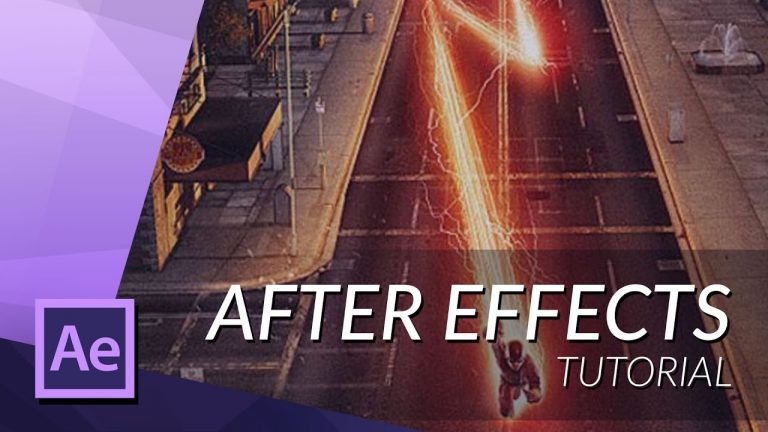
THE ULTIMATE FLASH RUNNING TUTORIAL IN AFTER EFFECTS

0

In this tutorial I will teach you how to create The Flash running effect in adobe after effects cc 2015.

► SUBSRIBE! – http://bit.ly/ignaceyt
► TOLERATED STORE – http://bit.ly/storeyt

Coupon Code for 10% off – Tolerated

Link to demo files:
http://bit.ly/tutorial_02

♦ Uploading:
Every single day!

♦ Music from:
http://bit.ly/1tfTfh7

♦ Programs I use:
– Adobe After Effects
– Adobe Premiere Pro
– Adobe Audition
– Adobe Photoshop
– Maxon Cinema 4D

Adobe Store:
http://bit.ly/productsadobe

♦ Basic Recording Gear:
– Panasonic GH4
– Metabones Canon EF
– Sigma 17-50mm F2.8 Lens.

♦ Popular Playlists:
– Adobe After Effects Tutorials http://bit.ly/2dxxoil
– Adobe Premiere Pro Tutorials http://bit.ly/2cYW252
– Maxon Cinema 4D Tutorials http://bit.ly/2dDBSQx
– Hardware reviews http://bit.ly/2dxwO4q
– News & Updates http://bit.ly/2dAciwF
– Speed Art http://bit.ly/2dxwZwu

♦ Social Media:
– Twitter http://www.twitter.com/ignacealeya
– Instagram http://instagram.com/ignacealeya
– Facebook http://bit.ly/toleratedfacebook
– Site http://www.toleratedstore.com

♦ Business:
info@tolerated.be

Be sure to leave a comment and to check out my channel! I have a lot more video’s.
Let’s start creating!

Host & Creator
Ignace Aleya
HARRY POTTER EPIC INTRO TUTORIAL IN AFTER EFFECTS – PART 1

0

In this tutorial you’ll learn how to create a quality intro in the Harry Potter style, flying through clouds showing your title with some lightning in the background.

We will use Cinema 4D and After Effects to create this effect.

► SUBSRIBE! – http://bit.ly/ignaceyt
► TOLERATED STORE – http://bit.ly/storeyt

♦ Uploading:
Every single day!

♦ Music from:
http://bit.ly/1tfTfh7

♦ Programs I use:
– Adobe After Effects
– Adobe Premiere Pro
– Adobe Audition
– Adobe Photoshop
– Maxon Cinema 4D

Adobe Store:
http://bit.ly/productsadobe

♦ Basic Recording Gear:
– Panasonic GH4
– Metabones Canon EF
– Sigma 17-50mm F2.8 Lens.

♦ Popular Playlists:
– Adobe After Effects Tutorials http://bit.ly/2dxxoil
– Adobe Premiere Pro Tutorials http://bit.ly/2cYW252
– Maxon Cinema 4D Tutorials http://bit.ly/2dDBSQx
– Hardware reviews http://bit.ly/2dxwO4q
– News & Updates http://bit.ly/2dAciwF
– Speed Art http://bit.ly/2dxwZwu

♦ Social Media:
– Twitter http://www.twitter.com/ignacealeya
– Instagram http://instagram.com/ignacealeya
– Facebook http://bit.ly/toleratedfacebook
– Site http://www.toleratedstore.com

♦ Business:
info@tolerated.be

Be sure to leave a comment and to check out my channel! I have a lot more video’s.
Let’s start creating!

Host & Creator
Ignace Aleya
HARRY POTTER EPIC INTRO IN AFTER EFFECTS – PART 2

0

In this tutorial you’ll learn how to create a quality intro in the Harry Potter style, flying through clouds showing your title with some lightning in the background.

We will use Cinema 4D and After Effects to create this effect.

► SUBSRIBE! – http://bit.ly/ignaceyt
► TOLERATED STORE – http://bit.ly/storeyt

♦ Uploading:
Every single day!

♦ Music from:
http://bit.ly/1tfTfh7

♦ Programs I use:
– Adobe After Effects
– Adobe Premiere Pro
– Adobe Audition
– Adobe Photoshop
– Maxon Cinema 4D

Adobe Store:
http://bit.ly/productsadobe

♦ Basic Recording Gear:
– Panasonic GH4
– Metabones Canon EF
– Sigma 17-50mm F2.8 Lens.

♦ Popular Playlists:
– Adobe After Effects Tutorials http://bit.ly/2dxxoil
– Adobe Premiere Pro Tutorials http://bit.ly/2cYW252
– Maxon Cinema 4D Tutorials http://bit.ly/2dDBSQx
– Hardware reviews http://bit.ly/2dxwO4q
– News & Updates http://bit.ly/2dAciwF
– Speed Art http://bit.ly/2dxwZwu

♦ Social Media:
– Twitter http://www.twitter.com/ignacealeya
– Instagram http://instagram.com/ignacealeya
– Facebook http://bit.ly/toleratedfacebook
– Site http://www.toleratedstore.com

♦ Business:
info@tolerated.be

Be sure to leave a comment and to check out my channel! I have a lot more video’s.
Let’s start creating!

Host & Creator
Ignace Aleya
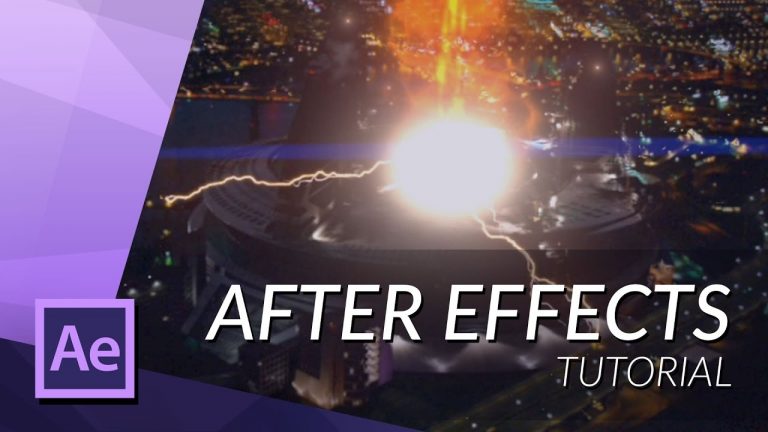
HOW TO CREATE THE PARTICLE ACCELERATOR FROM THE FLASH IN AFTER EFFECTS

0

Learn how to create the particle accelerator from The Flash series.

► SUBSRIBE! – http://bit.ly/ignaceyt
► TOLERATED STORE – http://bit.ly/storeyt

Tutorial Samples:
http://bit.ly/1UKR2DM

VideoCopilot VC Color Vibrance
http://bit.ly/1X4YcBx

♦ Uploading:
Every single day!

♦ Music from:
http://bit.ly/1tfTfh7

♦ Programs I use:
– Adobe After Effects
– Adobe Premiere Pro
– Adobe Audition
– Adobe Photoshop
– Maxon Cinema 4D

Adobe Store:
http://bit.ly/productsadobe

♦ Basic Recording Gear:
– Panasonic GH4
– Metabones Canon EF
– Sigma 17-50mm F2.8 Lens.

♦ Popular Playlists:
– Adobe After Effects Tutorials http://bit.ly/2dxxoil
– Adobe Premiere Pro Tutorials http://bit.ly/2cYW252
– Maxon Cinema 4D Tutorials http://bit.ly/2dDBSQx
– Hardware reviews http://bit.ly/2dxwO4q
– News & Updates http://bit.ly/2dAciwF
– Speed Art http://bit.ly/2dxwZwu

♦ Social Media:
– Twitter http://www.twitter.com/ignacealeya
– Instagram http://instagram.com/ignacealeya
– Facebook http://bit.ly/toleratedfacebook
– Site http://www.toleratedstore.com

♦ Business:
info@tolerated.be

Be sure to leave a comment and to check out my channel! I have a lot more video’s.
Let’s start creating!

Host & Creator
Ignace Aleya
HOW TO CREATE THE FLASH TIRE MARKS IN AFTER EFFECTS

0

In this tutorial I’ll show you how to create the ground overlays when examining tire tracks like in The Flash Series.

► SUBSRIBE! – http://bit.ly/ignaceyt
► TOLERATED STORE – http://bit.ly/storeyt

Download link
http://bit.ly/footagetiretracks

♦ Uploading:
Every single day!

♦ Music from:
http://bit.ly/1tfTfh7

♦ Programs I use:
– Adobe After Effects
– Adobe Premiere Pro
– Adobe Audition
– Adobe Photoshop
– Maxon Cinema 4D

Adobe Store:
http://bit.ly/productsadobe

♦ Basic Recording Gear:
– Panasonic GH4
– Metabones Canon EF
– Sigma 17-50mm F2.8 Lens.

♦ Popular Playlists:
– Adobe After Effects Tutorials http://bit.ly/2dxxoil
– Adobe Premiere Pro Tutorials http://bit.ly/2cYW252
– Maxon Cinema 4D Tutorials http://bit.ly/2dDBSQx
– Hardware reviews http://bit.ly/2dxwO4q
– News & Updates http://bit.ly/2dAciwF
– Speed Art http://bit.ly/2dxwZwu

♦ Social Media:
– Twitter http://www.twitter.com/ignacealeya
– Instagram http://instagram.com/ignacealeya
– Facebook http://bit.ly/toleratedfacebook
– Site http://www.toleratedstore.com

♦ Business:
info@tolerated.be

Be sure to leave a comment and to check out my channel! I have a lot more video’s.
Let’s start creating!

Host & Creator
Ignace Aleya
HOW TO BECOME INVISIBLE IN AFTER EFFECTS

0

Becoming invisible using After Effects just like in Heroes: Reborn or other movies. Looks like a invisibility camouflage.
This effect is very easy to accomplish so if you’re new to After Effects don’t hesitate to try!

► SUBSRIBE! – http://bit.ly/ignaceyt
► TOLERATED STORE – http://bit.ly/storeyt

♦ Uploading:
Every single day!

♦ Music from:
http://bit.ly/1tfTfh7

♦ Programs I use:
– Adobe After Effects
– Adobe Premiere Pro
– Adobe Audition
– Adobe Photoshop
– Maxon Cinema 4D

Adobe Store:
http://bit.ly/productsadobe

♦ Basic Recording Gear:
– Panasonic GH4
– Metabones Canon EF
– Sigma 17-50mm F2.8 Lens.

♦ Popular Playlists:
– Adobe After Effects Tutorials http://bit.ly/2dxxoil
– Adobe Premiere Pro Tutorials http://bit.ly/2cYW252
– Maxon Cinema 4D Tutorials http://bit.ly/2dDBSQx
– Hardware reviews http://bit.ly/2dxwO4q
– News & Updates http://bit.ly/2dAciwF
– Speed Art http://bit.ly/2dxwZwu

♦ Social Media:
– Twitter http://www.twitter.com/ignacealeya
– Instagram http://instagram.com/ignacealeya
– Facebook http://bit.ly/toleratedfacebook
– Site http://www.toleratedstore.com

♦ Business:
info@tolerated.be

Be sure to leave a comment and to check out my channel! I have a lot more video’s.
Let’s start creating!

Host & Creator
Ignace Aleya
HOW TO CREATE YOUR OWN SCREENSHAKE PRESET

0

Learn how to create your own easy preset to apply screenshake.

► SUBSRIBE! – http://bit.ly/ignaceyt
► TOLERATED STORE – http://bit.ly/storeyt

Code:
[thisComp.width/2, thisComp.height/2]

Download Preset:
http://bit.ly/1L9s12Y

♦ Uploading:
Every single day!

♦ Music from:
http://bit.ly/1tfTfh7

♦ Programs I use:
– Adobe After Effects
– Adobe Premiere Pro
– Adobe Audition
– Adobe Photoshop
– Maxon Cinema 4D

Adobe Store:
http://bit.ly/productsadobe

♦ Basic Recording Gear:
– Panasonic GH4
– Metabones Canon EF
– Sigma 17-50mm F2.8 Lens.

♦ Popular Playlists:
– Adobe After Effects Tutorials http://bit.ly/2dxxoil
– Adobe Premiere Pro Tutorials http://bit.ly/2cYW252
– Maxon Cinema 4D Tutorials http://bit.ly/2dDBSQx
– Hardware reviews http://bit.ly/2dxwO4q
– News & Updates http://bit.ly/2dAciwF
– Speed Art http://bit.ly/2dxwZwu

♦ Social Media:
– Twitter http://www.twitter.com/ignacealeya
– Instagram http://instagram.com/ignacealeya
– Facebook http://bit.ly/toleratedfacebook
– Site http://www.toleratedstore.com

♦ Business:
info@tolerated.be

Be sure to leave a comment and to check out my channel! I have a lot more video’s.
Let’s start creating!

Host & Creator
Ignace Aleya
HOW TO CREATE AN AWESOME EXPLOSION IN AFTER EFFECTS

0

Learn how to create an awesome explosion in After Effects using a FREE sample!

► SUBSRIBE! – http://bit.ly/ignaceyt
► TOLERATED STORE – http://bit.ly/storeyt

Download Explosion Link
http://bit.ly/explosionvfx

Assets For The Tutorial:
http://bit.ly/ExplosionAssets

♦ Uploading:
Every single day!

♦ Music from:
http://bit.ly/1tfTfh7

♦ Programs I use:
– Adobe After Effects
– Adobe Premiere Pro
– Adobe Audition
– Adobe Photoshop
– Maxon Cinema 4D

Adobe Store:
http://bit.ly/productsadobe

♦ Basic Recording Gear:
– Panasonic GH4
– Metabones Canon EF
– Sigma 17-50mm F2.8 Lens.

♦ Popular Playlists:
– Adobe After Effects Tutorials http://bit.ly/2dxxoil
– Adobe Premiere Pro Tutorials http://bit.ly/2cYW252
– Maxon Cinema 4D Tutorials http://bit.ly/2dDBSQx
– Hardware reviews http://bit.ly/2dxwO4q
– News & Updates http://bit.ly/2dAciwF
– Speed Art http://bit.ly/2dxwZwu

♦ Social Media:
– Twitter http://www.twitter.com/ignacealeya
– Instagram http://instagram.com/ignacealeya
– Facebook http://bit.ly/toleratedfacebook
– Site http://www.toleratedstore.com

♦ Business:
info@tolerated.be

Be sure to leave a comment and to check out my channel! I have a lot more video’s.
Let’s start creating!

Host & Creator
Ignace Aleya
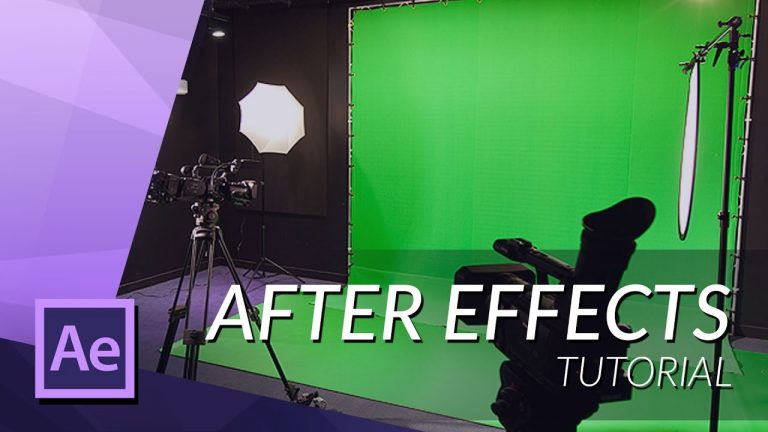
HOW TO REMOVE A GREENSCREEN IN AFTER EFFECTS – NO PLUGINS

0

Easily remove your background in Adobe After Effects without too much work!

► SUBSRIBE! – http://bit.ly/ignaceyt
► TOLERATED STORE – http://bit.ly/storeyt

10 Greenscreen Tips & Tricks!
https://www.youtube.com/watch?v=ZvTAO…

Removing Noise with Neatvideo
https://www.youtube.com/watch?v=–qRt…

♦ Uploading:
Every single day!

♦ Music from:
http://bit.ly/1tfTfh7

♦ Programs I use:
– Adobe After Effects
– Adobe Premiere Pro
– Adobe Audition
– Adobe Photoshop
– Maxon Cinema 4D

Adobe Store:
http://bit.ly/productsadobe

♦ Basic Recording Gear:
– Panasonic GH4
– Metabones Canon EF
– Sigma 17-50mm F2.8 Lens.

♦ Popular Playlists:
– Adobe After Effects Tutorials http://bit.ly/2dxxoil
– Adobe Premiere Pro Tutorials http://bit.ly/2cYW252
– Maxon Cinema 4D Tutorials http://bit.ly/2dDBSQx
– Hardware reviews http://bit.ly/2dxwO4q
– News & Updates http://bit.ly/2dAciwF
– Speed Art http://bit.ly/2dxwZwu

♦ Social Media:
– Twitter http://www.twitter.com/ignacealeya
– Instagram http://instagram.com/ignacealeya
– Facebook http://bit.ly/toleratedfacebook
– Site http://www.toleratedstore.com

♦ Business:
info@tolerated.be

Be sure to leave a comment and to check out my channel! I have a lot more video’s.
Let’s start creating!

Host & Creator
Ignace Aleya
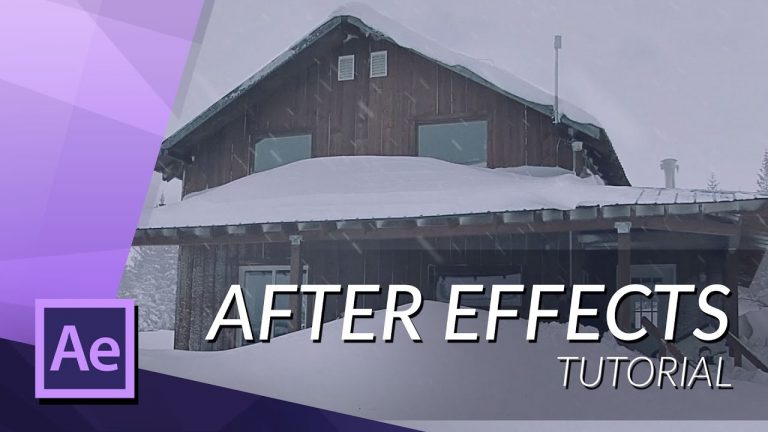
HOW TO CREATE REALISTIC SNOW IN AFTER EFFECTS

0

Learn how to add snow particles to your footage and make it look cinematic!

► SUBSRIBE! – http://bit.ly/ignaceyt
► TOLERATED STORE – http://bit.ly/storeyt

♦ Uploading:
Every single day!

♦ Music from:
http://bit.ly/1tfTfh7

♦ Programs I use:
– Adobe After Effects
– Adobe Premiere Pro
– Adobe Audition
– Adobe Photoshop
– Maxon Cinema 4D

Adobe Store:
http://bit.ly/productsadobe

♦ Basic Recording Gear:
– Panasonic GH4
– Metabones Canon EF
– Sigma 17-50mm F2.8 Lens.

♦ Popular Playlists:
– Adobe After Effects Tutorials http://bit.ly/2dxxoil
– Adobe Premiere Pro Tutorials http://bit.ly/2cYW252
– Maxon Cinema 4D Tutorials http://bit.ly/2dDBSQx
– Hardware reviews http://bit.ly/2dxwO4q
– News & Updates http://bit.ly/2dAciwF
– Speed Art http://bit.ly/2dxwZwu

♦ Social Media:
– Twitter http://www.twitter.com/ignacealeya
– Instagram http://instagram.com/ignacealeya
– Facebook http://bit.ly/toleratedfacebook
– Site http://www.toleratedstore.com

♦ Business:
info@tolerated.be

Be sure to leave a comment and to check out my channel! I have a lot more video’s.
Let’s start creating!

Host & Creator
Ignace Aleya