Home Blog Page 376

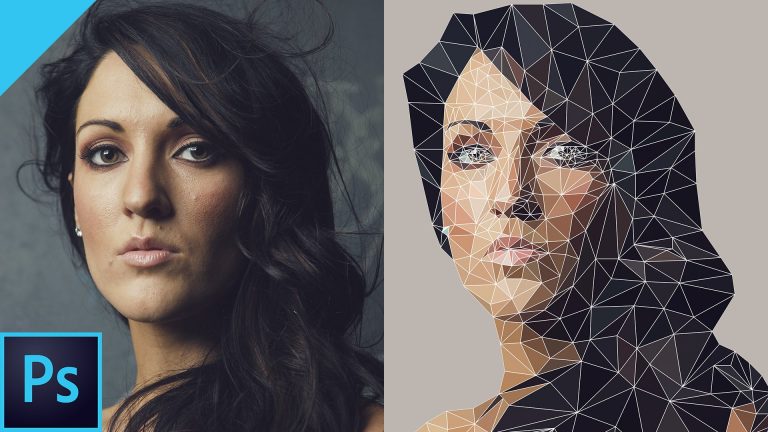
BEST: Create Vector Low Poly Effect with Photoshop CC!

0

Check out another of my videos: “BREAKDOWN: Select and Mask vs. Refine Edge – Photoshop CC”

-~-~~-~~~-~~-~-

Written tutorial and downloadable files are HERE: http://tutvid.com/photoshop/low-poly-geometric-effect-in-photoshop-only

VIDEO GUIDE:
00:48 Getting Started
01:31 Showing the Grid
01:47 Preparing the Pen Tool
03:04 Start making shapes
05:06 Speed up! (Eyebrow + Forehead)
05:18 Shape creation tips
07:20 Highlights & Shadows
08:05 Speed up! (The Nose)
08:17 Checking out the progress
08:55 Speed up! (Above the eye)
09:01 Drawing the eye
17:44 Speed up! (Draw the second eye)
18:15 Examine all the progress
19:00 Speed up! (Lips)
19:15 Check out the progress
19:36 Speed up! (Hair + Rest of image)
20:26 Start the coloring process
22:58 Speed up! (Color forehead)
23:03 Bad lines!
23:38 Speed up! (Colorize everything)
24:56 Fixing errors and bad lines
27:29 Working with the Smart Object
32:03 Scaling the illustration
32:41 Creating the background
37:29 Streaky lighting effect
39:56 Blending and final color effects

INSTAGRAM & MORE:
http://instagram.com/tutvid

https://www.facebook.com/tutvid

DESCRIPTION:
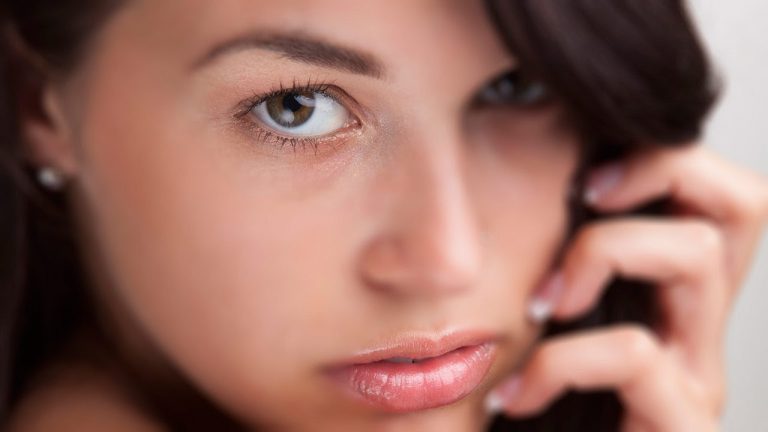
In this tutorial we’ll take a look at the very popular low poly effect. We’re going to create this effect using ONLY Photoshop and it will be a path-based illustration as well. Later in the tutorial we’re going to add a background behind our illustration and you can download the image by grabbing it from the written tutorial via the link above.
Learn High Frequency Separation in 10 Minutes

0

Check out another of my videos: “BREAKDOWN: Select and Mask vs. Refine Edge – Photoshop CC”

-~-~~-~~~-~~-~-

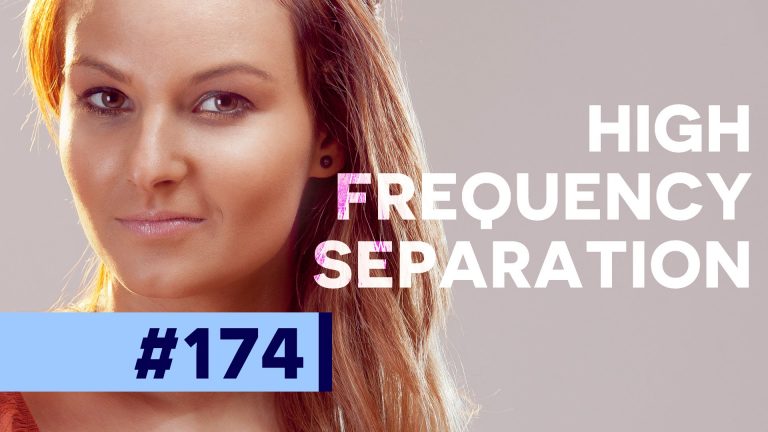
This is not your typical scientific approach to High Frequency Separation. I’m going to show you how I create the layers needed, but also how I use these layers to retouch blemishes, sharpen, dodge and burn, smooth skin and add texture, and even flatten out colors so we can control where the light will fall on the subject of our photo. This tutorial will take the mystery out of high frequency separation and show you some of the things I use this technique to help me accomplish some of what I do when I am retouching photos.

See written tutorial on site: http://tutvid.com/photoshop-tutorials/learn-high-frequency-separation-in-10-minutes/

Pick up my image retouching tutorial package ($27) right here: http://tutvid.com/retouching-photos-photoshop/

SNAPCHAT & MORE:
http://instagram.com/tutvid

https://www.facebook.com/tutvid
? tutvid.com

How to Make a Timelapse Video with After Effects & Premiere Pro

0

Check out another of my videos: “BREAKDOWN: Select and Mask vs. Refine Edge – Photoshop CC”

-~-~~-~~~-~~-~-

SEE PREVIEW OF TIMELAPSE AT: 11:12

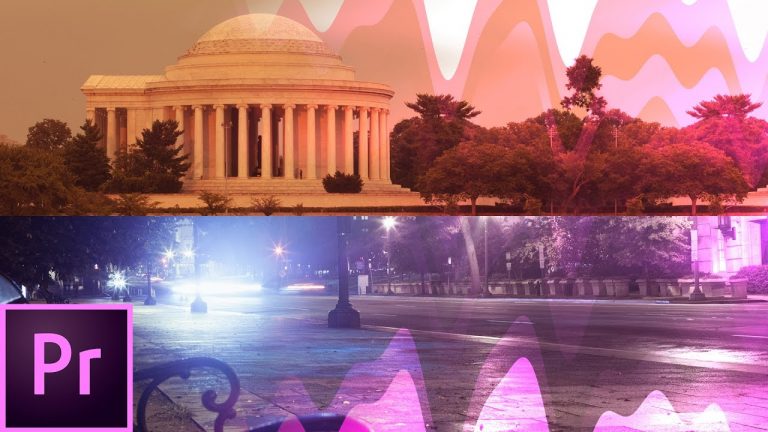
In this joint After Effects AND Premiere Pro tutorial, we’ll be covering everything you need to know to create a timelapse video sequence from a series of images or Camera Raw images in After Effects and even how to add animation to create false cinematic camera movement in your shots to add drama. We’ll also pop the clips we render out of After Effects right into Premiere and export a quick video click.

Pick up my image retouching tutorial package ($27) right here: http://tutvid.com/retouching-photos-photoshop/

SNAPCHAT & MORE:
http://instagram.com/tutvid

https://www.facebook.com/tutvid
? tutvid.com

The Blur Gallery: Tilt-Shift, Iris, Field Blur Tutorial – Photoshop CS6 Beta

0

Check out another of my videos: “BREAKDOWN: Select and Mask vs. Refine Edge – Photoshop CC”

-~-~~-~~~-~~-~-

Download Photoshop CS6 Beta here: http://labs.adobe.com/technologies/photoshopcs6/

Adobe introduced the Blur gallery with the launch of the Photoshop CS6 Beta. This Blur gallery contains three new blurring features that behave like filters but give you control before ever committing a change.

GOOGLE+ http://tutvidgplus.com -Circle Me!

Like Tutvid on Facebook: http://www.facebook.com/tutvidFan

Follow me on Twitter: http://www.twitter.com/tutvid

With a great amount of control over selective blurring using either the Field blur or the hyper-focus of the Iris blur you have the ability to do very cool things with only a couple clicks. There is also a Tilt-shift blur built right in as well! Get Photoshop CS6 and play with these blurs! You’re going to love it!

Complex 3D Pixel Dispersion Effect – Photoshop CC

0

Check out another of my videos: “BREAKDOWN: Select and Mask vs. Refine Edge – Photoshop CC”

-~-~~-~~~-~~-~-

In this Photoshop tutorial, we’re going to walk through the many different ways to create this pixel dispersion fragmenting effect to make your model or object look like it is bursting into little particles and pieces. We’ll look at quickly cutting out the subject of the photo (whether it’s a person, a car, a building, or anything,) masking to create the effect, adding elements to fake a depth and give the image a 3D look, adding the spinning tornado effect (mine in this video didn’t turn out too well, but you’ll get the point when you see me do it,) and doing all the color effect work to make this image look really, really cool.

Pick up my image retouching tutorial package ($27) right here: http://tutvid.com/retouching-photos-photoshop/

SNAPCHAT & MORE:
http://instagram.com/tutvid

https://www.facebook.com/tutvid
? tutvid.com

Microphone is a RØDE Procaster Microphone
Monitor is a Samsung 28-Inch Ultra High Definition LED Monitor (U28D590D)
Words and thoughts are all my own ?

How to Use Audio & Video Transitions in Premiere Pro

0

Check out another of my videos: “BREAKDOWN: Select and Mask vs. Refine Edge – Photoshop CC”

-~-~~-~~~-~~-~-

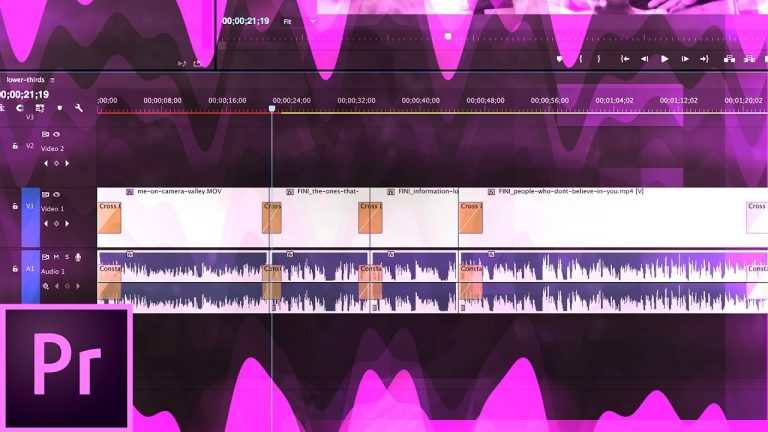
They seem pretty basic and straight-forward, but there are some pretty cool things you can do with both audio and video transitions in Premiere Pro CC. There is a whole library of different transitions that you can use, there are some great hotkeys that allow you to add a transition to your clip so you can avoid dragging a transition effect out of the Effect Library and across your entire project, and much more!

Written Premiere Pro tutorial: http://bit.ly/2fYlVcm

Pick up my image retouching tutorial package ($27) right here: http://tutvid.com/retouching-photos-photoshop/

SNAPCHAT & MORE:
http://instagram.com/tutvid

https://www.facebook.com/tutvid
? tutvid.com

How to Defringe in Photoshop (Perfect Selection Edges & Matte Color)

0

Check out another of my videos: “BREAKDOWN: Select and Mask vs. Refine Edge – Photoshop CC”

-~-~~-~~~-~~-~-

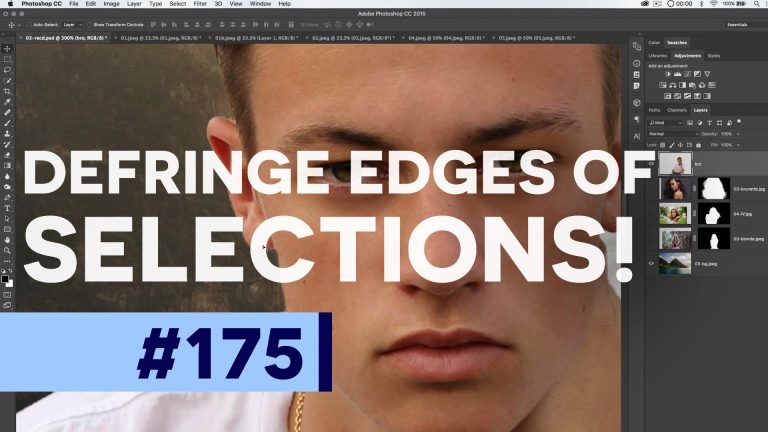
In this tutorial, we’re going to explore what to do with an object or image once we have cut it out and how to really clean up the edges and get rid of stray color that may be plaguing your images. We will cover Color Decontamination, Defringe in Photoshop, Color Decontamination in Refine Edge, and Removing Black and White Matte. If you make selections or work with graphics moving them from light to dark backgrounds (or vice versa,) you will find great info in this tutorial!

VIDEO GUIDE:
0:00 Intro
1:00 Defringe Edges
1:55 Color Decontaminate
5:39 Remove Black/White Matte
7:25 Color Matte when Saving Graphics with Transparency

See written tutorial on site: http://tutvid.com/photoshop-tutorials/how-to-defringe-in-photoshop-perfect-selection-edges-matte-color/

Pick up my image retouching tutorial package ($27) right here: http://tutvid.com/retouching-photos-photoshop/

SNAPCHAT & MORE:
http://instagram.com/tutvid

https://www.facebook.com/tutvid
? tutvid.com

Crop Tool Tutorial – Photoshop CS6 Beta

0

Check out another of my videos: “BREAKDOWN: Select and Mask vs. Refine Edge – Photoshop CC”

-~-~~-~~~-~~-~-

Download Photoshop CS6 Beta here: http://labs.adobe.com/technologies/photoshopcs6/

For any photographer or blogger who made use of Photoshop’s awesome Crop Tool you will be delightfully surprised with the sweeping changes that Adobe has made to this awesome little tool.

Like Tutvid on Facebook: http://www.facebook.com/tutvidFan
Follow me on Twitter: http://www.twitter.com/tutvid

I used the Crop Tool every single day, whether is was cutting screenshots, cropping photographs for print, cropping for the web, or just to give clients additional crop options, this tool is one that I use a whole lot. Photoshop CS6 will address the couple things that I really wanted to see changed in the Crop Tool.
Outside of Photoshop’s huge upgrade in the speed department (It’s fast!), this tool is probably my favorite upgrade!

The Insane Power and Potential of the Morph Cut in Premiere Pro CC

0

Check out another of my videos: “BREAKDOWN: Select and Mask vs. Refine Edge – Photoshop CC”

-~-~~-~~~-~~-~-

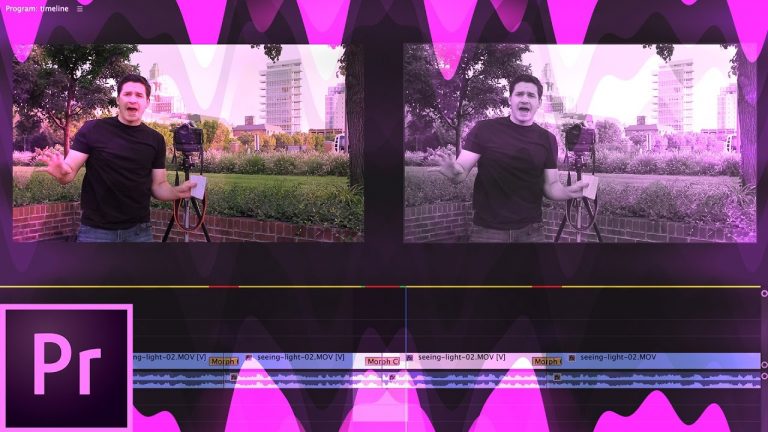
Looking to create the best interview videos ever? The Morph Cut Transition in Premiere Pro CC is THE transition that will allow you to make jumpcut transitions look perfect and seamless. It’s almost like magic. Check out this tutorial and see how I use it and some of what you need to avoid doing if you’re looking to create the best Morph Cuts. It’s a newer technological feature of Premiere Pro, but as it improves, you’re definitely going to want to be onboard with this awesomely powerful little transition.

Pick up my image retouching tutorial package ($27) right here: http://tutvid.com/retouching-photos-photoshop/

SNAPCHAT & MORE:
http://instagram.com/tutvid

https://www.facebook.com/tutvid
? tutvid.com