Home Blog Page 390

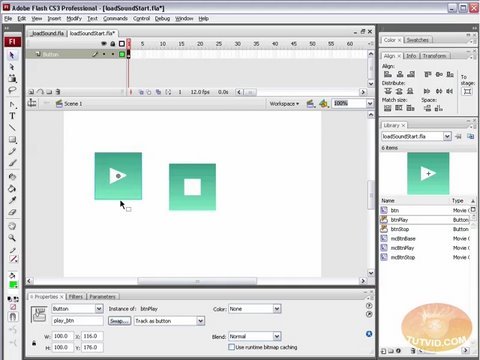
Build Simple Sound Player: Flash Tutorial AS 3.0

0

Check out another of my videos: “BREAKDOWN: Select and Mask vs. Refine Edge – Photoshop CC”

-~-~~-~~~-~~-~-

Check this video out at Hi-Res here: http://www.tutvid.com/tutorials/flash/tutorials/loadSound.php

In this video we will connect a a play and pause button to an external source of sound. We will get the sound both from our hard drive and from the live web and build a mini sound player with a simple play and stop button! We will be using Actionscrip 3.0 and learning about URLRequests as well as the Sound, SoundMixer, and SoundChannel classes. Please check out the site http://www.tutvid.com

Make Eyes Look better with Photoshop! [HD]

0

Check out another of my videos: “BREAKDOWN: Select and Mask vs. Refine Edge – Photoshop CC”

-~-~~-~~~-~~-~-

Download this image and follow along! Here is the image made available by Debby aka hara18 on SXC: http://www.sxc.hu/photo/1120717

When I first began editing images in Photoshop I quickly realized the best way to edit images was to do as much as you could on separate layers and keep everything as editable as possible. This tutorial covers how I prefer to retouch eyes and really enhancing eyes that need only minor retouching or none at all. Have fun with this one and be sure to rate, comment and subscribe if you enjoy it!
Check out http://www.tutvid.com for more great tutorials!

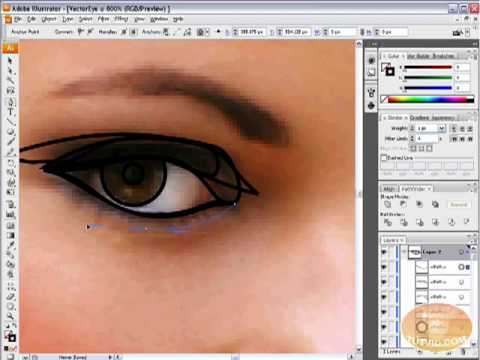
Vectorize a Human Eye in Illustrator!

0

Check out another of my videos: “BREAKDOWN: Select and Mask vs. Refine Edge – Photoshop CC”

-~-~~-~~~-~~-~-

Check this video out at Hi-Res here: http://www.tutvid.com/tutorials/illustrator/tutorials/vectorAnEye.php

In this video will take vector the eye of a model in Illustrator using some techniques that will be useful in not only vectoring eyes but tracing techniques that are used for full face and body vectoring and vexeling. Please check out http://www.tutvid.com for more free videos and downloads!

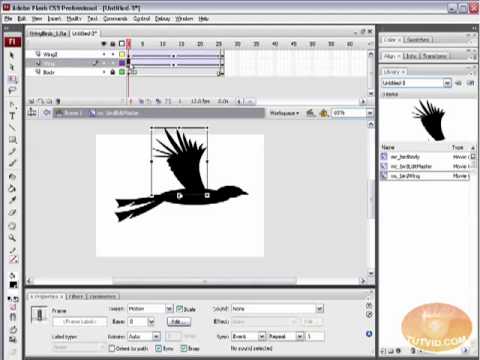
Dynamic Flying Birds: Flash Tutorial! Place Movieclips w/ AS 3.0

0

Check out another of my videos: “BREAKDOWN: Select and Mask vs. Refine Edge – Photoshop CC”

-~-~~-~~~-~~-~-

Check this video out at Hi-Res here: http://www.tutvid.com/tutorials/flash/tutorials/flyingBirds.php

In this video we will draw and animate a bird(a pretty sad looking bird if I so so m’self) and then we will use Actionscript 3.0 to load (aka get)it out of the library and place it at a random start point and let it fly across the screen. Lots of great script in this one! Please check out the site http://www.tutvid.com

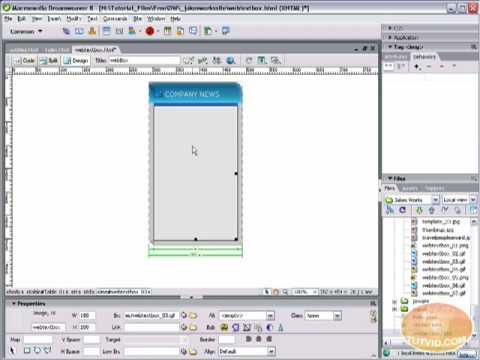
Expanding Website Text Box: Dreamweaver Tutorial!

0

Check out another of my videos: “BREAKDOWN: Select and Mask vs. Refine Edge – Photoshop CC”

-~-~~-~~~-~~-~-

Check this video out at Hi-Res here: http://www.tutvid.com/tutorials/dreamweaver/tutorials/expandableTextBox.php

Learn how to create a web text box that get bigger or smaller depending on how much text you place in it! Also make a header that spans the users screen no matter what size! Check out http://www.tutvid.com

[HD] Soft Focus Wedding Photo Effect: Photoshop Tutorial!

0

Check out another of my videos: “BREAKDOWN: Select and Mask vs. Refine Edge – Photoshop CC”

-~-~~-~~~-~~-~-

Here is a great little effect that adds a whole lot of “mood” to an image by softening and increasing contrast and also features a vignette around the focal point of your choosing. The beauty of this technique is that by using adjustment layers we have full control over the final effect’s strength and color. This one is a great tip for Photographers of any type.

If you enjoy the video please rate, comment, and subscribe!

Check out http://www.tutvid.com for more great video tutorials!
Check out the blog @ http://tutvid.wordpress.com
Check this video out in Hi-Res here: http://www.tutvid.com/tutorials/photoshop/tutorials/softFocusWeddingEffect.php

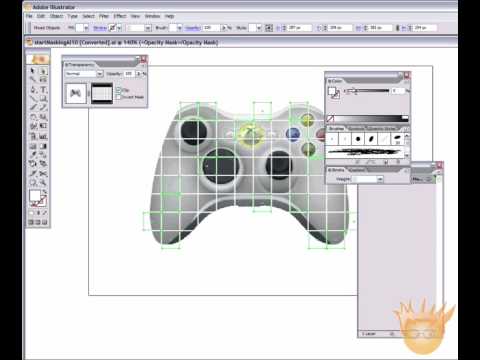
Masking in Adobe Illustrator! Basics Tutorial

0

Check out another of my videos: “BREAKDOWN: Select and Mask vs. Refine Edge – Photoshop CC”

-~-~~-~~~-~~-~-

Check this video out at Hi-Res here: http://www.tutvid.com/tutorials/illustrator/tutorials/masking.php

Learn all about masking and create two effects in this tutorial

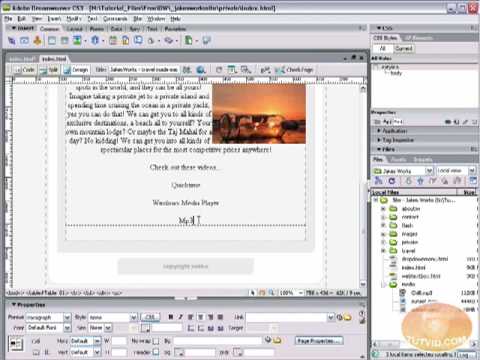
Embed Sound & Video into Your Website! Dreamweaver Tutorial

0

Check out another of my videos: “BREAKDOWN: Select and Mask vs. Refine Edge – Photoshop CC”

-~-~~-~~~-~~-~-

Check this video out at Hi-Res here: http://www.tutvid.com/tutorials/dreamweaver/tutorials/embedSoundAndVideo.php

In the following tutorial we will learn how to import and attach mp3, mov, and wmv files to your website both by embedding and linking the files. Learn the advantages and disadvantages of both methods! Have fun and learn something! Please check out www.tutvid.com for more videos and downloads!

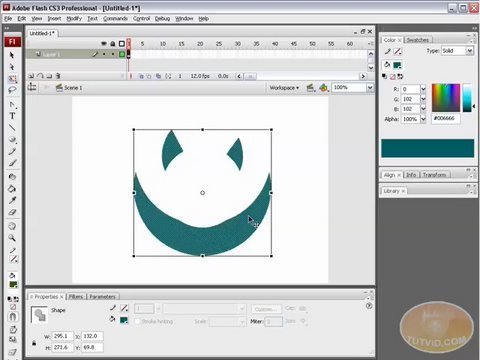
Flash 101 Tutorial: The Drawing Tools; A Basic Overview

0

Check out another of my videos: “BREAKDOWN: Select and Mask vs. Refine Edge – Photoshop CC”

-~-~~-~~~-~~-~-

Check this video out at Hi-Res here: http://www.tutvid.com/tutorials/flash/tutorials/drawingTools.php

In this video I assume you know nothing about drawing in flash and do my best to cover pretty well every aspect of using the drawing, transforming, and filling tools in Flash. Learn all kinds of neat little tricks and maybe solve some of the frustrating problems you have had with flash in the past! have fun with it! Please check out the site http://www.tutvid.com

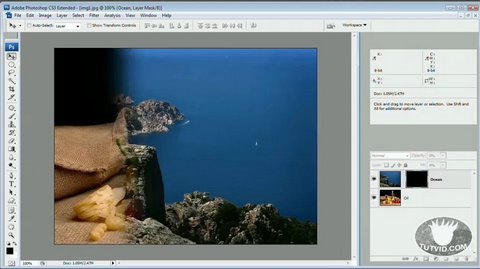
Wipe/Fade Transition: Photoshop CS3 Tutorial!

0

Check out another of my videos: “BREAKDOWN: Select and Mask vs. Refine Edge – Photoshop CC”

-~-~~-~~~-~~-~-

Check this out in higher res here: http://www.tutvid.com/tutorials/photoshop/tutorials/wipeTransition.php

Learning Photoshop’s new timeline animation system is easy and really great! By the end of this video you will have a nice grasp of how to get going animating in Photoshop. We will be creating a nice and simple image wipe/fade effect to transition from one image to another! Great technique for animated slideshows or just to get your feet wet animating in Photoshop! Once we have created the file you can export it as a movie or an animated .gif!