Home Blog Page 393

Flash Tutorial! Change Colors with ActionScript only! tutvid

0

Check out another of my videos: “BREAKDOWN: Select and Mask vs. Refine Edge – Photoshop CC”

-~-~~-~~~-~~-~-

FULL VIDEO: http://www.tutvid.com/tutorials/flash/tutorials/changingColorViaAS.php

This video was somehow automatically shortened by Youtube in Feb. of 2009. Instead of taking it down I decided to simply include a link to the full video on tutvid.com.

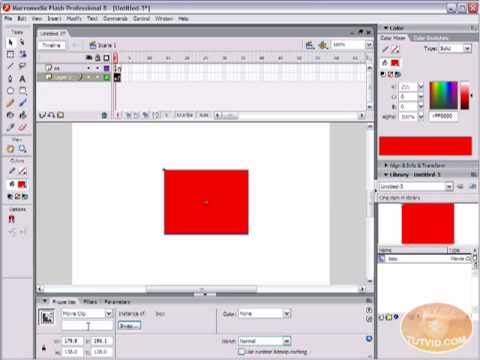
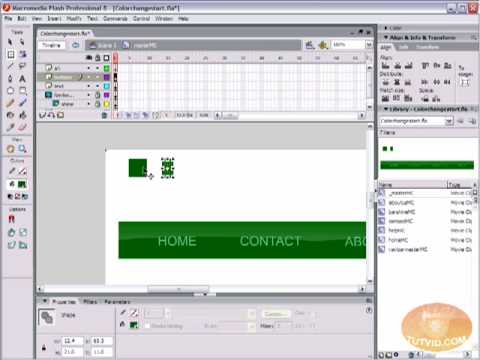
In the following video we will learn how to change the color of a single, or multiple objects using actionscipt and we will program buttons that will allow users to make the changes to your movie!
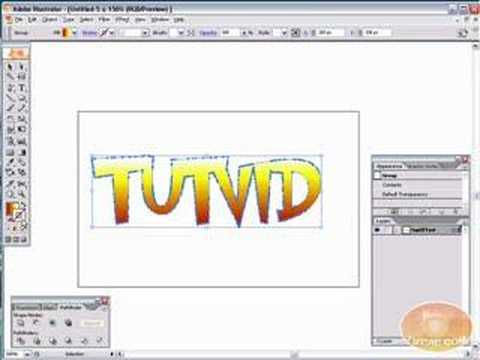
NEW! Adobe Illustrator Tutorial! Make Comic Style Text!

0

Check out another of my videos: “BREAKDOWN: Select and Mask vs. Refine Edge – Photoshop CC”

-~-~~-~~~-~~-~-

Check this video out at Hi-Res here: http://www.tutvid.com/tutorials/illustrator/tutorials/comicText.php

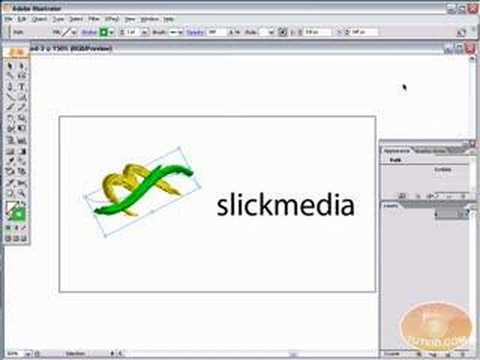
We will learn how to make some comic styled text in this video! You will learn how to break text down and add gradients, you will also learn how to create a fake 3D effect as well as some stroke options. All of these techniques will come together in the end as we create a comic book cover worthy logo.
Check out www.tutvid.com for more videos and downloads!

Camera RAW 101: Photoshop CS3 Tutorial

0

Check out another of my videos: “BREAKDOWN: Select and Mask vs. Refine Edge – Photoshop CC”

-~-~~-~~~-~~-~-

Check this video out at Hi-Res here: http://www.tutvid.com/tutorials/photoshop/tutorials/cameraRaw101.php

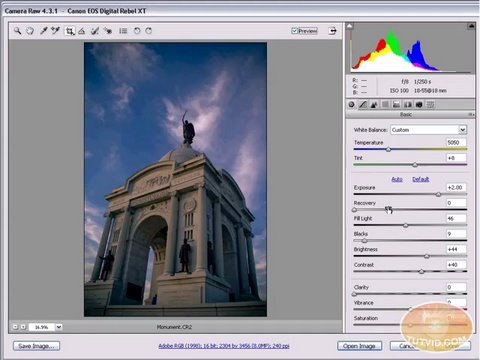
This is the first video I have done on Camera RAW! I am ashamed of myself! Anyway this is a great video especially if you have never used or ventured into Raw shooting. This video is not an argument for using and shooting in Camera RAW, but rather all about how to use the Camera Raw Utility plug-in. Please check out the site http://www.tutvid.com

Flash Tutorial! Change the “Right Click”/Context Menu!

0

Check out another of my videos: “BREAKDOWN: Select and Mask vs. Refine Edge – Photoshop CC”

-~-~~-~~~-~~-~-

FULL VIDEO: http://www.tutvid.com/tutorials/flash/tutorials/contextMenu.php

This video was somehow automatically shortened by Youtube in Feb. of 2009. Instead of taking it down I decided to simply include a link to the full video on tutvid.com.

We will learn how to make changes to that menu that appears when you right click on a Flash movie, otherwise known as the contextual menu. By the end of this tutorial you will be able to add or take out options displayed in the menu as well as make different menus appear over different symbols.

Sparkle/Magical Dust Brush: Photoshop Tutorial

0

Check out another of my videos: “BREAKDOWN: Select and Mask vs. Refine Edge – Photoshop CC”

-~-~~-~~~-~~-~-

Check this video out at Hi-Res here: http://www.tutvid.com/tutorials/photoshop/tutorials/sparkleBrush.php

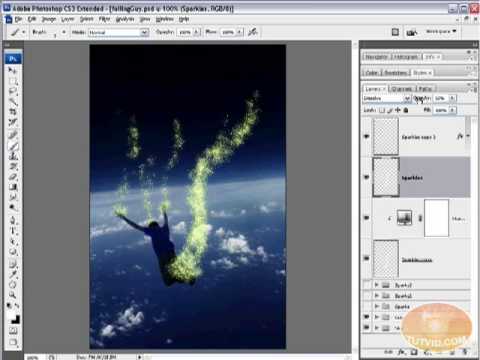
In this tutorial we will go about creating a brush using one of the basic brushes included with Photoshop and we will edit this brush to paint randomized sparkles which we will then duplicate, blur, colorize, and blend a little to create a cool fantasy type effect that is nice in any photo or illustration! Please check out http://www.tutvid.com for more free videos and downloads!

Flash Tutorial! Motion Tweening, Animation!

0

Check out another of my videos: “BREAKDOWN: Select and Mask vs. Refine Edge – Photoshop CC”

-~-~~-~~~-~~-~-

Check this video out at Hi-Res here: http://www.tutvid.com/tutorials/flash/tutorials/motionTween.php

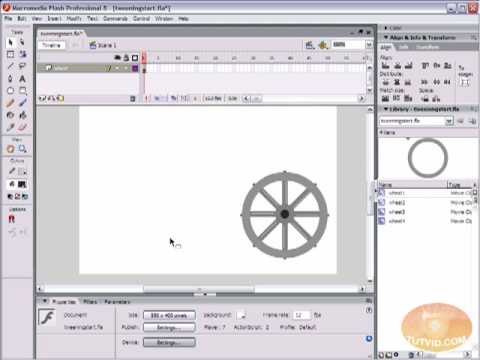
This tutorial is the beginners guide to Motion Tweening! Motion tweening is one of the best and easiest ways to animate just about anything! Learn how to do in a matter of minutes! We will also make a simple image fade & swap movie using the skills you will have learned!

Photoshop: Draw Digital Tape!

0

Check out another of my videos: “BREAKDOWN: Select and Mask vs. Refine Edge – Photoshop CC”

-~-~~-~~~-~~-~-

Check this video out at Hi-Res here: http://www.tutvid.com/tutorials/photoshop/tutorials/tapedEdges.php

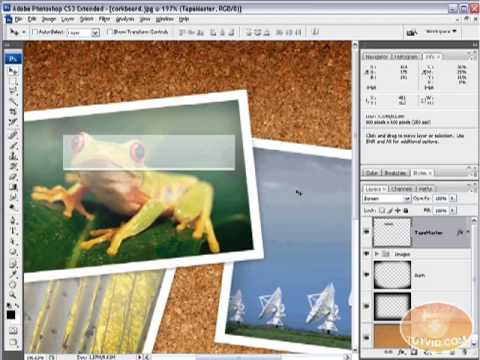
In this video we will place four photos in Photoshop using Adobe Bridge. We will then style them to look like small photographs and create some pieces of clear tape to “hold” them down on our cork board. Please chekc out http://www.tutvid.com for more free videos and downloads!

Adobe Illustrator Tutorial! LIVE TRACE! Vectorize photos!

0

Check out another of my videos: “BREAKDOWN: Select and Mask vs. Refine Edge – Photoshop CC”

-~-~~-~~~-~~-~-

Check this video out at Hi-Res here: http://www.tutvid.com/tutorials/illustrator/tutorials/liveTrace.php

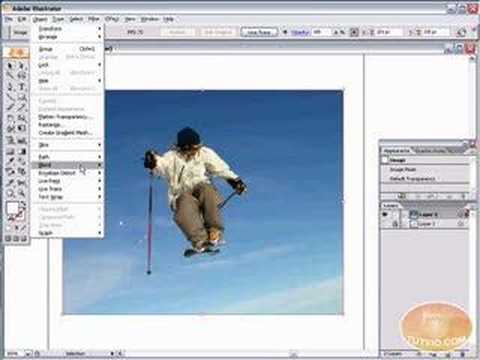
In this tutorial we will look at a fast and easy, yet highly optional and precise way of tracing your photos or sketches in Illustrator. The possibilities are endless! This is a new feature of Cs2.
Check out www.tutvid.com for more videos and downloads!