Home Blog Page 396

ActionScript 3.0 Linking and Using Buttons: Flash Tutorial!

0

Check out another of my videos: “BREAKDOWN: Select and Mask vs. Refine Edge – Photoshop CC”

-~-~~-~~~-~~-~-

Check this video out at Hi-Res here: http://www.tutvid.com/tutorials/flash/tutorials/as3AndButtons.php

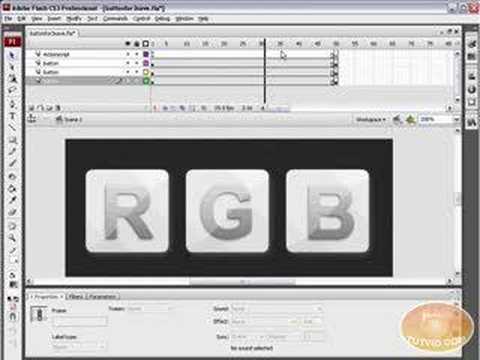
In this video we will learn how to communicate with and use buttons in Flash CS3 using Actionscript 3.0. There have been some significant changes to the way flash deals with buttons etc… but this video will solve your problems! We will cover editing a symbol’s alpha, navigating a time line, and linking to a URL or Website on the web via your flash button. Check out http://www.tutvid.com for more great videos!
Adobe Bridge Tutorial – Learn the basics of the Bridge!

0

Check out another of my videos: “BREAKDOWN: Select and Mask vs. Refine Edge – Photoshop CC”

-~-~~-~~~-~~-~-

FULL VIDEO: http://www.tutvid.com/tutorials/bridge/tutorials/bridgeCenter.php

This video was somehow automatically shortened by Youtube in Feb. of 2009. Instead of taking it down I decided to simply include a link to the full video on tutvid.com.

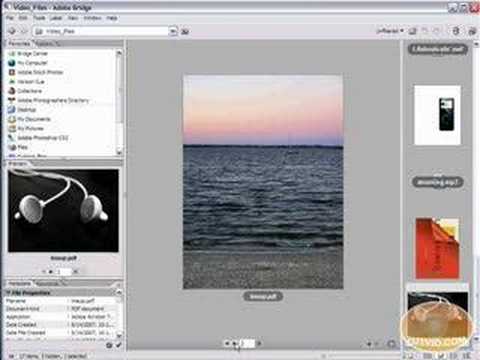
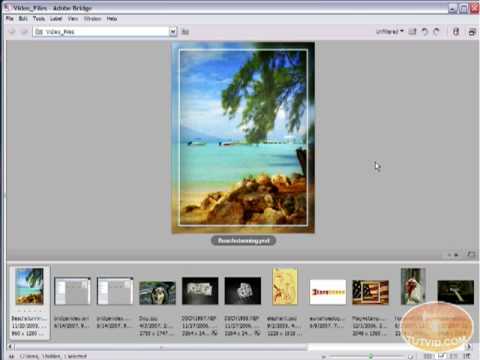
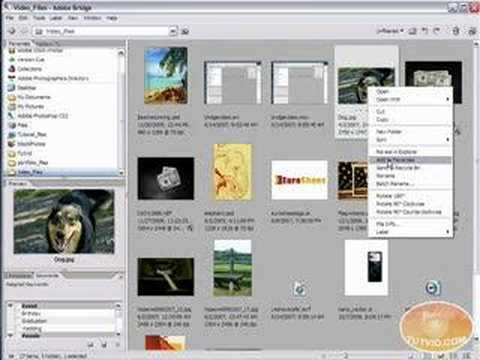
This tutorial is geared toward new Adobe Bridge users, with the hopes of getting you firmly situated and comfortable with Adobe Bridge, as well as understand some of the basic features it has to offer! Thank you for viewing the video! Please check out http://www.tutvid.com for more free video tutorials as well as downloads!

Next/Prev Buttons for Photo Gallery: Flash Tutorial

0

Check out another of my videos: “BREAKDOWN: Select and Mask vs. Refine Edge – Photoshop CC”

-~-~~-~~~-~~-~-

Check this video out at Hi-Res here: http://www.tutvid.com/tutorials/flash/tutorials/nextPrev.php

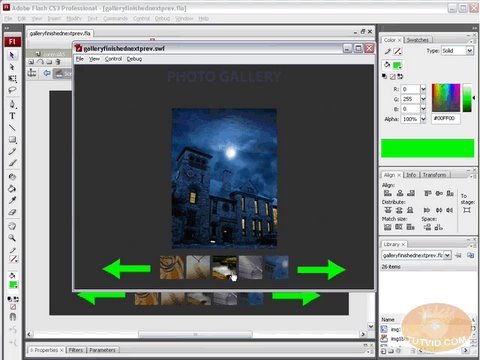
This is a response for the Flash Gallery tutorial showing how to create prev and next buttons for the gallery.
If you have questions about any tutorial send me an email and I might just create a video for you!

Adobe Bridge Tutorial – About Bridge Center!

0

Check out another of my videos: “BREAKDOWN: Select and Mask vs. Refine Edge – Photoshop CC”

-~-~~-~~~-~~-~-

FULL VIDEO: http://www.tutvid.com/tutorials/bridge/tutorials/bridgeCenter.php

This video was somehow automatically shortened by Youtube in Feb. of 2009. Instead of taking it down I decided to simply include a link to the full video on tutvid.com.

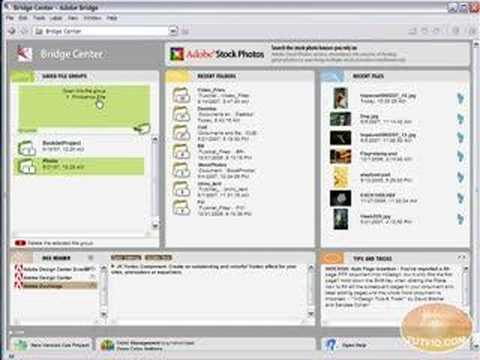
This video tutorial is going to teach you all about the Bridge Center! The Bridge Center is gathering place for many useful and time saving features of the Bridge! Check out the video tutorial and I hope you enjoy it! Please check out http://www.tutvid.com for more free video tutorials as well as downloads!

Password Protect your Flash Movie!

0

Check out another of my videos: “BREAKDOWN: Select and Mask vs. Refine Edge – Photoshop CC”

-~-~~-~~~-~~-~-

Check this video out at Hi-Res here: http://www.tutvid.com/tutorials/flash/tutorials/passwordProtect.php

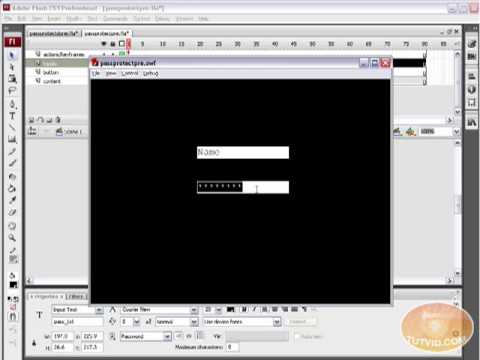
Learn how to Password protect part of your flash website in this video tutorial. This is an Actionscript 3.0 so you need to have CS3 or newer to follow this.
Enjoy please check out http://www.tutvid.com for more great stuff!

Adobe Bridge Tutorial – Changing Layout Settings and Views!

0

Check out another of my videos: “BREAKDOWN: Select and Mask vs. Refine Edge – Photoshop CC”

-~-~~-~~~-~~-~-

FULL VIDEO: http://www.tutvid.com/tutorials/bridge/tutorials/bridgeLayout.php

This video was somehow automatically shortened by Youtube in Feb. of 2009. Instead of taking it down I decided to simply include a link to the full video on tutvid.com.

In this Adobe Bridge tutorial we will take a look at the ways you can change the Bridge’s look and feel to suit your work environment and to free up the space necessary to have a comfortable working window. We will also cover the viewing options given to you by the Bridge to allow for quick and easy previewing. Enjoy this one! Please check out http://www.tutvid.com for more free video tutorials as well as downloads!

Simple Actionscript 3.0 Calculator: Flash Tutorial!

0

Check out another of my videos: “BREAKDOWN: Select and Mask vs. Refine Edge – Photoshop CC”

-~-~~-~~~-~~-~-

Check this video out at Hi-Res here: http://www.tutvid.com/tutorials/flash/tutorials/calculator.php

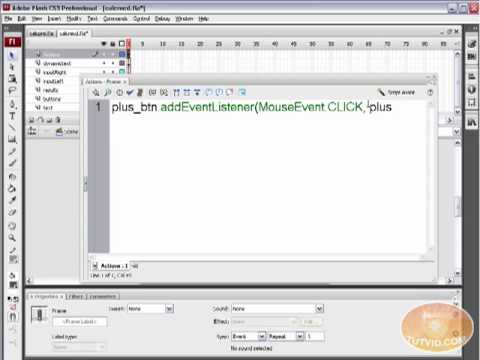
In this video we will start with a blank flash document and build using flash drawing tools and lots of actionscript a simple functioning calculator which performs Addition, Subtraction, Multiplication, and Division. Have fun with this one and learn lots of Actionscript 3.0!

Adobe Bridge Tutorial – Why use Bridge?

0

Check out another of my videos: “BREAKDOWN: Select and Mask vs. Refine Edge – Photoshop CC”

-~-~~-~~~-~~-~-

FULL VIDEO: http://www.tutvid.com/tutorials/bridge/tutorials/whyUseBridge.php

This video was somehow automatically shortened by Youtube in Feb. of 2009. Instead of taking it down I decided to simply include a link to the full video on tutvid.com.

Why should I use Bridge? That is a question I hear quite frequently, as a response I have made an entire video explaining just some of the great reasons why. I do hope by the end of the video you will be a die-hard Bridge user! Please check out http://www.tutvid.com for more free video tutorials as well as downloads!

Photoshop Tut! Editing Photo Colors & Color Black and White

0

Check out another of my videos: “BREAKDOWN: Select and Mask vs. Refine Edge – Photoshop CC”

-~-~~-~~~-~~-~-

FULL VIDEO: http://www.tutvid.com/tutorials/photoshop/tutorials/coloringReColoring.php

This video was somehow automatically shortened by Youtube in Feb. of 2009. Instead of taking it down I decided to simply include a link to the full video on tutvid.com.

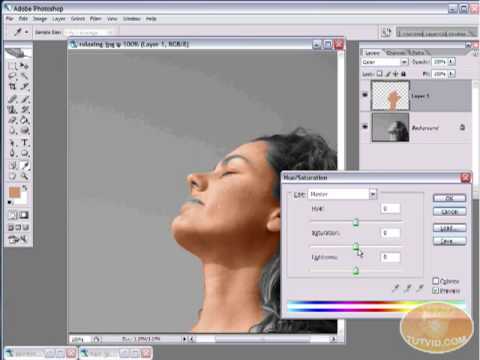
In this video tutorial we are going to take a look at how we can change the color of an object that is in a photograph in two different ways! We will also convert a black and white photo and color it! All of that plus little tips and tricks as usual are covered in this video! Enjoy. Please check out http://www.tutvid.com for more, free video tutorials as well as downloads!

Photoshop All about Brushes; Editing, Loading, Using !!!

0

Check out another of my videos: “BREAKDOWN: Select and Mask vs. Refine Edge – Photoshop CC”

-~-~~-~~~-~~-~-

FULL VIDEO: http://www.tutvid.com/tutorials/photoshop/tutorials/brushesInPhotoshop.php

This video was somehow automatically shortened by Youtube in Feb. of 2009. Instead of taking it down I decided to simply include a link to the full video on tutvid.com.

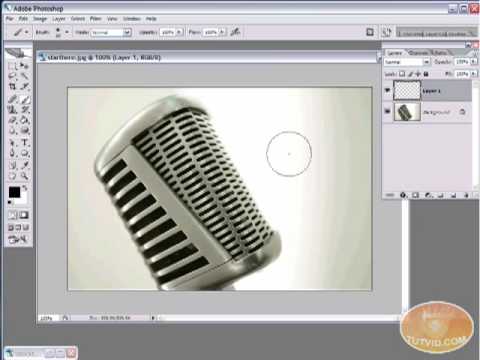
In this video tutorial we are going to start with the bare basics of the brush tool and learn about brushing and changing brush sizes and many of the basic things you can do with the brush and we will also go and learn about editing brush presets, creating new brush presets, changing the dynamics and scattering options for your brush as well as loading in brushes you have downloaded and creating your own custom brushes! This is a pretty big tutorial and we will cover a lot of material, so sit tight and enjoy! Please check out http://www.tutvid.com for more, free video tutorials as well as downloads!