Home Blog Page 420

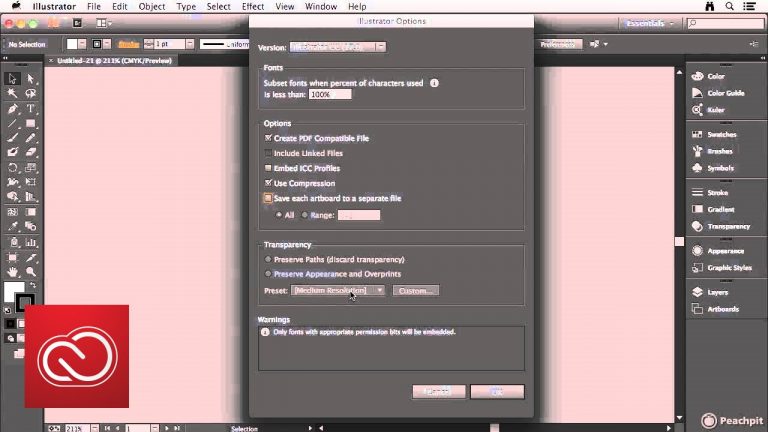
Save an Illustrator file | Adobe Creative Cloud

0

Chad Chelius shows you options related to saving files in Illustrator.

Subscribe: https://www.youtube.com/user/adobecreativecloud?sub_confirmation=1

LET’S CONNECT
Facebook: http://facebook.com/adobecreativecloud
Twitter: http://twitter.com/creativecloud
Instagram: http://www.instagram.com/adobecreativecloud/

Adobe Creative Cloud gives you the world’s best creative apps so you can turn your brightest ideas into your greatest work across your desktop and mobile devices.

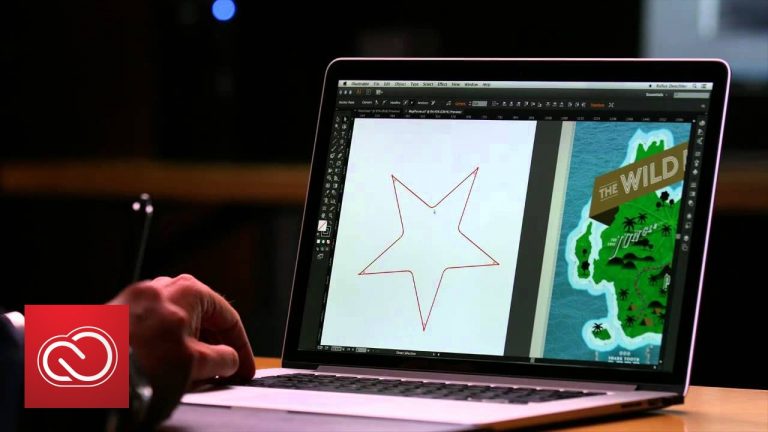
Path Shape Reshape in Illustrator CC Short Cut | Adobe Creative Cloud

0

See how you can edit paths by fluidly dragging path segments into the shape you desire. New path reshape technology in Illustrator CC, available in the Anchor Point and Direct Selection tools, and accessible from the Pen tool, provides a more direct and intuitive way of editing path segments.

Subscribe: https://www.youtube.com/user/adobecreativecloud?sub_confirmation=1

LET’S CONNECT
Facebook: http://facebook.com/adobecreativecloud
Twitter: http://twitter.com/creativecloud
Instagram: http://www.instagram.com/adobecreativecloud/

Adobe Creative Cloud gives you the world’s best creative apps so you can turn your brightest ideas into your greatest work across your desktop and mobile devices.

Live Corners in Illustrator CC Short Cut | Adobe Creative Cloud

0

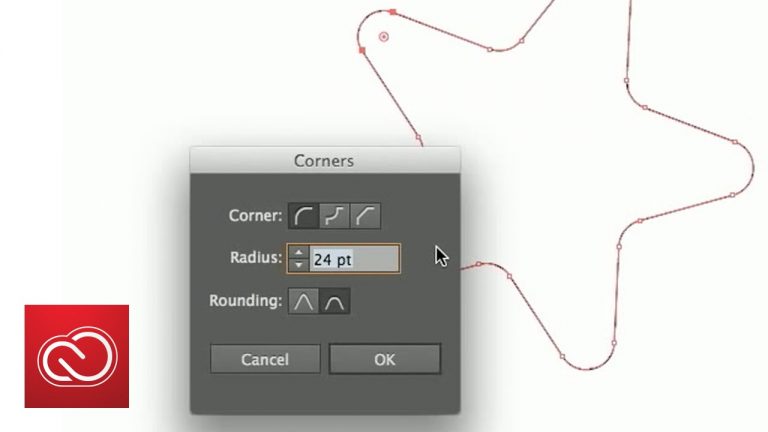
See how Live Corners in Illustrator CC lets you finesse your designs more directly and intuitively. Edit and re-edit the corners of shapes and paths visually with on-art controls, or by entering values in the Control panel or new Corners dialog box. You can round, invert, or chamfer one or multiple corners at the same time.

Subscribe: https://www.youtube.com/user/adobecreativecloud?sub_confirmation=1

LET’S CONNECT
Facebook: http://facebook.com/adobecreativecloud
Twitter: http://twitter.com/creativecloud
Instagram: http://www.instagram.com/adobecreativecloud/

Adobe Creative Cloud gives you the world’s best creative apps so you can turn your brightest ideas into your greatest work across your desktop and mobile devices.

Adobe Illustrator CC What’s New in January 2014 | Adobe Creative Cloud

0

Discover what’s new in Adobe Illustrator CC. Use Live Corners to easily edit the corners of shapes and paths. Draw with a Pencil tool has been completely rebuilt for more precise curved paths and straight line segments. Fluidly drag path segments into the shape you desire. Export scalable, responsive SVG files that can adapt to different screen sizes and resolutions. Get access to more than 800 Adobe Typekit desktop fonts right from within Illustrator, and more.

Subscribe: https://www.youtube.com/user/adobecreativecloud?sub_confirmation=1

LET’S CONNECT
Facebook: http://facebook.com/adobecreativecloud
Twitter: http://twitter.com/creativecloud
Instagram: http://www.instagram.com/adobecreativecloud/

Adobe Creative Cloud gives you the world’s best creative apps so you can turn your brightest ideas into your greatest work across your desktop and mobile devices.

All New Pencil Tool in Ilustrator CC Short Cut | Adobe Creative Cloud

0

See how the all-new Pencil tool in Illustrator CC lets you draw curves more accurately, with options to extend paths, draw straight lines, and close paths. You can also use presets to create smooth paths with fewer points or more precise renditions of actual strokes.

Subscribe: https://www.youtube.com/user/adobecreativecloud?sub_confirmation=1

LET’S CONNECT
Facebook: http://facebook.com/adobecreativecloud
Twitter: http://twitter.com/creativecloud
Instagram: http://www.instagram.com/adobecreativecloud/

Adobe Creative Cloud gives you the world’s best creative apps so you can turn your brightest ideas into your greatest work across your desktop and mobile devices.
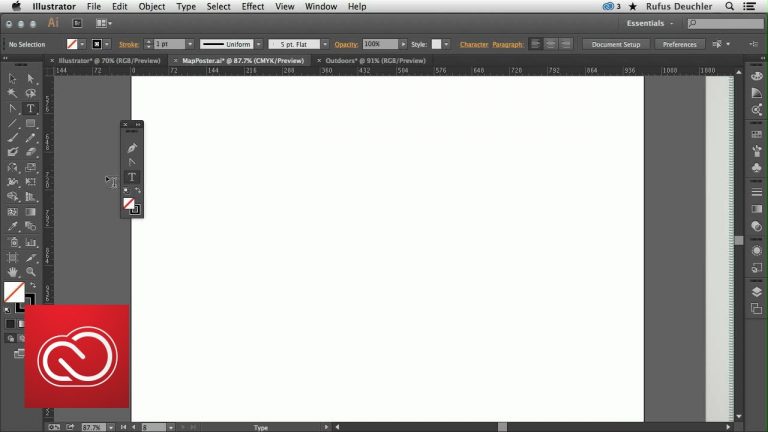
All-new Pencil tool in Adobe Illustrator CC | Adobe Creative Cloud

0

See how the all-new Pencil toolin Illustrator CC lets you draw curves more accurately, with options to extend paths, draw straight lines, and close paths. You can also use presets to create smooth paths with fewer points or more precise renditions of actual strokes.

Subscribe: https://www.youtube.com/user/adobecreativecloud?sub_confirmation=1

LET’S CONNECT
Facebook: http://facebook.com/adobecreativecloud
Twitter: http://twitter.com/creativecloud
Instagram: http://www.instagram.com/adobecreativecloud/

Adobe Creative Cloud gives you the world’s best creative apps so you can turn your brightest ideas into your greatest work across your desktop and mobile devices.
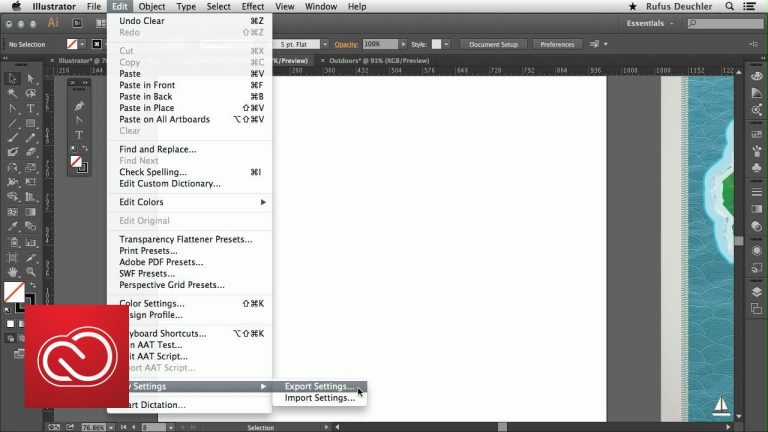
Custom Tools panels in Illustrator CC | Adobe Creative Cloud

0

See how Illustrator CC lets you tailor your workspace and tools for specific workflows. Create specialized toolsets by dragging and dropping just the tools you need — like drawing, editing, or selection tools — into a custom panel.

Subscribe: https://www.youtube.com/user/adobecreativecloud?sub_confirmation=1

LET’S CONNECT
Facebook: http://facebook.com/adobecreativecloud
Twitter: http://twitter.com/creativecloud
Instagram: http://www.instagram.com/adobecreativecloud/

Adobe Creative Cloud gives you the world’s best creative apps so you can turn your brightest ideas into your greatest work across your desktop and mobile devices.
Customer Requested Timesavers in Illustrator CC | Adobe Creative Cloud

0

See how Illustrator CC lets you work with new timesavers, from exporting settings to a folder to share across workgroups, the ability to draw and resize artboards from the center, access Fill/Stroke controls in the Swatches panel, and use sliders to control opacity settings.

Subscribe: https://www.youtube.com/user/adobecreativecloud?sub_confirmation=1

LET’S CONNECT
Facebook: http://facebook.com/adobecreativecloud
Twitter: http://twitter.com/creativecloud
Instagram: http://www.instagram.com/adobecreativecloud/

Adobe Creative Cloud gives you the world’s best creative apps so you can turn your brightest ideas into your greatest work across your desktop and mobile devices.

Live Corners in Adobe Illustrator CC | Adobe Creative Cloud

0

See how Live Corners in Illustrator CC lets you finesse your designs more directly and intuitively. Edit and re-edit the corners of shapes and paths visually with on-art controls, or by entering values in the Control panel or new Corners dialog box. You can round, invert, or chamfer one or multiple corners at the same time.

Subscribe: https://www.youtube.com/user/adobecreativecloud?sub_confirmation=1

LET’S CONNECT
Facebook: http://facebook.com/adobecreativecloud
Twitter: http://twitter.com/creativecloud
Instagram: http://www.instagram.com/adobecreativecloud/

Adobe Creative Cloud gives you the world’s best creative apps so you can turn your brightest ideas into your greatest work across your desktop and mobile devices.

How to Use Path Segment Reshape: Adobe Illustrator CC | Adobe Creative Cloud

0

See how you can edit paths by fluidly dragging path segments into the shape you desire. New path reshape technology in Illustrator CC, available in the Anchor Point and Direct Selection tools, and accessible from the Pen tool, provides a more direct and intuitive way of editing path segments.

Subscribe: https://www.youtube.com/user/adobecreativecloud?sub_confirmation=1

LET’S CONNECT
Facebook: http://facebook.com/adobecreativecloud
Twitter: http://twitter.com/creativecloud
Instagram: http://www.instagram.com/adobecreativecloud/

Adobe Creative Cloud gives you the world’s best creative apps so you can turn your brightest ideas into your greatest work across your desktop and mobile devices.