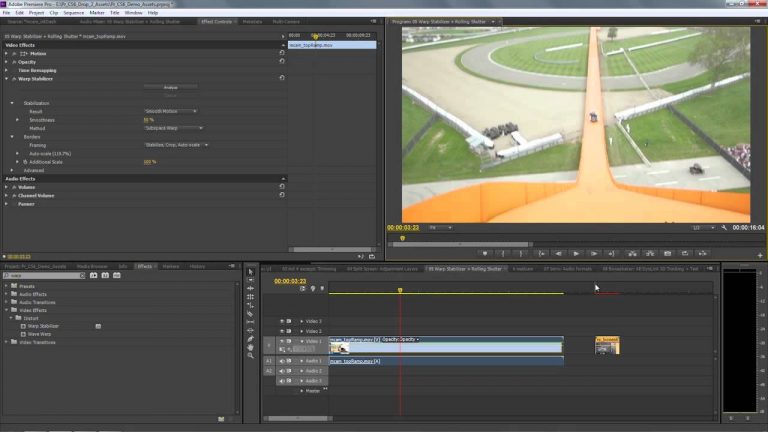
Product Manager Al Mooney shows how to use the Warp Stabilizer effect in Adobe Premiere Pro CS6 to not just smooth the motion footage but to remove motion artifacts that would otherwise remain after stabilization.
Using the New Adjustment Layers in Premiere Pro CS6
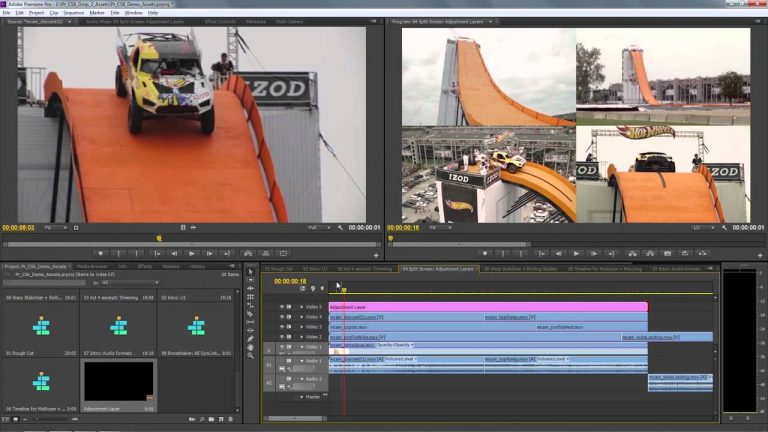
Product Manager Al Mooney shows how to apply adjustment layers, similar to those in After Effects and Photoshop, to apply effects and have the effects automatically modify all of the underlying tracks.
Transform visual designs into CSS styles using CSS and SVG export | Adobe Creative Cloud
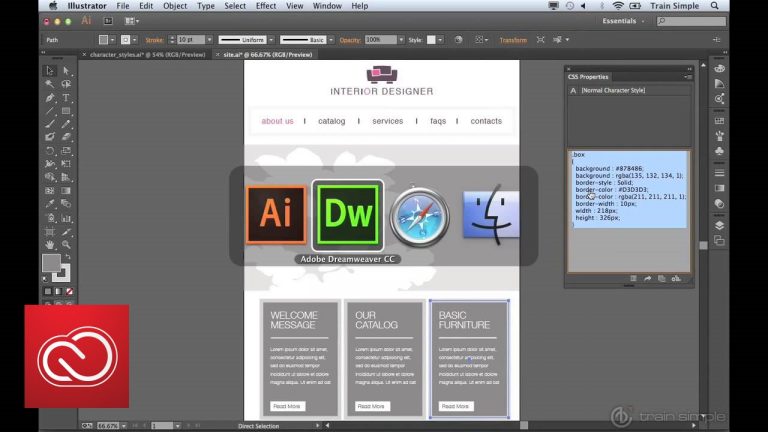
New features in Illustrator CC allow for an easier design-to-web workflow.
Subscribe: https://www.youtube.com/user/adobecreativecloud?sub_confirmation=1
LET’S CONNECT
Facebook: http://facebook.com/adobecreativecloud
Twitter: http://twitter.com/creativecloud
Instagram: http://www.instagram.com/adobecreativecloud/
Adobe Creative Cloud gives you the world’s best creative apps so you can turn your brightest ideas into your greatest work across your desktop and mobile devices.
Editing Enhancements in Premiere Pro CS6
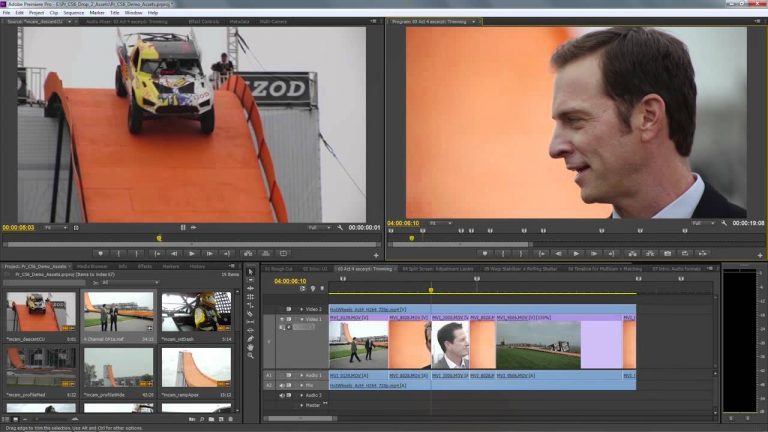
Product Manager Al Mooney shows how to take advantage of the new editing features that make you more efficient which includes more than 50 of the top user-requested improvements in Adobe Premiere Pro CS6.
Native-Format Workflows in Adobe Premiere Pro CC
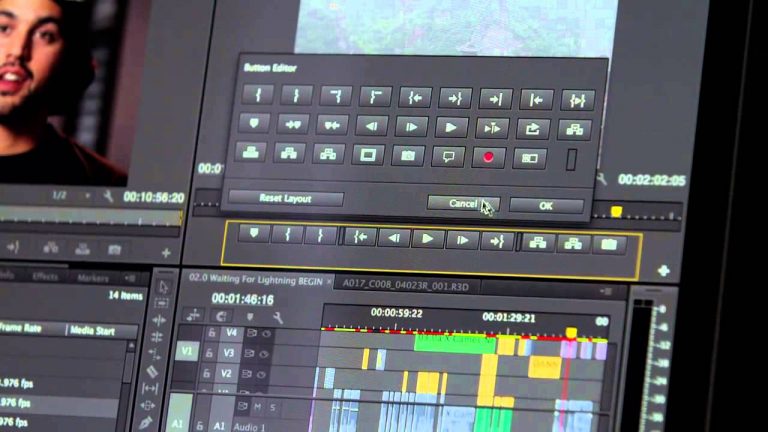
Learn how easy it is to work natively with nearly any digital camera format, from camera phone to RAW 5K, in Adobe Premiere Pro CC.
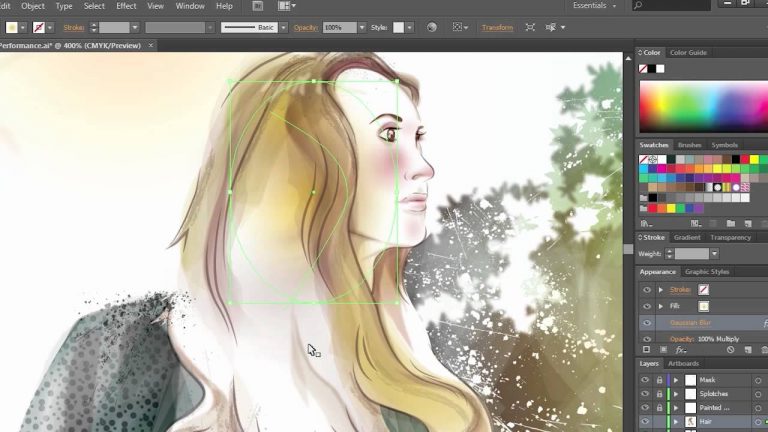
Deep Dive on Illustrator CS6 Performance Enhancements
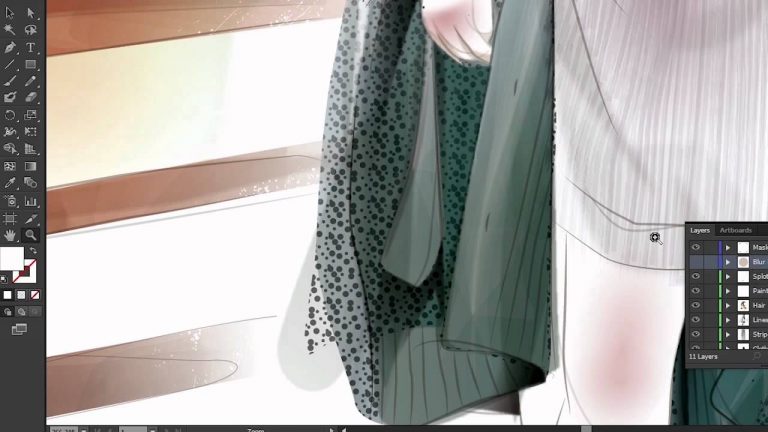
Deep Dive on Illustrator CS6 Performance Enhancements.
DSLR Editing Workflow in Adobe Premiere Pro CC, Part 1: From Camera Directly to Adobe Premiere Pro
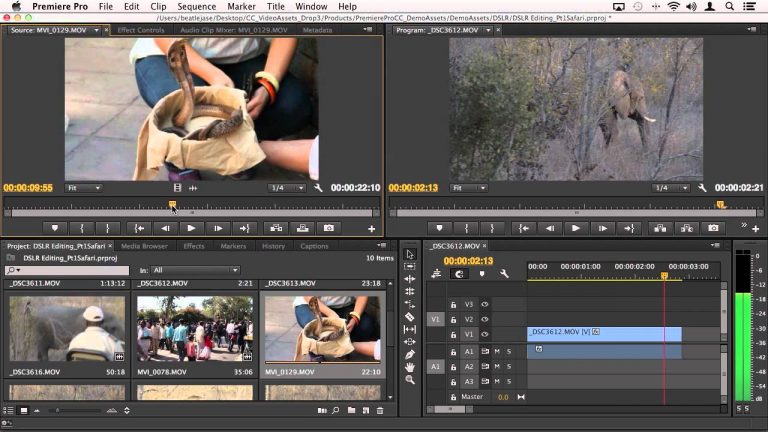
In this updated video for Adobe Premiere Pro CC (Part 1 of 3), Principal Worldwide Evangelist Jason Levine walks you through the basics of importing footage from your DSLR directly into Adobe Premiere Pro, selecting clips, setting In/Out points, and building a sequence. Work with multiple formats/frame rates/frame sizes, all simultaneously, and learn how the Adobe Mercury Playback Engine can be modified to optimize playback performance, no matter what kind of machine you’re editing on.
Adobe at Las Vegas SuperMeet – NAB 2014 | Adobe Creative Cloud
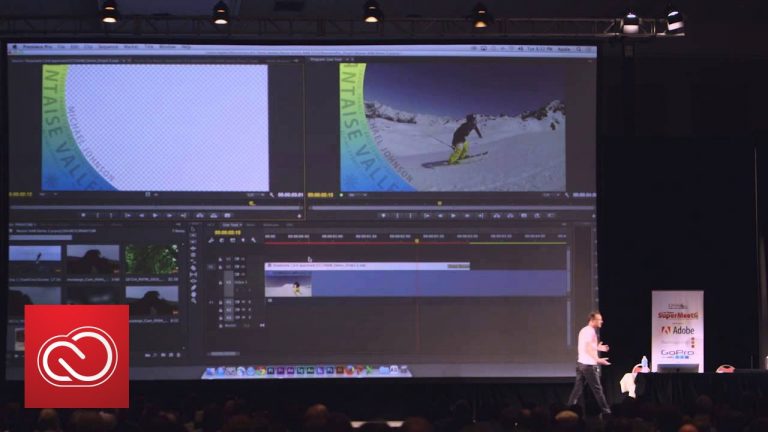
Al Mooney presents the awesome new features coming to Adobe Premiere Pro in front of a packed house at the Las Vegas Supermeet during NAB 2014. LEARN MORE about Adobe Pro Video tools: http://adobe.ly/1Bn4vX3
Subscribe: https://www.youtube.com/user/adobecreativecloud?sub_confirmation=1
LET’S CONNECT
Facebook: http://facebook.com/adobecreativecloud
Twitter: http://twitter.com/creativecloud
Instagram: http://www.instagram.com/adobecreativecloud/
Adobe Creative Cloud gives you the world’s best creative apps so you can turn your brightest ideas into your greatest work across your desktop and mobile devices.
Creating JavaScript in Flash Professional CS6
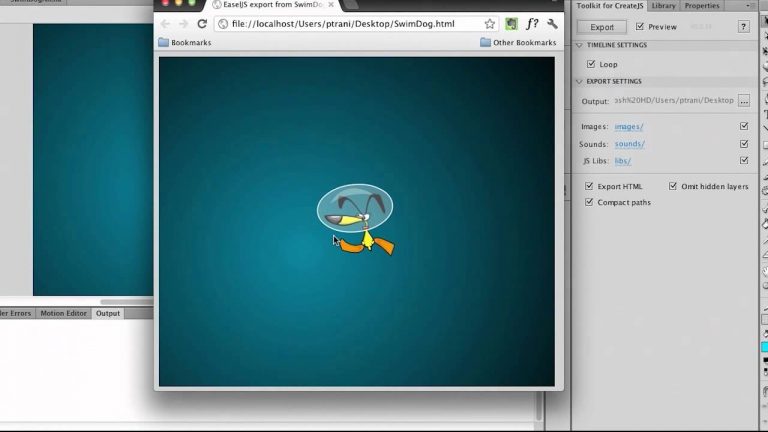
Adobe Evangelist Paul Trani shows how to create HTML content in JavaScript using Flash Professional CS6.