
(Focused Towards a Web Audience) Include Ps, Ai etc
Russell Brown: Six Favorite Features from Photoshop CS6

Check out Russell Brown’s six favorite features in Photoshop CS6 in six minutes.
Get Photoshop CC: http://adobe.ly/10ekpOA
Follow Photoshop:
https://www.facebook.com/Photoshop
Tweets by Photoshop
https://plus.google.com/+Photoshop
source: youtube.com
Top Productivity Enhancements in InDesign CS6
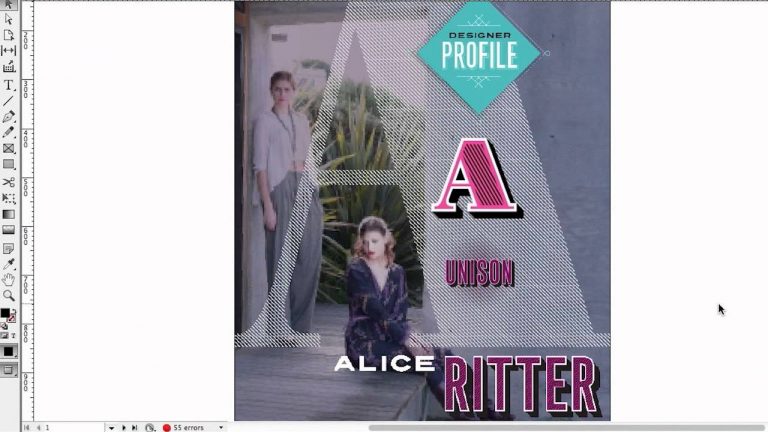
Adobe Design Evangelist Terry White shares the top productivity enhancements in InDesign CS6 including split window display, recently used font menu and align to key objects.
New Reflections and Draggable Shadows in Photoshop CS6 Extended

Quickly achieve 3D realism by adding and enhancing shadows and reflections on your ground plane. Drag a shadow to reposition the light source, and easily edit ground reflections, shadows, and other effects.
Get Photoshop CC: http://adobe.ly/10ekpOA
Follow Photoshop:
https://www.facebook.com/Photoshop
Tweets by Photoshop
https://plus.google.com/+Photoshop
source: youtube.com
Getting Started with the New Liquid Layout and Alternate Layout Features in InDesign CS6
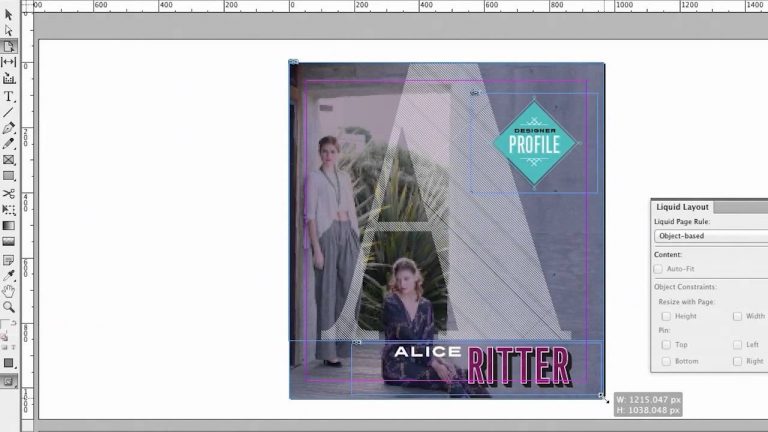
Adobe Design Evangelist Terry White shows how to use the new Liquid Layout and Alternate Layout.
New Blur Gallery in Photoshop CS6

Quickly create photographic blur effects using a simple new interface with on-image controls. Create tilt-shift effects, blur everything and then sharpen one focal point, or vary the blurriness between multiple focal points. The Mercury Graphics Engine delivers immediate results.
Get Photoshop CC: http://adobe.ly/10ekpOA
Follow Photoshop:
https://www.facebook.com/Photoshop
Tweets by Photoshop
https://plus.google.com/+Photoshop
source: youtube.com
Using the Content Collector Tool in InDesign CS6
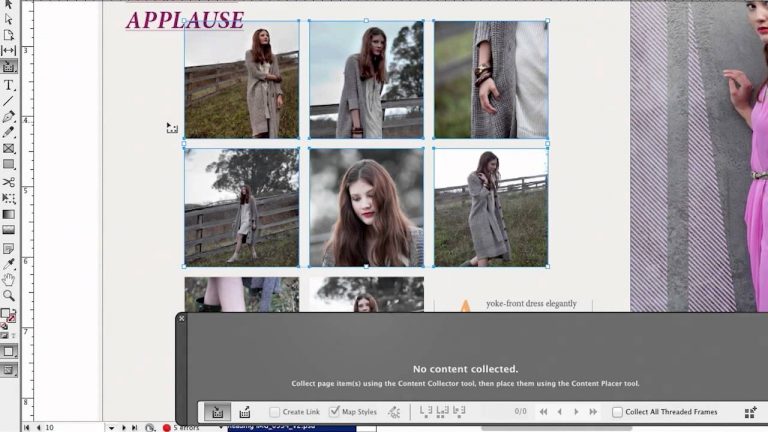
Adobe Design Evangelist Terry White shows how to use the Content Collector tool InDesign CS6.
Using Control Surfaces in the Audio Workflow with Audition CS6
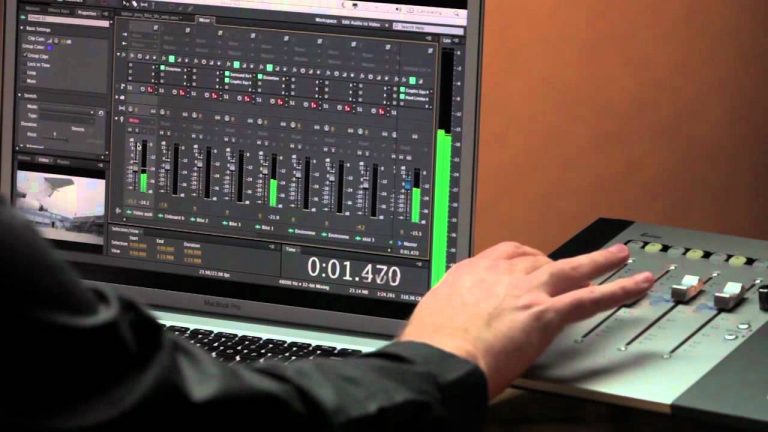
Adobe Evangelist Jason Levine shows how to use control surfaces in Audition CS6.
New and Reengineered Design Tools in Photoshop CS6

Create superior designs faster. Get consistent formatting with type styles, use vector layers to apply strokes and add gradients to vector objects, easily create custom strokes and dashed lines, quickly search layers, and more.
Get Photoshop CC: http://adobe.ly/10ekpOA
Follow Photoshop:
https://www.facebook.com/Photoshop
Tweets by Photoshop
https://plus.google.com/+Photoshop
source: youtube.com
What’s New in InDesign CS6 for Print Designers

Adobe Design Evangelist Terry White shows off the new print workflow improvements InDesign CS6 including alternate layout, linked content, Content Collector tools and gray scale preview and export to PDF.