Adobe Premiere Pro CC tutorials for beginners, Learn how to Build a sequence Most of the creative work in Premiere Pro happens when you build a sequence of clips that play, one after another. You’ll need to create a sequence before you can add clips to it. #Adobe #GraphicDesign #Tutorial
Adobe Premiere Pro CC tutorials for beginners | how to Import media
Adobe Premiere Pro CC tutorials for beginners, how to Import media When you import videos into Premiere Pro, they appear as clips shortcuts to your media files in the Project panel. #Adobe #GraphicDesign #Tutorial
Adobe Premiere Pro CC tutorials for beginners | Workspace overview
Adobe Premiere Pro CC tutorials for beginners Workspace overview Understand the basic user interface to become familiar with Premiere Pro. #Adobe #GraphicDesign #Tutorial
How to create a video project | Adobe Premiere Pro CC tutorials for beginners
How to create a video project, Adobe Premiere Pro CC tutorials for beginners Welcome to this series of tutorials designed to teach you basic editing skills with Adobe Premiere Pro CC. This tutorial introduces you to the Premiere Pro workspace and shows you how to create new projects. #Adobe #GraphicDesign #Tutorial
The Basics of Character Animation (Rigging & Puppet Pin) | After Effects Tutorial
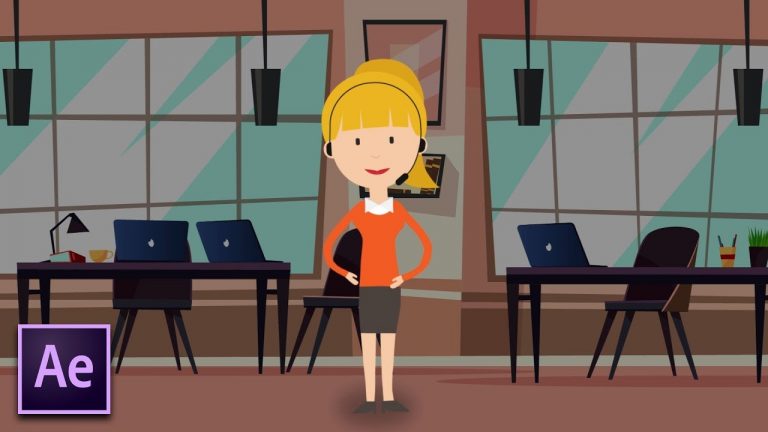
In this After Effects Tutorial, learn the basics of Character Animation and hit the ground running. This tutorial covers the main principals of character rigging and using the Puppet Pin tool. Rigging is the optimal way to animate a character, as everything is in your control. The puppet pin tool allows you to animate whole objects within minutes.
► Cartoon Animation After Effects Templates: http://bit.ly/2MrutEb
– Pixity Land: http://bit.ly/2OhKX28
– Cartoon Explainer Toolkit: http://bit.ly/2Mfgl4h
► More Tutorials on Cartoon Animation:
– Intro To Cartoon Animation: https://youtu.be/QQgmXARn8aA
– Vector Icon Animation: https://youtu.be/hM7WOMWoNLM
– Halloween Cartoon Scene: https://youtu.be/HAD6Ky9p2Hs
► Download Free Illustrator Vectors Here:
– Office Background: http://bit.ly/2PcxiLa
– Character Used: http://bit.ly/2MOw7A5
Social Media:
Drop a like on Facebook: https://www.facebook.com/sonduckfilm
Hit me up on Instagram: http://instagram.com/sonduckfilm
Follow me on Twitter: https://twitter.com/SonduckFilm
Connect with me on Linkedin: https://www.linkedin.com/in/joshnoel
Visit our website https://www.sonduckfilm.com for more tutorials, giveaways and film and photo gear!
New After Effects Tutorial Tomorrow!
Learn After Effects Expressions Course: https://ukramedia.com/course/adobe-after-effects-expressions/
LINKS:
Get Adobe After Effects and CC: https://clk.tradedoubler.com/click?p(…)
Get Adobe CC Trial: https://clk.tradedoubler.com/click?p(…)
Get Adobe CC Student: https://clk.tradedoubler.com/click?p(…)
Find The Perfect Asset For Your Next Creative Project: https://clk.tradedoubler.com/click?p(…)
LET’S CONNECT:
Facebook: https://www.facebook.com/ukramedia
Sergei’s Facebook Page: https://www.facebook.com/sergeiprokhn…
Twitter: https://twitter.com/ukramedia
Instagram: https://www.instagram.com/ukramedia/
Pinterest: https://www.pinterest.com/ukramedia/
Linkedin: https://www.linkedin.com/company/ukra…
YouTube: https://www.youtube.com/c/ukramedia
Mailing Address:
P.O. Box 621
Huntersville, NC 28070
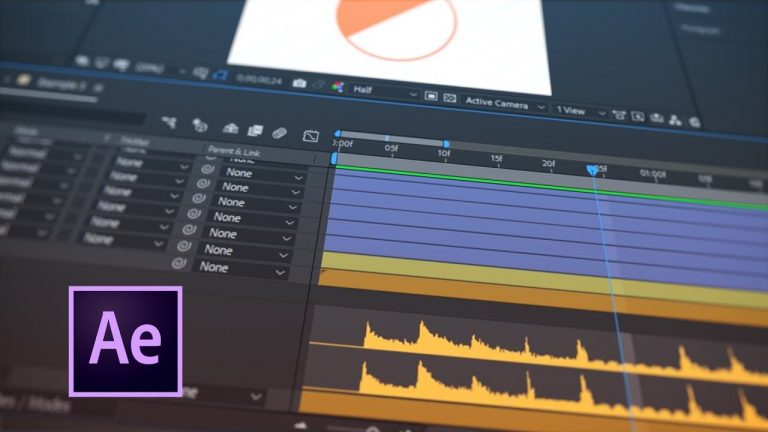
How To Trigger Layer Visibility with Sound and Expressions in After Effects
Project File: https://ukramedia.com/how-to-trigger-layer-visibility-with-sound-and-expressions-in-after-effects/
Learn After Effects Expressions Course: https://ukramedia.com/course/adobe-after-effects-expressions/
Audio Beat Counter Code: http://motionscript.com/design-guide/audio-count.html
Join Our Free Online Mentoring Group at: https://www.facebook.com/groups/ukramedia/
LINKS:
Get Adobe After Effects and CC: https://clk.tradedoubler.com/click?p(…)
Get Adobe CC Trial: https://clk.tradedoubler.com/click?p(…)
Get Adobe CC Student: https://clk.tradedoubler.com/click?p(…)
Find The Perfect Asset For Your Next Creative Project: https://clk.tradedoubler.com/click?p(…)
LET’S CONNECT:
Facebook: https://www.facebook.com/ukramedia
Sergei’s Facebook Page: https://www.facebook.com/sergeiprokhn…
Twitter: https://twitter.com/ukramedia
Instagram: https://www.instagram.com/ukramedia/
Pinterest: https://www.pinterest.com/ukramedia/
Linkedin: https://www.linkedin.com/company/ukra…
YouTube: https://www.youtube.com/c/ukramedia
Mailing Address:
P.O. Box 621
Huntersville, NC 28070
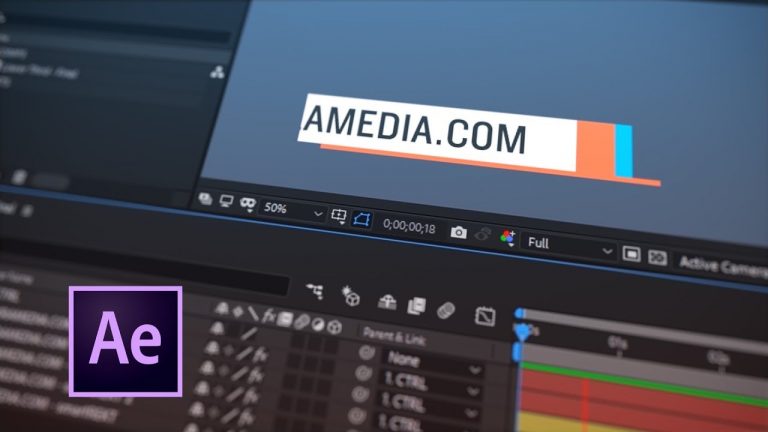
How To Create a Simple Lower Third in After Effects
Project File: https://ukramedia.com/how-to-create-a-simple-lower-third-in-after-effects/
smartREKT: https://ukramedia.com/product/smartrekt/
Learn After Effects Expressions Course: https://ukramedia.com/course/adobe-after-effects-expressions/
Join Our Free Online Mentoring Group at: https://www.facebook.com/groups/ukramedia/
Live Stream Link: https://youtu.be/s-Gn8sIY5fc
Mailing Address:
P.O. Box 621
Huntersville, NC 28070
LINKS:
Get Adobe After Effects and CC: https://clk.tradedoubler.com/click?p(…)
Get Adobe CC Trial: https://clk.tradedoubler.com/click?p(…)
Get Adobe CC Student: https://clk.tradedoubler.com/click?p(…)
Find The Perfect Asset For Your Next Creative Project: https://clk.tradedoubler.com/click?p(…)
LET’S CONNECT:
Facebook: https://www.facebook.com/ukramedia
Sergei’s Facebook Page: https://www.facebook.com/sergeiprokhn…
Twitter: https://twitter.com/ukramedia
Instagram: https://www.instagram.com/ukramedia/
Pinterest: https://www.pinterest.com/ukramedia/
Linkedin: https://www.linkedin.com/company/ukra…
YouTube: https://www.youtube.com/c/ukramedia
Free Overshoot & Bounce Back After Effects Script
On everyone’s list of their favorite expressions is the Overshoot and Bounce Back expressions created by Dan Ebberts (motionscript.com). Many of us have a text file with both of them in it to copy and paste onto any property. There is no argument for the usefulness of these expressions. However, they are a bit cumbersome to apply and require us to delve into the expression to adjust any of the parameters. Tim Thiessen, also known as pixelbot, solved this problem with his script called BOUNCr. It’s a dockable After Effects script that allows us to apply an Overshoot or Bounce Back to the selected properties. It also creates a Controller Effect to the selected layers that allows us to quickly adjust the parameters.
BOUNCr Script Download Link:
https://ukramedia.com/product/bouncr/
Do you want to get in touch with the author of this script, Tim Thiessen?
You can reach him at pixelbot@gmail.com
Also, check out Tim’s Chain & Sprockets script: www.aescripts.com/chain-and-sprockets/
Facebook Mentoring Group:
https://www.facebook.com/groups/ukramedia/
LINKS:
Get Adobe After Effects and CC: https://clk.tradedoubler.com/click?p(264355)a(2900636)g(22804962)url(https://creative.adobe.com/plans?sdid=KKSPF&kw=semoverview&mv=search&s_kwcid=AL!3085!10!13362180955!20541711544&ef_id=V13CaAAABYQcu4O2:20161105023903:s)
Get Adobe CC Trial: https://clk.tradedoubler.com/click?p(264355)a(2900636)g(22804962)url(http://www.adobe.com/creativecloud/catalog/desktop.html)
Get Adobe CC Student: https://clk.tradedoubler.com/click?p(264355)a(2900636)g(22804962)url(https://creative.adobe.com/plans?plan=edu)
Find The Perfect Asset For Your Next Creative Project: https://clk.tradedoubler.com/click?p(264355)a(2900636)g(22804962)url(https://stock.adobe.com/?as_content=fmflp&as_channel=sem&as_campclass=brand&as_campaign=US%7CCPRO%7CStock%7CPURCH%7CAS_Brand%7CGG%7C%7C&as_source=google&as_camptype=acquisition&sdid=KQPCU&s_kwcid=AL!3085!3!147228884620!e!!g!!adobe%20stock&ef_id=V15JXwAAAV06S8xU:20161105024353:s)
LET’S CONNECT:
Facebook: https://www.facebook.com/ukramedia
Sergei’s Facebook Page: https://www.facebook.com/sergeiprokhnevskiy/
Twitter: https://twitter.com/ukramedia
Instagram: https://www.instagram.com/ukramedia/
Pinterest: https://www.pinterest.com/ukramedia/
Linkedin: https://www.linkedin.com/company/ukramedia
YouTube: https://www.youtube.com/c/ukramedia
Mailing Address:
P.O. Box 621
Huntersville, NC 28070
*** MUSIC BY: VLAD SOLOKHA. Vlad is a family friend who is a very talented musician. You can reach out to him by going to his facebook at https://www.facebook.com/vlad.solokha?fref=ts.
Shape Layers in After Effects
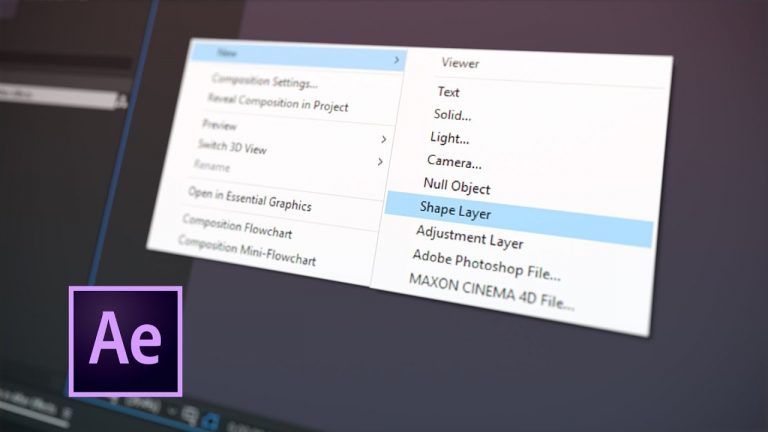
In this video tutorial, I will go over Shape Layers in After Effects.
Subscribe to our Mailing List: https://landing.mailerlite.com/webforms/landing/d6i0u9
SHAPE LAYERS IN AFTER EFFECTS:
00:05 Vectors vs Raster
02:46 Shape Layer vs Solid Layer
06:36 Parametric vs Bezier Shape Path
11:02 How to Open Shape Path
11:31 Bezier vs RotoBezier
13:04 Fill & Stroke
17:21 Center Anchor Point in New Shape Layer
18:18 Advanced Masking
19:52 Convert Text & Vector Layers into Shape Layers
20:55 Move Paths Between Illustrator & After Effects
22:11 Working with Multiple Shapes
28:35 Shape Attributes
34:56 Convert Points to Nulls
37:49 smartREKT (https://ukramedia.com/product/smartrekt/)
LINKS:
Get Adobe After Effects and CC: https://clk.tradedoubler.com/click?p(264355)a(2900636)g(22804962)url(https://creative.adobe.com/plans?sdid=KKSPF&kw=semoverview&mv=search&s_kwcid=AL!3085!10!13362180955!20541711544&ef_id=V13CaAAABYQcu4O2:20161105023903:s)
Get Adobe CC Trial: https://clk.tradedoubler.com/click?p(264355)a(2900636)g(22804962)url(http://www.adobe.com/creativecloud/catalog/desktop.html)
Get Adobe CC Student: https://clk.tradedoubler.com/click?p(264355)a(2900636)g(22804962)url(https://creative.adobe.com/plans?plan=edu)
Find The Perfect Asset For Your Next Creative Project: https://clk.tradedoubler.com/click?p(264355)a(2900636)g(22804962)url(https://stock.adobe.com/?as_content=fmflp&as_channel=sem&as_campclass=brand&as_campaign=US%7CCPRO%7CStock%7CPURCH%7CAS_Brand%7CGG%7C%7C&as_source=google&as_camptype=acquisition&sdid=KQPCU&s_kwcid=AL!3085!3!147228884620!e!!g!!adobe%20stock&ef_id=V15JXwAAAV06S8xU:20161105024353:s)
LET’S CONNECT:
Facebook: https://www.facebook.com/ukramedia
Facebook Mentoring Group: https://www.facebook.com/groups/ukramedia/
Sergei’s Facebook Page: https://www.facebook.com/sergeiprokhnevskiy/
Twitter: https://twitter.com/ukramedia
Instagram: https://www.instagram.com/ukramedia/
Pinterest: https://www.pinterest.com/ukramedia/
Linkedin: https://www.linkedin.com/company/ukramedia
YouTube: https://www.youtube.com/c/ukramedia
Mailing Address:
P.O. Box 621
Huntersville, NC 28070
*** MUSIC BY: VLAD SOLOKHA. Vlad is a family friend who is a very talented musician. You can reach out to him by going to his facebook at https://www.facebook.com/vlad.solokha?fref=ts.