Home Blog Page 456

After Effects Tutorial: Particle CHRISTMAS TREE Animation | Trapcode Particular

0

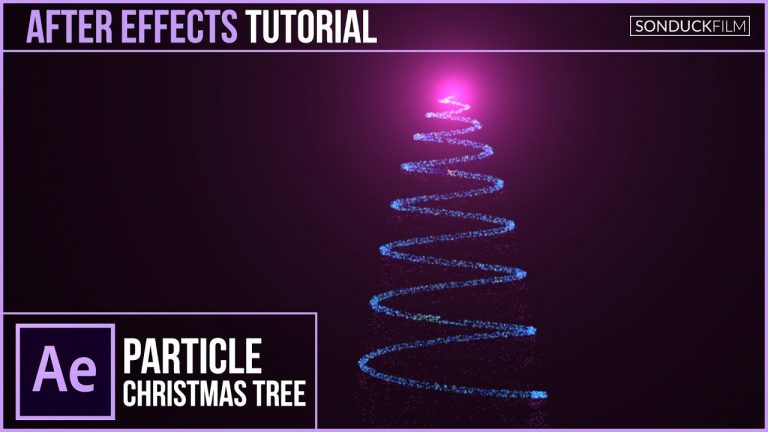
For our christmas tutorial series, we will create a particle christmas tree in After Effects. You will need Adobe Illustrator and Trapcode Particular. Optical Flares is optional. This particle motion graphic can be great for logo animations to put at the end of videos. It is holiday season and adding a particle christmas tree will add the spirt to your Animation!

Visit our website https://www.sonduckfilm.com for more tutorials, giveaways and film and photo gear!

Download Project Files Here:

After Effects: Particle Christmas Tree Animation

Social Media:
Drop a like on Facebook: https://www.facebook.com/sonduckfilm
Hit me up on Instagram: http://instagram.com/sonduckfilm
Follow me on Twitter: https://twitter.com/SonduckFilm
Connect with me on Linkedin: https://www.linkedin.com/in/joshnoel

Suggested After Effects Tutorials:
80’s Intro Advanced: https://youtu.be/uGxruFKgt6U
Christmas 3D Snow World: https://youtu.be/sBgrIJt1mjA
Photo Collage Animation: https://youtu.be/Ixp32jcI4lA
Particle Reveal Along a Path: https://youtu.be/81oz2rtAtYk
Lighting 101: https://youtu.be/nUP0kfoMqNY
How I made my Youtube Intro: https://youtu.be/DN8oUBrsFzI

After Effects Tutorial: Create FIREWORKS with Trapcode Particular

0

It’s the hoilday season and we contiue our series on creating christmas and New Years motion graphics. In this After Effects Tutorial, create amazing fireworks with Trapcode Particular. After watching this tutorial, you should be able to create variations in your fireworks. Using Particular to create fireworks gives you the opportunity to fine tune your designs and your animations. We will cover the parameters that affect the outcome of your firework.

Visit our website https://www.sonduckfilm.com for more tutorials, giveaways and film and photo gear!

Download Project Files Here:

After Effects Tutorial: Create Fireworks with Particular

Social Media:
Drop a like on Facebook: https://www.facebook.com/sonduckfilm
Hit me up on Instagram: http://instagram.com/sonduckfilm
Follow me on Twitter: https://twitter.com/SonduckFilm
Connect with me on Linkedin: https://www.linkedin.com/in/joshnoel

Suggested After Effects Tutorials:
80’s Intro Advanced: https://youtu.be/uGxruFKgt6U
Christmas 3D Snow World: https://youtu.be/sBgrIJt1mjA
Particle Christmas Tree: https://youtu.be/H2WVNvOK68o
Particle Audio Reaction: https://youtu.be/EgcMERrT23M
3D Particle Intro: https://youtu.be/jt0o5ca1sFE

After Effects Tutorial: CHRISTMAS TOWN Animation Scene with Illustrator

0

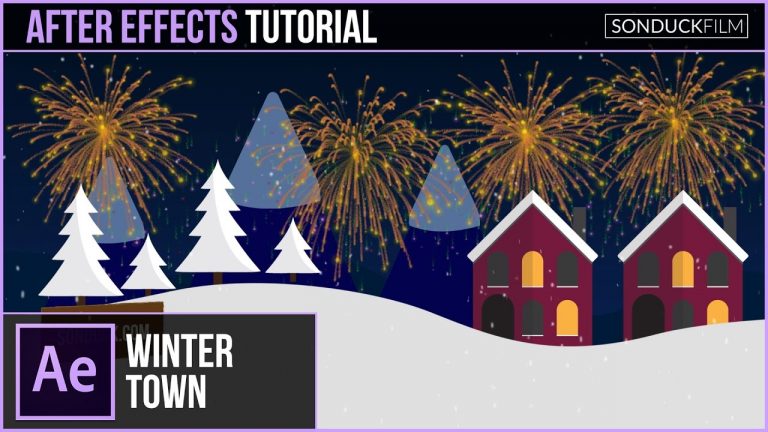
Welcome back to another Christmas winter animation! For this After Effects Tutorial, we will be creating a winter town with AE and Adobe Illustrator. Creating a vector animation like this requires us to use Illustrator to design graphics with ease. The Illustrator to After Effects workflow is seamless and intuitive. We’re be focusing on creating a few GFX like a house, mountains, and tree layers. Then we’ll set up the scene and fully animate it!

Visit our website https://www.sonduckfilm.com for more tutorials, giveaways and film and photo gear!

Download Project Files Here:

After Effects: CHRISTMAS TOWN Animation Scene with Illustrator

Social Media:
Drop a like on Facebook: https://www.facebook.com/sonduckfilm
Hit me up on Instagram: http://instagram.com/sonduckfilm
Follow me on Twitter: https://twitter.com/SonduckFilm
Connect with me on Linkedin: https://www.linkedin.com/in/joshnoel

Suggested After Effects Tutorials:
Animated Icons: https://youtu.be/OZFuYj_ohWw
Geometric Sequence: https://youtu.be/kjCAXXlnKR4
Precise Infographics: https://youtu.be/pArivwQxgVY
Animated Flat Icons: https://youtu.be/YGBRpCOtjNM
Illustrator to After Effects Vectos: https://youtu.be/YGBRpCOtjNM
Intro to HUD Motion Graphics: https://youtu.be/joLaKW8o2ng

After Effects Tutorial: 2D SNOW GLOBE – Christmas Motion Graphics

0

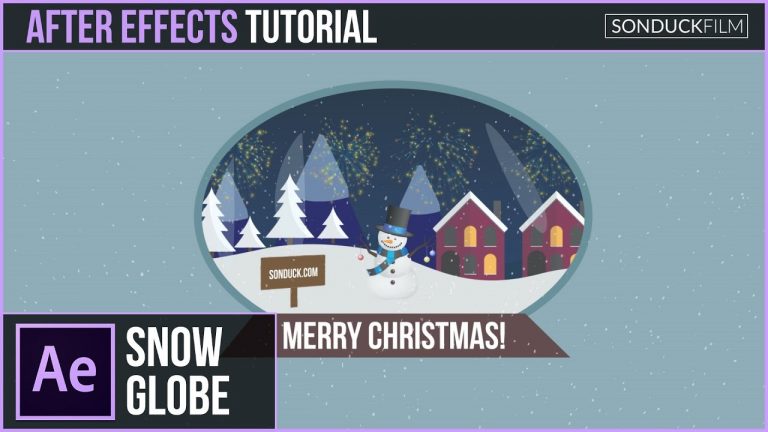
In a continuing series for christmas and winter town motion graphics, in this After Effects tutorial we will create a 2D snow globe animation. Setting up a scene like this requires a bit of thinking. To create a 2d snow globe, we start off with our christmas motion graphics from the previous tutorial. Then we seperate all of the our elements into 3D space and design the snow globe. Once those task are done, we have ourselves a pretty cool animation in AE!

Watch how to create a winter town:

Visit our website https://www.sonduckfilm.com for more tutorials, giveaways and film and photo gear!

Download Project Files Here:

After Effects: 2D SNOW GLOBE – Christmas Motion Graphics

Social Media:
Drop a like on Facebook: https://www.facebook.com/sonduckfilm
Hit me up on Instagram: http://instagram.com/sonduckfilm
Follow me on Twitter: https://twitter.com/SonduckFilm
Connect with me on Linkedin: https://www.linkedin.com/in/joshnoel

Suggested After Effects Tutorials:
Christmas 3D Snow World: https://youtu.be/sBgrIJt1mjA
Particle Christmas Tree: https://youtu.be/H2WVNvOK68o
Create Fireworks: https://youtu.be/hrchdAn_o_Q
Winter Town Animation: https://youtu.be/9qYwnAxfcXM
Particle Reveal Along a Path: https://youtu.be/81oz2rtAtYk
Flip Text Chart: https://youtu.be/lO54j6So7dA

Adobe Illustrator CC Tutorial: Flat CHRISTMAS VECTORS | Graphic Design

0

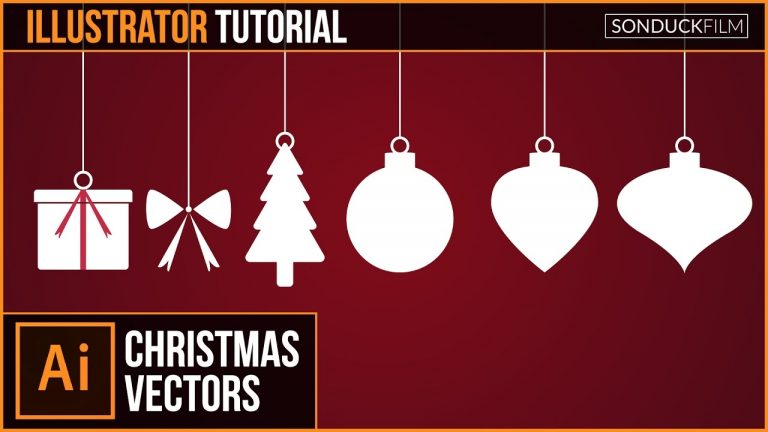
Posting a graphic design tutorial on a Thursday! We’re be diving into Adobe Illustrator CC and creating flat christmas vectors for motion designs or graphic designers. We will be designing several christmas vectors like presents, ribbons, a christmas tree, and ornaments. Adobe Illustrator allows designers to quickly create graphics that are scaleable in all adobe software. In our After Effects tutorials, we usually use vectors designed in Illustrator. Since, it’s the christmas season, we decided to create holiday vectors while showing how to use Illustrator. Hope you enjoy this Adobe Illustrator CC Tutorial!

Visit our website https://www.sonduckfilm.com for more tutorials, giveaways and film and photo gear!

Download Project Files Here:

Illustrator Tutorial: Flat CHRISTMAS VECTORS | Graphic Design

Social Media:
Drop a like on Facebook: https://www.facebook.com/sonduckfilm
Hit me up on Instagram: http://instagram.com/sonduckfilm
Follow me on Twitter: https://twitter.com/SonduckFilm
Connect with me on Linkedin: https://www.linkedin.com/in/joshnoel

Suggested Illustrator Tutorials:
Illustrator to After Effects Vectors: https://youtu.be/YGBRpCOtjNM
Flat Icon Design: https://youtu.be/B1nzX0e5LCI
Cartoon Vector City: https://youtu.be/8gKx4-1ZJSg
Calligraphic Design: https://youtu.be/1OF96-vrwjc

After Effects Tutorial: Two-Tone Holiday Motion Graphics

0

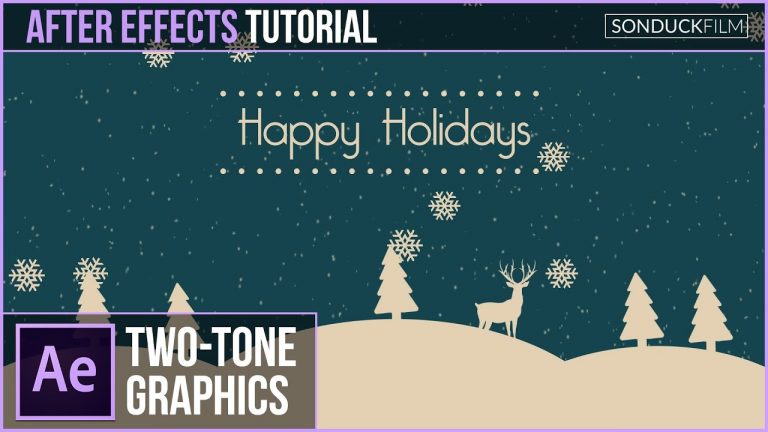
I’m always inspire by graphic design work that I decided to create Two-Tone motion graphics based off a work that I saw. In this After Effects Tutorial, create a two-tone holiday animation. Learn the concepts of palette and quickly gathering vectors to design a great two-tone composition inside of After Effects. The two-tone style is great when you want to have viewers focus on a specific group of elements. In the tutorial, you’ll take notice of the cream-colored objects, while the background compliments with blue.

Visit our website https://www.sonduckfilm.com for more tutorials, giveaways and film and photo gear!

Download Project Files Here:

After Effects: Two-Tone Holiday Motion Graphics

Social Media:
Drop a like on Facebook: https://www.facebook.com/sonduckfilm
Hit me up on Instagram: http://instagram.com/sonduckfilm
Follow me on Twitter: https://twitter.com/SonduckFilm
Connect with me on Linkedin: https://www.linkedin.com/in/joshnoel

Suggested After Effects Tutorials:
Christmas 3D Snow World: https://youtu.be/sBgrIJt1mjA
Particle Christmas Tree: https://youtu.be/H2WVNvOK68o
Create Fireworks: https://youtu.be/hrchdAn_o_Q
Winter Town Animation: https://youtu.be/9qYwnAxfcXM
Snow Globe: https://youtu.be/d_f-2kRSXYo

Suggested Illustrator Tutorial:
Flat Christmas Vectors: https://youtu.be/2LMgF2GvWBE

After Effects Tutorial: Low Poly 3D Objects with Trapcode Mir

0

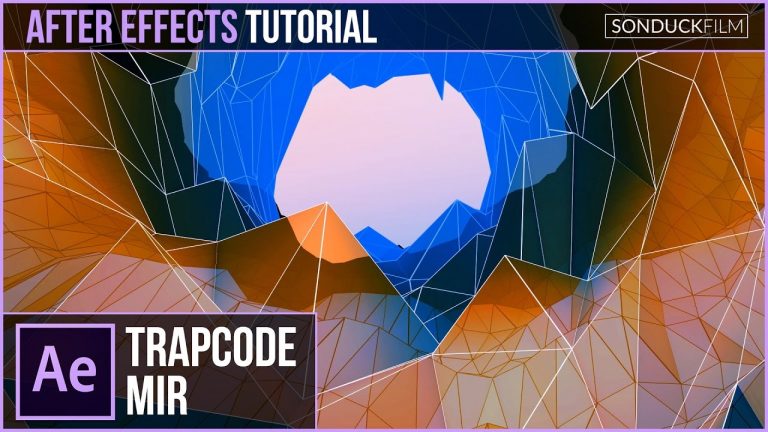
Trapcode Mir is a plugin from Red Giant that is focused on creating abstract objects using 3D geometry. In this After Effects Tutorial, we will use Trapcode Mir to create a low poly 3D tunnel. Creating low poly 3D objects in the past required 3D software like Cinema 4D or Max. Trapcode Mir allows After Effects users to quickly create low poly and high poly landscape or abstract objects without having to leave the software.

Visit our website https://www.sonduckfilm.com for more tutorials, giveaways and film and photo gear!

Download Project Files Here:

After Effects: Low Poly 3D Objects with Trapcode Mir

Social Media:
Drop a like on Facebook: https://www.facebook.com/sonduckfilm
Hit me up on Instagram: http://instagram.com/sonduckfilm
Follow me on Twitter: https://twitter.com/SonduckFilm
Connect with me on Linkedin: https://www.linkedin.com/in/joshnoel

Suggested After Effects Tutorials:
Particle Christmas Tree: https://youtu.be/H2WVNvOK68o
Create Fireworks: https://youtu.be/hrchdAn_o_Q
How I made my Youtube Intro: https://youtu.be/DN8oUBrsFzI
Cartoon Explosion to Smoke Effects: https://youtu.be/tLl1rrvYmnE
3D Light Text Stroke Effect: https://youtu.be/r4hYFOcRwoY

After Effects Tutorial: 3D Mesh Morph to Text with Trapcode Tao

0

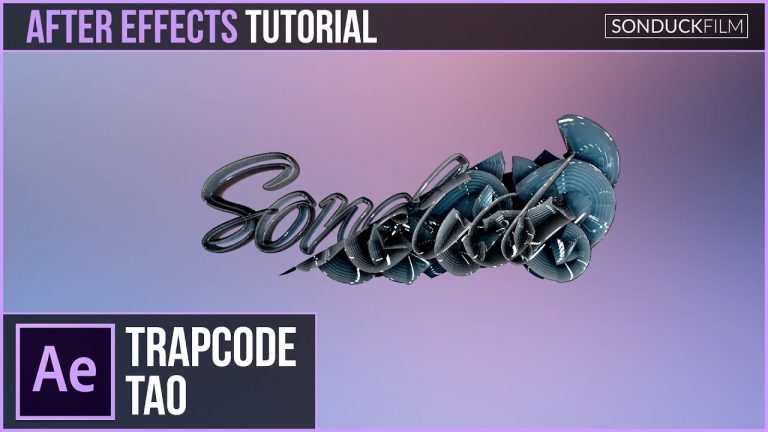
Trapcode Tao is a 3rd-party plugin from Red Giant. We’ll be taking a look at Tao and how the effect works. In this After Effects Tutorial, we’ll specifically use Trapcode Tao to morph mesh into 3D text. Tao offers a wide variety of options for After Effects users who are looking to animate 3D geometry along a path. Trapcode Mir offers similar 3D geometric mesh options, however Tao is more path oriented. You can distort and duplicate parameters to create abstract objects. After watching this tutorial, you should be able to use Trapcode Tao in After Effects!

Visit our website https://www.sonduckfilm.com for more tutorials, giveaways and film and photo gear!

Download Project Files Here:

After Effects: 3D Mesh Morph to Text with Trapcode Tao

Social Media:
Drop a like on Facebook: https://www.facebook.com/sonduckfilm
Hit me up on Instagram: http://instagram.com/sonduckfilm
Follow me on Twitter: https://twitter.com/SonduckFilm
Connect with me on Linkedin: https://www.linkedin.com/in/joshnoel

Suggested After Effects Tutorials:
Trapcode Mir: https://youtu.be/9d4Lur1xFII
Particle Christmas Tree: https://youtu.be/H2WVNvOK68o
Create Fireworks: https://youtu.be/hrchdAn_o_Q
Particle Reveal Along a Path: https://youtu.be/81oz2rtAtYk
Advanced 3D HUD: https://youtu.be/jt0o5ca1sFE

After Effects Tutorial: Expression Controls Across COMPS (Color & Parameters)

0

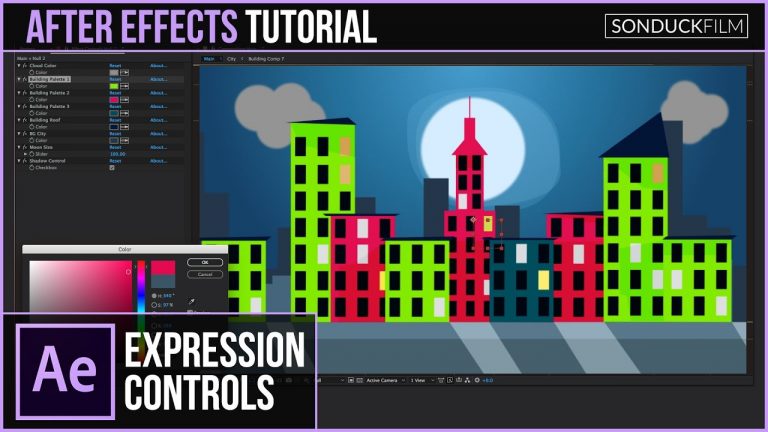
Quickly change the color or scale of your project with Expression Controls! In this After Effects tutorial, we will link control sliders to multiple layers across our project. Connecting certain parameters like colors and transform controls to one controlled layer allows users to quickly modify their project.

Visit our website https://www.sonduckfilm.com for more tutorials, giveaways and film and photo gear!

Social Media:
Drop a like on Facebook: https://www.facebook.com/sonduckfilm
Hit me up on Instagram: http://instagram.com/sonduckfilm
Follow me on Twitter: https://twitter.com/SonduckFilm
Connect with me on Linkedin: https://www.linkedin.com/in/joshnoel

Suggested After Effects Tutorials:
Cartoon Animation Night City: https://youtu.be/65em6dTeSfM
Two-Tone Animation: https://youtu.be/rJpMmosq9zo
RGB Splitting Glitch Effect: https://youtu.be/gV5vlD6Psv0
Create a Cartoon Vortex Background: https://youtu.be/-1fJdUwDDv4
Accent Explosions: https://youtu.be/C7dvRpceouk

Change Facial Expressions (Photoshop Tutorial)

0

Easily use the liquify tool to change a facial expression in Photoshop! To change up her facial expression we’ll use the liquify tool to accent certain features.

Check out the full post at: http://phlearn.com/change-facial-expression-in-photoshop

Website: http://phlearn.com/
Facebook: https://www.facebook.com/Phlearn
Twitter: https://twitter.com/aknacer
Google+: https://plus.google.com/105267656376269695918/posts

For more tutorials and how to videos check out our extensive Photoshop and photography video channel: http://www.youtube.com/user/PhlearnLLC
We cover everything from Photoshop tutorials, photography tutorials, how to videos and more!