Home Blog Page 59

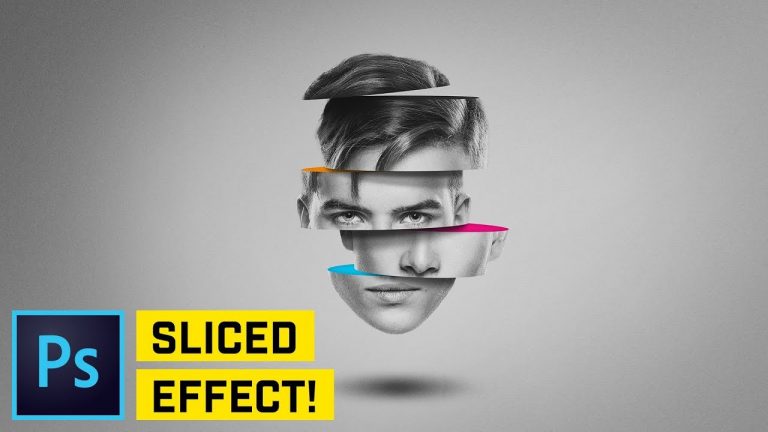
Sliced Head Manipulation – Photoshop CC Tutorial

0

CREATE THIS PHOTO MANIPULATION USING SHAPES & LAYERS! | In this Photoshop tutorial we’ll go over how to create this head sliced photo manipulation effect with relative ease.

Effect inspired by this awesome artist: http://www.magdiellopez.com/dailyposters/

? DISCORD: http://discord.me/tutvid

? My Instagram: http://instagram.com/tutvid

? Buy the Photoshop Course and Support the Channel → http://bit.ly/28NuwFy

? Subscribe for Daily Tutorials → https://goo.gl/DN4Nln

In this Photoshop tutorial, we’ll use selection and shape tools to create the 3D illusion of a head sliced into a few pieces and we’ll paint in some shadows and make things look pretty cool using a couple tips and tricks in Photoshop CC.

⚡️ written tutorial here: http://bit.ly/2H8hvbZ

INSTAGRAM: http://instagram.com/tutvid
TWITTER: http://twitter.com/tutvid
FACEBOOK: https://www.facebook.com/tutvid

tutvid is a YouTube channel dedicated to creating the best Adobe Photoshop, Premiere Pro, Lightroom, and Illustrator tutorials. My goal is to create the best, most informative, and entertaining tutorials on the web. If you enjoy my videos, the best way to support what I do here is to purchase my course linked above or simply subscribe to the YouTube channel by pressing the red button.

✉️ business inquiries: nate@tutvid.com

Simple Logo Mark with Circles Illustrator CC Tutorial

0

LEARN TO USE PATHFINDER TO BUILD COMPLEX SHAPES WITH EASE! | Learn to combine simple shapes with Pathfinder to build out a more complex and interesting shape.

Logo mark design inspired by: https://www.instagram.com/yogaperdana7/

? DISCORD: http://discord.me/tutvid

? My Instagram: http://instagram.com/tutvid

? Buy the Photoshop Course and Support the Channel → http://bit.ly/28NuwFy

? Subscribe for Daily Tutorials → https://goo.gl/DN4Nln

In this Adobe Illustrator tutorial, we’ll jump in and create a series of circles and use alignment and Smart Guides to build what will be a complex and sleek little shape. We’ll learn to split and merge shapes and then fill with colors and add some gradients to really build out the depth of this shape as well. Check it out and I hope that you learn some new techniques and cool stuff from this video!

⚡️ written tutorial here: http://bit.ly/2vouPYa

INSTAGRAM: http://instagram.com/tutvid
TWITTER: http://twitter.com/tutvid
FACEBOOK: https://www.facebook.com/tutvid

tutvid is a YouTube channel dedicated to creating the best Adobe Photoshop, Premiere Pro, Lightroom, and Illustrator tutorials. My goal is to create the best, most informative, and entertaining tutorials on the web. If you enjoy my videos, the best way to support what I do here is to purchase my course linked above or simply subscribe to the YouTube channel by pressing the red button.

✉️ business inquiries: nate@tutvid.com

Fastest Way to Edit Video in Premiere Pro CC (Ripple Delete Tools)

0

LEARN THE AWESOME POWER OF RIPPLE DELETE IN PREMIERE PRO! | Edit, trim, and move your cut video clips into perfect place on the timeline as you edit your movie.

? DISCORD: http://discord.me/tutvid

? My Instagram: http://instagram.com/tutvid

? Buy the Photoshop Course and Support the Channel → http://bit.ly/28NuwFy

? Subscribe for Daily Tutorials → https://goo.gl/DN4Nln

In this Premiere Pro tutorial, we’ll take a look at one of the best ways to speed up your editing workflow by using the Ripple Edit Tool and the various ways to ripple delete, roll edits, and just generally work with video and editing much faster in Premiere Pro.

⚡️ written tutorial here: http://bit.ly/2HHXpsx

INSTAGRAM: http://instagram.com/tutvid
TWITTER: http://twitter.com/tutvid
FACEBOOK: https://www.facebook.com/tutvid

tutvid is a YouTube channel dedicated to creating the best Adobe Photoshop, Premiere Pro, Lightroom, and Illustrator tutorials. My goal is to create the best, most informative, and entertaining tutorials on the web. If you enjoy my videos, the best way to support what I do here is to purchase my course linked above or simply subscribe to the YouTube channel by pressing the red button.

✉️ business inquiries: nate@tutvid.com

How to Make Clean Titles in After Effects

0

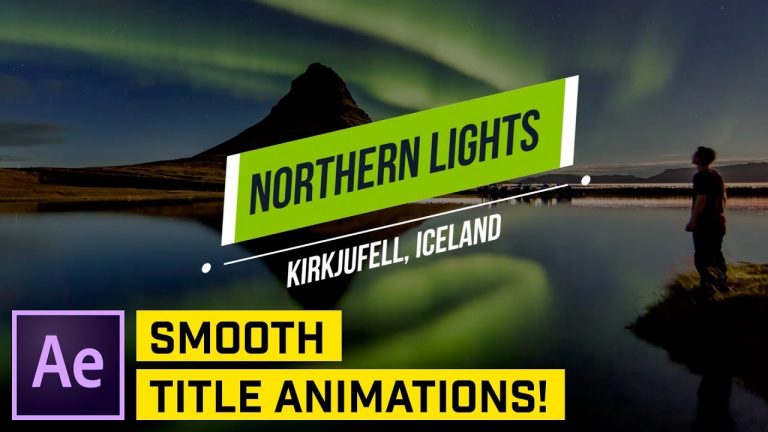
CREATE AND ANIMATE SMOOTH GRAPHICS IN AFTER EFFECTS! | We’ll talk all about creating a complex graphic and animating each individual part to make this cool titler!

Photo by Joshua Earle on Unsplash: https://unsplash.com/photos/Hn8N4I4eHA0

? DISCORD: http://discord.me/tutvid

? My Instagram: http://instagram.com/tutvid

? Buy the Photoshop Course and Support the Channel → http://bit.ly/28NuwFy

? Subscribe for Daily Tutorials → https://goo.gl/DN4Nln

In this After Effects tutorial, we’ll use the simple shape and text tools to build out a nice looking title that can be used in any video project. In this tutorial, I will go over using different elements within shapes, simple timeline animations, easing, using the graph editor, using effects to manipulate a group of animations, and much, much more! I hope you enjoy it!

⚡️ written tutorial here: http://bit.ly/2qZ45bs

INSTAGRAM: http://instagram.com/tutvid
TWITTER: http://twitter.com/tutvid
FACEBOOK: https://www.facebook.com/tutvid

tutvid is a YouTube channel dedicated to creating the best Adobe Photoshop, Premiere Pro, Lightroom, and Illustrator tutorials. My goal is to create the best, most informative, and entertaining tutorials on the web. If you enjoy my videos, the best way to support what I do here is to purchase my course linked above or simply subscribe to the YouTube channel by pressing the red button.

✉️ business inquiries: nate@tutvid.com

Understand Curves (VERY POWERFUL)

0

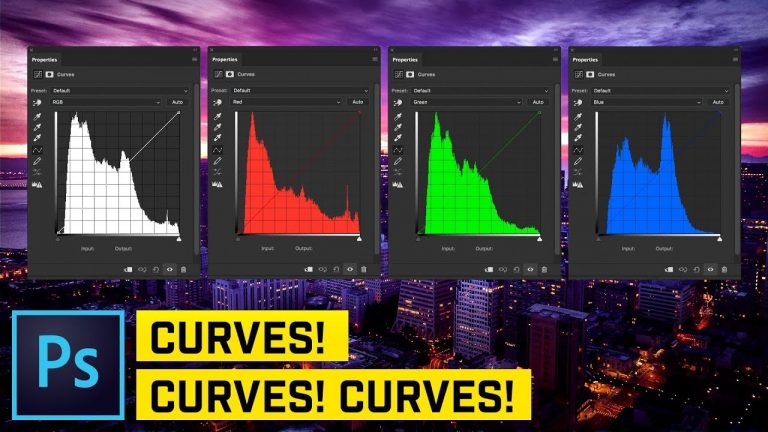
PHOTOSHOP TUTORIAL: Learn all about the very powerful Curves adjustment! | We will cover all the basics of Curves, using Curves to adjust color and white balance, and how to actually know what you’re doing when it comes to using Curves in Photoshop.

? DISCORD: http://discord.me/tutvid

? My Instagram: http://instagram.com/tutvid

? Buy the Photoshop Course and Support the Channel → http://bit.ly/28NuwFy

? Subscribe for Daily Tutorials → https://goo.gl/DN4Nln

In this Photoshop tutorial, I’ll break down the Curves adjustment for you and whether you’re a beginner or advanced at using this adjustment, there is surely something new to learn here. I hope you enjoy the video!

⚡️ written tutorial here: http://bit.ly/2qUcXjb

INSTAGRAM: http://instagram.com/tutvid
TWITTER: http://twitter.com/tutvid
FACEBOOK: https://www.facebook.com/tutvid

tutvid is a YouTube channel dedicated to creating the best Adobe Photoshop, Premiere Pro, Lightroom, and Illustrator tutorials. My goal is to create the best, most informative, and entertaining tutorials on the web. If you enjoy my videos, the best way to support what I do here is to purchase my course linked above or simply subscribe to the YouTube channel by pressing the red button.

✉️ business inquiries: nate@tutvid.com

Art Makers: Tracie Ching Creates Crosshatching in Illustrator | Adobe Creative Cloud

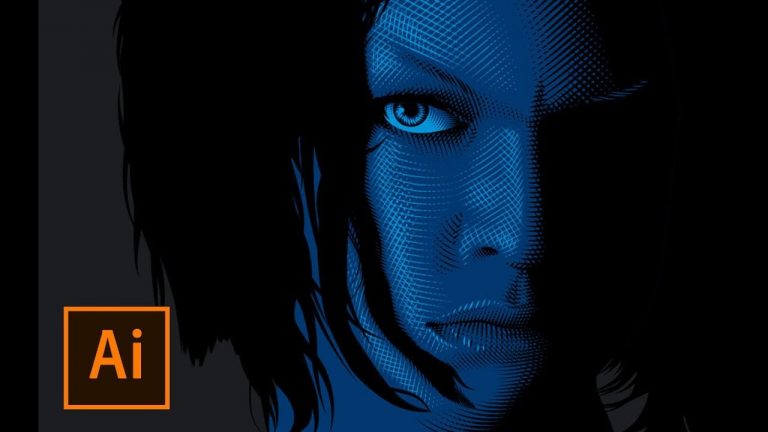
Digital artist and Illustrator Tracie Ching creates complex portraits out of thousands of hand-drawn lines and shapes. See how she manipulates intricate, repeating patterns and applies color in Adobe Illustrator CC to create a moody movie poster.

To learn more about how Tracie created this piece, visit The Fifth Element tutorial: https://adobe.ly/2HjvWhg

Production music courtesy of www.epidemicsound.com

Subscribe: https://www.youtube.com/user/adobecreativecloud?sub_confirmation=1

LET’S CONNECT
Facebook: http://facebook.com/adobecreativecloud
Twitter: http://twitter.com/creativecloud
Instagram: http://www.instagram.com/adobecreativecloud/

Adobe Creative Cloud gives you the world’s best creative apps so you can turn your brightest ideas into your greatest work across your desktop and mobile devices.

Get to Know Premiere Pro CC | Adobe Creative Cloud

Welcome to the first lesson in the Getting Started series of tutorials that teach you the basic editing skills with Adobe Premiere Pro CC. This tutorial introduces you to the Premiere Pro workspace and shows you how to create new projects.

Download sample files: https://adobe.ly/2vBr168

Original tutorial on Adobe website: https://adobe.ly/2HIRCCZ

All Premiere Pro tutorials: https://adobe.ly/2qTFeWY

Subscribe: https://www.youtube.com/user/adobecreativecloud?sub_confirmation=1

LET’S CONNECT
Facebook: http://facebook.com/adobecreativecloud
Twitter: http://twitter.com/creativecloud
Instagram: http://www.instagram.com/adobecreativecloud/

Adobe Creative Cloud gives you the world’s best creative apps so you can turn your brightest ideas into your greatest work across your desktop and mobile devices.

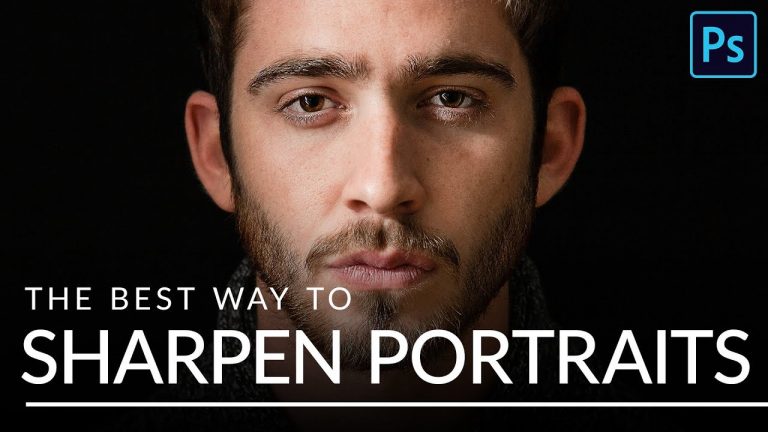
The BEST Way to Sharpen Portraits in Photoshop

0

I Guarantee I Can Teach You to Master Photoshop. Learn How: https://phlearn.com/aaronwillteachyou

Download the sample image here: https://phlearn.com/tutorial/best-sharpen-portraits/

After spending long hours on a photo edit, sharpening is the best way to enhance all of the details you worked so hard to preserve It’s also a great tool to help guide the viewer’s eye to the subject of the image. In this tutorial, we show you the best sharpening method out there to target and highlight the details that matter.

Sharpen with Precision

Before you start sharpening, there’s two important tips to keep in mind. First, sharpening should be the very last step in your post-processing workflow. Make sure to take care of all of the retouching and coloring first – that way you only end up sharpening details that you intended to be in the final image.

Second, sharpening should be done according to whatever you want the size of the final image to be. For example, you would sharpen a full-sized print differently than you would an 800-pixel wide version for the web. So if you’re exporting several different sizes, be sure to sharpen them all separately after you’ve cropped and resized. It takes more time but will make a significant difference in the quality and impact of the sharpening.

VISIT PHLEARN.COM FOR MORE FREE TUTORIALS

Homepage

SUBSCRIBE NOW FOR MORE FREE TIPS AND TRICKS
http://www.youtube.com/subscription_center?add_user=phlearnllc

LET’S BE FRIENDS!
Instagram ► https://www.instagram.com/phlearn/
Facebook ► https://facebook.com/phlearn
Twitter ► https://twitter.com/phlearn
Phlearn ► https://phlearn.com

[Quick Tip] Manage Layers and Effects in AE with Tilde key

Subscribe for Tutorials every week!
Facebook-http://on.fb.me/vdTh7b
Twittter-http://twitter.com/FenixColorado