Search
  • 3D CGI
  • Adobe Lessons
    • Animate
    • Acrobat Pro
    • Audition
    • Bridge
    • Character Animator
    • Color
    • Dreamweaver
    • Encoder
    • Felix
    • Gaming SDK
    • Muse
    • Prelude
    • Premiere Pro
    • Project Felix
    • Spark
    • SpeedGrade
    • Story
  • Graphic
    • Illustrator
    • Lightroom
    • InDesign
    • Photoshop
ADOBE Lessons Tutorials for everyone
  • 3D CGI
  • Adobe Lessons
    • Animate
    • Acrobat Pro
    • Audition
    • Bridge
    • Character Animator
    • Color
    • Dreamweaver
    • Encoder
    • Felix
    • Gaming SDK
    • Muse
    • Prelude
    • Premiere Pro
    • Project Felix
    • Spark
    • SpeedGrade
    • Story
  • Graphic
    • Illustrator
    • Lightroom
    • InDesign
    • Photoshop

Creating and Exporting a PNG logo

VideoRevealed
-
22. August 2017
0
Creating and Exporting a PNG logo

Creating and Exporting a PNG logo

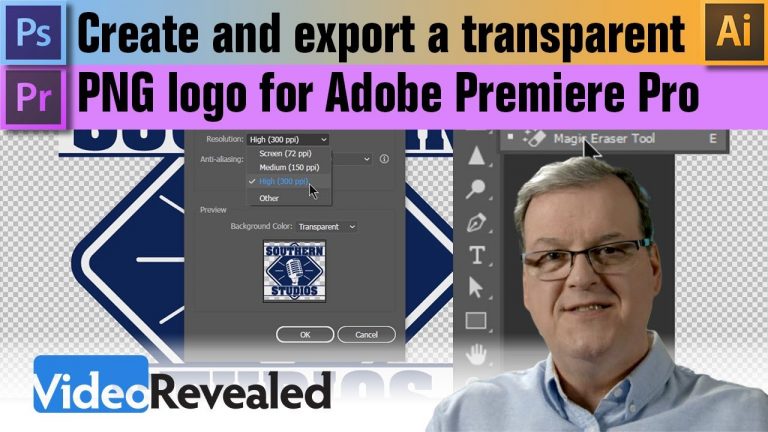
Portable Network Graphics files (PNG) are great for logos as they are able to be transparent instead of a white box around it. This tutorial shows you how to export from Photoshop and Illustrator to PNG and also how to remove the white background if the logo is a flat background.

Please support us on Patreon so we can continue to create the content you want!
http://patreon.com/VideoRevealed

Stay connected with VideoRevealed on Facebook:
https://www.facebook.com/VideoRevealed

Download your FREE trial of Adobe Creative Cloud
http://adobe.ly/1S3mZW3

Comments

comments

  • TAGS
  • Adobe Creative Cloud
  • Adobe Premiere Pro
  • AdobeColin
  • Colin Smith
  • Make Transparent Logo
  • Refine Edge in Photoshop
  • Remove White Background
  • Video Editing
  • video editor
  • VideoRevealed
Previous article Rampant Premiere Essentials – 120 Drag & Drop Effects
Next article I lost what I just created in Premiere?!
Avatar
VideoRevealed
© Newspaper WordPress Theme by TagDiv
Go to mobile version