Home Blog Page 162

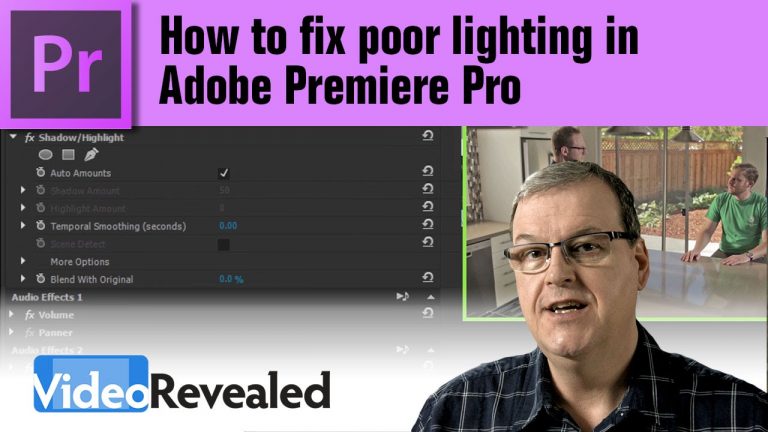
How to fix poor lighting in Adobe Premiere Pro

0

Premiere Pro uses the same advanced effect that Photoshop has called “Shadow/Highlight” to apply changes to specific areas in your video. You can also tweak the setting to create a high dynamic range (HDR) look. Shadow/Highlight is also a great tool for law enforcement and forensics to uncover information in shadows.

Download your FREE 30 day trial of Adobe Creative Cloud
http://adobe.ly/1S3mZW3
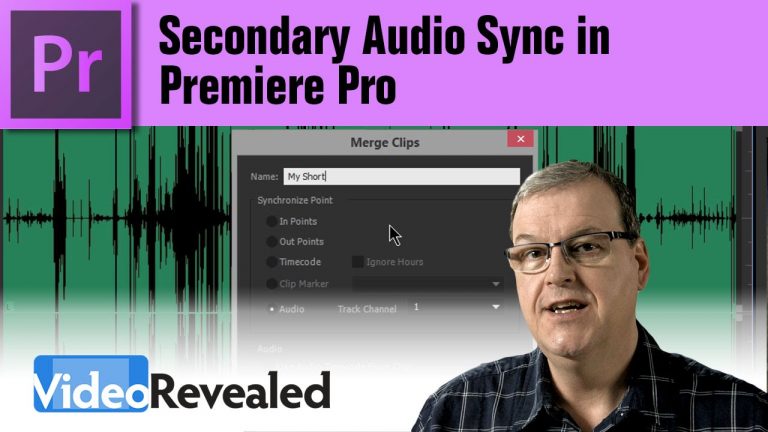
Secondary Audio Sync in Premiere Pro

0

If you’re recording audio on a secondary device, you’ll need to sync that audio with the audio on your camera and Premiere Pro has that functionality built-in. It’s called Merge Clips and all you do is pick the two sources and merge them together.
Note: This tutorial is only for syncing when using audio; Premiere Pro also allows you to sync using Markers, In/Out points and Timecode.

Download your FREE 30 day trial of Adobe Creative Cloud
http://adobe.ly/1S3mZW3
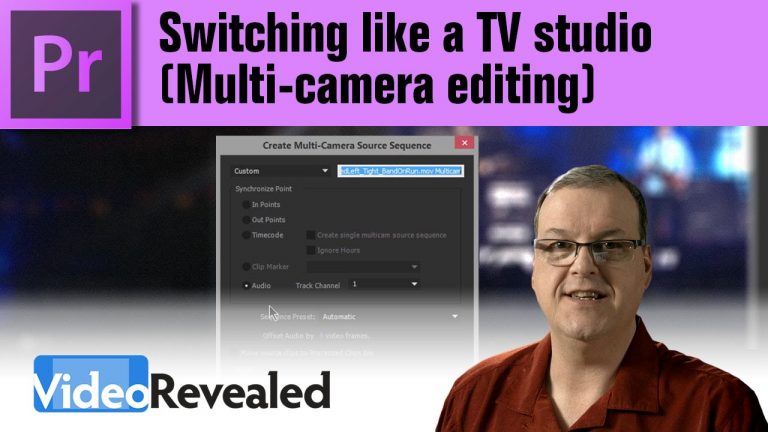
Switching like a TV studio (Multi-camera editing)

0

If you’re shooting with more than one camera, then you can easily setup Premiere Pro in a Multicam environment so switching between camera angles is a single click…just like a TV studio. Later on, if you want to change your mind, that’s easy too, just choose a different camera angle or even add a new camera any time you want.

Download your FREE 30 day trial of Adobe Creative Cloud
http://adobe.ly/1S3mZW3
Mastering MultiCamera Techniques by Mitch Jacobson

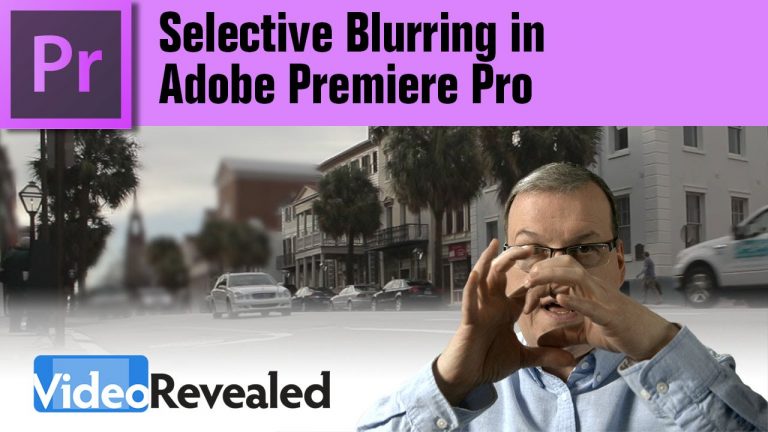
Selective Blurring in Adobe Premiere Pro

0

Sometimes you need to blur a logo, or a face in a video and both Premiere Pro and After Effects both have a built-in mask tracker that make this task easy.

Download your FREE 30 day trial of Adobe Creative Cloud
http://adobe.ly/1S3mZW3
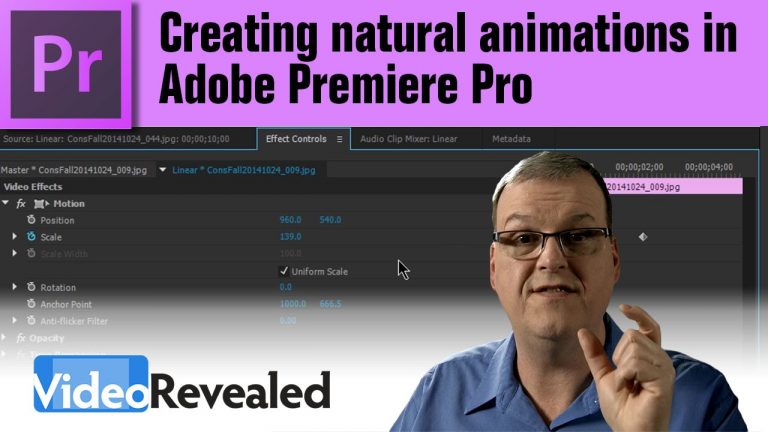
Creating natural animations in Adobe Premiere Pro

0

Any time you have an animation, you can make it look more natural by setting the keyframes to either ease in or ease out. The results will make a subtle but important difference to your audience.

Download your FREE 30 day trial of Adobe Creative Cloud
http://adobe.ly/1S3mZW3
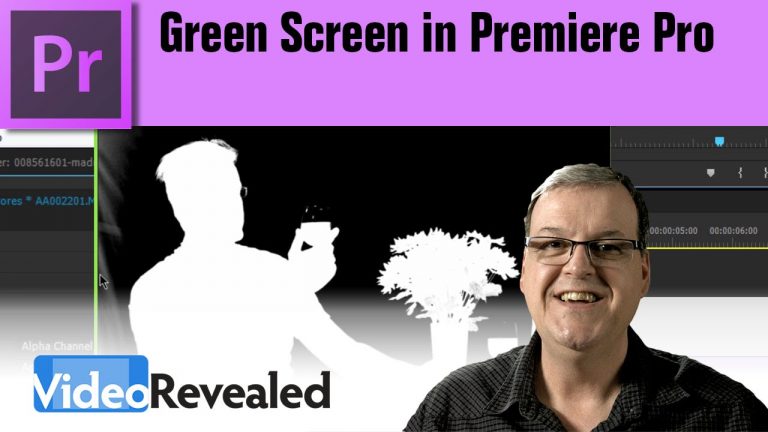
Green Screen in Premiere Pro

0

Premiere Pro has a very powerful green screen keyer called “Ultra” that gives you great results if you know how to tweak it.

Download your FREE 30 day trial of Adobe Creative Cloud
http://adobe.ly/1S3mZW3
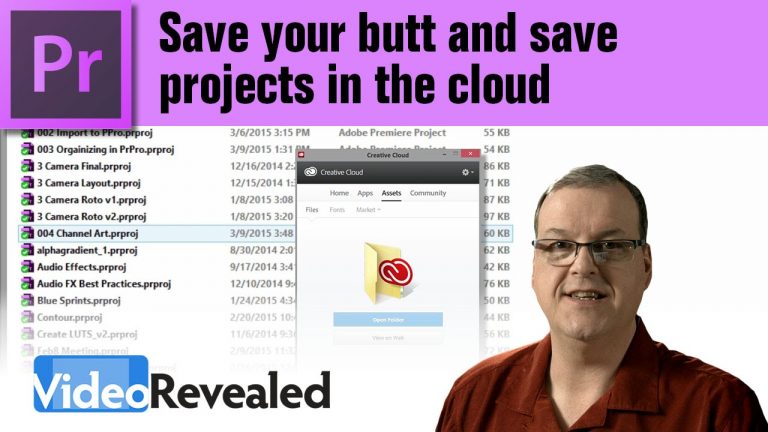
Save your butt and save projects in the cloud

0

Premiere Pro has always had the ability to Auto-Save projects locally but now you can also save projects directly to Creative Cloud and guarantee you’ll never loose your most important work.

Download your FREE 30 day trial of Adobe Creative Cloud
http://adobe.ly/1S3mZW3

The beauty of Blend Modes in Adobe Premiere Pro

0

If you’ve ever used Blend Modes in Adobe Photoshop, then you know you can create some interesting looks with them. Adobe Premiere Pro also has Blend Modes and you’ll love how they work with any video footage or still images you can throw at it.

Download your FREE 30 day trial of Adobe Creative Cloud
http://adobe.ly/1S3mZW3
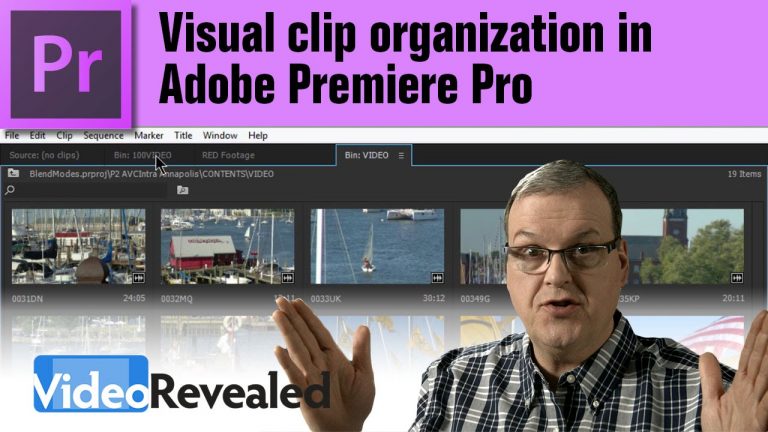
Visual clip organization in Adobe Premiere Pro

0

If you work visually, then organizing all your clips in multiple snapped tabbed panels will give you a huge productivity boost. The large thumbnails, combined with Hove Scrub technology, make Premiere Pro a super-productive video editor.

Download your FREE 30 day trial of Adobe Creative Cloud
http://adobe.ly/1S3mZW3
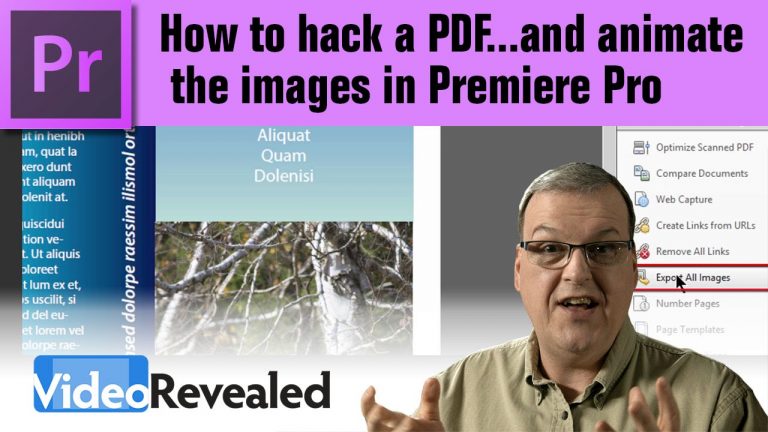
How to hack a PDF…and animate the images in Premiere Pro

0

If you’ve ever been given a PDF and asked to use the images in a video, you might not know just how easy it is. Adobe Acrobat can easily export all the images in several different formats that can be imported and animated with Adobe Premiere Pro.

Download your FREE 30 day trial of Adobe Creative Cloud
http://adobe.ly/1S3mZW3