Home Blog Page 163

Using Master Clip Effects in Adobe Premiere Pro

0

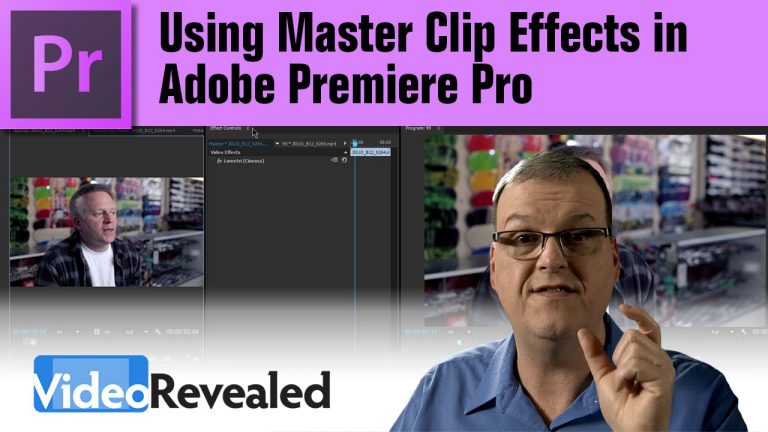
If you need to apply effects, and easily update them, on many clips, then Master Clip Effects will increase your productivity immediately. Any effect, or combination of effects, can be saved as a Preset and used as a Master Clip Effect.

Download your FREE 30 day trial of Adobe Creative Cloud
http://adobe.ly/1S3mZW3
Slow motion video in Adobe Premiere Pro

0

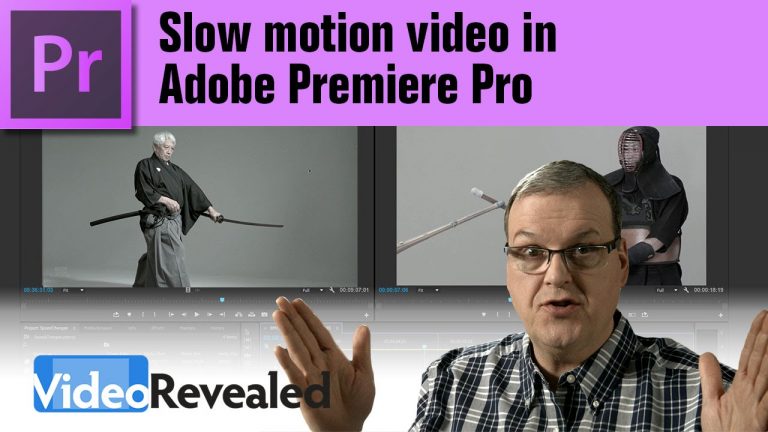
Premiere Pro can not only slow down your video, but speed changes can have individual speed ramps to go from one speed to another. This makes for incredibly smooth slow motion video.

Download your FREE 30 day trial of Adobe Creative Cloud
http://adobe.ly/1S3mZW3
Speeding up video in Adobe Premiere Pro

0

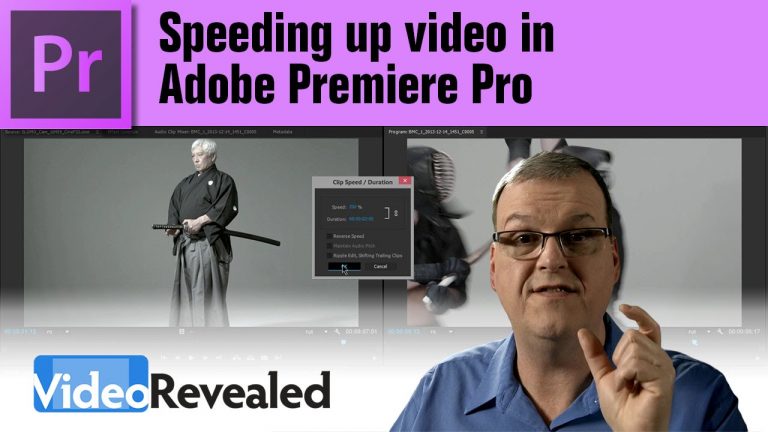
It’s super easy to speed up video, either visually or with numeric precision, in Adobe Premiere Pro. As an added benefit, shoot super slo motion before you speed up video for some amazing results.

Download your FREE 30 day trial of Adobe Creative Cloud
http://adobe.ly/1S3mZW3
Cool FREE presets in Adobe Premiere Pro

0

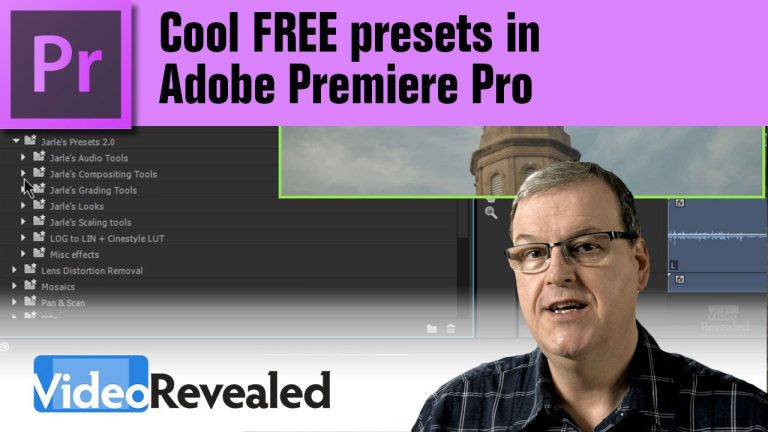
Saving and using Presets can not only save you time, but also introduce you to a world of new ideas.

Download Jarle’s Presets 3.0!
http://premierepro.net/customizing/jarles-premiere-pro-presets-version-3-0-2/

Download your FREE 30 day trial of Adobe Creative Cloud
http://adobe.ly/1S3mZW3
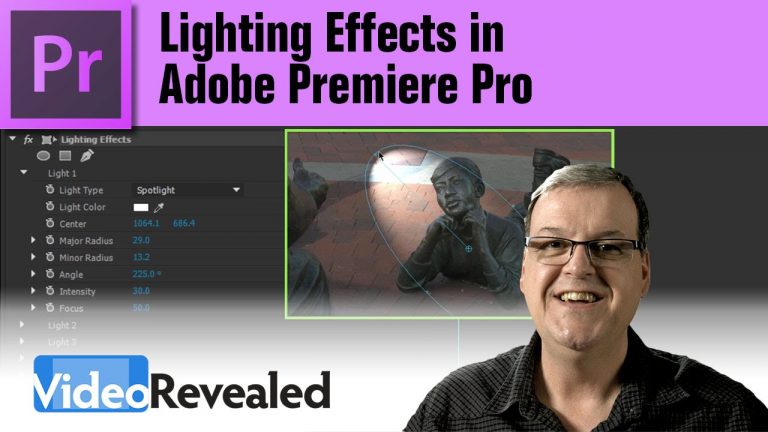
Lighting Effects in Adobe Premiere Pro

0

Premiere Pro has build in lighting effects that can turn a regular video into something more dramatic with spotlights, omni direction lights and more. Use bump maps to give your video an extruded look.

Download your FREE 30 day trial of Adobe Creative Cloud
http://adobe.ly/1S3mZW3
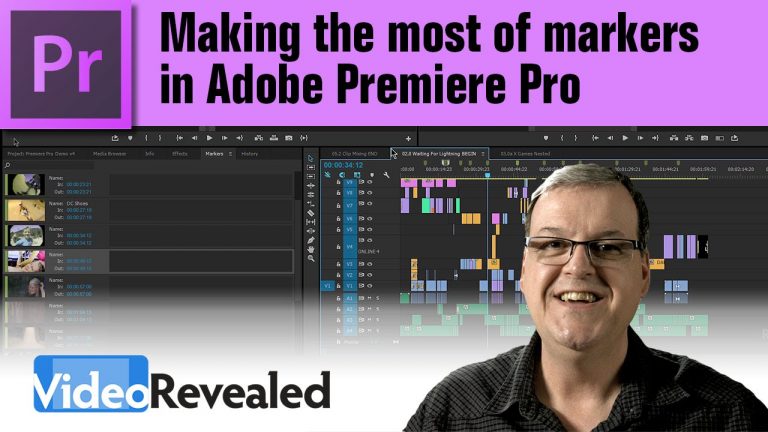
Making the most of Markers in Adobe Premiere Pro

0

Premiere Pro’s Markers are very useful when you need to remember something on the Timeline or in a clip. It’s also useful to export out a detailed list of all your markers including thumbnails.

Download your FREE 30 day trial of Adobe Creative Cloud
http://adobe.ly/1S3mZW3
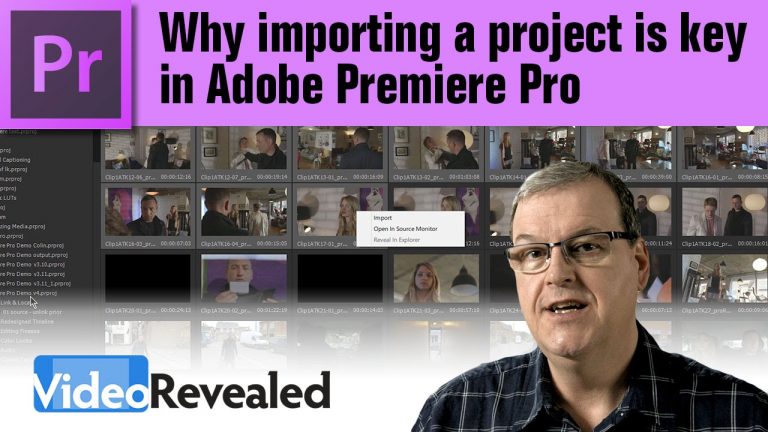
Why importing a project is key in Adobe Premiere Pro

0

Many times you find yourself having to import something from a previous project and if you only know how to do this by importing the whole thing then deleting what you don’t want, then you ‘ll be happy to know that you can just as easily pick the clips, titles and sequences you really need.

Download your FREE 30 day trial of Adobe Creative Cloud
http://adobe.ly/1S3mZW3
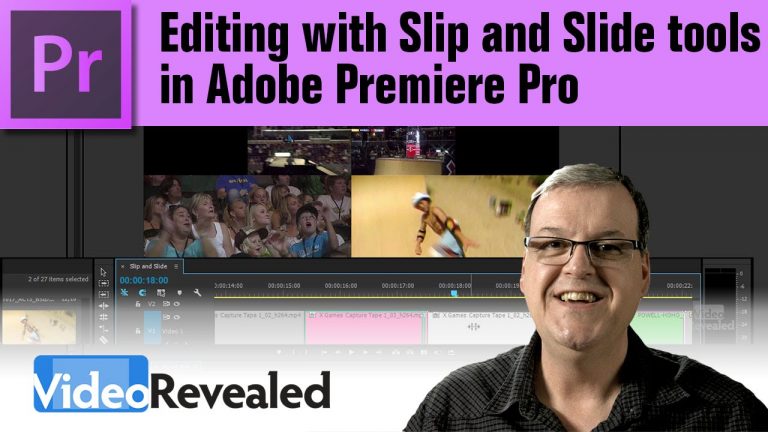
Editing with Slip and Slide tools in Adobe Premiere Pro

0

If timing is important in your edit, then you really need to know how to use the Slip and Slide tools in Adobe Premiere Pro.

Download your FREE 30 day trial of Adobe Creative Cloud
http://adobe.ly/1S3mZW3
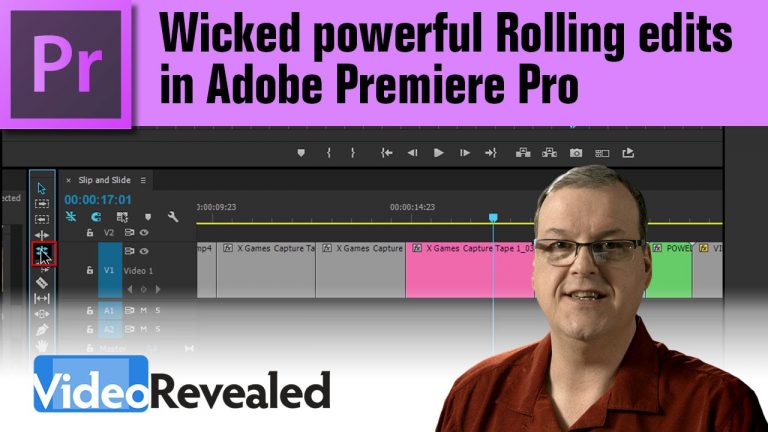
Wicked powerful Rolling edits in Adobe Premiere Pro

0

Many times you find yourself having to edit the tail of one clip and the head of another. Well if you’re not using the Rolling edit tool then you’re missing a very easy and powerful method of editing.
Combine the Rolling edit tool with numeric entry or jumping to the playhead, and you’ve increased your productivity big time.

Download your FREE 30 day trial of Adobe Creative Cloud
http://adobe.ly/1S3mZW3
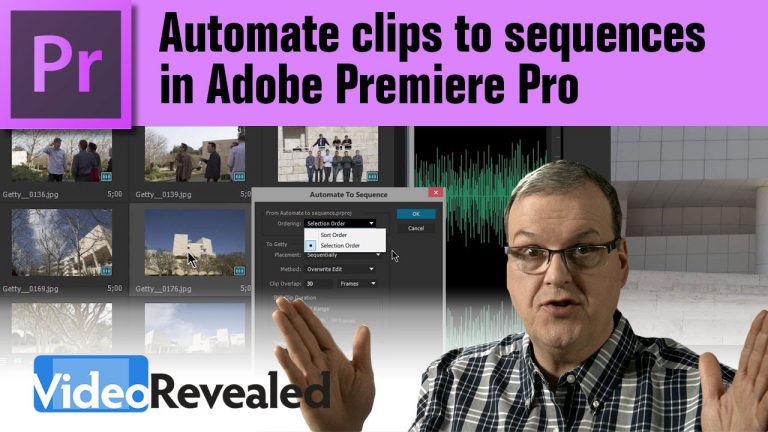
Automate clips to sequences in Adobe Premiere Pro

0

Automate to Sequence is the perfect tool for timing images or videos to music. Just drop in markers on the beat automate the clips to the beat, it couldn’t be easier.

Download your FREE 30 day trial of Adobe Creative Cloud
http://adobe.ly/1S3mZW3