Check out another of my videos: “BREAKDOWN: Select and Mask vs. Refine Edge – Photoshop CC”
-~-~~-~~~-~~-~-
Check out our sponsor, GraphicStock.com Use this link for the deal in the video: http://graphicstock.com/x/TutVid_0416
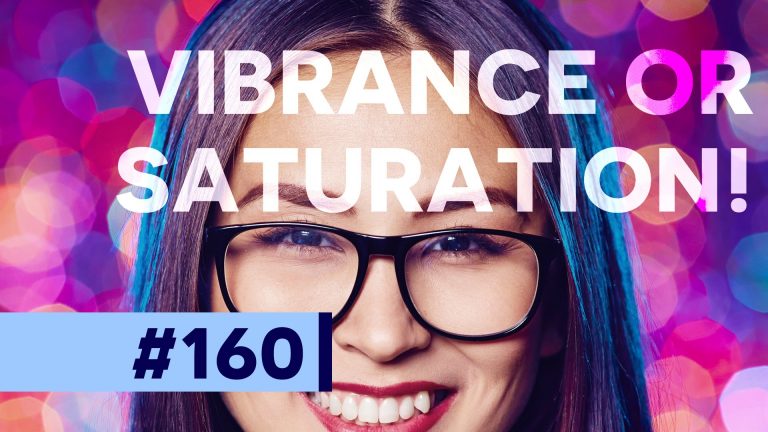
Did you know that there is a difference between the Vibrance and Saturation adjustments in Photoshop? In this tutorial we’re going to cover how to find and use both the Saturation and Vibrance adjustments, but we’ll talk about when you should use either on and what the differences are. You’re going to love it!
See written tutorial on site: http://tutvid.com/photoshop-tutorials/saturation-or-vibrance-whats-the-difference/
INSTAGRAM & MORE:
http://instagram.com/tutvid Tweets by tutvid
https://www.facebook.com/tutvid
Check out another of my videos: “BREAKDOWN: Select and Mask vs. Refine Edge – Photoshop CC”
-~-~~-~~~-~~-~-
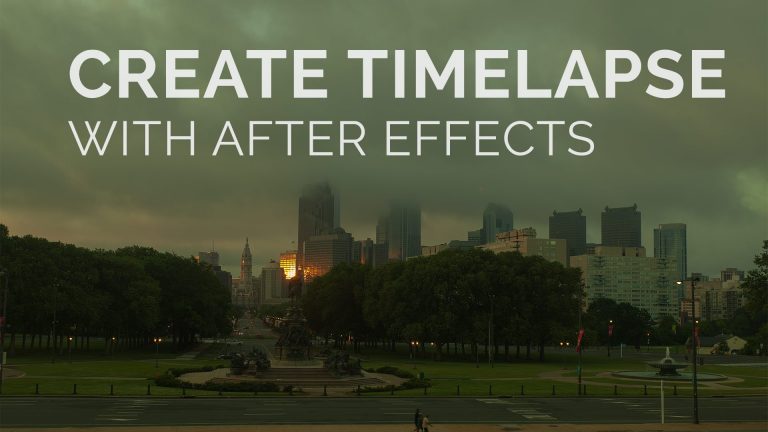
Philly Is Ugly timelapse tutorial and behind the scenes. http://phillyisugly.com
In the following tutorial we will look at creating a smooth 24fps video clip from a sequence of RAW photographs you have shot. It’s a snap! Jump in and let’s learn something!
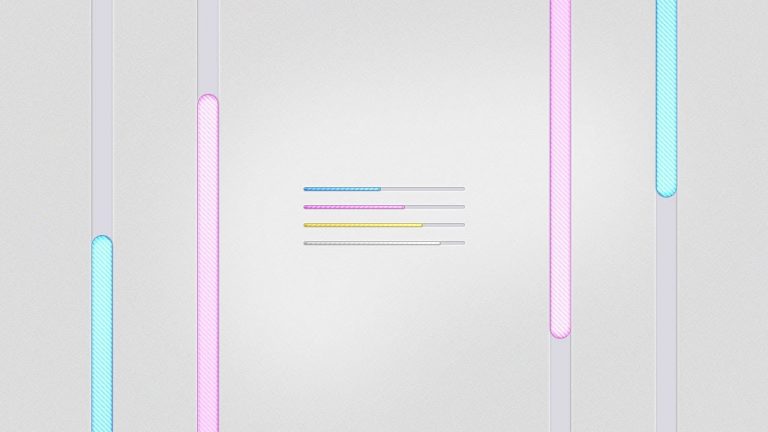
We’re going to go ahead and create a super cool little minimal loading bar in Photoshop. This bar will be created using a simple Shape Layer and Layer Styles so it will be very easy to edit and change so you’ll be able to use it on all kinds of different projects! Let’s go!
Check out another of my videos: “BREAKDOWN: Select and Mask vs. Refine Edge – Photoshop CC”
-~-~~-~~~-~~-~-
Written tutorial and free Gradient pack download: http://bit.ly/apple-style-poster-2016
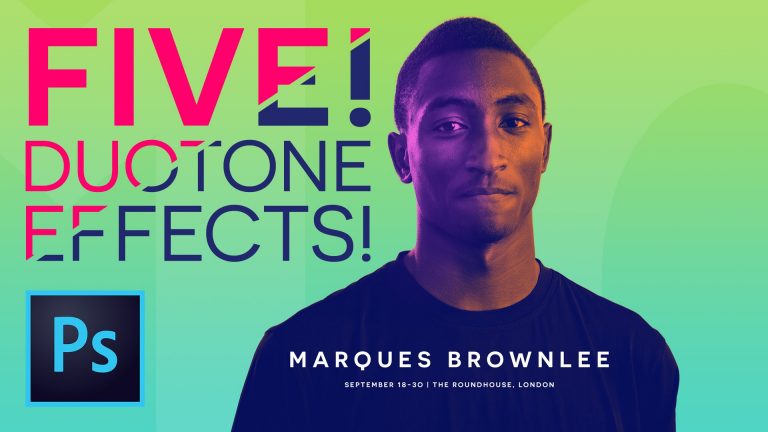
There is nothing quite as un-sexy as the term “duotone” so I’ve decided to make a tutorial showing you not just how to duotone, but 5 pretty cool different duotone effects that you can use practically in projects you are working on now. We’ll create a text masked, multi-colored duotone effect to a portrait photograph, we’ll create a simple comic book styled duotone effect, we’ll create a retro/vintage photograph effect which will take your photos back to the 1800’s, we’ll create a grunge movie poster image effect, and we’ll create the new Apple Music Festival 2016 poster effect using brightly colored gradients and masking duotone gradient map layers. It’s all pretty simple and once you see it, you’ll never forget it! Make sure you use the link to my website to grab the free duotone gradient pack that I’m giving away!
Check out another of my videos: “BREAKDOWN: Select and Mask vs. Refine Edge – Photoshop CC”
-~-~~-~~~-~~-~-
Like Tutvid on Facebook: http://www.facebook.com/tutvidFan
Follow me on Twitter: http://www.twitter.com/tutvid
http://www.tutvid.com
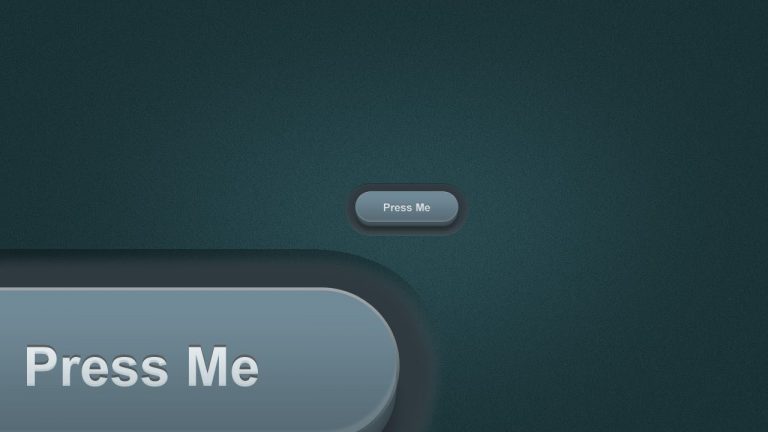
Create a 3D Pill Button — Photoshop Tutorial
Learn how to create a simple, modern, and 3D pill-shaped button using Layer Styles, Masks, and Shapes in Photoshop. This button is a breeze to edit after the fact and it’s a dream to create simple rollover states based on this button. Learn about creating web elements, Layers, Layer Styles, Masks, Vector Masks, and more by following this tutorial!
This tutorial is one in the continued series the Howard from http://www.IceflowStudios.com and I are creating. Inspiration is draw from the amazing http://www.365psd.com and any number of the quality, free PSD downloads they provide! Check them out now!
Inspiration for this tutorial: http://365psd.com/day/2-3/
Check out another of my videos: “BREAKDOWN: Select and Mask vs. Refine Edge – Photoshop CC”
-~-~~-~~~-~~-~-
Check out our sponsor, GraphicStock.com Use this link for the deal in the video: http://graphicstock.com/x/TutVid_0416
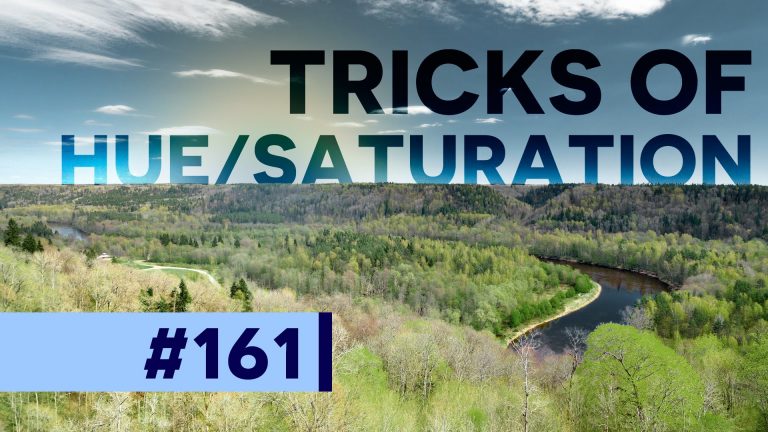
Hue & Saturation is usually one of the first adjustments that you would have opened and used when you first started learning how to use Photoshop. In this tutorial we’re going to do a bit more of a deep dive into what this adjustment tool can do. We’ll take solid black or white color and make it a rich color, we’ll target individual color channels, and we’ll use tools in the Hue and Saturation dialog to pick very specific and tight color ranges so we change the Hue, Saturation, or Lightness of only a small bit of our image.
See written tutorial on site: http://tutvid.com/photoshop-tutorials/hidden-tricks-of-hue-saturation-adjustment/
INSTAGRAM & MORE:
http://instagram.com/tutvid Tweets by tutvid
https://www.facebook.com/tutvid
Check out another of my videos: “BREAKDOWN: Select and Mask vs. Refine Edge – Photoshop CC”
-~-~~-~~~-~~-~-
Philly Is Ugly timelapse tutorial and behind the scenes. http://phillyisugly.com
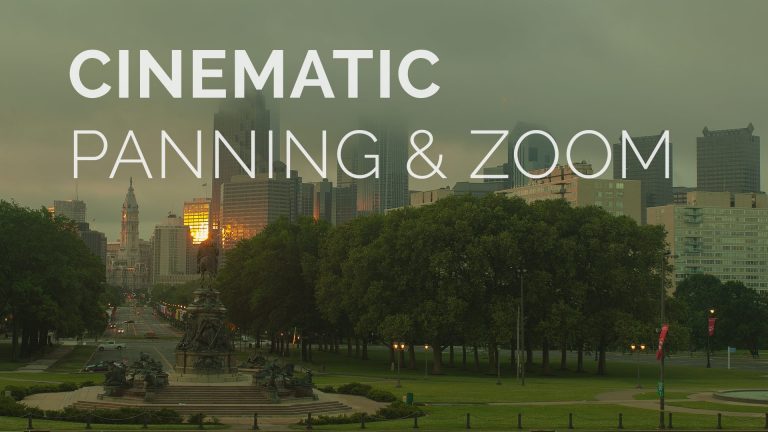
In the following tutorial we will look at how to crop our video sequences to fit our video clips size and also tricks to fake camera movement to create beautiful, cinematic pans and camera movement.
Check out another of my videos: “BREAKDOWN: Select and Mask vs. Refine Edge – Photoshop CC”
-~-~~-~~~-~~-~-
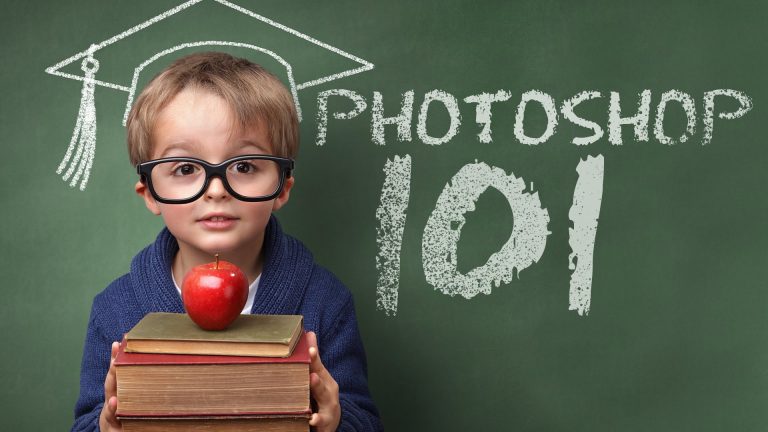
If you’re new to Photoshop CC, this is the guide for you. In this video, you will be taken from zero to hero in terms of being able to use Photoshop to perform simple, yet effective commands and functions and take control of the photograph or graphic design that you’re working on in Photoshop. This tutorial will help you take the first steps to getting better at using Photoshop and impressing your friends and your next potential boss with the new-found skills that you possess. Here’s to you becoming the next Photoshop MASTER!
VIDEO GUIDE:
01:44 Part 1: Working with the UI and saving Workspaces
05:28 Part 2: The PSD, New Documents, and Dragging in New Files
08:17 Part 3: Tabbed Documents and Navigating the Open Documents
10:47 Part 4: What, Why, and How of Layers
16:19 Part 5: All About the Selection Tools
21:25 Part 6: The Move Tool
24:51 Part 7: The Shape Tools
30:04 Part 8: The Type Tool
33:55 Part 9: The Power of The Adjustment Layers
38:10 Part 10: Masks and Masking
44:11 Part 11: Filters and Smart Filters
47:06 Part 12: Transforming, Rotating, Resizing, Scaling
53:42 Part 13: Cropping, Resizing, and Straightening
57:04 Part 14: Undoing and the History Panel
59:36 Part 15: Saving, Exporting, and File Types
Check out the written article on tutvid.com: http://tutvid.com/photoshop-tutorials/15-step-beginners-guide-to-mastering-photoshop/
Check out another of my videos: “BREAKDOWN: Select and Mask vs. Refine Edge – Photoshop CC”
-~-~~-~~~-~~-~-
Check out the written tutorial! http://tutvid.com/create-realistic-cd-photoshop-tutorial/
Like Tutvid on Facebook: http://www.facebook.com/tutvidFan
Follow me on Twitter: http://www.twitter.com/tutvid
Using Gradients, Shape Tools and some cool techniques in Photoshop CS5 we will create this sweet CD entirely from scratch. We’re going to be creating a fairly large CD so you will be able to use this piece of artwork in other projects when it is needed. The CD will be created so it is easy to edit later on down the road. Color, size, and style changes can be made in a snap!
Check out another of my videos: “BREAKDOWN: Select and Mask vs. Refine Edge – Photoshop CC”
-~-~~-~~~-~~-~-
Check out our sponsor, GraphicStock.com Use this link for the deal in the video: http://graphicstock.com/x/TutVid_0416
Color Balance is fast becoming a photographer’s best friend in Photoshop because of how quickly and easily you can change the entire mood and feel of an image. In this tutorial, we’ll add spice to a sunset with beautiful and rich colors, but we’ll also add grit and mystery to a portrait photo as well. This is a must-know adjustment feature! I hope you love it!
See written tutorial on site: http://tutvid.com/photoshop-tutorials/add-dramatic-colors-photographs-w-color-balance-photoshop/
INSTAGRAM & MORE:
http://instagram.com/tutvid Tweets by tutvid
https://www.facebook.com/tutvid