Home Blog Page 372

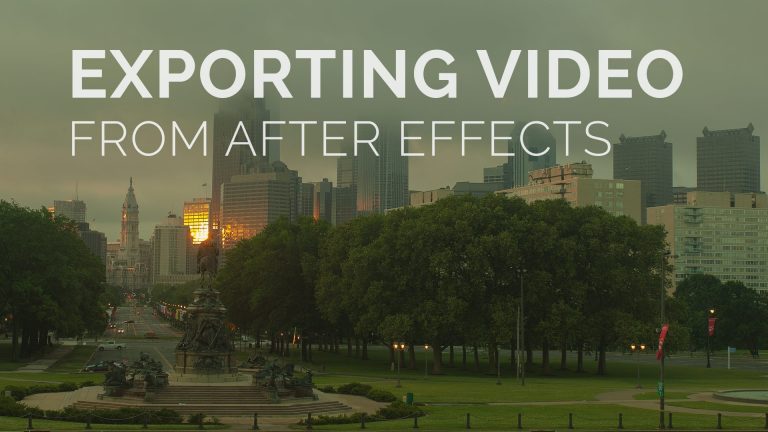
Export Timelapse Clips from After Effects

0

Check out another of my videos: “BREAKDOWN: Select and Mask vs. Refine Edge – Photoshop CC”

-~-~~-~~~-~~-~-

Philly Is Ugly timelapse tutorial and behind the scenes. http://phillyisugly.com

In the following tutorial we will look at a great way to export your video clips from After Effects.

GET MORE FROM TUTVID.COM

Facebook
https://www.facebook.com/tutvid

Twitter

Google+
http://gplus.to/tutvid

Website
http://tutvid.com

Please subscribe if you enjoyed this video!

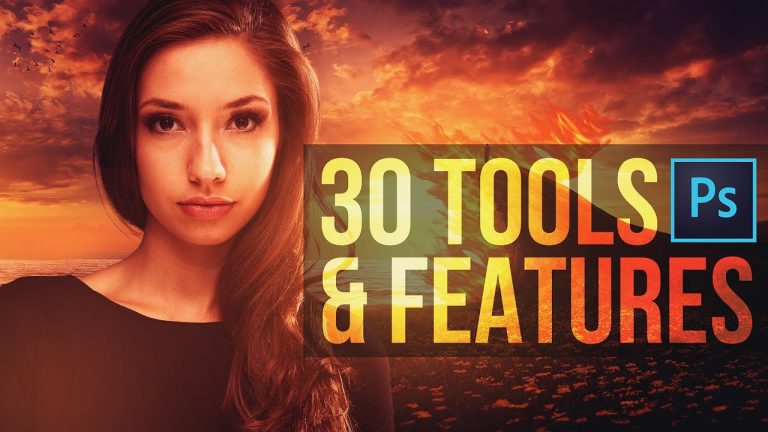
FAST! 30 Photoshop CC Tools & Features in 30 Minutes (or so)

0

These are 30 of the tools and features in Photoshop that I think are the most important! In this Photoshop CC tutorial, we’ll cover everything from how to use the Pen Tool in Photoshop and how you can learn to use Curves to Masking, Retouching Skin, and even playing with the newer Select and Mask functionality.

There is so much that is covered in this video and I also go off script quite a bit and dabble with features that aren’t even included in the description of video guide (located in the comments section.) I created this tutorial as more of a beginner level overview of these tools and functions of Photoshop, but my hope is that there is something here for Photoshop users of all skill levels. Enjoy!

List of tools covered:
00:55 Color Balance
01:48 Masking
02:44 Quick Selection Tool
04:03 Quick Mask Tool
05:03 Content-Aware Fill
05:31 Clone Stamp Tool
07:05 The Patch Tool
08:07 How to use Levels
09:12 The Pen Tool
10:31 Flames Filter
15:03 The Type Tool
15:41 TypeKit Fonts
17:42 Using & Working with Guides
18:38 Smart Objects
19:35 Field Blur
21:41 How to use Curves
23:20 The Eyedropper Tool
24:58 Import Color Themes with Adobe Color
25:49 BONUS: Gradient Maps
26:27 How to Create an Action
28:38 The Crop Tool
30:36 Colorize Live Shapes
31:23 Convert Objects to 3D/Working with 3D
34:24 Custom Workspaces
35:57 The Camera RAW Filter
37:18 Exporting Images and Graphics
38:46 BONUS: Changing the UI Background Color
39:29 Color Range
40:55 Select and Mask
45:38 Liquify
47:36 The Healing Brush
49:28 The Rotate View Tool

Written Photoshop tutorial: http://bit.ly/2fUshc8

Pick up my image retouching tutorial package ($27) right here: http://tutvid.com/retouching-photos-photoshop/

SNAPCHAT & MORE:
http://instagram.com/tutvid

https://www.facebook.com/tutvid
? tutvid.com
Create Smooth Fire Artwork in Photoshop CS5

0

Check out another of my videos: “BREAKDOWN: Select and Mask vs. Refine Edge – Photoshop CC”

-~-~~-~~~-~~-~-

http://www.facebook.com/tutvidFan | http://www.twitter.com/tutvid

Create Smooth Fire Artwork in Photoshop CS5

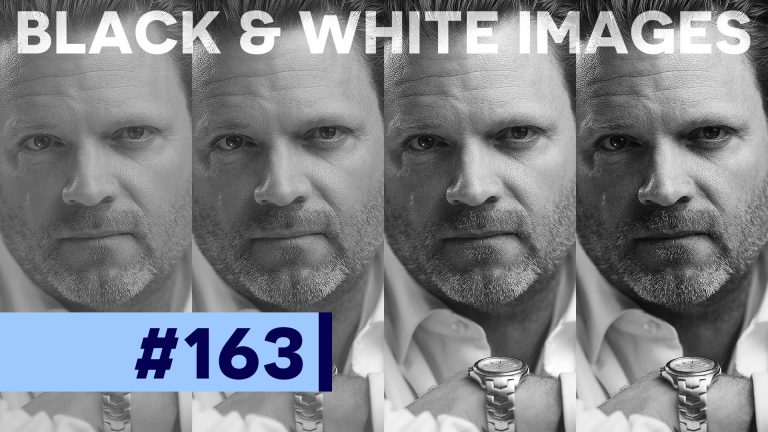
Good, Bad, & Ugly of Black and White Photos in Photoshop

0

Check out another of my videos: “BREAKDOWN: Select and Mask vs. Refine Edge – Photoshop CC”

-~-~~-~~~-~~-~-

Check out our sponsor, GraphicStock.com Use this link for the deal in the video: http://graphicstock.com/x/TutVid_0416

Black and white is classic so let’s learn to make the best black and white images that money can buy. There are a thousand different tutorials out there on black and white images, but this is the best one. We’re going to build a black and white image and compare it to three different types of black and white processes in Photoshop and talk about adding depth and BITE to your black and white images.

See written tutorial on site: http://tutvid.com/photoshop-tutorials/good-bad-ugly-of-black-and-white-photos-in-photoshop/

INSTAGRAM & MORE:
http://instagram.com/tutvid

https://www.facebook.com/tutvid

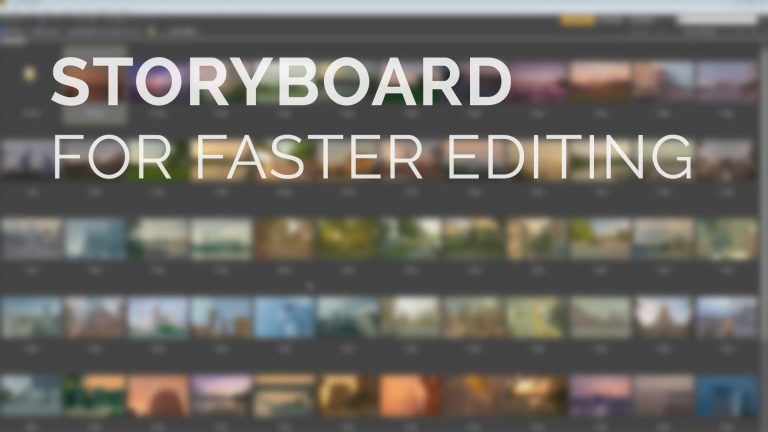
Create a Story Board For Video Editing

0

Check out another of my videos: “BREAKDOWN: Select and Mask vs. Refine Edge – Photoshop CC”

-~-~~-~~~-~~-~-

Philly Is Ugly timelapse tutorial and behind the scenes. http://phillyisugly.com

In the following tutorial we will look at creating a visual storyboard to assist you in quickly editing video in Adobe Premiere Pro.

GET MORE FROM TUTVID.COM

Facebook
https://www.facebook.com/tutvid

Twitter

Google+
http://gplus.to/tutvid

Website
http://tutvid.com

Please subscribe if you enjoyed this video!

Advanced Color Correction & White Balance in Photoshop CC

0

Check out another of my videos: “BREAKDOWN: Select and Mask vs. Refine Edge – Photoshop CC”

-~-~~-~~~-~~-~-

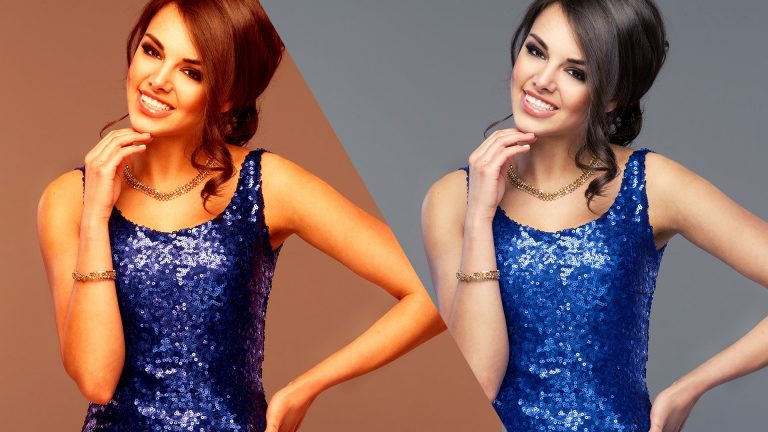
In this Photoshop tutorial, we’re going to take a deep, hard look at color correction and adjusting white balance in your photos to get amazing color and richness of tones as they should look out of your camera. Whether you’re working with RAW files or JPEGs, it really doesn’t matter, we’re going to cover FIVE different techniques that will get you started on the path to knowing what you’re doing when adjusting the color balance and getting beautiful color in your photographs. We’ll cover how to get accurate color and how to experiment and take some creative freedoms with the colors in your photo to get professional and stunning results!

PS: Download the free PDF with the skin color formulas at this link: http://tutvid.com/photoshop-tutorials/advanced-color-correction-white-balance-in-photoshop-cc

Pick up my image retouching tutorial package ($27) right here: http://tutvid.com/retouching-photos-photoshop/

SNAPCHAT & MORE:
http://instagram.com/tutvid

https://www.facebook.com/tutvid
? tutvid.com
Create a Sleek Calendar Icon – Photoshop Tutorial

0

Check out another of my videos: “BREAKDOWN: Select and Mask vs. Refine Edge – Photoshop CC”

-~-~~-~~~-~~-~-

Like Tutvid on Facebook: http://www.facebook.com/tutvidFan
Follow me on Twitter: http://www.twitter.com/tutvid

http://www.tutvid.com

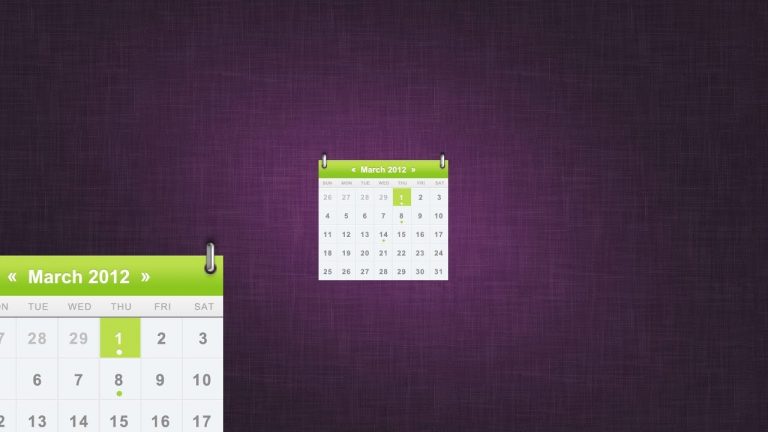
Create a Sleek Calendar – Photoshop Tutorial

Hang out with us and create this sweet little calendar icon/web graphic using shapes, pixels, Layer Styles, and more in Photoshop! Learn a bunch of little tips and tricks about snapping, working with type and text, working with Layer Styles, just a tiny bit of burning in, and we even learn how to make chrome!

This tutorial is one in the continued series the Howard from http://www.IceflowStudios.com and I are creating. Inspiration is draw from the amazing http://www.365psd.com and any number of the quality, free PSD downloads they provide! Check them out now!

Retro Toning, VSCO Style, and Sepia images in Photoshop

0

Check out another of my videos: “BREAKDOWN: Select and Mask vs. Refine Edge – Photoshop CC”

-~-~~-~~~-~~-~-

Check out our sponsor, GraphicStock.com Use this link for the deal in the video: http://graphicstock.com/x/TutVid_0416

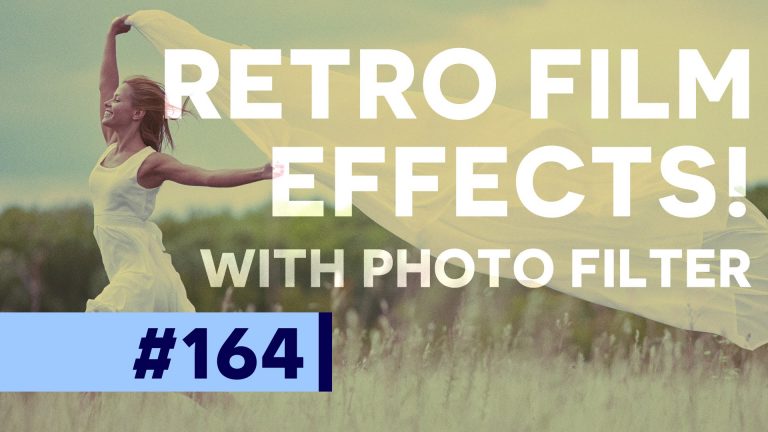
The Photo Filter adjustment is a really fun little adjustment that will allow you to create all kinds of effects, but I think it is best for creating a ton of different retro effects. We’ll create an old school “lomo” effect, a grainy “VSCO” style toned image, and a late 19th century style sepia image all with one single Adjustment Layer; the Photo Filter! Check this tutorial out, it’s great knowledge to have in your back pocket!

See written tutorial on site: http://tutvid.com/photoshop-tutorials/retro-toning-vsco-style-and-sepia-images-in-photoshop/

INSTAGRAM & MORE:
http://instagram.com/tutvid

https://www.facebook.com/tutvid

Simple Video Editing w/ Premiere Pro CS6

0

Check out another of my videos: “BREAKDOWN: Select and Mask vs. Refine Edge – Photoshop CC”

-~-~~-~~~-~~-~-

???See my newest tutorial on simple video editing using Premiere Pro CC right here: https://youtu.be/oATbfoeVGDE ???

Philly Is Ugly timelapse tutorial and behind the scenes. http://phillyisugly.com

In the following tutorial we will look at some very simple timeline video editing with Adobe Premiere Pro. This was for my Philly is ugly project.

GET MORE FROM TUTVID.COM

Facebook
https://www.facebook.com/tutvid

Twitter

Google+
http://gplus.to/tutvid

Website
http://tutvid.com

Please subscribe if you enjoyed this video!

10 Things You Must Avoid Doing in Photoshop CC

0

Check out another of my videos: “BREAKDOWN: Select and Mask vs. Refine Edge – Photoshop CC”

-~-~~-~~~-~~-~-

Written Photoshop tutorial: http://bit.ly/2edMEwd

We all know about the Photoshop faux pas, techniques like trying to smooth skin by blurring it, or the good olde Over Retouching of the eyes that will so often leave our subjects looking like they’ve been subjected to the most awful of death-ray-esque LASIK eye surgeries, and of course merely using the lowly Image-Adjustments-Desaturate is an awful way to create black and whites when you have the power of Gradient Maps or the Black and White Adjustment Layer. Let’s instead take a dive into some other techniques that you should avoid using in Photoshop and maybe we can both expand our knowledge of this brilliant piece of software. To kick things off, let’s look at the number one thing to avoid!

Pick up my image retouching tutorial package ($27) right here: http://tutvid.com/retouching-photos-photoshop/

SNAPCHAT & MORE:
http://instagram.com/tutvid

https://www.facebook.com/tutvid
? tutvid.com