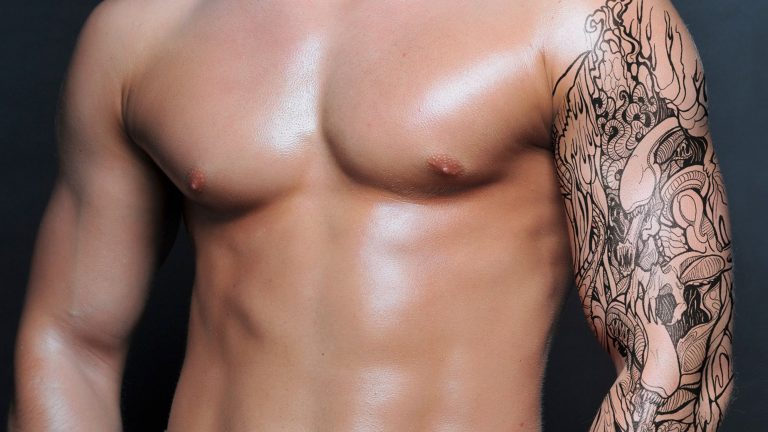
NOTE: if you tattoo has white background then change the blending mode to multiply… and for color correction dont use ctrl+ click method.. just duplicate the entire model image with ctrl+j and then do the same
——————————————————————————————————–
Apply a fake tattoo that looks realistic. yes, in this photoshop tutorial we will learn how to apply fake tattoo and then we will adjust the lighting and colors in a way that will make looks like it is actually on skin and not some fake sticker applied in photoshop.
So, I hope you learned something from this photoshop tutorial and as always if you have any questions feel free to ask me in the comments, and have some fun with photoshop 🙂
===================================
Background music by : https://www.youtube.com/user/EMHmusicPromo
===================================
subscribe at ► http://bit.ly/1Q8u7Op
Facebook: https://www.facebook.com/tutorialsjunction
===================================
download image ► http://bit.ly/1Qn40kF
previous video ► http://bit.ly/1Tj98e1
zdroj: YouTube