Home Blog Page 105

One NEW FUNCTION of Photoshop CC 2018 You NEED To Know!

0

LEARN THE TRUE POWER OF COPY AND PASTE LAYERS IN PHOTOSHOP! | This is one of the absolute must-know feature/functions in the latest release of Photoshop!

? Buy the Photoshop Course and Support the Channel → http://bit.ly/28NuwFy

? My Instagram: http://instagram.com/tutvid

? Subscribe for Daily Tutorials → https://goo.gl/DN4Nln

⚡️ blog post here: http://bit.ly/2zaUIeH

INSTAGRAM: http://instagram.com/tutvid
TWITTER: http://twitter.com/tutvid
FACEBOOK: https://www.facebook.com/tutvid
SNAPCHAT: tutvid.com

tutvid is a YouTube channel dedicated to creating the best Adobe Photoshop, Premiere Pro, Lightroom, and Illustrator tutorials. My goal is to create the best, most informative, and entertaining tutorials on the web. If you enjoy my videos, the best way to support what I do here is to purchase my course linked above or simply subscribe to the YouTube channel by pressing the red button.

✉️ business inquiries: nate@tutvid.com

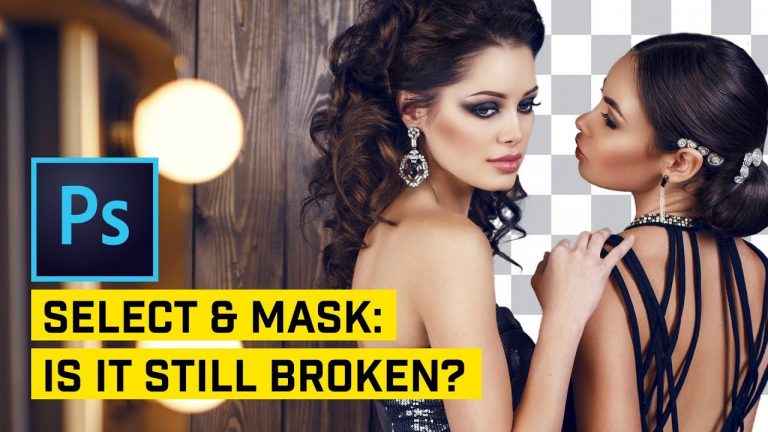
NEW v. OLD! Is Select & Mask BETTER? Photoshop CC 2018

0

COMPARE PHOTOSHOP CC 2018 SELECT & MASK FEATURE W/ PHOTOSHOP CC 2017! | We’ll compare eight different images and eight different types of complex selections to see if Adobe has managed to fix and improve the much-talked-about Select & Mask feature!

? Buy the Photoshop Course and Support the Channel → http://bit.ly/28NuwFy

? My Instagram: http://instagram.com/tutvid

? Subscribe for Daily Tutorials → https://goo.gl/DN4Nln

In this Adobe Photoshop tutorial, we’ll do a pretty comprehensive breakdown and comparison of the updated and improved Select & Mask in Photoshop CC 2018 and see if Adobe’s claims that it has improved the feature are in fact true when used in a number of complex and real-world examples and scenarios. Select and Mask has been the feature that we all love to hate and in this video we’ll find out if Adobe has made it a tool that can finally provide an effective and enjoyable experience that once-and-for-all gets the job done. Hope you enjoy it!

⚡️ written tutorial here: http://bit.ly/2zuVEs8

INSTAGRAM: http://instagram.com/tutvid
TWITTER: http://twitter.com/tutvid
FACEBOOK: https://www.facebook.com/tutvid
SNAPCHAT: tutvid.com

tutvid is a YouTube channel dedicated to creating the best Adobe Photoshop, Premiere Pro, Lightroom, and Illustrator tutorials. My goal is to create the best, most informative, and entertaining tutorials on the web. If you enjoy my videos, the best way to support what I do here is to purchase my course linked above or simply subscribe to the YouTube channel by pressing the red button.

✉️ business inquiries: nate@tutvid.com

20 New Powerful Tips, Tricks, & Hacks in Photoshop

0

WATCH ONE TRICK, OR WATCH ALL 20! | Check out this nice mix of cool and useful features, tricks, tips, and hacks that you can use in Photoshop (and some new stuff that is in Photoshop CC 2018)

? Buy the Photoshop Course and Support the Channel → http://bit.ly/28NuwFy

? My Instagram: http://instagram.com/tutvid

? Subscribe for Daily Tutorials → https://goo.gl/DN4Nln

? ↓ VIDEO GUIDE ↓ ?
00:45 1.) Path Thickness
01:40 2.) Add/Delete Anchors Tip
02:28 3.) Layer Style Auto Drop Down
03:45 4.) Precise Lens Flares
05:30 5.) Dodge/Burn Layer
07:16 6.) Sticky Hotkeys
08:26 7.) Easy Color Swapping w/ CC Libraries
09:44 8.) Duplicate & Transform Hotkey
10:44 9.) No More “Copy”
11:24 10.) Top Camera RAW Sharpening Tips
13:24 11.) Fast or Precise Scrubby Sliders
14:52 12.) Filled Layer Masks
15:33 13.) Moving Shapes and Selections in the moment
16:23 14.) Loading Transparency
17:31 15.) Bringing Back Refine Edge
18:35 16.) Adjustment Layer Presets
20:37 17.) Paragraph v. Point Text
23:04 18.) Esc to Dump or Commit Type Edits
24:09 19.) The Best Highlight (Probably)
25:58 20.) Multiple Masks for One Layer
28:15 BONUS TIP: Selecting Layer Content Within a Selection

In this Photoshop tutorial, we’ll jump in and check out 20 different things that you will love about Photoshop and even a bonus tip thrown in at the end because we all love a little bonus here or there. We’ll cover stuff like CC Library color tricks, new Path features, the duplicate transform effect, Camera RAW sharpening for anything, multiple masks, loading transparency, sticky hotkeys, scrubby sliders, and so much more!

⚡️ written tutorial here: [LINK SOON]

INSTAGRAM: http://instagram.com/tutvid
TWITTER: http://twitter.com/tutvid
FACEBOOK: https://www.facebook.com/tutvid
SNAPCHAT: tutvid.com

tutvid is a YouTube channel dedicated to creating the best Adobe Photoshop, Premiere Pro, Lightroom, and Illustrator tutorials. My goal is to create the best, most informative, and entertaining tutorials on the web. If you enjoy my videos, the best way to support what I do here is to purchase my course linked above or simply subscribe to the YouTube channel by pressing the red button.

✉️ business inquiries: nate@tutvid.com

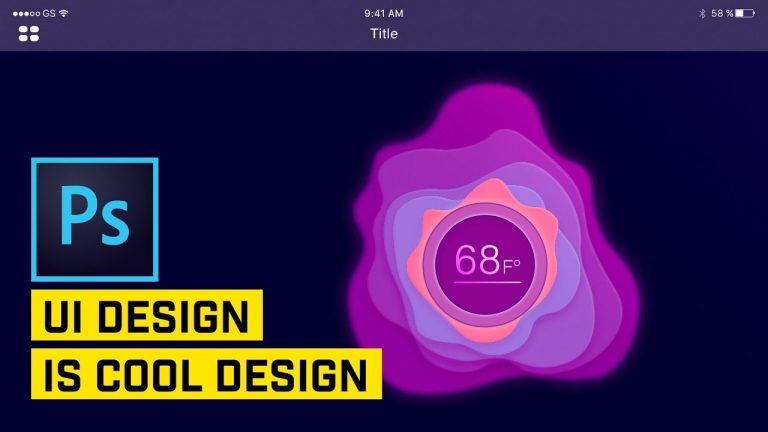
Create Smooth UI Graphics in Photoshop

0

USE SHAPE LAYERS AND LAYER STYLES TO CREATE THIS 3D EFFECT! | Create a multi-layered, smooth color, UI graphic. | We will learn about adjustment layers, mixing multiple layer styles, smart objects, and more!

? Buy the Photoshop Course and Support the Channel → http://bit.ly/28NuwFy

? My Instagram: http://instagram.com/tutvid

? Subscribe for Daily Tutorials → https://goo.gl/DN4Nln

In this Photoshop tutorial, we will create a stacked blob effect using shape layers and layer styles. We will work with a beautiful palette of colors and use blurs to create a false sense of depth in our graphics as well. If you do UI design or just like graphic design, this is a good Photoshop tutorial for you!

Download the blob sketch used in this tutorial here: http://tutvid.com/wp-content/uploads/2017/12/tutvid-blob-sketch.jpg

Download free iOS GUI: https://iosdesignkit.io/ios-gui/

⚡️ written tutorial here: http://bit.ly/2nPUN2V

INSTAGRAM: http://instagram.com/tutvid
TWITTER: http://twitter.com/tutvid
FACEBOOK: https://www.facebook.com/tutvid
SNAPCHAT: tutvid.com

tutvid is a YouTube channel dedicated to creating the best Adobe Photoshop, Premiere Pro, Lightroom, and Illustrator tutorials. My goal is to create the best, most informative, and entertaining tutorials on the web. If you enjoy my videos, the best way to support what I do here is to purchase my course linked above or simply subscribe to the YouTube channel by pressing the red button.

✉️ business inquiries: nate@tutvid.com

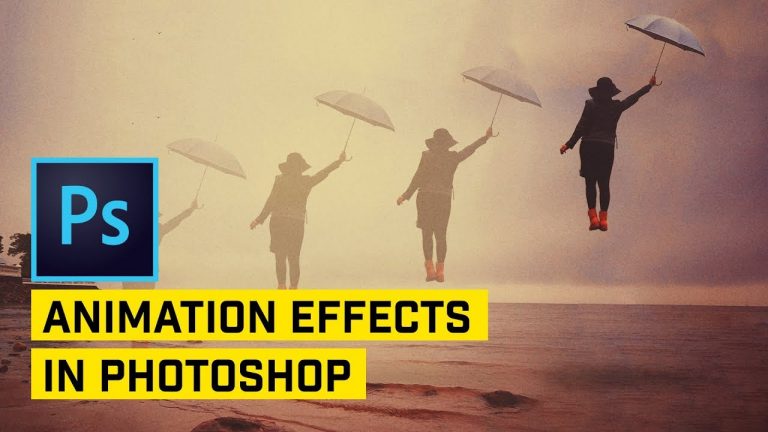
Create Floating Woman Animation (Beginners Guide to Animating) in Photoshop

0

LEARN TO MAKE THIS WONKY ANIMATION IN PHOTOSHOP! | We’ll learn to work with the video timeline in Photoshop and edit two different types of transforms to create movement within our movement while animating an object.

? Buy the Photoshop Course and Support the Channel → http://bit.ly/28NuwFy

? My Instagram: http://instagram.com/tutvid

? Subscribe for Daily Tutorials → https://goo.gl/DN4Nln

In this Photoshop tutorial, we will cut out and patch up a background scene to isolate our model so we can animate her using the Select and Mask tool in Photoshop and also take advantage of the power of Content-Aware Fill and the Healing Brush to make the best patch possible. We’ll then build a set of guides to track where we want the animation to take place and build out a series of keyframes on our timeline to animate the woman and even add a shadow that travels with her and fades away as she moves up off the surface of the water.

⚡️ written tutorial here: http://bit.ly/2j3fLpK

INSTAGRAM: http://instagram.com/tutvid
TWITTER: http://twitter.com/tutvid
FACEBOOK: https://www.facebook.com/tutvid
SNAPCHAT: tutvid.com

tutvid is a YouTube channel dedicated to creating the best Adobe Photoshop, Premiere Pro, Lightroom, and Illustrator tutorials. My goal is to create the best, most informative, and entertaining tutorials on the web. If you enjoy my videos, the best way to support what I do here is to purchase my course linked above or simply subscribe to the YouTube channel by pressing the red button.

✉️ business inquiries: nate@tutvid.com

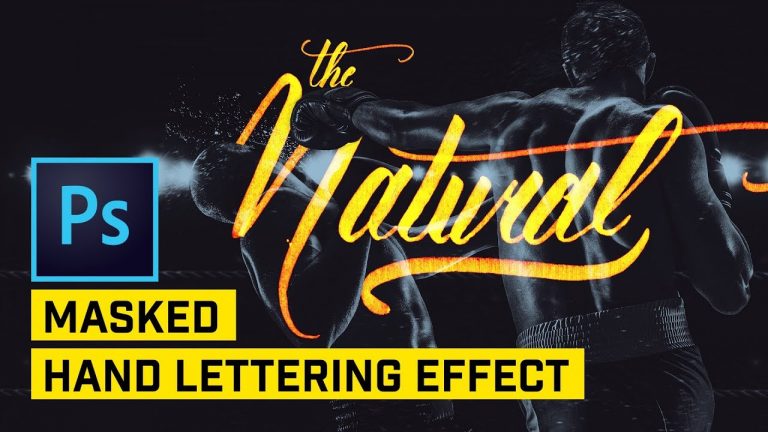
Hand Lettering Effect Photoshop Tutorial

0

CREATE THIS LETTERING EFFECT WITH EASE! | Scan in your hand-lettered work, screen it over an image, use a few color effects to offset the lettering and sit back and enjoy.

Visit our sponsor, Squarespace! http://squarespace.com/tutvid

Download the lettering image to follow along: http://tutvid.com/wp-content/uploads/2017/12/lettering-tutvid-video.jpg

? Buy the Photoshop Course and Support the Channel → http://bit.ly/28NuwFy

? My Instagram: http://instagram.com/tutvid

? Subscribe for Daily Tutorials → https://goo.gl/DN4Nln

In this Intertwined Custom Hand Lettering Photoshop Tutorial, we will first take a look at how I use foam tipped markers for quick and easy hand lettering styles and then transfer that written effect from the paper to Photoshop and then use a cool technique to isolate the rough, textured handwriting perfectly to a photograph and then apply some layer style effects to create a cool and vibrant hand-lettered text effect that is perfect for your portfolio or for Instagram! Hope you enjoy it!

⚡️ written tutorial here: http://bit.ly/2AWyBWR

INSTAGRAM: http://instagram.com/tutvid
TWITTER: http://twitter.com/tutvid
FACEBOOK: https://www.facebook.com/tutvid
SNAPCHAT: tutvid.com

tutvid is a YouTube channel dedicated to creating the best Adobe Photoshop, Premiere Pro, Lightroom, and Illustrator tutorials. My goal is to create the best, most informative, and entertaining tutorials on the web. If you enjoy my videos, the best way to support what I do here is to purchase my course linked above or simply subscribe to the YouTube channel by pressing the red button.

✉️ business inquiries: nate@tutvid.com

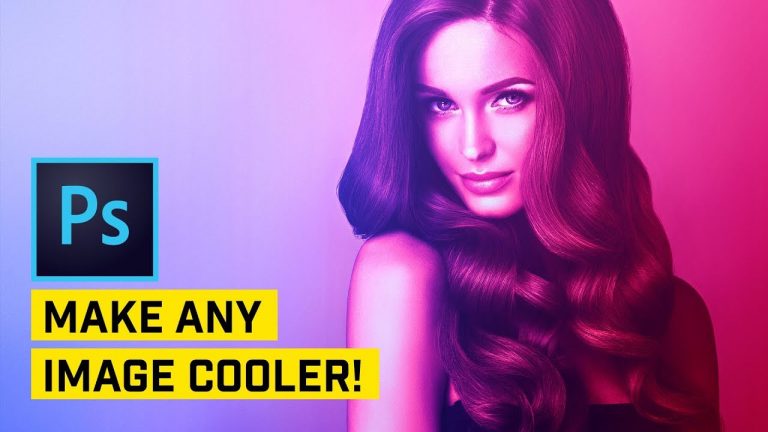
Add AWESOME Color Gel Effect in PHOTOSHOP!

0

CREATE THIS COOL COLOR EFFECT FOR YOUR PHOTOS IN PHOTOSHOP! | Use gradient layers, blend modes, and contrast tricks in this Photoshop tutorial to make a color gel effect for your photography.

? Buy the Photoshop Course and Support the Channel → http://bit.ly/28NuwFy

? My Instagram: http://instagram.com/tutvid

? Subscribe for Daily Tutorials → https://goo.gl/DN4Nln

In this Photoshop tutorial, we’ll transform a studio photo to an image that looks like an image that looks like it’s been relit with gels in studio to get a very colorful and contrasty image. It’s a cool looking effect and a great technique to know for all kinds of coloring purposes in Photoshop. Hope you love the tutorial!

⚡️ written tutorial here: http://bit.ly/2Ek69Ao

INSTAGRAM: http://instagram.com/tutvid
TWITTER: http://twitter.com/tutvid
FACEBOOK: https://www.facebook.com/tutvid
SNAPCHAT: tutvid.com

tutvid is a YouTube channel dedicated to creating the best Adobe Photoshop, Premiere Pro, Lightroom, and Illustrator tutorials. My goal is to create the best, most informative, and entertaining tutorials on the web. If you enjoy my videos, the best way to support what I do here is to purchase my course linked above or simply subscribe to the YouTube channel by pressing the red button.

✉️ business inquiries: nate@tutvid.com

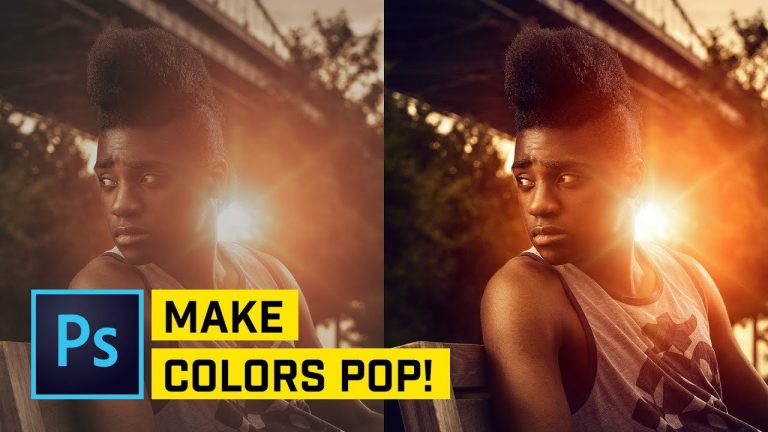
Five Ways to Make Colors Pop in Photoshop

0

EASY & ADVANCED WAYS TO GET AMAZING COLOR IN PHOTOSHOP! | Use LAB color, Curves, targeted adjustments, and more for amazing vibrant color that will knock your socks off!

? Buy the Photoshop Course and Support the Channel → http://bit.ly/28NuwFy

? My Instagram: http://instagram.com/tutvid

? Subscribe for Daily Tutorials → https://goo.gl/DN4Nln

In this Photoshop tutorial, we’ll look at five amazing ways to quickly and effectively enhance the colors in your photography. We will bump LAB channels for a quick and dirty color explosion, we’ll use HSL sliders for exact adjustments, we’ll make pretty colors look incredible with Color Balance, we’ll use Blend If with adjustment layers to make amazing color, but only in one part of an image, and finally, we’ll target Hue & Saturation to enhance the color by simplifying the color palette of a photograph to make the image jump with color and mood. Hope you enjoy the video!

⚡️ written tutorial here: http://bit.ly/2lEu4lI

INSTAGRAM: http://instagram.com/tutvid
TWITTER: http://twitter.com/tutvid
FACEBOOK: https://www.facebook.com/tutvid
SNAPCHAT: tutvid.com

tutvid is a YouTube channel dedicated to creating the best Adobe Photoshop, Premiere Pro, Lightroom, and Illustrator tutorials. My goal is to create the best, most informative, and entertaining tutorials on the web. If you enjoy my videos, the best way to support what I do here is to purchase my course linked above or simply subscribe to the YouTube channel by pressing the red button.

✉️ business inquiries: nate@tutvid.com

Digital Distortion Glitch Transitions For Video | After Effects Tutorial

0

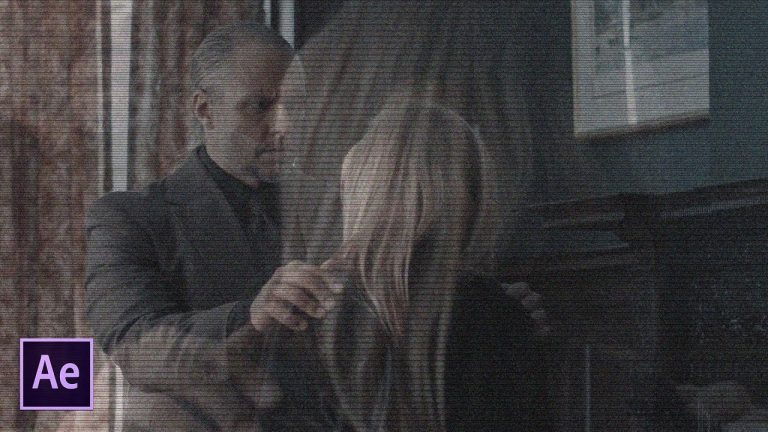
Instead of using cross-fade transitions, spice your project up with digital distortion glitch transitions. In this After Effects tutorial, we quickly create an awesome glitch transition using one layer. There are many ways to create glitch transitions, however in this After Effects tutorial we look at more old school techniques. Won’t be doing any RGB splitting, but focusing on a clean glitch that is subtle and blends in with your footage.

VideoHive Templates:
Glitch Transition for Video and Text: http://bit.ly/2lshl5p
21 Glitch Transitions With Unique Patterns: http://bit.ly/2zMSZZr

Like the music? Get your royalty free music at Artlist.io.
http://bit.ly/2t7xrrP

Social Media:
Drop a like on Facebook: https://www.facebook.com/sonduckfilm
Hit me up on Instagram: http://instagram.com/sonduckfilm
Follow me on Twitter: https://twitter.com/SonduckFilm
Connect with me on Linkedin: https://www.linkedin.com/in/joshnoel

Visit our website https://www.sonduckfilm.com for more tutorials, giveaways and film and photo gear!

Typography Motion Graphics in Premiere Pro | Tutorial

0

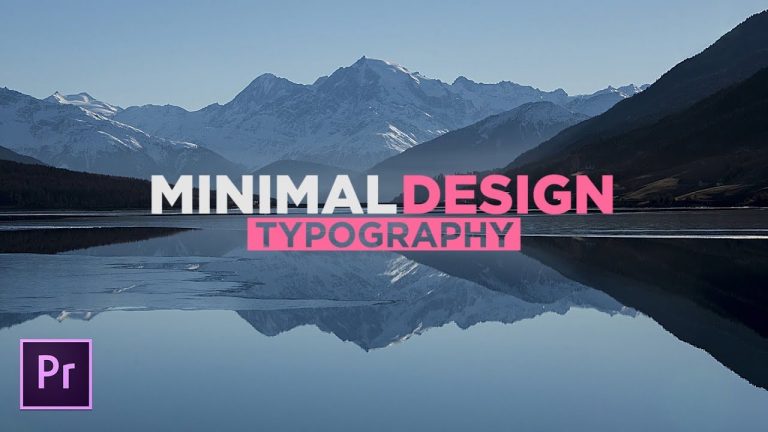
Adobe Premiere Pro is obviously best for video editing. When it comes to adding titles and animating them, the software has it’s limitations. In this Premiere Pro tutorial, we are going to look at ways to do great typography with the tools we have.

Like the music? Get your royalty free music at Artlist.io.
http://bit.ly/2t7xrrP

Social Media:
Drop a like on Facebook: https://www.facebook.com/sonduckfilm
Hit me up on Instagram: http://instagram.com/sonduckfilm
Follow me on Twitter: https://twitter.com/SonduckFilm
Connect with me on Linkedin: https://www.linkedin.com/in/joshnoel

Visit our website https://www.sonduckfilm.com for more tutorials, giveaways and film and photo gear!