Home Blog Page 155

Green screen in Adobe After Effects

0

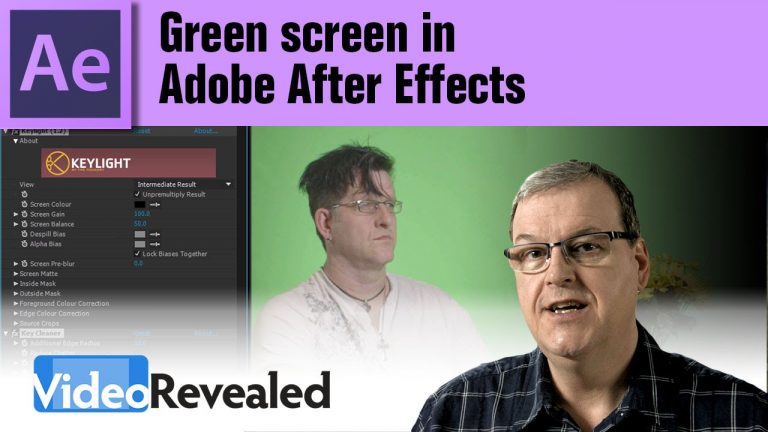
Adobe After Effects has a special preset recipe for dealing with green screen that includes Keylight, Key Cleaner and Advanced Spill Suppressor. The combination of these three is guaranteed to handle even the most problematic footage.

Download your FREE 30 day trial of Adobe Creative Cloud
http://adobe.ly/1S3mZW3

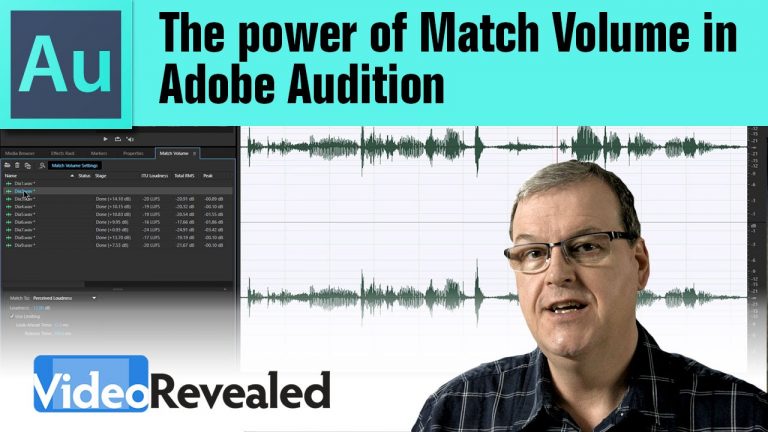
The power of Match Volume in Adobe Audition

0

If you have several audio/video clips that need to be the same volume, then Adobe Audition’s Match Volume feature will do the trick automatically.

Download your FREE 30 day trial of Adobe Creative Cloud
http://adobe.ly/1S3mZW3

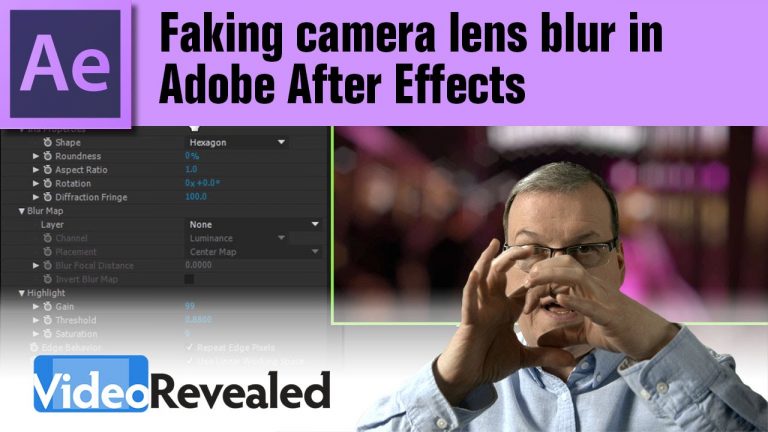
Faking camera lens blur in Adobe After Effects

0

After Effects contains a photorealistic effect called “Camera Lens Blur” that emulates the effect of a shallow depth of field. The effect comes with the ability to blow out highlights and add keyframes.

Download your FREE 30 day trial of Adobe Creative Cloud
http://adobe.ly/1S3mZW3

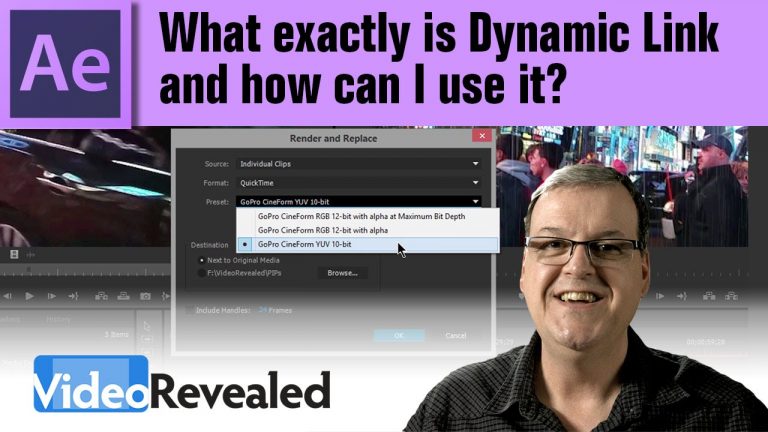
What exactly is Dynamic Link and how can I use it?

0

Dynamic Link connects Premiere Pro to After Effects to allow real-time updates on your motion graphics. No need to render output until the very end.

Download your FREE 30 day trial of Adobe Creative Cloud
http://adobe.ly/1S3mZW3

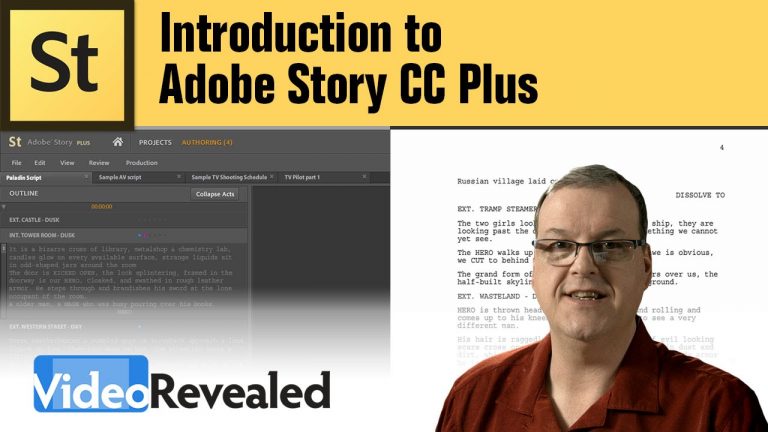
Introduction to Adobe Story CC Plus

0

Adobe Story CC Plus combines screenwriting with production scheduling and reporting tools. Collaborate, share projects, create schedules, and generate reports to help your team stay on the same page. Communicate more effectively while providing essential information that streamlines post-production workflows

Download your FREE 30 day trial of Adobe Creative Cloud
http://adobe.ly/1S3mZW3

Amazing healing powers of Adobe Audition

0

Adobe Audition has healing powers to save that perfect take where someone makes a noise on set like a ringing cellphone or a cough. The spectral frequency display, along with the lasso tool give you the power to select any sound and heal it like removing a blemish in Photoshop!

Download your FREE 30 day trial of Adobe Creative Cloud
http://adobe.ly/1S3mZW3

Master pen tool tricks in Adobe Illustrator

0

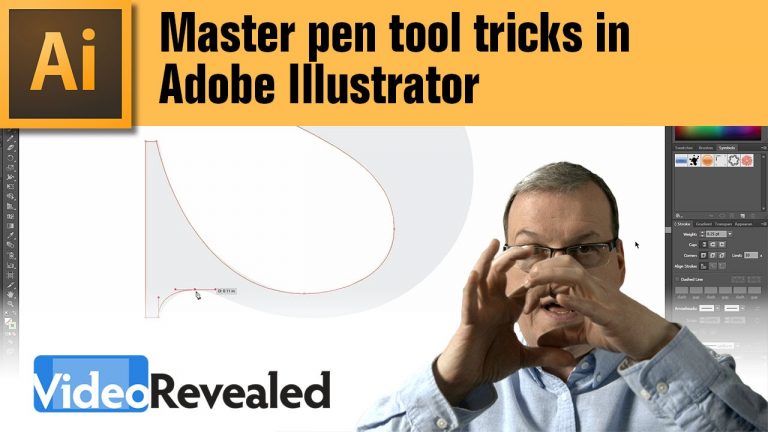
Mastering the pen tool will give you stills that you can use not only in Adobe Illustrator, but also in Photoshop, After Effects and any other Adobe application that uses this tool.
Colin Smith shares his secrets from almost 20 years of creating vector graphics all the way back to when you couldn’t draw in preview mode back in Illustrator 1.

Download your FREE 30 day trial of Adobe Creative Cloud
http://adobe.ly/1S3mZW3

Background removal using refine edge in Adobe Photoshop

0

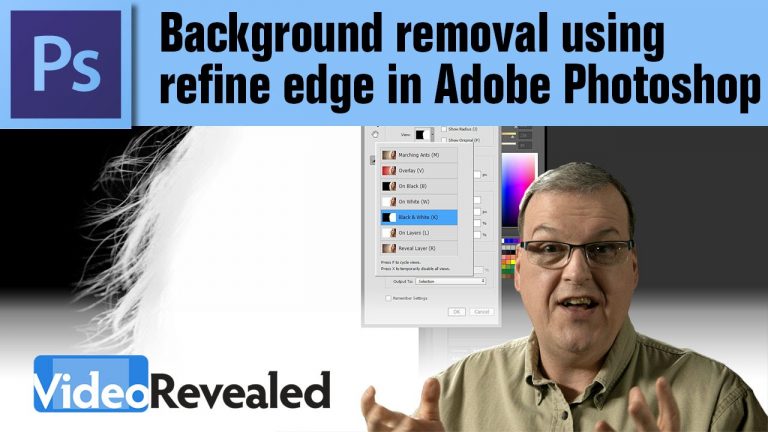
Never use the Magic Wand again once you learn the power of Refine Edge in Adobe Photoshop. Refine Edge will create automatic masks on hair and transparency with just a couple of clicks.

Download your FREE 30 day trial of Adobe Creative Cloud
http://adobe.ly/1S3mZW3

Create your own focus chart in Adobe Illustrator

0

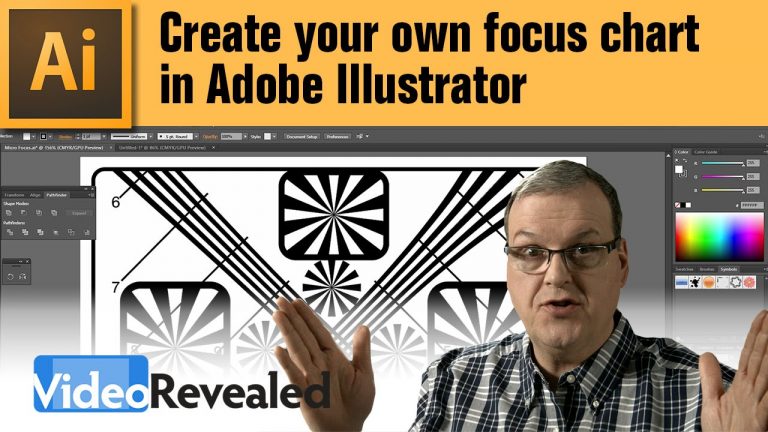
Illustrator has easy to use tools to make simple shapes into precise drawings including built-in math to divide shapes into concentric copies. The text entered in the Rotate dialog box was 360 / 12 and that translates to 360 degrees evenly divided into 12 separate shapes with a result of 30 degrees each. Press the copy button and your shapes is copied and moved 30 degrees. Press Cmd+D (Mac) Ctrl+D (Win) 11 times and you’ve copied full circle.
That’s just one of many cool things about Illustrator.

Or you can “cheat” and just download the chart here:
http://www.mediafire.com/view/es4uclqswuliuc3/Micro_Focus.pdf

Download your FREE 30 day trial of Adobe Creative Cloud
http://adobe.ly/1S3mZW3
Batch renaming in Adobe Prelude

0

Adobe Prelude will guarantee your videos have unique file names and you’ll be able to save an endless number of naming presets. Stop transferring files on the Desktop or Finder and start using Adobe Prelude to do all the work.

Download your FREE 30 day trial of Adobe Creative Cloud
http://adobe.ly/1S3mZW3