Lots of people use Adobe Bridge for renaming images, but you can also use it to rename (and transfer) videos too.
Download your FREE 30 day trial of Adobe Creative Cloud
http://adobe.ly/1S3mZW3
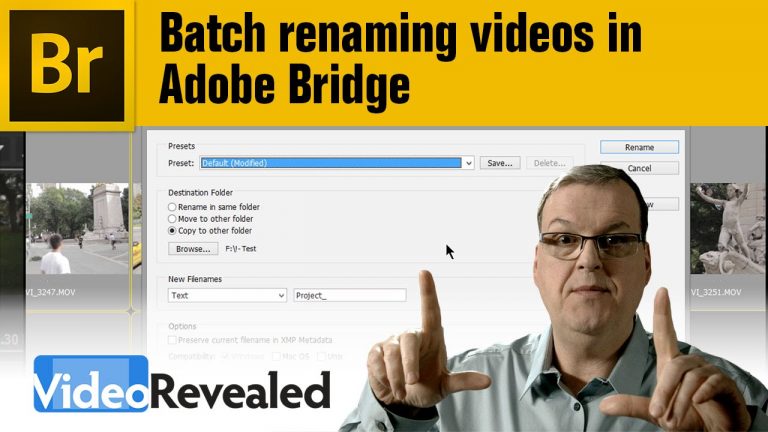
Lots of people use Adobe Bridge for renaming images, but you can also use it to rename (and transfer) videos too.
Download your FREE 30 day trial of Adobe Creative Cloud
http://adobe.ly/1S3mZW3
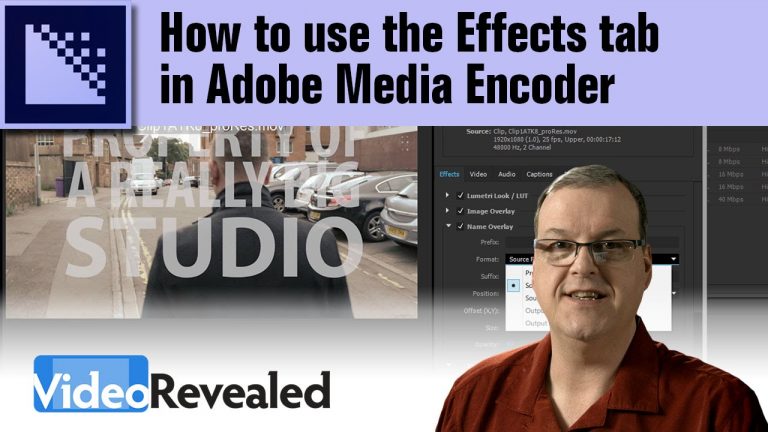
If you need to add elements to your video, like a LUT (Look Up Table) watermark, timecode, etc. then Adobe Media Encoder gives you all those controls in the Effects tab. Once you’re done, you can save these settings as a preset to use the next time you need them.
Download your FREE 30 day trial of Adobe Creative Cloud
http://adobe.ly/1S3mZW3
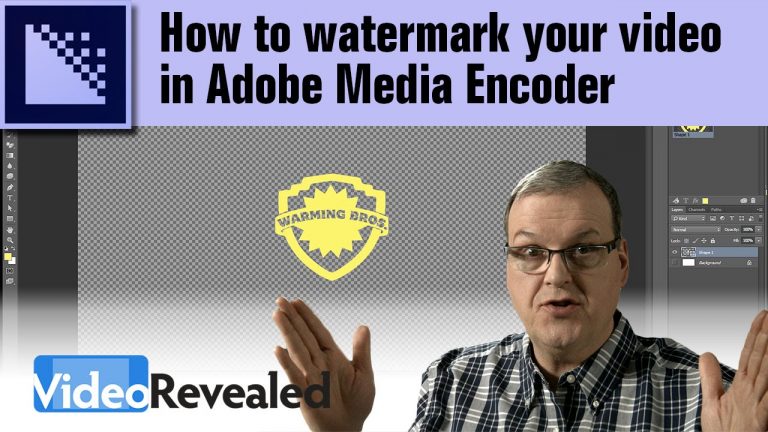
Adobe Media Encoder includes the ability to apply any image as a watermark to a video. This can be for copy protection or identification purposes. If you use a layered Photoshop file, then you can change the font or other properties any time you want.
Download your FREE 30 day trial of Adobe Creative Cloud
http://adobe.ly/1S3mZW3

Adobe Media Encoder can be used for more than just one-at-a-time video encoding; you can use it to batch output a whole group of videos. You can also create custom output folders so each format lands into its own specific location.
Download your FREE 30 day trial of Adobe Creative Cloud
http://adobe.ly/1S3mZW3
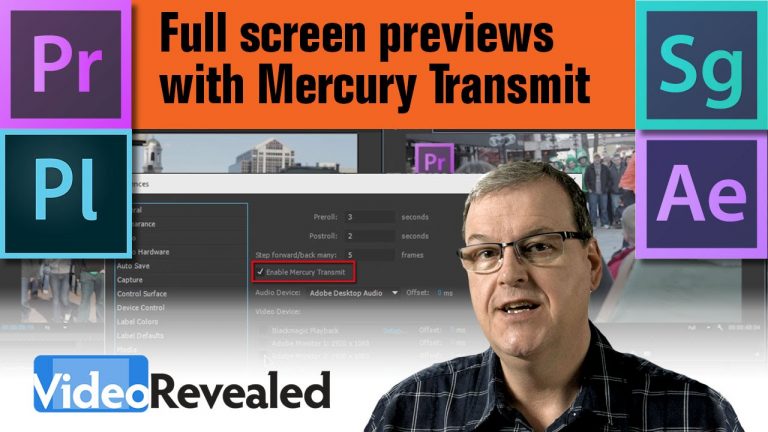
Mercury Transmit will turn you second computer display into a full screen output monitor in Premiere Pro, Prelude, After Effects and SpeedGrade. No more squinting at the small display in the interface, just hit play and watch in full screen glory.
Download your FREE 30 day trial of Adobe Creative Cloud
http://adobe.ly/1S3mZW3
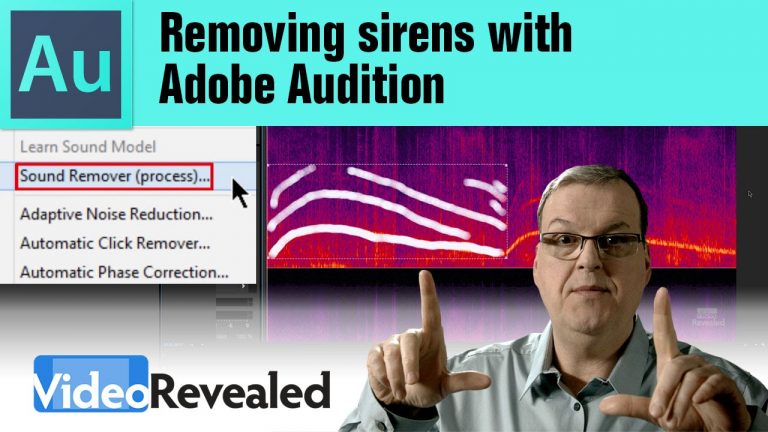
The sound of sirens can ruin a perfect take but the Sound Remover in Adobe Audition can remove them completely. Explore all the settings in the Sound Remover to tweak the process and retain the best quality of your audio.
Download your FREE 30 day trial of Adobe Creative Cloud
http://adobe.ly/1S3mZW3
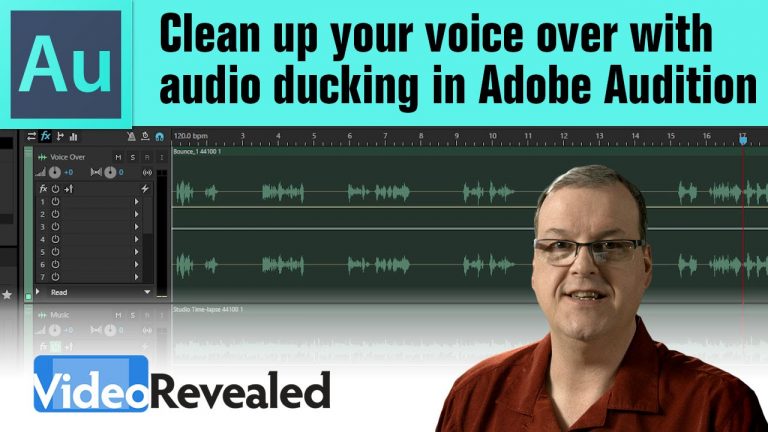
Audio ducking will automatically lower the volume of any track when the voice over is playing. It’s fast and easy using the built-in multitrack template in Adobe Audition.
Download your FREE 30 day trial of Adobe Creative Cloud
http://adobe.ly/1S3mZW3
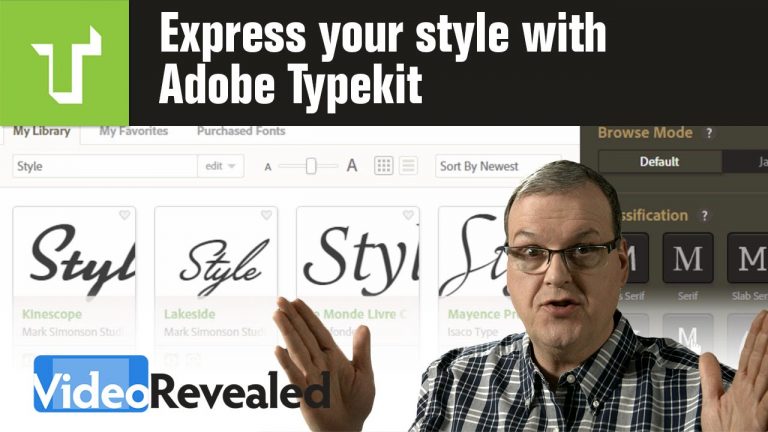
Creative Cloud members have access to Typekit and thousands of world-class fonts that can be used in any Adobe application.
Download your FREE 30 day trial of Adobe Creative Cloud
http://adobe.ly/1S3mZW3
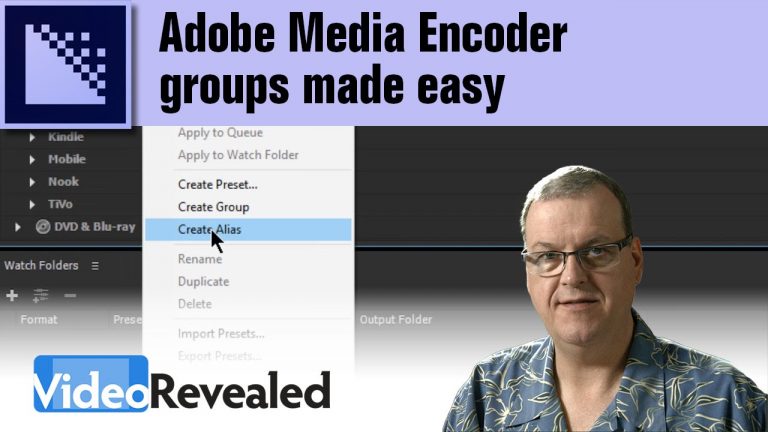
If you regularly output to many video formats from Adobe Media Encoder, then creating a group can increase performance. Creating an alias and moving into a group folder can be a challenge when all the presets are open. Thanks to the folks at FOX News in Washington for making me aware of this feature. Sometimes the technical folks like me miss the little things.
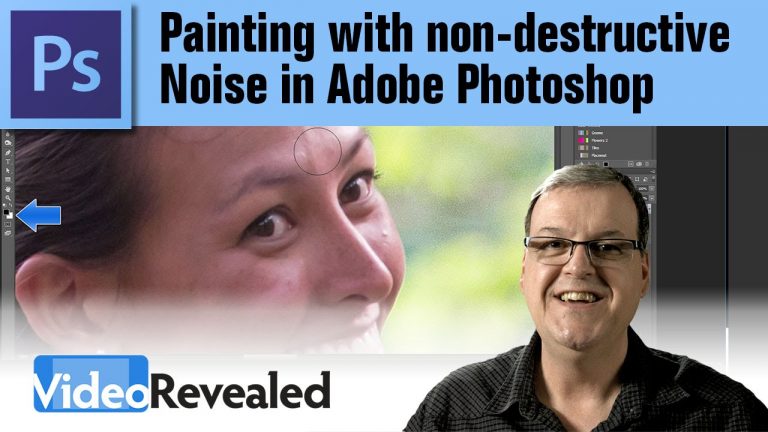
Applying noise doesn’t have to be an all or nothing operation. This tutorial will show you how to control noise, blur and opacity with a paint brush and a single, non-destructive layer.
Download your FREE 30 day trial of Adobe Creative Cloud
http://adobe.ly/1S3mZW3