Home Blog Page 157

The power of tabbed windows in Adobe Photoshop

0

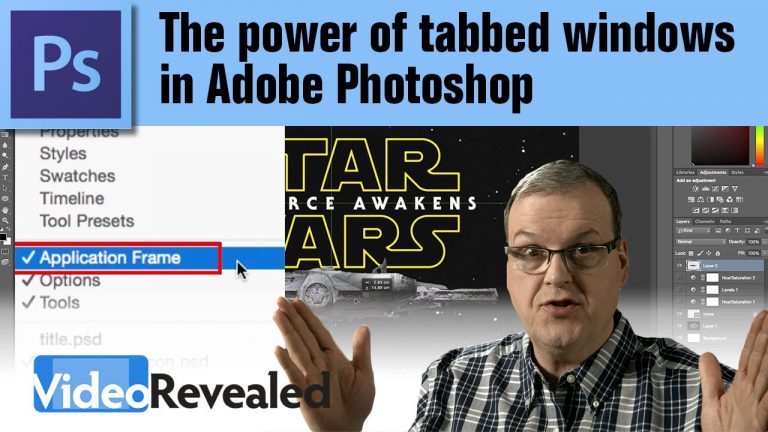
Several years ago, Adobe adopted the Application Frame for applications like Photoshop and others. Application Frame is a method of arranging and working with all you open documents in a tabbed arrangement that makes copying anything from document to document a breeze. Even copying a whole bunch of Adjustment Layers is as simple as drag and drop.

Download your FREE 30 day trial of Adobe Creative Cloud
http://adobe.ly/1S3mZW3

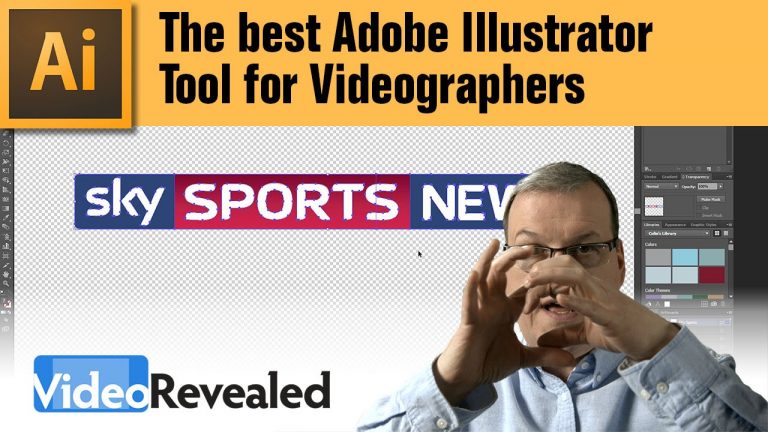
The best Adobe Illustrator Tool for Videographers

0

The Shape Builder Tool in Adobe Illustrator helps novice vector artists create complex shapes with ease. Videographers can use The Shape Builder to create on screen graphics and it’s perfect for converting a full color logo to a transparent white overlay bug.

Download your FREE 30 day trial of Adobe Creative Cloud
http://adobe.ly/1S3mZW3

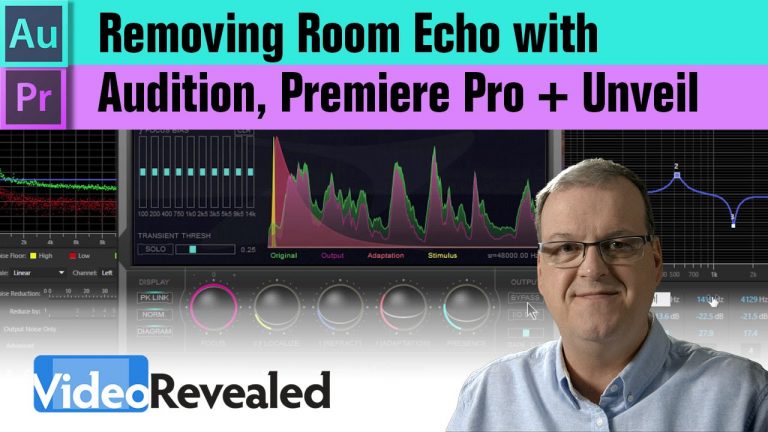
Removing room echo with Audition, Premiere Pro + Unveil

Room echo is that familiar audio problem that plagues DSLR shooters causing the production quality to sound less than spectacular. Fortunately, Adobe Audition has some great tools to reduce that problem. Thanks to Durin Gleaves from Adobe for his guidance on this tutorial.
To really blow your mind, we’ve included a tutorial on Zynaptiq Unveil that completely eliminates all room echo and it is absolutely remarkable.

Here is a great, in-depth tutorial by Production Bytes on using Unveil

Download your FREE 30 day trial of Adobe Creative Cloud
http://adobe.ly/1S3mZW3

Zynaptiq Unveil
http://www.zynaptiq.com/unveil/

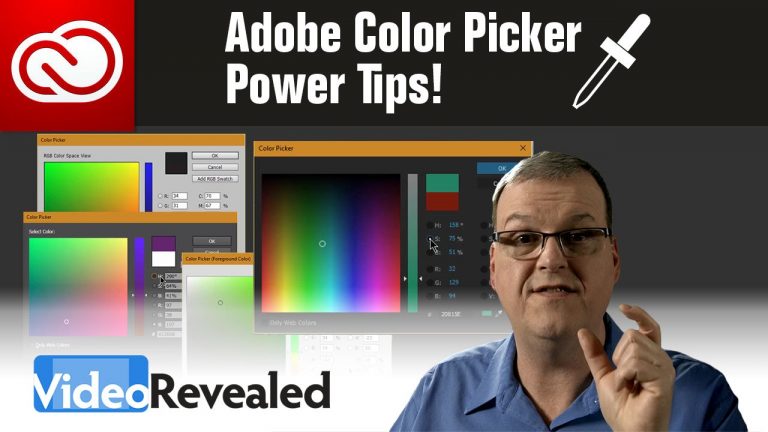
Adobe Color Picker Power Tips!

You may not think you need a tutorial on the Adobe Color Picker but there is a lot to know when it comes to understanding color models and how to restrict your choice to a specific axis.

Download your FREE 30 day trial of Adobe Creative Cloud
http://adobe.ly/1S3mZW3

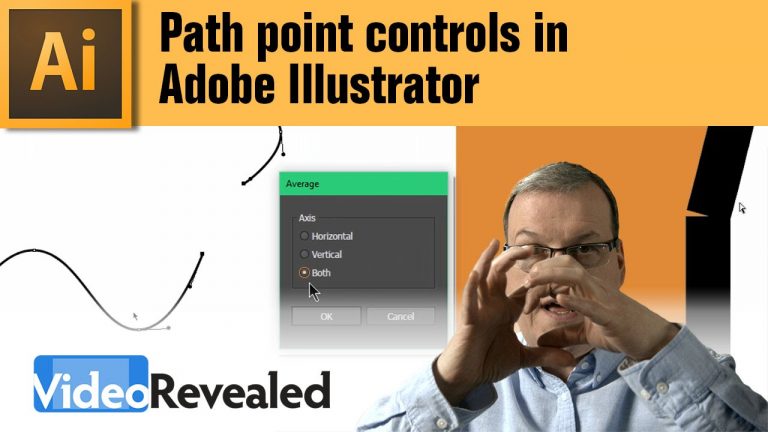
Path Point Controls in Adobe Illustrator

0

Controlling when and how path points join is essential when working with Adobe Illustrator. It’s also very useful to recognize when points aren’t joined and how to fix them.

Download your FREE 30 day trial of Adobe Creative Cloud
http://adobe.ly/1S3mZW3

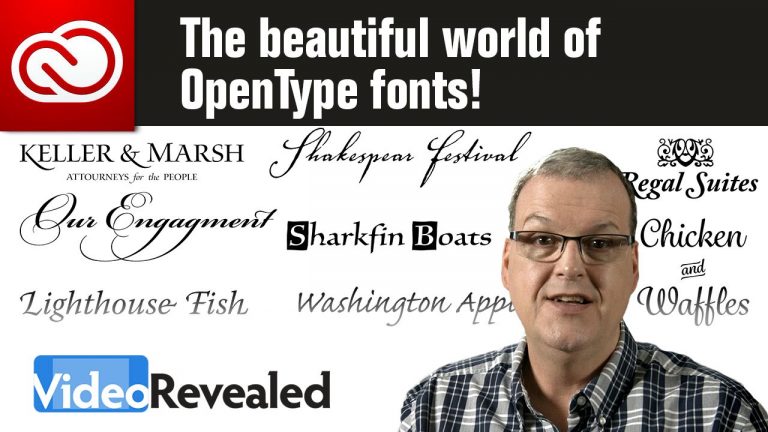
The beautiful world of OpenType fonts!

0

An Adobe Creative Cloud license brings the world of OpenType fonts to your creative projects. Whether you’re into photography, design, web, animation or video, learning how to take your fonts to the next level is key.

Download your FREE 30 day trial of Adobe Creative Cloud
http://adobe.ly/1S3mZW3

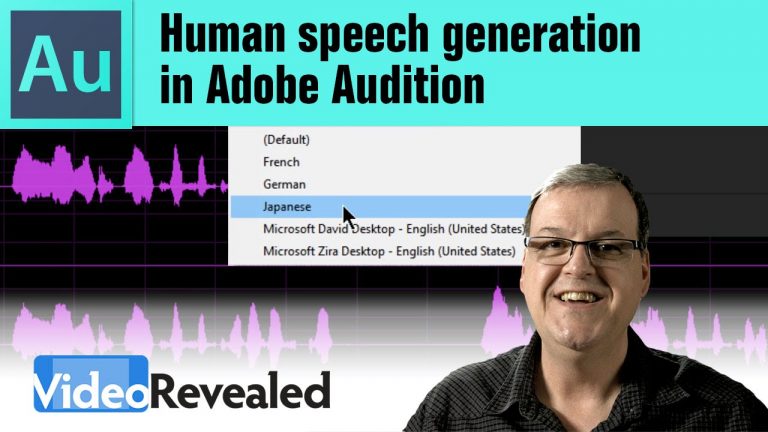
Human speech generation in Adobe Audition

0

Adobe Audition can create new audio files that contain generated human speech using your built-in operating system text to speech engine. Combine that with Google Translate and the effects in Audition, and you can generate speech in any language and in any environment!

Download your FREE 30 day trial of Adobe Creative Cloud
http://adobe.ly/1S3mZW3

Editing 4k video live from the Panasonic Lumix Studio at CES 2016

0

Panasonic invited me to join them at CES as editor in their Lumix 4k Creator’s Lounge along with Bryan Elliott of The GoodBrain Design Studio. I edited 18 interviews using footage shot on the amazing Panasonic Lumix GH4 4k camera.
In this tutorial I break down what I did to be able to edit two streams of 4k as a Multicam project in Adobe Premiere Pro.

Download your FREE 30 day trial of Adobe Creative Cloud
http://adobe.ly/1S3mZW3

Check out The GoodBrain Digital Studio
http://www.1goodbrain.com/

Here are the interviews

UNMASKING THE MYTH – The truth about a “cinematic look”.

It’s a myth that there is a single “cinematic” look. This tutorial explores many Hollywood examples that encourage you to move beyond shallow depth of filed and bleach bypass!

Please support us on Patreon so we can continue to create the content you want!
http://patreon.com/VideoRevealed

Stay connected with VideoRevealed on Facebook:
https://www.facebook.com/VideoRevealed

Download your FREE 30 day trial of Adobe Creative Cloud
http://adobe.ly/1S3mZW3
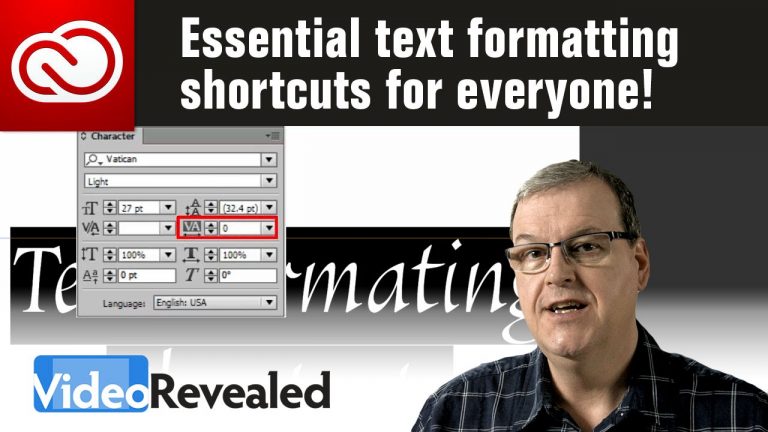
Essential text formatting shortcuts for everyone!

Adobe made the text formatting keyboard shortcuts in Illustrator, InDesign, Photoshop and After Effects the same. It makes sense to learn these shortcuts to give you the fastest text formatting workflow possible.

MOVING THE CURSOR
Left and Right Arrow keys

KERNING
Opt + Left and Right Arrow keys (Mac)
Alt + Left and Right Arrow keys (Win)

SELECTING ONE LETTER AT A TIME
Shift + Left and Right Arrow keys (Mac)
Shift + Left and Right Arrow keys (Win)

SELECTING ONE WORD AT A TIME
Cmd + Shift + Left and Right Arrow keys (Mac)
Ctrl + Shift + Left and Right Arrow keys (Win)

SELECTING ONE LINE AT A TIME
Cmd + Shift + Up and Down Arrow keys (Mac)
Ctrl + Shift + Up and Down Arrow keys (Win)

TRACKING (Text must first be selected)
Opt + Left and Right Arrow keys (Mac)
Alt + Left and Right Arrow keys (Win)

BASELINE SHIFT (Text must first be selected)
Opt + Shift + Up and Down Arrow keys (Mac)
Alt + Shift + Up and Down Arrow keys (Win)

Please support us on Patreon so we can continue to create the content you want!
http://patreon.com/VideoRevealed

Stay connected with VideoRevealed on Facebook:
https://www.facebook.com/VideoRevealed

Download your FREE 30 day trial of Adobe Creative Cloud
http://adobe.ly/1S3mZW3