Home Blog Page 160

Is a numeric keypad really better for editing video?

0

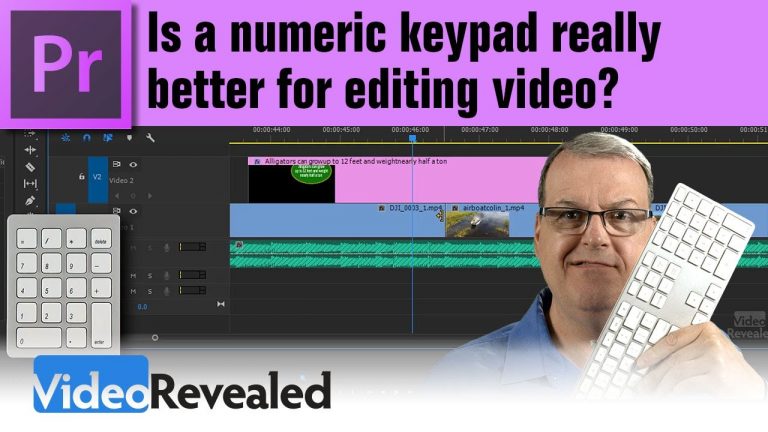
Is a numeric keypad really better for editing video?

The simple answer is – YES! Premiere Pro has special functions for the numbers on the numeric keypad that are different from the numbers at the top of a QWERTY keyboard. The keypad gives you instant and accurate placement of the Playhead, video clips, titles and more.

Please support us on Patreon so we can continue to create the content you want!
http://patreon.com/VideoRevealed

Stay connected with VideoRevealed on Facebook:
https://www.facebook.com/VideoRevealed

Download your FREE trial of Adobe Creative Cloud
http://adobe.ly/1S3mZW3
Removing objects in video with Photoshop and Premiere Pro

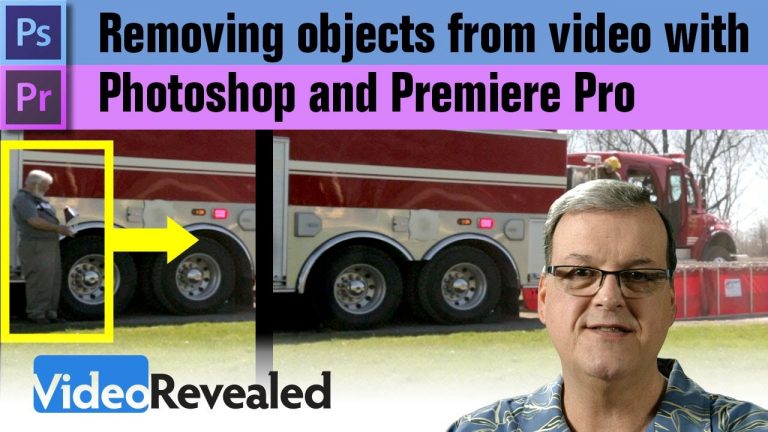
Removing objects in video with Photoshop and Premiere Pro

You can easily use Photoshop’s Clone Brush to pain out unwanted object from video then import them into Premiere Pro. You can also use a “clean” part of a video frame to remove unwanted objects like camera operators. This tutorial will guide you though both scenarios.

Please support us on Patreon so we can continue to create the content you want!
http://patreon.com/VideoRevealed

Stay connected with VideoRevealed on Facebook:
https://www.facebook.com/VideoRevealed

Download your FREE trial of Adobe Creative Cloud
http://adobe.ly/1S3mZW3
Importing video into Adobe Premiere Pro

0

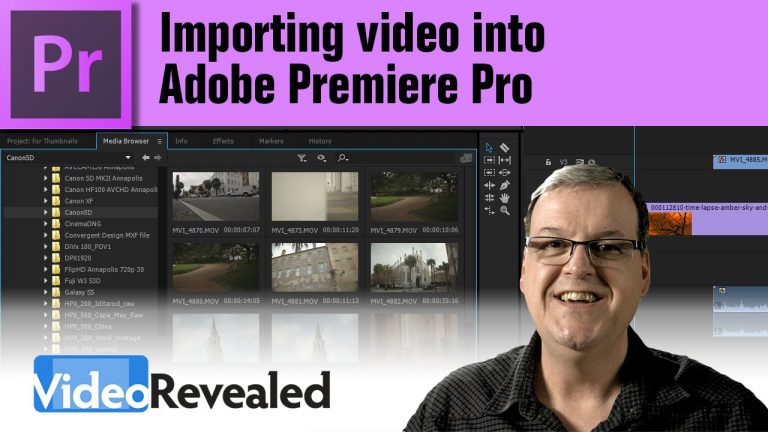
Colin will show you how to easily import video right from your Compact Flash card directly into the Premiere Pro Timeline! You’ll also learn why the Media Browser is the best way to bring in footage and why you should stay away from the Import command.

Download your FREE 30 day trial of Adobe Creative Cloud
http://adobe.ly/1S3mZW3
Organizing your media in Adobe Premiere Pro

0

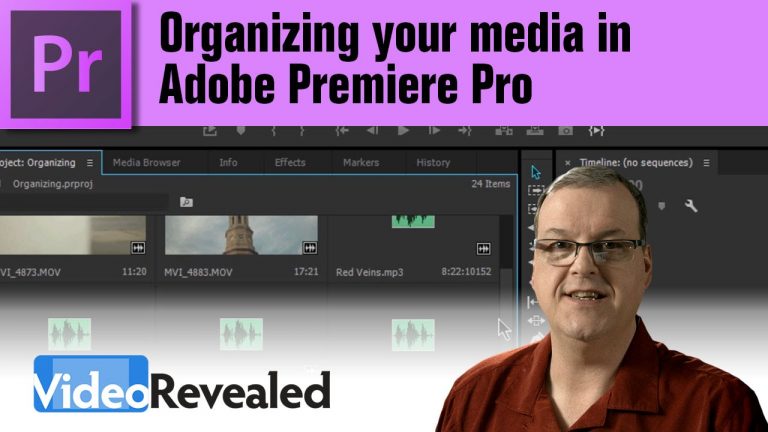
Keeping you Project bins organized is the key to working fast when you’re working with lots of videos, mp3s and images. Learn how the new Smart Search Bins make this step automatic!

Download your FREE 30 day trial of Adobe Creative Cloud
http://adobe.ly/1S3mZW3
Easy Sequence creation in Adobe Premiere Pro

0

Getting started in Adobe Premiere Pro is as easy as dragging and dropping any video clip and having the program make the sequence for you. Or if you’re the kind that wants complete control over frame size, audio tracks and more, then that’s also an easy option

Download your FREE 30 day trial of Adobe Creative Cloud
http://adobe.ly/1S3mZW3
Easy Timeline navigation in Adobe Premiere Pro

0

As video projects get longer and more complicated, learning how to make the most of navigating the Timeline in Adobe Premiere Pro is essential.

Download your FREE 30 day trial of Adobe Creative Cloud
http://adobe.ly/1S3mZW3
Adobe Premiere Pro Timeline customization tips

0

If you want to speed up your editing workflow, then customizing Premiere Pro’s timeline is the way to go. Why settle for someone else’s idea of how to work when you can make yourself productive and comfortable with just a few clicks?

Download your FREE 30 day trial of Adobe Creative Cloud
http://adobe.ly/1S3mZW3
Instant upload to YouTube in Adobe Premiere Pro

0

Adobe Premiere Pro will save you time and errors when uploading directly to YouTube with ability to save YouTube login credentials and instantly upload immediately after encoding your videos.

Download your FREE 30 day trial of Adobe Creative Cloud
http://adobe.ly/1S3mZW3
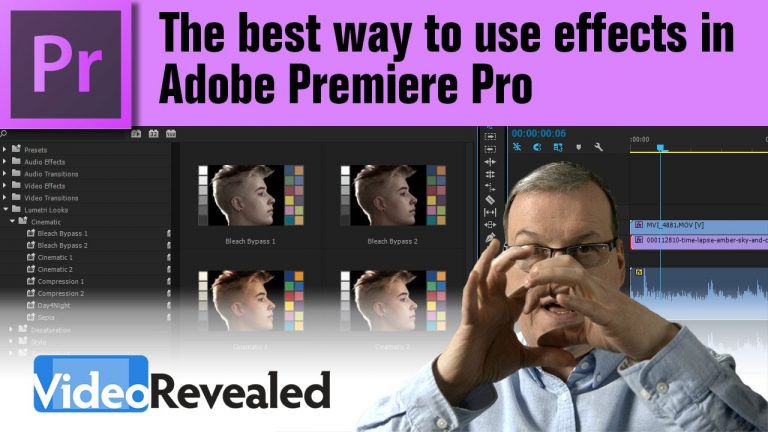
The best way to use effects in Adobe Premiere Pro

0

Adobe Premiere Pro is not just for editing, it contains a myriad of effects to use on your projects. From color correction to distortions to stabilization, Premiere Pro will give you more options to fix problematic videos or to get radically creative.

Download your FREE 30 day trial of Adobe Creative Cloud
http://adobe.ly/1S3mZW3
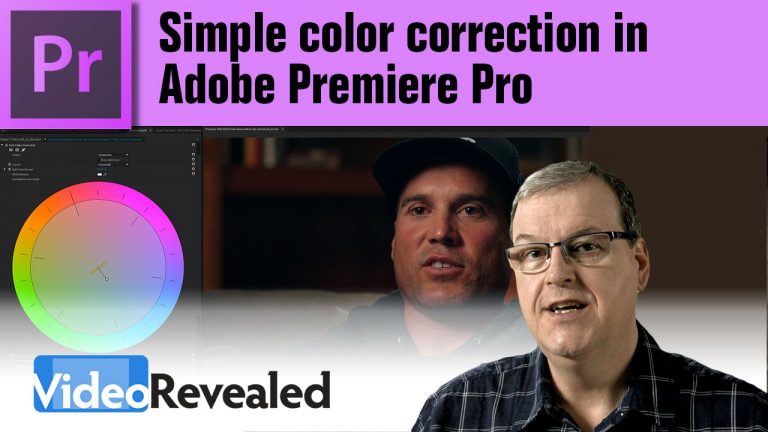
Simple color correction in Adobe Premiere Pro

0

Learning how to do quick and easy color corrections in Adobe Premiere Pro is easier than you may think. Using the built-in color wheel will put all the controls of color science at your fingertips and give you that cinematic look you’ve been looking for.

Download your FREE 30 day trial of Adobe Creative Cloud
http://adobe.ly/1S3mZW3