Home Blog Page 161

All about ripple trimming in Adobe Premiere Pro

0

Sometimes what we think is the best way to work, isn’t, and that’s why video editors around the world use ripple trimming to speed up editing. If you’ve been manually trimming your clips, then deleting gaps and moving clips around, you’re going to love how Premiere Pro can make all that an automatic function.

Download your FREE 30 day trial of Adobe Creative Cloud
http://adobe.ly/1S3mZW3
Adding dynamic punch to audio in Adobe Premiere Pro

0

Make your audio tracks and interview videos more dynamic by using the Multiband Compressor in Adobe Premiere Pro.

Download your FREE 30 day trial of Adobe Creative Cloud
http://adobe.ly/1S3mZW3
Adding transitions to video in Adobe Premiere Pro

0

Learn how to use transitions in Premiere Pro and find out why you should avoid the “cheesy” Page Peel transition. Compare Cross Dissolve to Film Dissolve to see which one you prefer.

Download your FREE 30 day trial of Adobe Creative Cloud
http://adobe.ly/1S3mZW3
Video stabilizing techniques in Adobe Premiere Pro

0

Properly stabilizing video is easy in Adobe Premiere Pro and Adobe After Effects. It’s more than just moving the video frame, real video stabilization is about using a virtual camera to reverse the distortion caused by inadvertent camera movement and smoothing it out to look like a professional dolly shot!

Download your FREE 30 day trial of Adobe Creative Cloud
http://adobe.ly/1S3mZW3
How to add a title in Adobe Premiere Pro

0

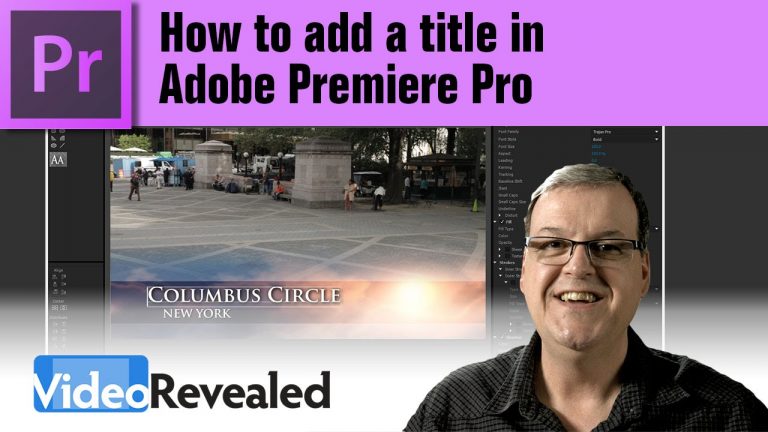
Working with titles is easy once you know how to create them and edit them, but understanding the difference between duplicating a title and copying a title is essential to becoming more productive.

If you’re missing the templates in this tutorial, download them here:
https://www.youtube.com/watch?v=aQWDTx9Icf8

Download your FREE 30 day trial of Adobe Creative Cloud
http://adobe.ly/1S3mZW3
Download FREE templates, textures and styles

0

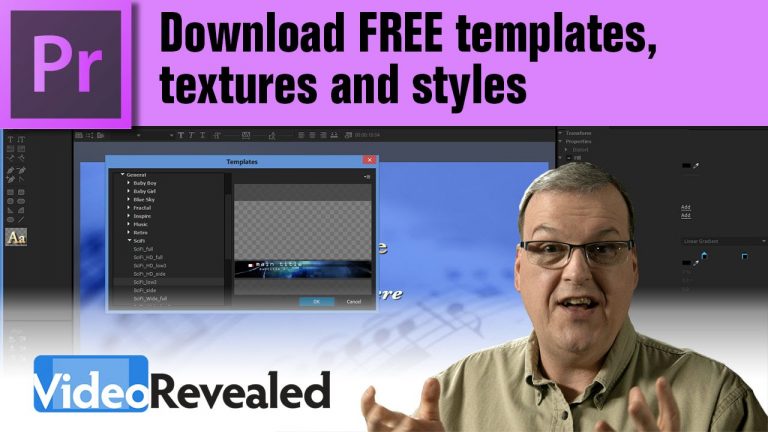
Premiere Pro includes a powerful Title Designer but when you first open the templates, you’ll find nothing there. The link below will take you to a help page where you can download extra templates, textures and styles to use in Premiere Pro and it’s totally FREE!

https://helpx.adobe.com/x-productkb/multi/library-functional-content-missing.html

Download your FREE 30 day trial of Adobe Creative Cloud
http://adobe.ly/1S3mZW3
How to animate a title in Adobe Premiere Pro

0

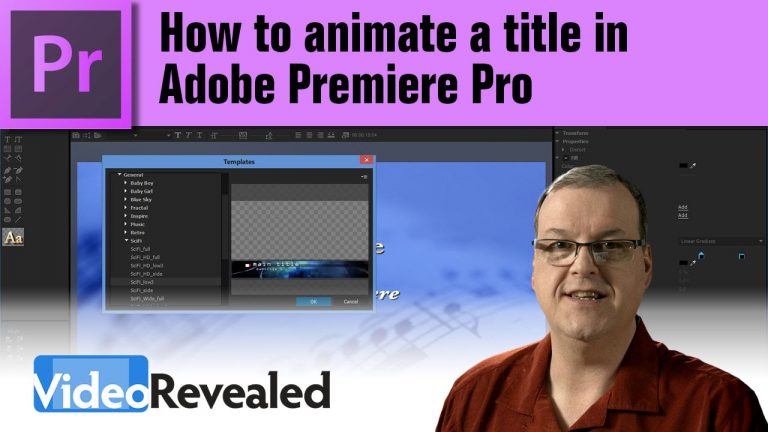
Animated titles can easily be created right within Adobe Premiere Pro. You can use the built-in templates or create new titles of your own.

Download your FREE 30 day trial of Adobe Creative Cloud
http://adobe.ly/1S3mZW3
If you’re missing the templates in this tutorial, download them here:
https://www.youtube.com/watch?v=XQzoA7tG8c8

Batch export sequences in Adobe Premiere Pro

0

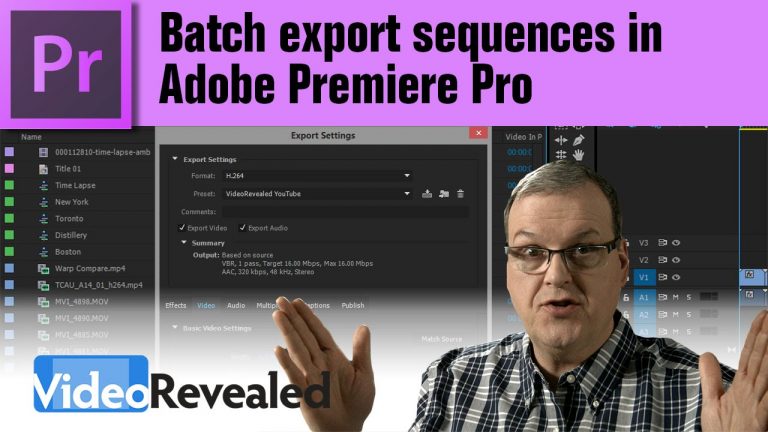
Automated batch export can save you tons of time when you need multiple Sequences or video clips output right away. Adobe Premiere Pro makes it a simple operation to get all your work done with batch exporting.

Download your FREE 30 day trial of Adobe Creative Cloud
http://adobe.ly/1S3mZW3
1-click picture-in-picture effect in Adobe Premiere Pro

0

If you’re looking for a quick picture-in-picture effect in Premiere Pro, then this tutorial will show you have to use the built-in presets. For a more customized look, see how you can manually put any video, in any format anywhere on the screen and view it live without any rendering.

Download your FREE 30 day trial of Adobe Creative Cloud
http://adobe.ly/1S3mZW3
How to read FX badges in Adobe Premiere Pro

0

Those little multicolored FX symbols in your clips can give you a lot of great information if you know how to read them.

Download your FREE 30 day trial of Adobe Creative Cloud
http://adobe.ly/1S3mZW3