Home Blog Page 168

Put animated handwriting in your next video

0

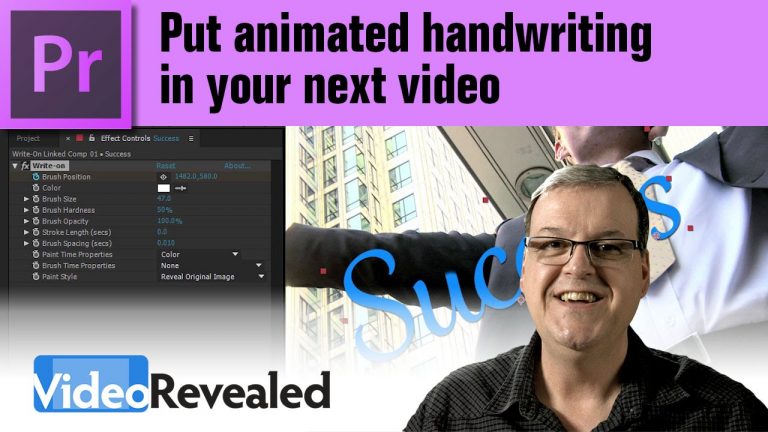
This effect has been around for a while and I still see it used a lot. If you have some type, graphic or video you want revealed by using a painted on effect, then this is your baby.

Download your FREE 30 day trial of Adobe Creative Cloud
http://adobe.ly/1S3mZW3
Super stylized black and white video in Adobe Premiere Pro

0

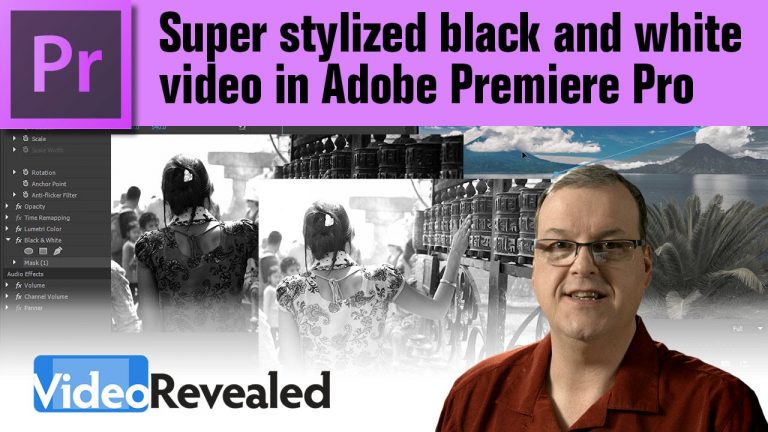
Converting color video to black and white is an easy process but sometimes the results need a tweak to make the proper colors stand out. Combining the black and white effect with the Lumetri Color effect can achieve some interesting results.

Download your FREE 30 day trial of Adobe Creative Cloud
http://adobe.ly/1S3mZW3
Final Cut Pro effects behavior in Adobe Premiere Pro

0

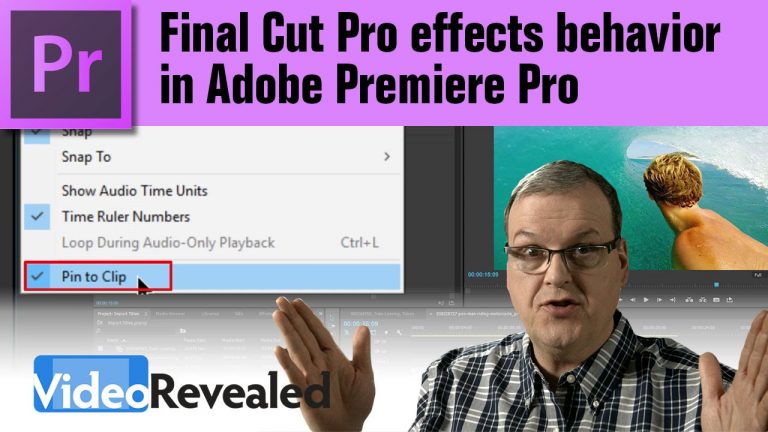
FCP users are used to being able to manipulate keyframes before and after a video clip and Premiere Pro has this same behavior if you know where to look.

Download your FREE 30 day trial of Adobe Creative Cloud
http://adobe.ly/1S3mZW3
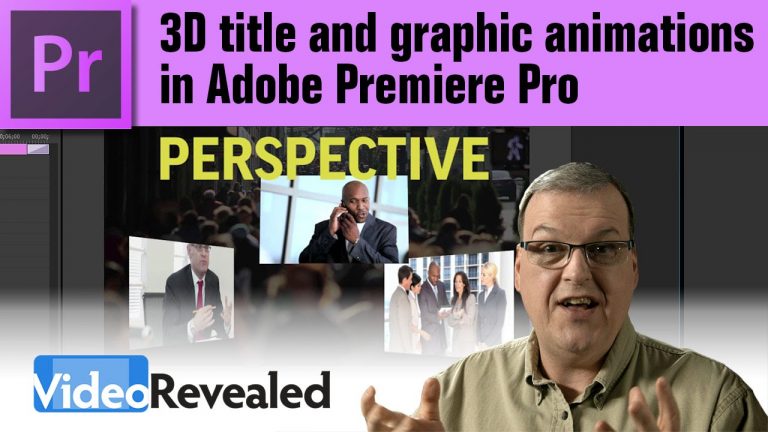
3D title and graphic animations in Adobe Premiere Pro

0

Premiere Pro is not the first place people look when trying to create motion graphics in 3D and not all editors have the luxury of animating and rendering in After Effects. With a little tweak, the Basic 3D effect in Premiere Pro can take care of many of the simple 3D animations that editors need and they also get the benefit of doing it in real time.

Download your FREE 30 day trial of Adobe Creative Cloud
http://adobe.ly/1S3mZW3
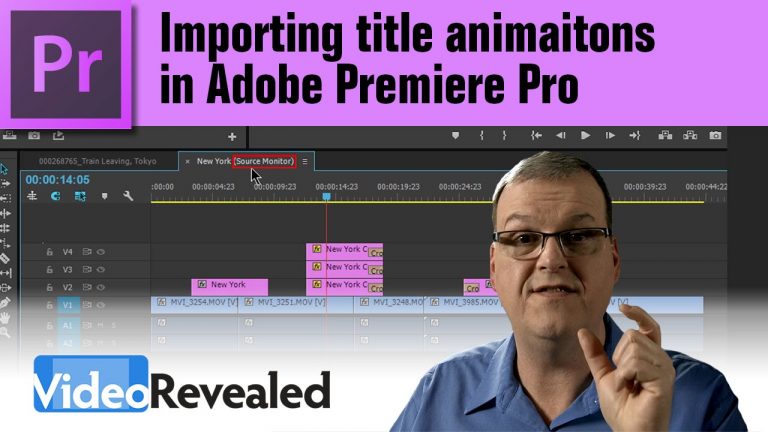
Importing title animations in Adobe Premiere Pro

0

If you want to reuse animated titles, you can if you use the Media Browser to “peak inside” existing projects and pull them out.

Download your FREE 30 day trial of Adobe Creative Cloud
http://adobe.ly/1S3mZW3
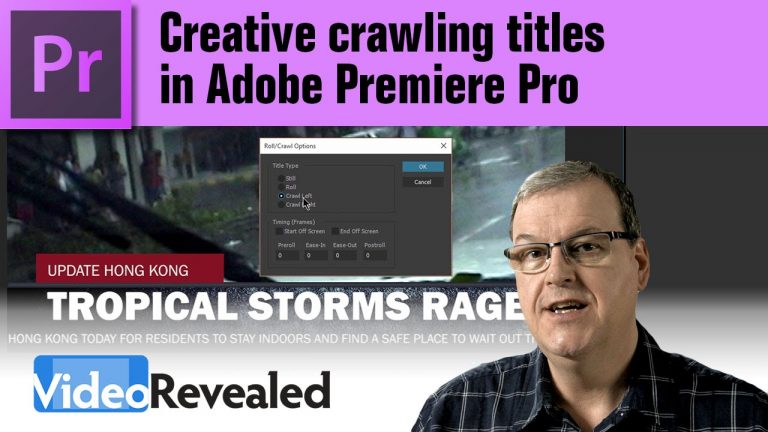
Creative crawling titles in Adobe Premiere Pro

0

Crawling titles are not only easy to create in Premiere Pro but if you add some creative animated textures in the background, you can really make an impact.

Download your FREE 30 day trial of Adobe Creative Cloud
http://adobe.ly/1S3mZW3
Check out Rampant Design Tools animated textures:

Video Effects Simplified

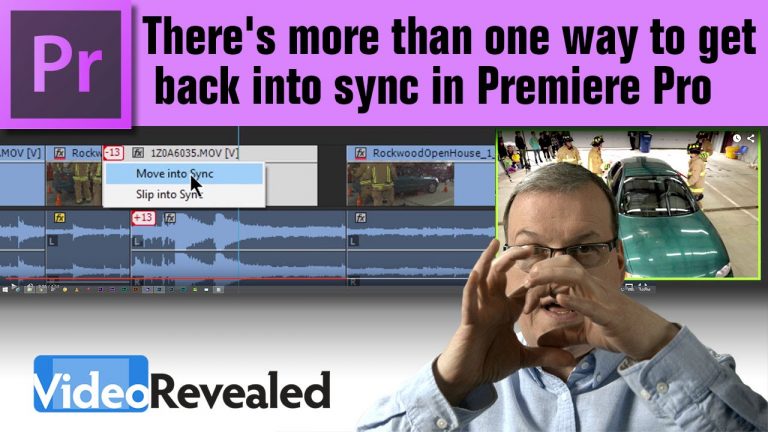
There’s more than one way to get back into sync!

0

Whether you’ve accidentally moved something out of sync, or you’re creating some unique style of timing, Premiere Pro will not only show you how many frames you’re out of sync, but it will also give you choices on how to fix it.

Download your FREE 30 day trial of Adobe Creative Cloud
http://adobe.ly/1S3mZW3
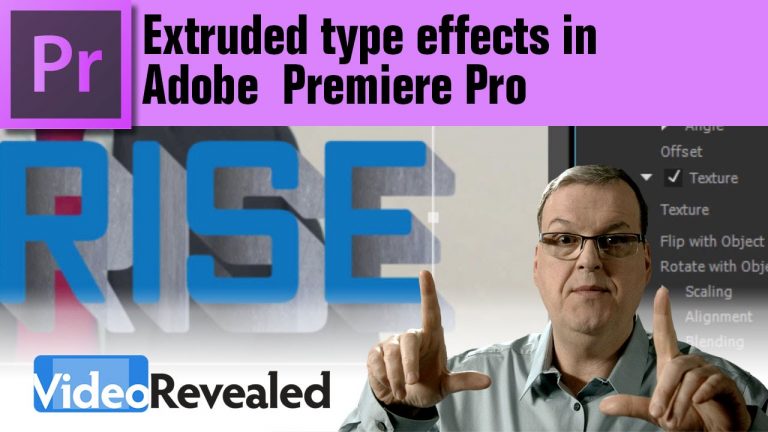
Extruded type effects in Adobe Premiere Pro

0

Sometimes editors need a quick and bold effect on type and they don’t have time to create something in Photoshop or Cinema 4D. Well Premiere Pro has a little known feature to do just that.

Check out Rampant Design Tools animated textures:

Video Effects Simplified

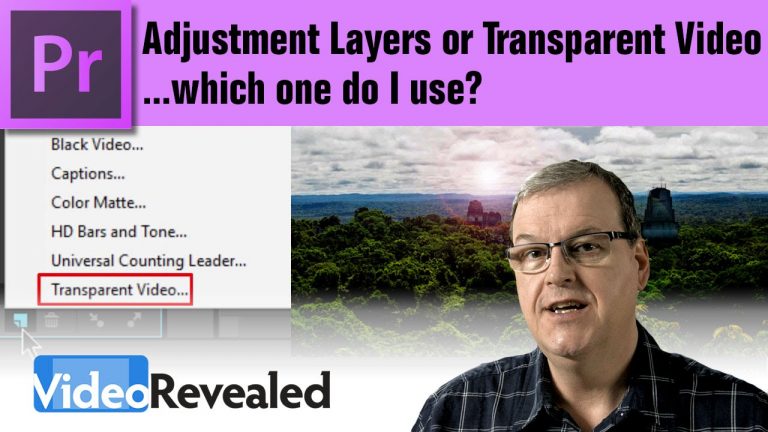
Adjustment Layer or Transparent Video – which one do I use?

0

This tutorial will help users who get confused when to use an Adjustment Layer or Transparent Video. There’s also the option of using Black Video which can round out all the choices.

Download your FREE 30 day trial of Adobe Creative Cloud
http://adobe.ly/1S3mZW3
Precision clip replacement in Adobe Premiere Pro

0

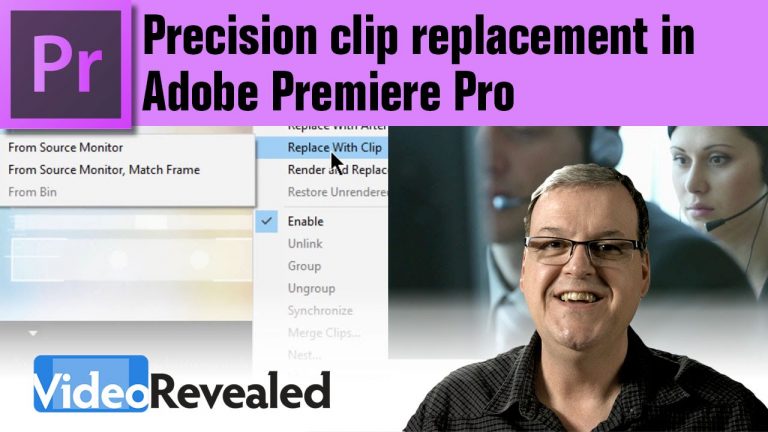
You can instantly increase your productivity by using clip replacement techniques, especially if you’re a mouse-driven editor. There’s a reason this kind of technique has been used by professional editors for years so why not take advantage of it?

Download your FREE 30 day trial of Adobe Creative Cloud
http://adobe.ly/1S3mZW3