With a little ingenuity, and some help from Effects, the Title Designer can kick up some cool animations.
Check out Rampant Design Tools animated textures:
With a little ingenuity, and some help from Effects, the Title Designer can kick up some cool animations.
Check out Rampant Design Tools animated textures:
Premiere Pro is the best editing tool so why not use it to make your Instagram videos look their best? Just setup the right sequence setting and add a little pan and scan, you’re done.
Download your FREE 30 day trial of Adobe Creative Cloud
http://adobe.ly/1S3mZW3
The Gradient Overlay effect in Premiere Pro can be used to quickly create a stylized color look that can also be animated.
Download your FREE 30 day trial of Adobe Creative Cloud
http://adobe.ly/1S3mZW3
Vertical video doesn’t have to be left standing on its own; there are a few easy steps you can take to give it a better presentation. Also included are a few radical examples of how to incorporate video show in a vertical format.
Download your FREE 30 day trial of Adobe Creative Cloud
http://adobe.ly/1S3mZW3
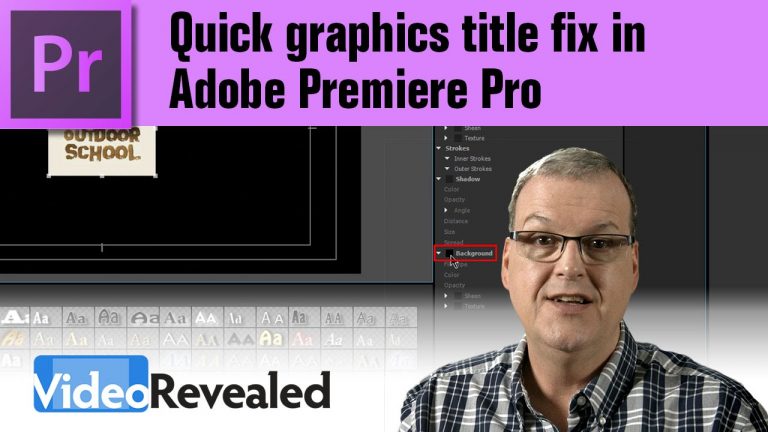
Quite often, editors are handed small JPEG images to place as a logo. This tutorial will show the absolute fastest way to extend the background color and make it work without having to jump into Photoshop.
Download your FREE 30 day trial of Adobe Creative Cloud
http://adobe.ly/1S3mZW3
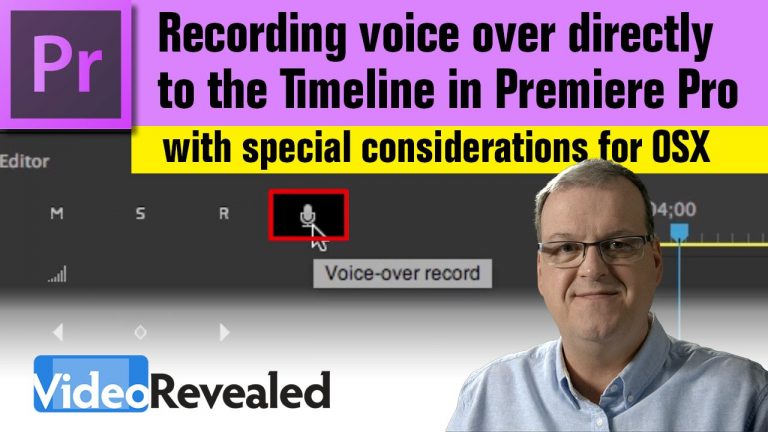
Premiere Pro makes it easy to quickly record a professional voice over directly in the Timeline.
This tutorial addresses any issues Mac OSX users have when trying to setup audio. It also includes, what might be a current bug, that prevents the Customize Audio Header command from being selected because it’s greyed out.
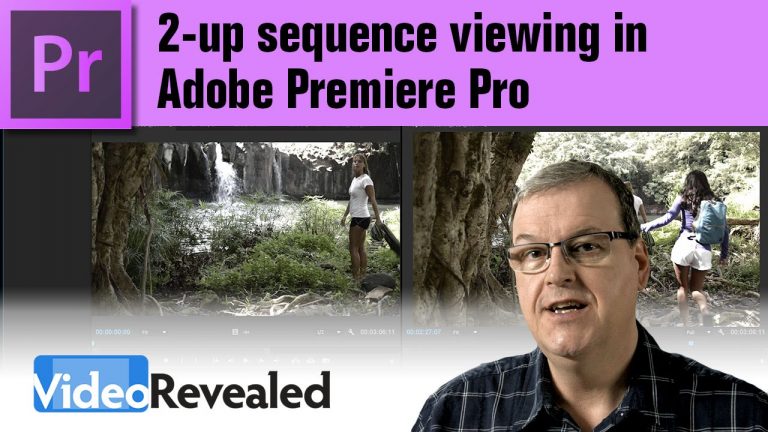
This tutorial is for the times when you need to view two parts of the timeline for positioning or color work.
Download your FREE 30 day trial of Adobe Creative Cloud
http://adobe.ly/1S3mZW3
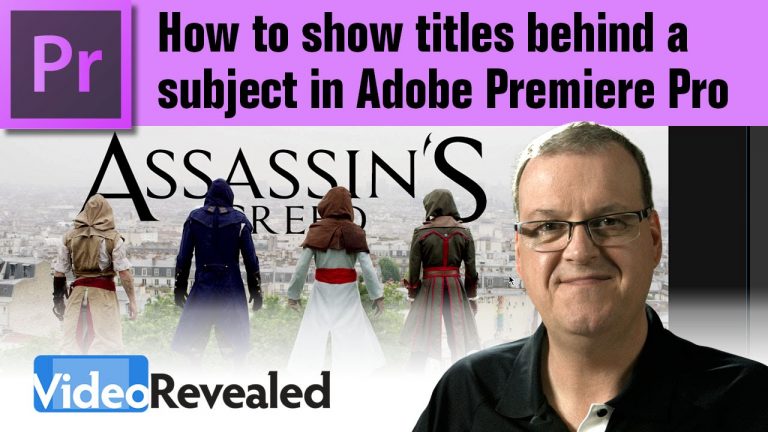
Jonathan St. John requested this tutorial on how to put tiles behind a subject. This can be done with Opacity masks in Premiere Pro. There is also a teaser for two future tutorials on how to add 3D Camera Tracking and Roto Brush work in After Effects.
Download your FREE 30 day trial of Adobe Creative Cloud
http://adobe.ly/1S3mZW3
Assassin’s Creed Unity Meets Parkour in Real Life – 4K!
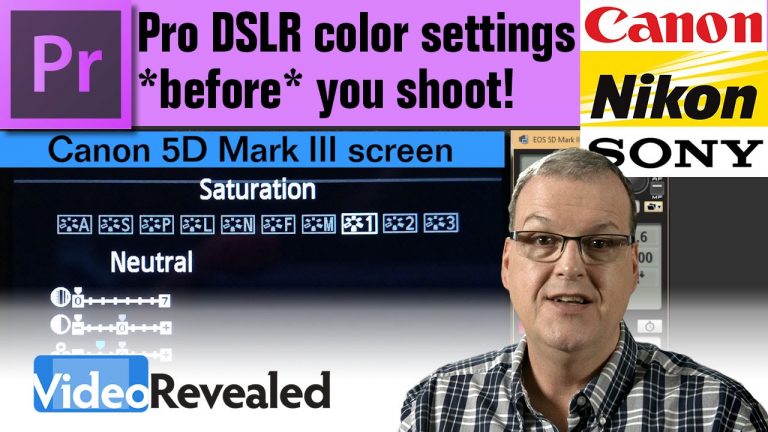
You won’t capture the best color if you use the default settings that cameras are set to use by the manufacturer. To capture the most latitude, and make color grading easier, you need to dial down sharpness, contrast and saturation. This tutorial will show you how.
Download your FREE 30 day trial of Adobe Creative Cloud
http://adobe.ly/1S3mZW3
Technicolor’s CineStyle Profile
http://www.technicolor.com/en/solutions-services/cinestyle
Vincent Laforet’s Blog
http://blog.vincentlaforet.com/2012/03/12/setting-up-your-canon-5d-mkii-and-mkiii/
Shane Hurlbut, A.S.C.
https://www.hurlbutvisuals.com/blog/
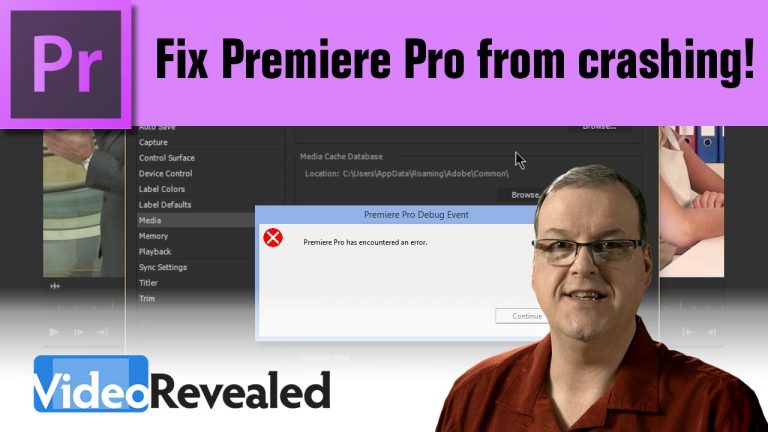
This keyboard shortcut combination can stop Premiere Pro from crashing when your preferences may be corrupt. Also, cleaning the Media Cache can get rid of anything that is making Premiere Pro unstable or just perform poorly.
PLEASE WATCH THIS UPDATED TUTORIAL IF YOU ARE STILL HAVING PROBLEMS: https://youtu.be/4JPMYbYs0RM
Download your FREE 30 day trial of Adobe Creative Cloud
http://adobe.ly/1S3mZW3