Home Blog Page 170

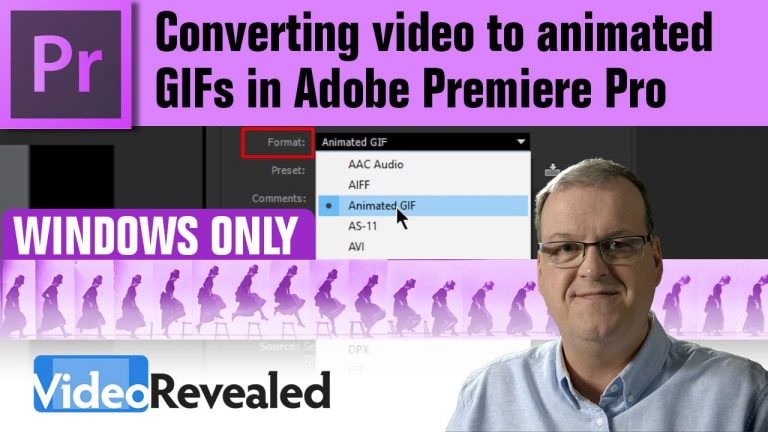
Converting video to animated GIFs in Adobe Premiere Pro

0

After creating this tutorial it was pointed out that this feature is missing from OSX. I consulted the engineers at Adobe and they said that when creating GIFs they are using functions that are built into Windows and that’s why it’s not available on OSX. Sorry I missed that one.

How to export to Animated GIF using Photoshop for all your Mac users:

View post on imgur.com

It seems animated GIFs have found a second life with support sprouting up in places like Facebook and more. Premiere Pro is your one-stop-shop for exporting out video, animations, title and visual effects directly to animated GIF format.

Download your FREE 30 day trial of Adobe Creative Cloud
http://adobe.ly/1S3mZW3
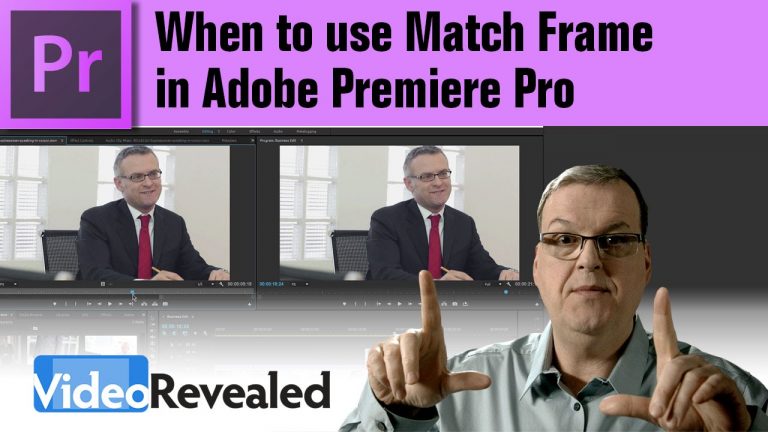
When to use Match Frame in Adobe Premiere Pro

0

Match Frame isn’t new, but it’s an essential tool in video editing, so if you’ve been wondering what it is and how to use it, this tutorial is for you.

Download your FREE 30 day trial of Adobe Creative Cloud
http://adobe.ly/1S3mZW3
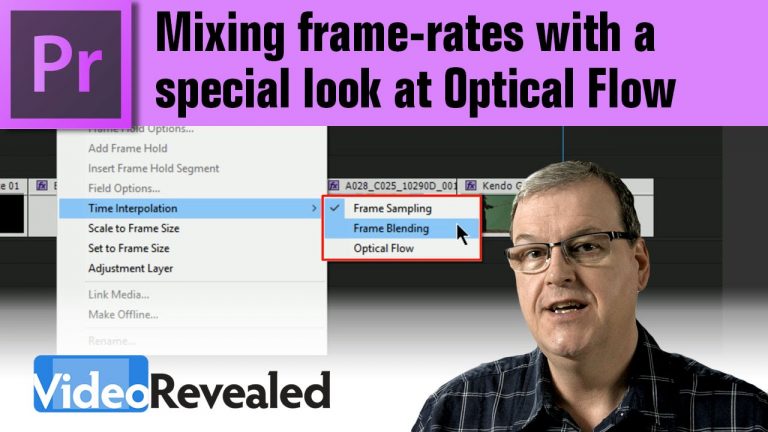
Mixing frame-rates with a special look at Optical Flow

0

Premiere Pro has three options for Time Interpolation when you’re mixing frames in a Sequence including Optical Flow. The results can be quite amazing but you have to keep an eye on any artifacts when using Optical Flow.
In addition, you can now set Optical Flow as an export option which will apply to any clips that don’t match the Sequence.

Download your FREE 30 day trial of Adobe Creative Cloud
http://adobe.ly/1S3mZW3
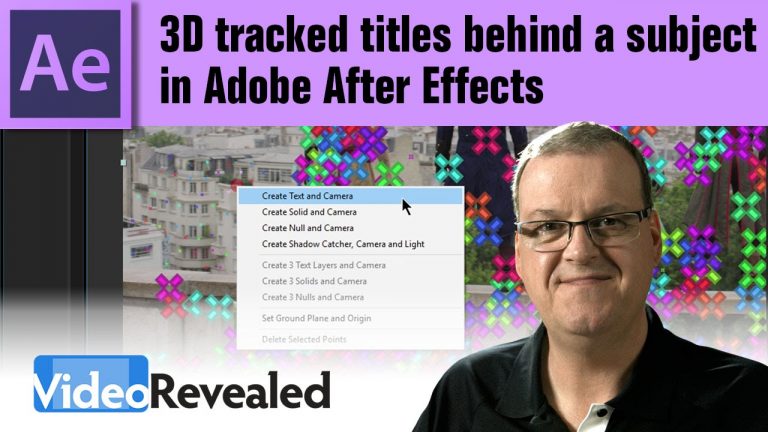
3D Tracked Titles behind a subject in Adobe After Effects

0

The 3D Camera Tracker in After Effects can add a sense of realism to compositing new elements into a scene. This tutorial is part 2 of How to Put a Title Behind a Subject.

Download your FREE 30 day trial of Adobe Creative Cloud
http://adobe.ly/1S3mZW3
Assassin’s Creed Unity Meets Parkour in Real Life – 4K!

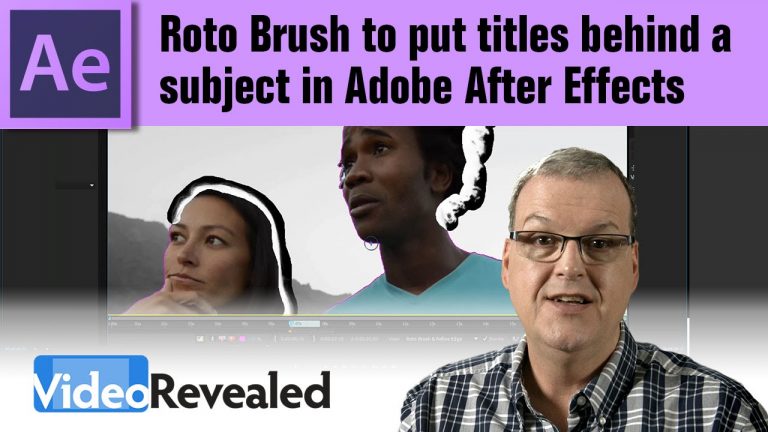
How to use the Roto Brush to put titles behind a subject in Adobe After Effects

0

The Roto Brush is another great tool in After Effects to mask out an area to easily slip something like a title behind a subject.

Download your FREE 30 day trial of Adobe Creative Cloud
http://adobe.ly/1S3mZW3
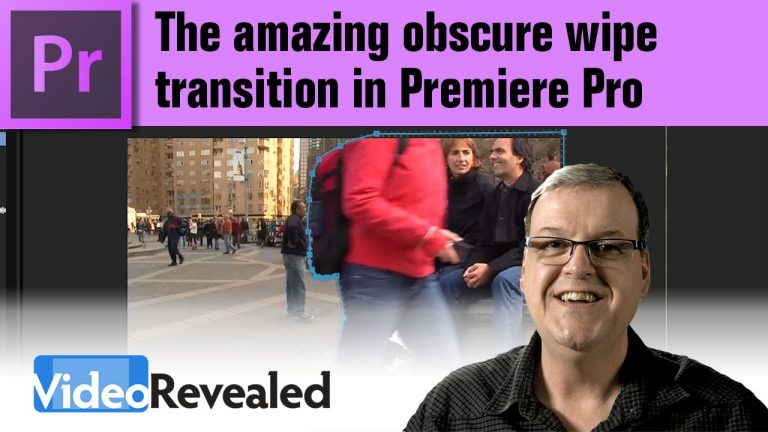
Amazing obscure wipe transition in Adobe Premiere Pro

0

This is a request tutorial that explores two different methods of the obscure wipe transition. If you want to add a very dynamic scene change, then an obscure wipe a great way to do that.

Download your FREE 30 day trial of Adobe Creative Cloud
http://adobe.ly/1S3mZW3
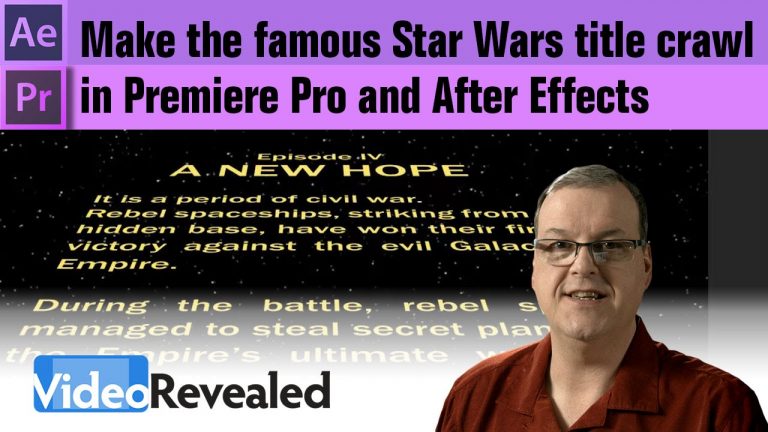
How to make the famous Star Wars title crawl in Premiere Pro and After Effects

0

This tutorial is for anyone who has ever wanted to recreate the famous Star Wars title crawl. If you only use Premiere Pro then you can create a “good enough” version but if you use After Effects, then you can create a more polished version with the proper text formatting.

Download your FREE 30 day trial of Adobe Creative Cloud
http://adobe.ly/1S3mZW3
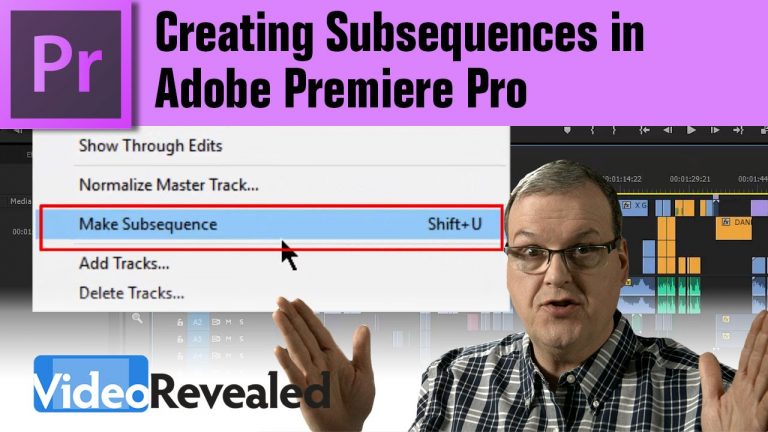
Creating Subsequences in Adobe Premiere Pro

0

Editors working on long and complex Timelines need the ability to quickly and easily save a segment of Sequence to a new Subsequence and Premiere Pro can do that using two different methods.

Make sure to select the Track Targets on the left side of the Timeline, or select the tracks you want before making the Subsequence.
See this screenshot: http://i.imgur.com/XXrflCs.png

Download your FREE 30 day trial of Adobe Creative Cloud
http://adobe.ly/1S3mZW3
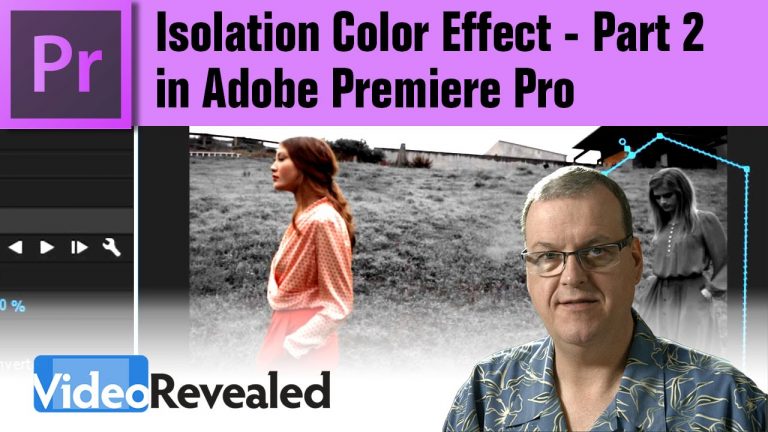
Isolation Color Effect – Part 2 in Adobe Premiere Pro

0

The Leave Color Effect in Premiere Pro is great for isolating a specific color but if you need to remove the effect from other parts of the video, then this tutorial will show you how.

Download your FREE 30 day trial of Adobe Creative Cloud
http://adobe.ly/1S3mZW3
Check out the amazing Vincent Laforet
http://www.vincentlaforet.com/

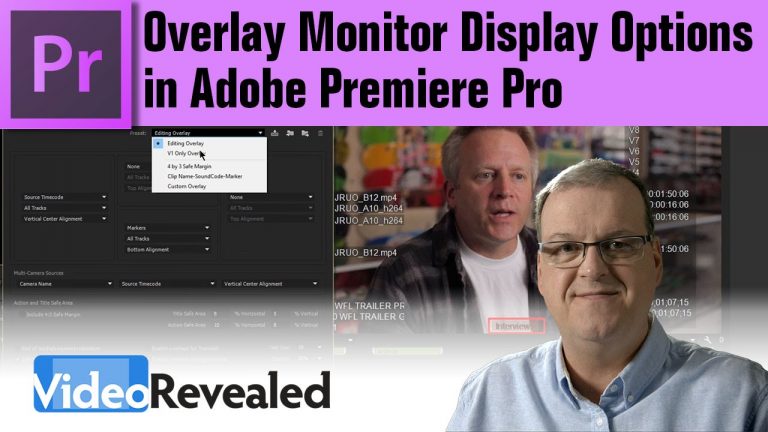
Overlay Monitor Display Options in Adobe Premier Pro

0

Some people confuse the term “overlay” thinking it’s the same as a title but Monitor Overlays in Adobe Premiere Pro can display important Metadata for the editor. If you’re outputting to a separate display or SDI monitor, you can enable overlays to display via Mercury Transmit.

Download your FREE 30 day trial of Adobe Creative Cloud
http://adobe.ly/1S3mZW3