Home Blog Page 173

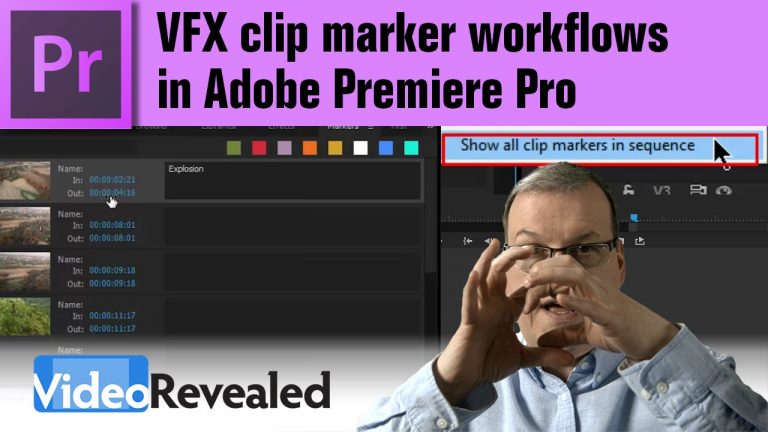
VFX Clip Marker Workflows

0

You ask and Adobe listens! Clip markers can now be shown for all the clips in a Sequence. This tutorial will show you how to turn them on and explore the new minimum track height.

Please support us on Patreon so we can continue to create the content you want!
http://patreon.com/VideoRevealed

Stay connected with VideoRevealed on Facebook:
https://www.facebook.com/VideoRevealed

Download your FREE 30 day trial of Adobe Creative Cloud
http://adobe.ly/1S3mZW3
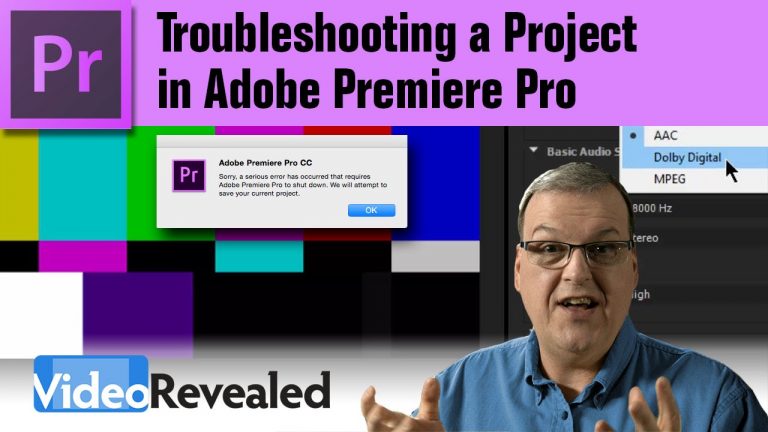
Troubleshoot a Project in Adobe Premiere Pro

0

This tutorial is a collection of tips from myself and Mitch Wood at Adobe on how to fix a problematic Project in Premiere Pro.

Adobe Creative Cloud Cleaner Tool
https://helpx.adobe.com/creative-cloud/kb/cc-cleaner-tool-installation-problems.html

Download “NUCLEAR” Scripts from VideoRevealed.com Download page. http://videorevealed.com/downloads.html
For Mac use “OSX CS5 PP CleanUp Prefs Script-2.command”.
For Win use “Win7 OSX CS5 PP CleanUp Prefs Script.bat”

Please support us on Patreon so we can continue to create the content you want!
http://patreon.com/VideoRevealed

Stay connected with VideoRevealed on Facebook:
https://www.facebook.com/VideoRevealed

Download your FREE 30 day trial of Adobe Creative Cloud
http://adobe.ly/1S3mZW3
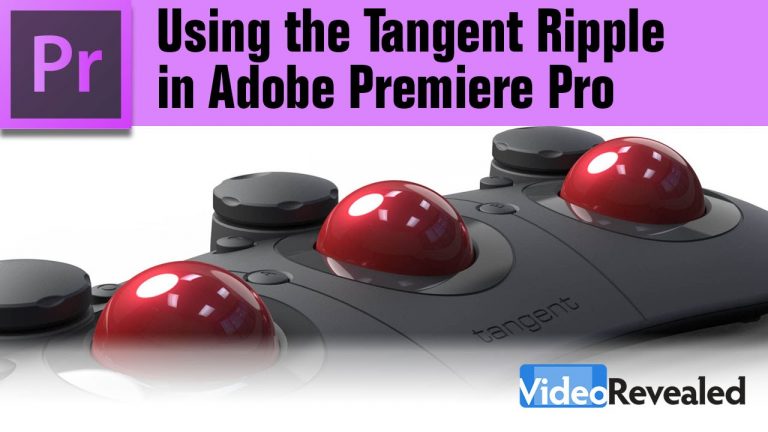
Setup & Customization of the Tangent Ripple in Adobe Premiere Pro

0

Adobe and Tangent have come together to give users an incredible color workflow environment with the release of the Ripple and Premiere Pro 2013.4. The Ripple can control the Lumetri Color Panel to give you instant, tactile feedback when making color corrections or color grading. Find out why a mouse or trackpad just doesn’t cut it when you need to be creative.

Please support us on Patreon so we can continue to create the content you want!
http://patreon.com/VideoRevealed

Stay connected with VideoRevealed on Facebook:
https://www.facebook.com/VideoRevealed

Download your FREE 30 day trial of Adobe Creative Cloud
http://adobe.ly/1S3mZW3
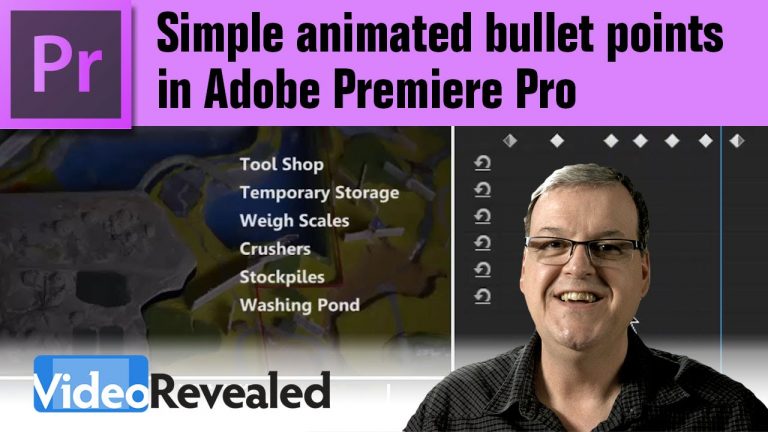
Simple animated bullet points in Adobe Premiere Pro

0

This tutorial will show you how to emulate Hold keyframes to create a familiar slide build that you’d see in PowerPoint or Keynote.

Please support us on Patreon so we can continue to create the content you want!
http://patreon.com/VideoRevealed

Stay connected with VideoRevealed on Facebook:
https://www.facebook.com/VideoRevealed

Download your FREE 30 day trial of Adobe Creative Cloud
http://adobe.ly/1S3mZW3
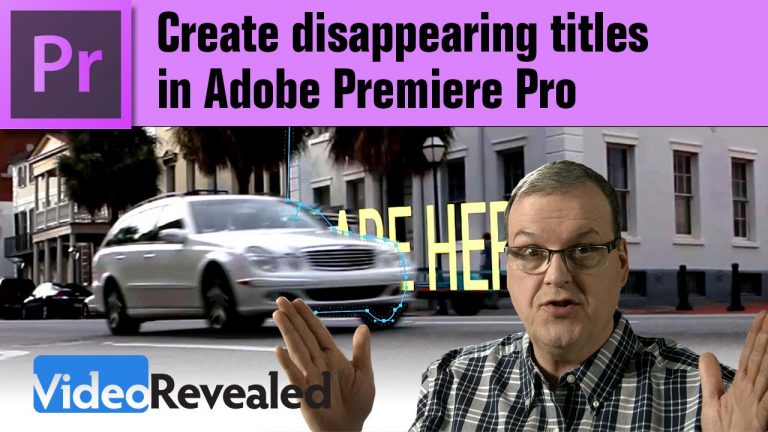
Create disappearing titles in Adobe Premiere Pro

0

Disappearing title have quite an eyecatching effect and they’re easy to create in Premiere Pro. Make sue you also check out the videos for Power User Masking Tips https://www.youtube.com/watch?v=TrFaxPLvxFk and 3D Titles https://www.youtube.com/watch?v=HPTM94QAO9c.

Please support us on Patreon so we can continue to create the content you want!
http://patreon.com/VideoRevealed

Stay connected with VideoRevealed on Facebook:
https://www.facebook.com/VideoRevealed

Download your FREE 30 day trial of Adobe Creative Cloud
http://adobe.ly/1S3mZW3
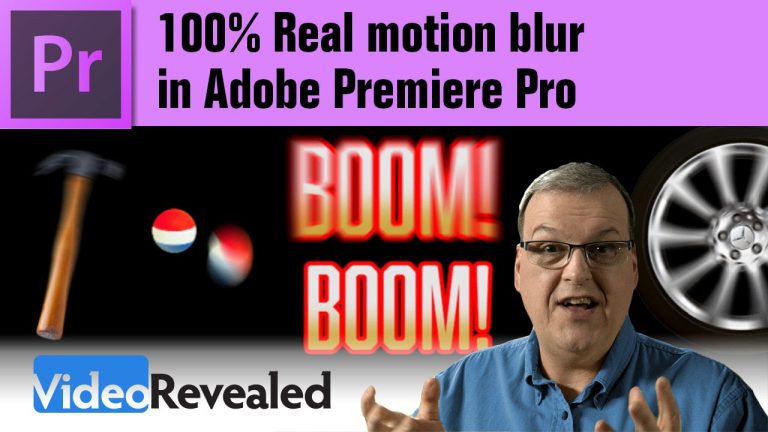
100% Real Motion Blur in Adobe Premiere Pro

0

If you use the Transform effect and uncheck the right setting, you’ll get instant motion blur!

Please support us on Patreon so we can continue to create the content you want!
http://patreon.com/VideoRevealed

Stay connected with VideoRevealed on Facebook:
https://www.facebook.com/VideoRevealed

http://premierepro.net/

Download your FREE 30 day trial of Adobe Creative Cloud
http://adobe.ly/1S3mZW3

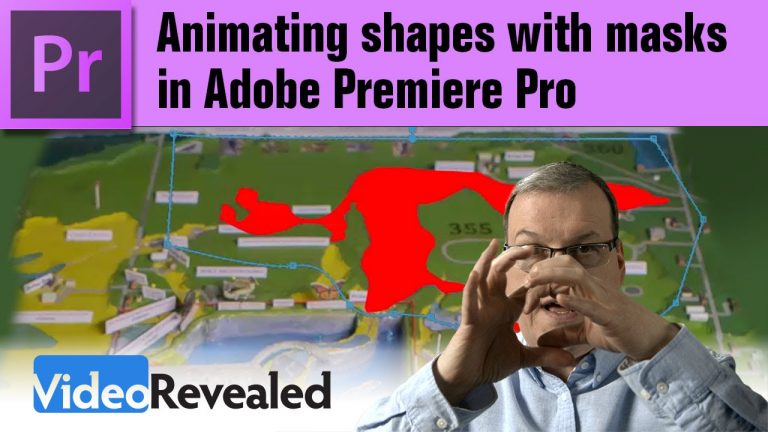
Animating shapes with masks in Adobe Premiere Pro

0

This example is from a project I was working on where I had to show the flow of water on an image of a map. I used masks to draw the shapes *and* to animated the flowing shape.

Please support us on Patreon so we can continue to create the content you want!
http://patreon.com/VideoRevealed

Stay connected with VideoRevealed on Facebook:
https://www.facebook.com/VideoRevealed

Download your FREE 30 day trial of Adobe Creative Cloud
http://adobe.ly/1S3mZW3
Converting music to keyframes in Adobe After Effects

0

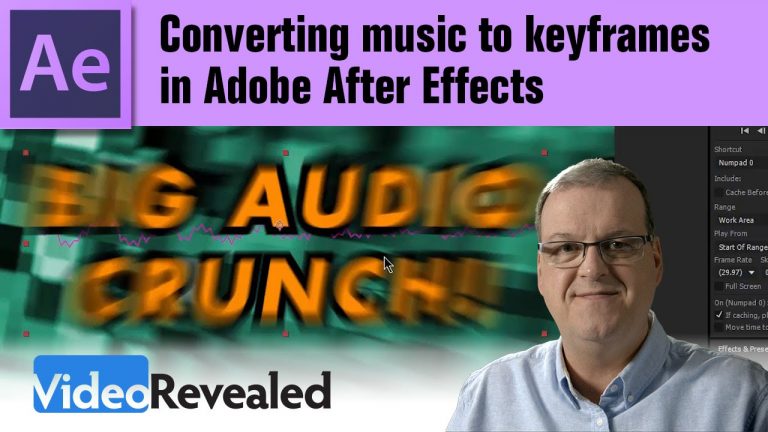
After Effects has a great feature to make animating to music a one button operation. Take any audio and have it drive any other property like scale rotation or Evolution!

Please support us on Patreon so we can continue to create the content you want!
http://patreon.com/VideoRevealed

Stay connected with VideoRevealed on Facebook:
https://www.facebook.com/VideoRevealed

Download your FREE 30 day trial of Adobe Creative Cloud
http://adobe.ly/1S3mZW3
Proxy workflow in Adobe Premiere Pro

0

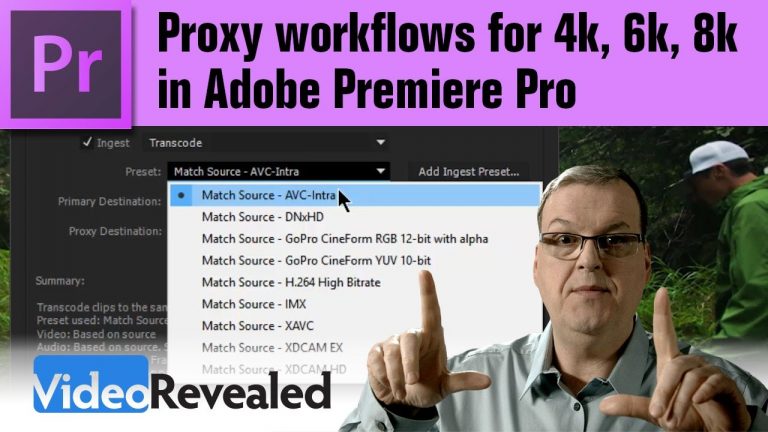
This tutorial will show you how Premiere Pro will create and attach proxies so you can work on large frame sizes on slower systems. It also covers creating custom Ingest Presets in case you find the included presets don’t fit your needs.

Please support us on Patreon so we can continue to create the content you want!
http://patreon.com/VideoRevealed

Stay connected with VideoRevealed on Facebook:
https://www.facebook.com/VideoRevealed

Download your FREE 30 day trial of Adobe Creative Cloud
http://adobe.ly/1S3mZW3
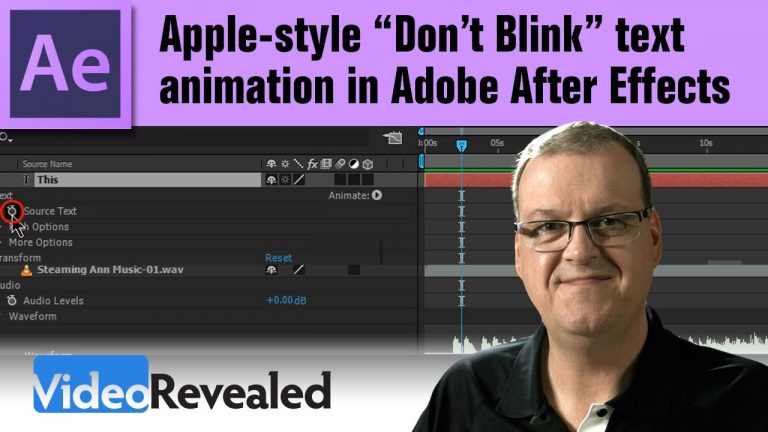
Apple-style “Don’t Blink” text animations in Adobe After Effects

0

Easily create Apple-style, text animations that are locked to the beat with the Source Text property in Adobe Affter Effects.

Correction from Chris Sparrows!
To change all the type property keyframes:
1. Select all the keyframes.
2. Move the Playhead over any single keyframe. (Hold Shift while moving it)
3 Changing that selected keyframe changes all of them.

Please support us on Patreon so we can continue to create the content you want!
http://patreon.com/VideoRevealed

Stay connected with VideoRevealed on Facebook:
https://www.facebook.com/VideoRevealed

Download your FREE 30 day trial of Adobe Creative Cloud
http://adobe.ly/1S3mZW3