Home Blog Page 174

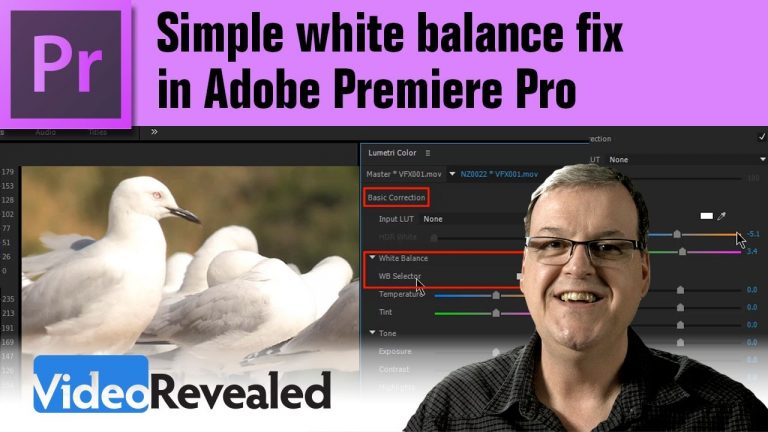
Simple white balance fix in Adobe Premiere Pro

0

The White Balance Selector in the latest version of Adobe Premiere Pro makes white balance a one click job. The auto setting adjusts the Temperature and Tint controls which means is doing the same thing a professional colorist would do to get a neutral video!

Please support us on Patreon so we can continue to create the content you want!
http://patreon.com/VideoRevealed

Stay connected with VideoRevealed on Facebook:
https://www.facebook.com/VideoRevealed

Download your FREE 30 day trial of Adobe Creative Cloud
http://adobe.ly/1S3mZW3
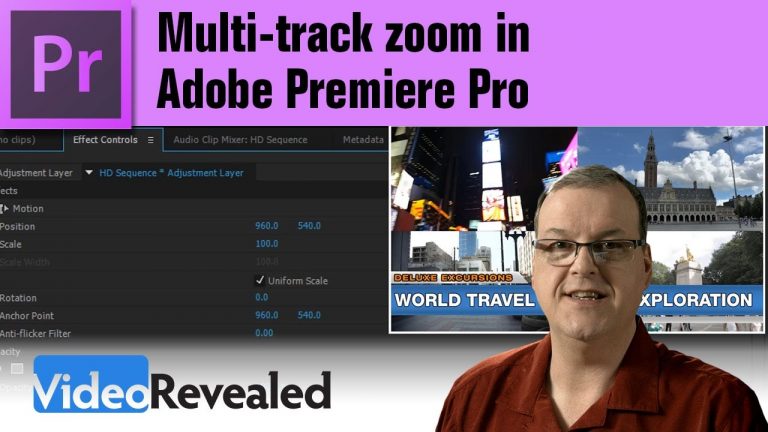
Multi-track zoom in Adobe Premiere Pro

0

This tutorial will show you two different ways to zoom (scale) into multiple tracks at the same time. There’s also a quick tip on how to lock titles to a fixed zoom while the other tracks are changing.

Please support us on Patreon so we can continue to create the content you want!
http://patreon.com/VideoRevealed

Stay connected with VideoRevealed on Facebook:
https://www.facebook.com/VideoRevealed

Download your FREE 30 day trial of Adobe Creative Cloud
http://adobe.ly/1S3mZW3
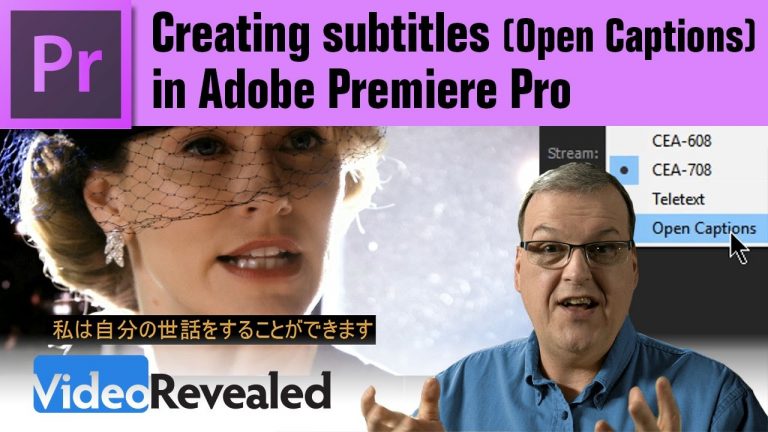
Creating subtitles (Open Captions) in Adobe Premiere Pro

0

Premiere Pro can help you create subtitles (also called Open Captions) directly inside the program or convert any Closed Caption file into a subtitle file!

If you need a transcription service, check out www.rev.com

Please support us on Patreon so we can continue to create the content you want!
http://patreon.com/VideoRevealed

Stay connected with VideoRevealed on Facebook:
https://www.facebook.com/VideoRevealed

Download your FREE 30 day trial of Adobe Creative Cloud
http://adobe.ly/1S3mZW3
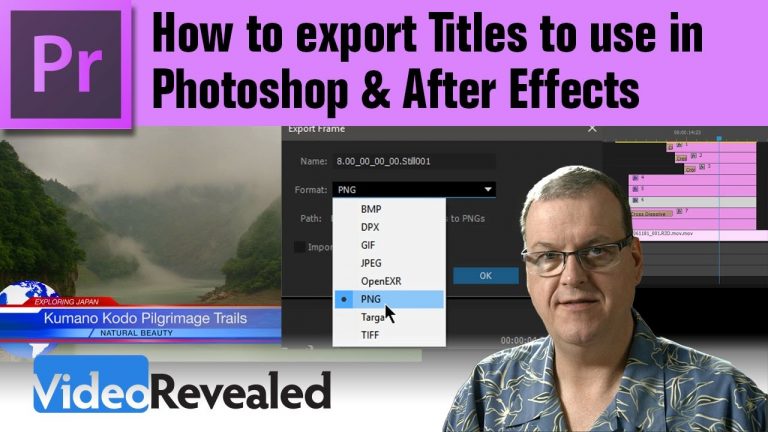
How to export Titles to use in Photoshop & After Effects

0

If you’ve ever wanted to get a Title out of the Adobe Title Designer in Premiere Pro but were wondering how, this tutorial will show you how to export out to PNG and retain transparency and how to reconstruct it back in Photoshop and import it into After Effects.

Download the Project and title on VideoRevealed.com
http://videorevealed.com/downloads/

Please support us on Patreon so we can continue to create the content you want!
http://patreon.com/VideoRevealed

Stay connected with VideoRevealed on Facebook:
https://www.facebook.com/VideoRevealed

Download your FREE 30 day trial of Adobe Creative Cloud
http://adobe.ly/1S3mZW3
The Angus Wall feature in Adobe Premiere Pro

0

Angus Wall is an Oscar winning director and he helped to shape Premiere Pro into a powerful feature film editing program. This tutorial shows one of the many features that he requested.

Check out Angus Wall’s amazing work!

Angus Wall

Please support us on Patreon so we can continue to create the content you want!
http://patreon.com/VideoRevealed

Stay connected with VideoRevealed on Facebook:
https://www.facebook.com/VideoRevealed

Download your FREE 30 day trial of Adobe Creative Cloud
http://adobe.ly/1S3mZW3
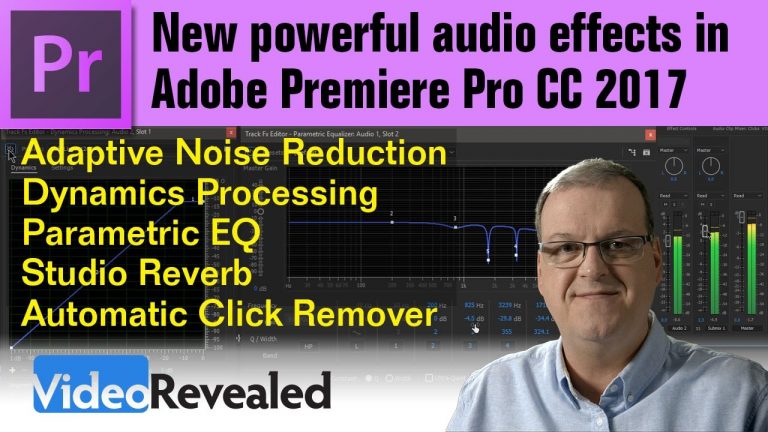
New powerful audio effects in Adobe Premiere Pro CC 2017

0

New powerful audio effects in Adobe Premiere Pro CC 2017

Adobe has added new audio effects from Audition like Adaptive Noise Reduction, Dynamics Processing, Parametric Equalizer, Studio Reverb, Automatic Click Remover.

Use Adaptive Noise Reduction to remove hiss or any other sound similar to that. Use Dynamics Processing to boost the dynamics of audio or use a Noise Gate to “turn down the noise” temporarily. Use the Parametric EQ to add or remove specific frequencies. And the Automatic Click Remover will remove clicks which is perfect for restoring vinyl record recordings.
This tutorial also explores how to create and use a Submix.

Please support us on Patreon so we can continue to create the content you want!
http://patreon.com/VideoRevealed

Stay connected with VideoRevealed on Facebook:
https://www.facebook.com/VideoRevealed

Download your FREE 30 day trial of Adobe Creative Cloud
http://adobe.ly/1S3mZW3
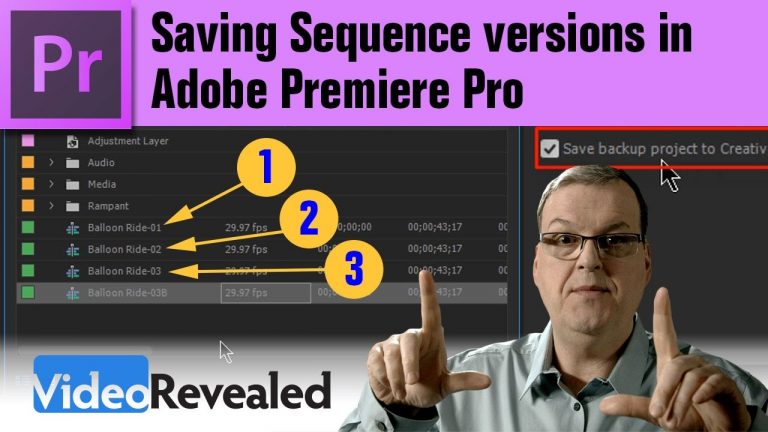
Saving Sequence versions in Adobe Premiere Pro

0

Saving Sequence versions in Adobe Premiere Pro
Don’t count on the Auto-save feature in Premiere Pro to save everything because you may still loose your edit. Saving multiple Sequences and Projects means you’re completely covered.

Please support us on Patreon so we can continue to create the content you want!
http://patreon.com/VideoRevealed

Stay connected with VideoRevealed on Facebook:
https://www.facebook.com/VideoRevealed

Download your FREE 30 day trial of Adobe Creative Cloud
http://adobe.ly/1S3mZW3
These Adobe tutorials are presented by Colin Smith of VideoRevealed.

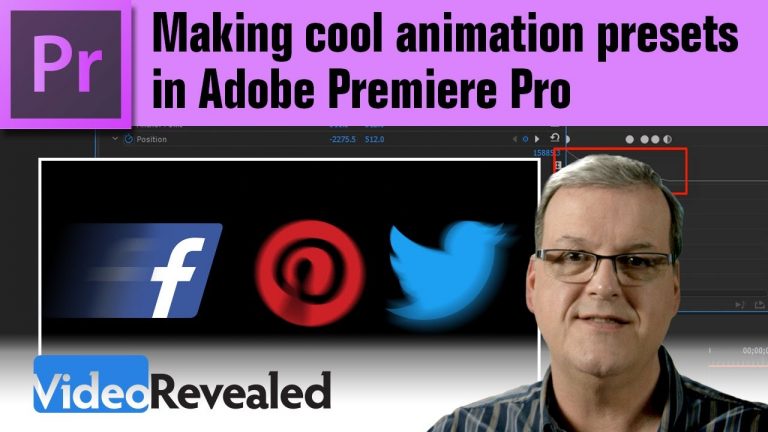
Making cool animation presets in Adobe Premiere Pro

0

If you’ve every tried to make on screen graphics look interesting, you know it can take some time and finesse. This tutorial will show you how to easily create organic animations and how to save and reuse them in future projects. Also included is the Transform effect and how to use it Motion properties with the added benefit of getting real motion blur in your animations!

Please support us on Patreon so we can continue to create the content you want!
http://patreon.com/VideoRevealed

Stay connected with VideoRevealed on Facebook:
https://www.facebook.com/VideoRevealed

Download your FREE 30 day trial of Adobe Creative Cloud
http://adobe.ly/1S3mZW3
Exporting EDLs from Adobe Premiere Pro

0

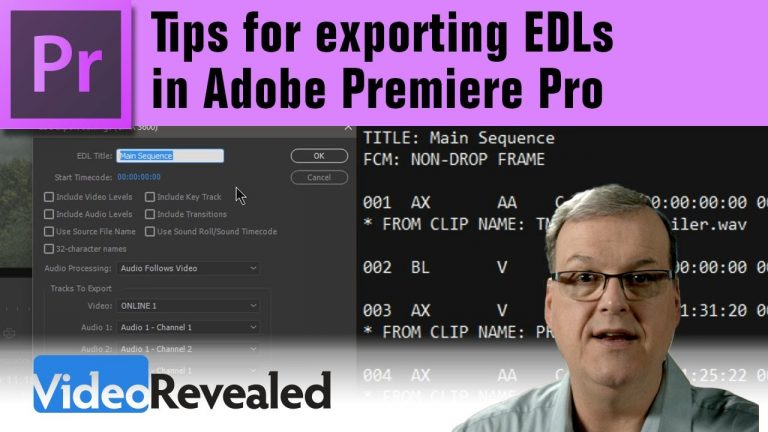
This is another requested tutorial on how to export an EDL (Edit Decision List) out of any Premiere Pro Timeline. With EDLs only supporting a single video track and four audio tracks, you have to plan how your edit will be setup to export correctly.
This tutorial includes exporting to DaVinci Resolve and Filmlight Baselight systems.

Please support us on Patreon so we can continue to create the content you want!
http://patreon.com/VideoRevealed

Stay connected with VideoRevealed on Facebook:
https://www.facebook.com/VideoRevealed

Download your FREE 30 day trial of Adobe Creative Cloud
http://adobe.ly/1S3mZW3
5.1 Surround Sound editing in Adobe Premiere Pro

0

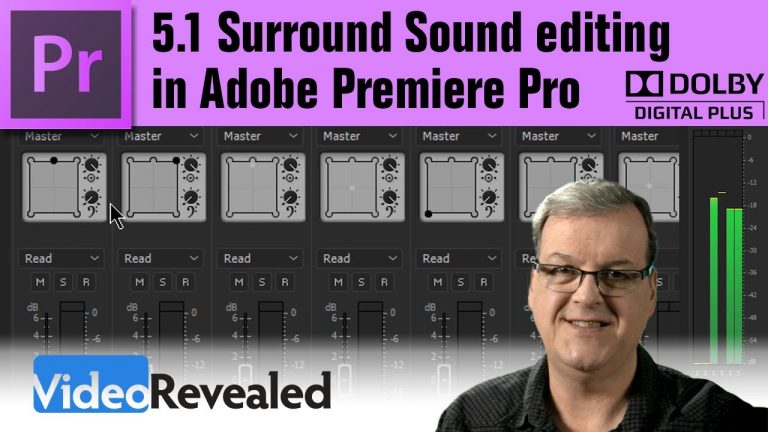
This tutorial takes you through the process of creating and working with 5.1 files including making Sequence settings. Also covered is automating surround sound panning and isolating LFE in a 5.1 Sequence.

This is a link to an H.264 5.1 surround sound test file:
https://www.dropbox.com/s/78vb37k02czy0x0/Surround_Test.mp4?dl=0

Please support us on Patreon so we can continue to create the content you want!
http://patreon.com/VideoRevealed

Stay connected with VideoRevealed on Facebook:
https://www.facebook.com/VideoRevealed

Download your FREE 30 day trial of Adobe Creative Cloud
http://adobe.ly/1S3mZW3

Here’s where to buy that cool CyberPowerPC computer!
http://www.cyberpowerpc.com/