Home Blog Page 185

Teach Your Illustrated Character How to Walk | Adobe Creative Cloud

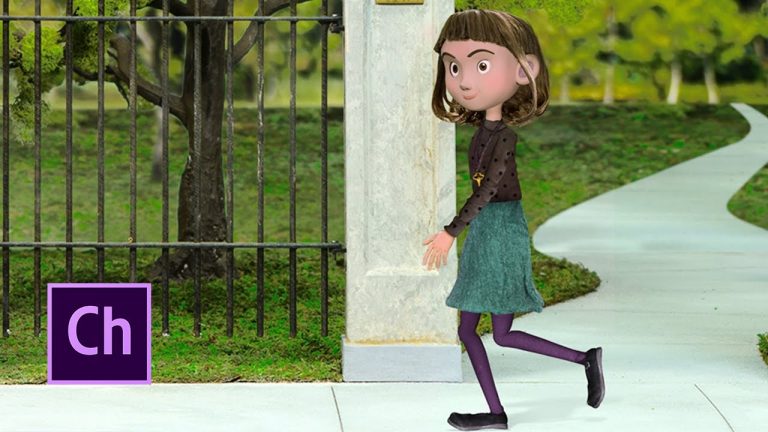
Go beyond facial movements for your puppets in Adobe Character Animator CC (Beta) by creating walk cycles, looped frames that allow your character to walk without requiring you to animate each step. Make adjustments for leg length, avoid foot slippage when looping frames, and fine-tune the walk behavior for each puppet’s performance.

If you want to follow along with this tutorial, use the Maddy puppet asset (https://adobe.ly/2q4PnkM). Click Save to copy the assets to your Creative Cloud Library. (Copyright Ⓒ 2017 Athena Studios. Permitted use is granted for educational and training purposes only. See enclosed license.)

Subscribe: https://www.youtube.com/user/adobecreativecloud?sub_confirmation=1

LET’S CONNECT
Facebook: http://facebook.com/adobecreativecloud
Twitter: http://twitter.com/creativecloud
Instagram: http://www.instagram.com/adobecreativecloud/

Adobe Creative Cloud gives you the world’s best creative apps so you can turn your brightest ideas into your greatest work across your desktop and mobile devices.

Work More Efficiently with Git Integration in Dreamweaver CC | Adobe Creative Cloud

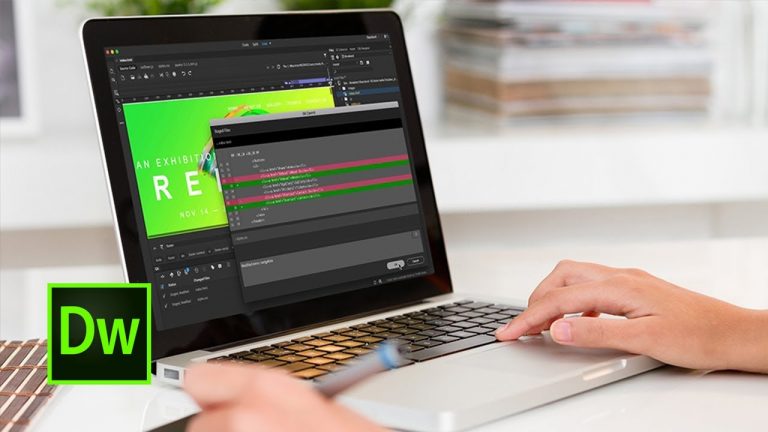
Conveniently manage your team’s files and source code, track changes, and maintain version control by integrating your Git repository with Adobe Dreamweaver CC.

Subscribe: https://www.youtube.com/user/adobecreativecloud?sub_confirmation=1

LET’S CONNECT
Facebook: http://facebook.com/adobecreativecloud
Twitter: http://twitter.com/creativecloud
Instagram: http://www.instagram.com/adobecreativecloud/

Adobe Creative Cloud gives you the world’s best creative apps so you can turn your brightest ideas into your greatest work across your desktop and mobile devices.

How to Use After Effects to Fix Common Video Problems | Adobe Creative Cloud

Repair imperfect footage using tools in Adobe After Effects CC that address common problems. Fix a shaky handheld shot with the Warp Stabilizer VFX effect and Camera Shake Deblur, and then apply the Lumetri Color effect to correct color imbalances.

If you want to follow along with this tutorial, use the Fix Footage asset (https://adobe.ly/2pZZIul). Click Save to copy the assets to your Adobe Creative Cloud Library.

Subscribe: https://www.youtube.com/user/adobecreativecloud?sub_confirmation=1

LET’S CONNECT
Facebook: http://facebook.com/adobecreativecloud
Twitter: http://twitter.com/creativecloud
Instagram: http://www.instagram.com/adobecreativecloud/

Adobe Creative Cloud gives you the world’s best creative apps so you can turn your brightest ideas into your greatest work across your desktop and mobile devices.

How to Make Your Own Podcast using Audition CC | Adobe Creative Cloud

Learn the basic steps to record, mix, and export audio content for a podcast — or any other audio project — in Adobe Audition. After setting up your input device, learn how to create a basic multitrack session, record an audio track, add music elements, and export your final recording.

Subscribe: https://www.youtube.com/user/adobecreativecloud?sub_confirmation=1

LET’S CONNECT
Facebook: http://facebook.com/adobecreativecloud
Twitter: http://twitter.com/creativecloud
Instagram: http://www.instagram.com/adobecreativecloud/

Adobe Creative Cloud gives you the world’s best creative apps so you can turn your brightest ideas into your greatest work across your desktop and mobile devices.
Kyle T. Webster Summer Brush Set Giveaway and Tutorial | Adobe Creative Cloud

Kyle T. Webster is the founder of KyleBrush.com, which offers popular industry-standard Photoshop brushes for digital artists. For a limited time (through September 1, 2017), Kyle is offering a set of five tools (four brushes and one smudge tool), free, to Create readers (visit create.adobe.com). Here, he provides a demonstration of how to use them.

Subscribe: https://www.youtube.com/user/adobecreativecloud?sub_confirmation=1

LET’S CONNECT
Facebook: http://facebook.com/adobecreativecloud
Twitter: http://twitter.com/creativecloud
Instagram: http://www.instagram.com/adobecreativecloud/

Adobe Creative Cloud gives you the world’s best creative apps so you can turn your brightest ideas into your greatest work across your desktop and mobile devices.
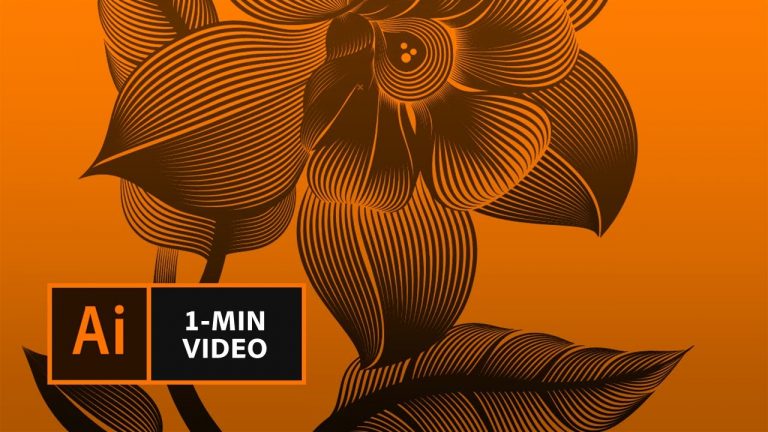
How to Make a Linocut Look with Adobe Illustrator | Adobe Creative Cloud

Learn how to use the Pen and Blend tools to create rhythmic line work in your illustrations.

Start from scratch, or download practice files [https://adobe.ly/2uiIZpr] for a head start. Steps below.

1. Draw two paths with the Pen tool.
Tip: Click to create the first point. Click and drag to create additional points with handles. Release the mouse button and drag in the direction you want the curve and click to complete the path. Press Return (or Enter) when you’re finished, then repeat to create a second path.
2. In the Stroke panel, adjust line weight and assign a width profile to taper the strokes.
Tip: This example uses a 3pt weight and Width Profile 1.
3. Choose the Blend tool. Click one path, and then the other, to make a third path appear between them.
4. In the Tools panel, double click the Blend tool icon to open Blend Options. For Spacing choose Specified Steps, then enter 12 for the number of steps.
5. Choose the Direct Selection tool. Drag the end points of one path to match the corresponding end points of the second path. Adjust as needed.

That’s it!

To learn more, visit our Illustrator Tutorials page: https://adobe.ly/2uiIY5a

Subscribe: https://www.youtube.com/user/adobecreativecloud?sub_confirmation=1

LET’S CONNECT
Facebook: http://facebook.com/adobecreativecloud
Twitter: http://twitter.com/creativecloud
Instagram: http://www.instagram.com/adobecreativecloud/

Adobe Creative Cloud gives you the world’s best creative apps so you can turn your brightest ideas into your greatest work across your desktop and mobile devices.

18 – Smooth Cameras

0

In this tutorial, I’ll be showing you how I create my cameras for 2D animations using Null Objects.

I’ll be showing you an effective workflow using the Speed Graph to manage and smooth your camera pans and zooms.

As always thank you for watching my tutorials, if you like what you’ve just watched please subscribe and share.

If you have any suggestions for what my next tutorial should be or you just want to drop me a friendly message then email me at : tutorials@mwmotion.tv

Follow me on:

Dribbble: https://dribbble.com/mwmotion
Instagram: https://www.instagram.com/mw_motion/
Twitter: @mw_motion
Vimeo: https://vimeo.com/mwmotion

www.mwmotion.tv

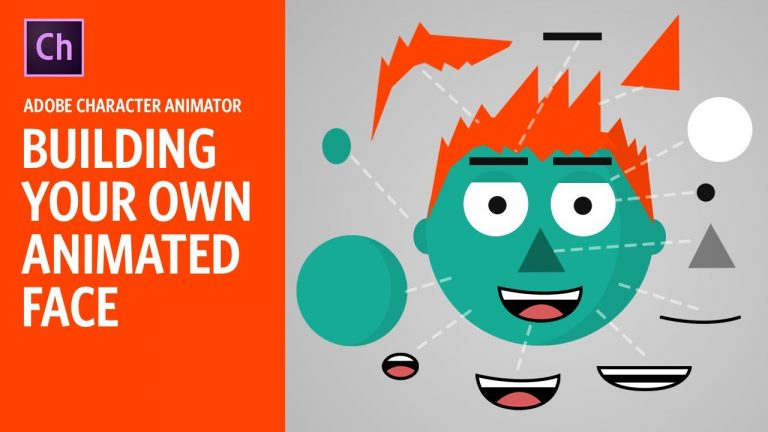
Building Your Own Animated Face (Adobe Character Animator Tutorial)

This 30-minute tutorial is meant for beginners to Adobe Photoshop and/or Character Animator. No drawing skills necessary – we’ll just be using simple shapes. I’ll slowly walk through the process of making an animated face, explaining each tool along the way. If you follow along, by the end you should have a working puppet of your own to serve as a foundation for your own animated creations.

Get the free blank PSD/AI templates for the blank structure and mouth group here: http://adobe.com/go/chexamples or http://okaysamurai.com/puppets/

Download Character Animator: https://www.adobe.com/products/character-animator.html
Download free example projects and puppets: http://adobe.com/go/chexamples (official adobe pack) and http://okaysamurai.com/puppets/ (okay samurai puppets)
Check out the official forums: http://adobe.com/go/chfeedback

Subscribe on YouTube: http://www.youtube.com/subscription_center?add_user=okaysamurai
Twitter: https://twitter.com/okaysamurai
Facebook: https://www.facebook.com/okaysamurai
Website: http://okaysamurai.com

zdroj: YouTube

Create Wedding Titles with After Effects – Motion Graphics Tutorial

0

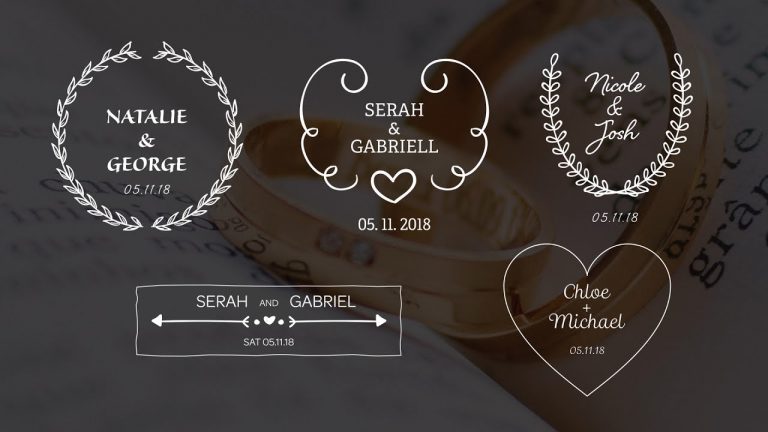
It’s wedding season and that means there will be a lot of video editing! So that’s why we made a tutorial to show you how to create wedding titles with Adobe After Effects. Create stunning motion graphics for your wedding videos by designing excellent artwork and simple animation.

Download Project Files Here:

5 Wedding Titles for Premiere Pro & After Effects

Music From PremiumBeat:
https://www.premiumbeat.com/

Social Media:
Drop a like on Facebook: https://www.facebook.com/sonduckfilm
Hit me up on Instagram: http://instagram.com/sonduckfilm
Follow me on Twitter: https://twitter.com/SonduckFilm
Connect with me on Linkedin: https://www.linkedin.com/in/joshnoel
Support us on Patreon: https://www.patreon.com/sonduckfilm

Suggested After Effects Tutorials:
Animated Icons: https://youtu.be/OZFuYj_ohWw
Word Morph: https://youtu.be/Nc2w1Kt3XjE
Typography Titles: https://youtu.be/eruPaWT0aNs
3D Light Text Stroke Effect: https://youtu.be/r4hYFOcRwoY
Illustrator to After Effects Vectos: https://youtu.be/YGBRpCOtjNM
Clean Lower Thirds: https://youtu.be/aEt2yxs17IU