Check out another of my videos: “BREAKDOWN: Select and Mask vs. Refine Edge – Photoshop CC”
-~-~~-~~~-~~-~-
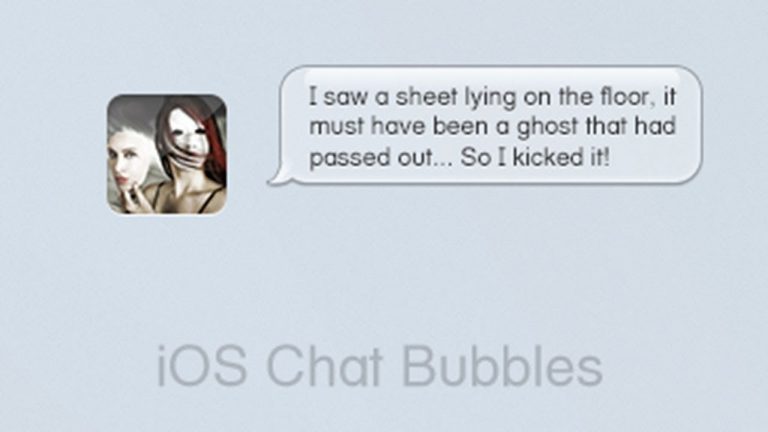
Let’s create some cool little chat bubbles like we would see on the iPhone. Using some Shape Layers, Layer Styles, and a little imagination, we’ll have these sweet little texting/chat bubbles that can be used in any kind of web design or even graphic design project you have. Let’s jump in and get started!
Like Tutvid on Facebook: http://www.facebook.com/tutvidFan
Follow me on Twitter: http://www.twitter.com/tutvid
Check out another of my videos: “BREAKDOWN: Select and Mask vs. Refine Edge – Photoshop CC”
-~-~~-~~~-~~-~-
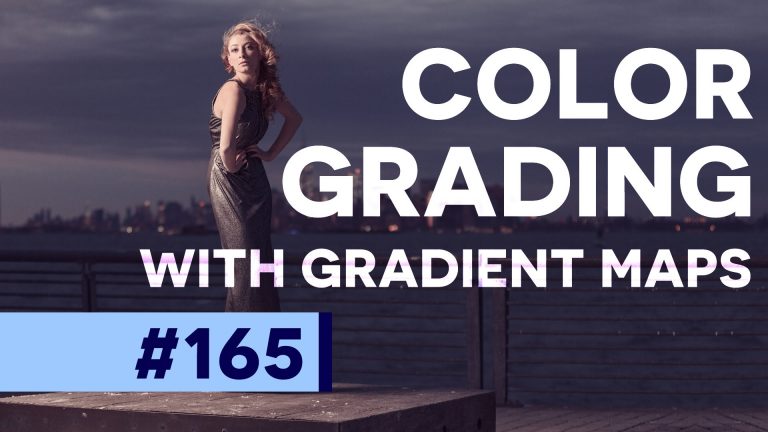
There are scores of ways to change colors and affect the colors/tones in your photos in Photoshop. The technique that I’m using in this video is using Gradient Map Adjustment Layers to quickly adjust the colors of our highlights and shadows and fade the amount of color in between. There are some very, very cool things that we can do with Gradient Maps and we’re going to cover how I use Gradient Maps to change the color and mood of an image in this tutorial.
See written tutorial on site: http://tutvid.com/photoshop-tutorials/photoshop-how-to-color-grade-your-photos/
Follow Alex on Instagram: https://www.instagram.com/_alexcerr_/
Advanced Photoshop Course: http://tutvid.com/advanced-photoshop-tutorial-bundle/
How to Retouch Images Course: http://tutvid.com/retouching-photos-photoshop/
INSTAGRAM & MORE:
http://instagram.com/tutvid Tweets by tutvid
https://www.facebook.com/tutvid
Check out another of my videos: “BREAKDOWN: Select and Mask vs. Refine Edge – Photoshop CC”
-~-~~-~~~-~~-~-
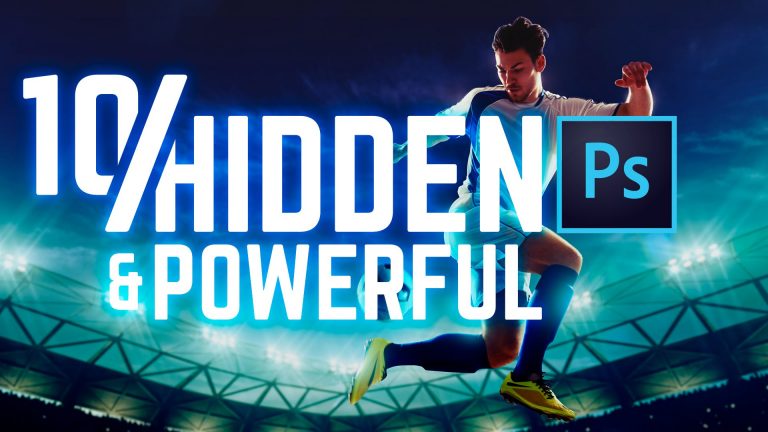
Without a doubt these are among my personal favorite features in Photoshop, but they also happen to each be fairly unknown features-especially if you’re newer to using Photoshop. These are features that are going to push your Photoshop game through the stinking roof! In this Photoshop tutorial we’ll take a look at a good mix of things like liquefying facial features, frequency separation, color lookup tables (LUTs), selective sharpening, calculations, and MORE! Make sure to leave a comment below and tell me what your favorite feature is!
Written Photoshop tutorial: http://bit.ly/powerful-photoshop-skills
Pick up my image retouching tutorial package ($27) right here: http://tutvid.com/retouching-photos-photoshop/
SNAPCHAT & MORE:
http://instagram.com/tutvid Tweets by tutvid
https://www.facebook.com/tutvid
? tutvid.com
Check out another of my videos: “BREAKDOWN: Select and Mask vs. Refine Edge – Photoshop CC”
-~-~~-~~~-~~-~-
Philly Is Ugly timelapse tutorial and behind the scenes. http://phillyisugly.com
In the following tutorial we will look at exporting video and specifically something other than the standard 16:9 HD ratio. I am exporting cinematic wide screen video today using Premiere Pro!
Check out another of my videos: “BREAKDOWN: Select and Mask vs. Refine Edge – Photoshop CC”
-~-~~-~~~-~~-~-
Like Tutvid on Facebook: http://www.facebook.com/tutvidFan
Follow me on Twitter: http://www.twitter.com/tutvid
Create a Simple Record Button — Photoshop Tutorial
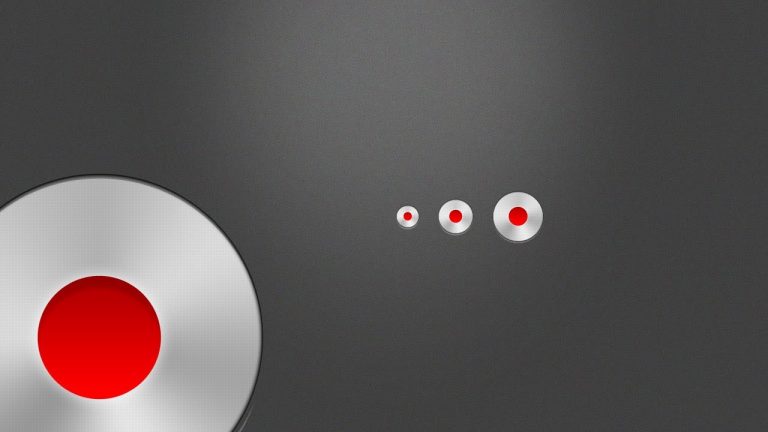
Using a few Shape Layers and a couple Layer Styles we will quickly construct a very slick looking “Click here to record” style button. Use this as a button in your website or app interface, use it as a button or list button point, change the color of the center area and use it as a color custom rollover. We’re going to use Photoshop CS5 here and you will only need a basic working knowledge of the application to get started with this tutorial!
This tutorial is one in the continued series the Howard from http://www.IceflowStudios.com and I are creating. Inspiration is draw from the amazing http://www.365psd.com and any number of the quality, free PSD downloads they provide! Check them out now!
Check out another of my videos: “BREAKDOWN: Select and Mask vs. Refine Edge – Photoshop CC”
-~-~~-~~~-~~-~-
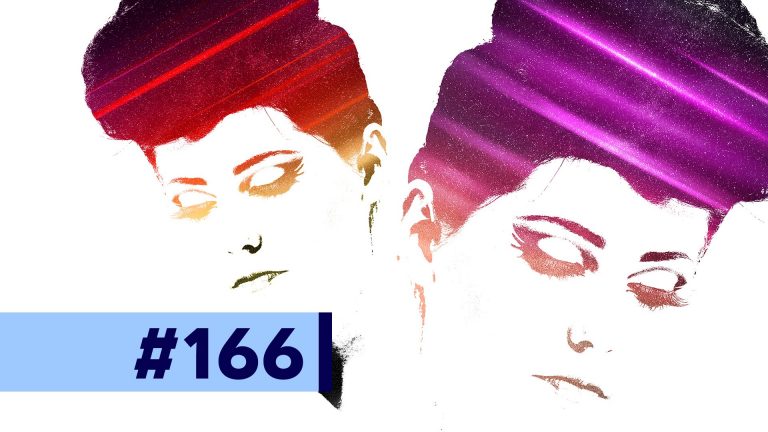
In this tutorial we’ll cover how we can begin with a simple Threshold Adjustment Layer and end up using layers, brushes, stock images, blend modes, and straight lines to create a space styled double exposure effect in Photoshop. Check it out and enjoy! The stock image I used in this video: https://unsplash.com/photos/8FwiZcXiX_g
See written tutorial on site: http://tutvid.com/photoshop-tutorials/space-themed-double-exposure-effect-photoshop-tutorial/
Advanced Photoshop Course: http://tutvid.com/advanced-photoshop-tutorial-bundle/
How to Retouch Images Course: http://tutvid.com/retouching-photos-photoshop/
INSTAGRAM & MORE:
http://instagram.com/tutvid Tweets by tutvid
https://www.facebook.com/tutvid
Check out another of my videos: “BREAKDOWN: Select and Mask vs. Refine Edge – Photoshop CC”
-~-~~-~~~-~~-~-
Written tutorial and downloadable hotkey chart is HERE: http://tutvid.com/photoshop/28-powerful-hidden-features-of-photoshop
VIDEO GUIDE:
0. Intro 0:00
1. Design Space (Preview) 0:51
2. Layers Panel Options 1:43
3. The Rubber Band 2:58
4. Selecting Skin Tones 3:34
5. Changing the angle w/ Clone Stamp 4:13
6. Commit Type Change Hotkey 5:51
7. Moving a Live Path Anchor Point Trick 6:27
8. Impressive Copy Merged Feature 7:08
9. Open a Flattened PSD to Save Time 7:57
10. Lock Transparent Pixels 8:40
11. Power of Blend If 10:04
12. Convert Layer Styles to Pixels 11:55
13. Moving a Drop Shadow 12:59
14. Bird’s Eye View 13:47
15. Copying CSS Styles from Photoshop 14:10
16. Paste Into/Outside Of 15:20
17. Spring-Loaded Hand Tool 16:49
18. Reverting a PSD 17:11
19. Adjust the Global Light 17:37
20. Spring Loaded Tools 19:06
21. Precise Painting Mode 20:04
22. Color Replacement Tool 20:47
23. Sample Color Outside of Photoshop 22:15
24. HUD Brush Resizer 23:17
25. HUD Color Picker 24:13
26. The Secret “Reset” Button 25:50
27. Instant Before/After Hotkey Trick 26:35
28. Hotkey for every Blend Mode 27:04
INSTAGRAM & MORE:
http://instagram.com/tutvid Tweets by tutvid
https://www.facebook.com/tutvid
DESCRIPTION:
Photoshop is one of the most feature-rich and loaded applications on the software market today. You can use the application for 20 years and still not know many of the things you can do with Photoshop. This tutorial is going to rip the mask off of 28 hidden features within Photoshop that I love. Some of these features I use on a daily basis and some I only use a few times a month, but these are all hidden tips that most people don’t know about. Let’s learn some awesome tips and tricks together!
Download any of the images used in this tutorial here (girl in red dress & basketball kid are not available for download):
https://unsplash.com/photos/FhHGPO3aMsU
https://unsplash.com/photos/CMWRIzyMKZk
https://unsplash.com/photos/yvx7LSZSzeo
https://unsplash.com/photos/n3t4fIuVzLA
https://unsplash.com/photos/YjyUxvkr1CE
https://unsplash.com/photos/Bm0Ja6LZWl4
https://unsplash.com/photos/7ALI0RYyq6s
Check out another of my videos: “BREAKDOWN: Select and Mask vs. Refine Edge – Photoshop CC”
-~-~~-~~~-~~-~-
Welcome our new sponsor for this short series: Pond5! As a gift to tutvid.com viewers, you can download 15 free clips that I have picked out of their library from this link: https://www.pond5.com/tutvid1
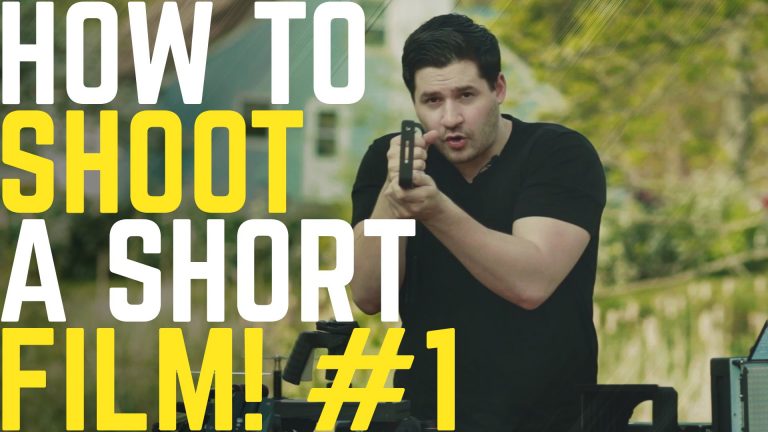
In this video, we’ll begin the journey of creating a short film, which will really be more like a YouTube video intro, but the principles are, for the most part, the same. In part 1, we will talk about pre-production and figuring out all the stuff that needs to be done before you pick up a camera and start shooting. We’ll cover story-telling, location selection, sun angle, building a storyboard, camera gear, and more!
Part 2: Shooting the video on location: https://youtu.be/32U9zmQzvm4
Part 3: Post-production: Editing, Color Grading, Sound Work, Delivery: https://youtu.be/NQe_bN8zOBM
VIDEO GUIDE:
00:54 Intro
01:23 Tell a story
01:54 Determine overall mood
02:51 Finding locations
03:50 Sun direction
06:31 Storyboard
14:38 The Gear!
20:36 Stay tuned for Part 2!
FIND ME ON SNAPCHAT & MORE:
http://instagram.com/tutvid Tweets by tutvid
https://www.facebook.com/tutvid
? tutvid.com
SPONSOR:
Pond5 is an amazing library of stock video and sound (& much more!) that you should check out. See the link above to download some free footage and see some of what Pond5 can do for you!
Check out another of my videos: “BREAKDOWN: Select and Mask vs. Refine Edge – Photoshop CC”
-~-~~-~~~-~~-~-
**Download the starter PSD! in the written tutorial!**
Check out the written tutorial! http://tutvid.com/create-custom-shadows-photoshop-cs5-tutorial/
Like Tutvid on Facebook: http://www.facebook.com/tutvidFan
Follow me on Twitter: http://www.twitter.com/tutvid
Creating a great drop shadow has become one of the fundamental skills for any graphic or web designer using Photoshop. In this tutorial we’re going to start at the most basic of basics and break out the good ole’ Drop Shadow which we all know and love so much and then use a couple custom shapes to edit the way that the Drop Shadow displays itself and add some 3-dimensionality to our graphics! A must see tutorial for any web designer!
This tutorial is one in the continued series the Howard from http://www.IceflowStudios.com and I are creating. Inspiration is draw from the amazing http://www.365psd.com and any number of the quality, free PSD downloads they provide! Check them out now!
Check out another of my videos: “BREAKDOWN: Select and Mask vs. Refine Edge – Photoshop CC”
-~-~~-~~~-~~-~-
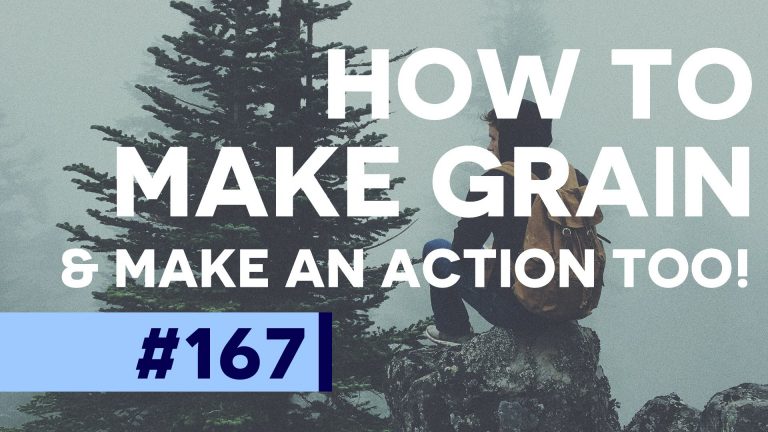
In this tutorial I’ll cover my current favorite way to create grain for my photographs. Many retouchers will create layers of grain to sit up on top of all of their layers as a sort of finishing layer that helps blend all the colors together below the grain and create a smoother, more finished look. We will create the multi-layered grain and create an action so when we want grain, we just click and we’ve got it! The image I used in this image: https://unsplash.com/photos/mgAioVzKcjQ
Download the action right here: https://www.dropbox.com/s/79qh9qkj3ywbsfx/tutvid-grain-action.atn?dl=0
See written tutorial on site: http://tutvid.com/photoshop-tutorials/create-multi-layered-grain-and-noise-in-photoshop-cc/
Advanced Photoshop Course: http://tutvid.com/advanced-photoshop-tutorial-bundle/
How to Retouch Images Course: http://tutvid.com/retouching-photos-photoshop/
INSTAGRAM & MORE:
http://instagram.com/tutvid Tweets by tutvid
https://www.facebook.com/tutvid