Home Blog Page 374

How to shoot a very short film w/ cheap gear: Shooting your Video!

0

Check out another of my videos: “BREAKDOWN: Select and Mask vs. Refine Edge – Photoshop CC”

-~-~~-~~~-~~-~-

Welcome our new sponsor for this short series: Pond5! As a gift to tutvid.com viewers, you can download 15 free clips that I have picked out of their library from this link: https://www.pond5.com/tutvid2 (watermarks disappear when you download the clips!)

Check out part one where I talk about creating your storyboard, choosing a location, and the gear we need to shoot a short video: https://www.youtube.com/watch?v=hHlwJnM5wvI

In this video let’s jump out to location and look at the simple setups that I used to grab the shots needed to build the short video. I hope you enjoy it and pick up some useful tips!

Part 1: Pre-Production, Gear Used, Lighting, Story Boards, & More: https://youtu.be/hHlwJnM5wvI
Part 3: Post-production: Editing, Color Grading, Sound Work, Delivery: https://youtu.be/NQe_bN8zOBM

VIDEO GUIDE:
00:46 Intro
01:37 First shot + camera settings
02:30 Finding the first shooting spot
03:57 Walking into the camera shot
04:59 Cut scene/b-roll running shot(s)
05:43 Setting another shot
07:29 Quick look at the monitor I used
08:21 Shooting multiple angles with one camera
10:20 Getting set for the last shot
11:35 Stock footage that we need and preparing for post production (part 3!)

FIND ME ON SNAPCHAT & MORE:
http://instagram.com/tutvid

https://www.facebook.com/tutvid
? tutvid.com

SPONSOR:
Pond5 is an amazing library of stock video and sound (& much more!) that you should check out. See the link above to download some free footage and see some of what Pond5 can do for you!
All About Resizing Images in Photoshop CC

0

Check out another of my videos: “BREAKDOWN: Select and Mask vs. Refine Edge – Photoshop CC”

-~-~~-~~~-~~-~-

In the list of non-sexy Photoshop features, resizing might be right up near the top, but there are lots of cool things you can do and should definitely know about with regard to resizing images. This quick tutorial will take you from zero knowledge about resizing images and documents in Photoshop and walk through cropping, sized selections, and even changing the printed size of a document. You will learn a lot about resizing in this video! The image I used in this image: https://unsplash.com/photos/kiotxkttUj0

See written tutorial on site: http://tutvid.com/photoshop-tutorials/all-about-resizing-images-in-photoshop-cc/

Advanced Photoshop Course: http://tutvid.com/advanced-photoshop-tutorial-bundle/
How to Retouch Images Course: http://tutvid.com/retouching-photos-photoshop/

INSTAGRAM & MORE:
http://instagram.com/tutvid

https://www.facebook.com/tutvid

MASTER GUIDE: How to Edit Videos! Video Editing, Color Grading, Sound Effects, & More!

0

Check out another of my videos: “BREAKDOWN: Select and Mask vs. Refine Edge – Photoshop CC”

-~-~~-~~~-~~-~-

Welcome our new sponsor for this short series: Pond5! As a gift to tutvid.com viewers, you can download 15 free clips that I have picked out of their library from this link: https://www.pond5.com/tutvid3

In this video, we’ll dive deep into how to prepare your files, organize things, get editing your video on a timeline, color grading in DaVinci Resolve and round tripping that back into Premiere Pro, editing sound, creating sound effects, working with stock music, and SO much more! If you want to learn about editing video or working with your video editor, you’re going to love this video!

Check out the clips I downloaded from Pond5 to make this video: https://www.pond5.com/collections/1401394

Also, check out Davinci Resolve right here: https://www.blackmagicdesign.com/products/davinciresolve

Part 1: Pre-Production, Gear Used, Storyboards: https://www.youtube.com/watch?v=hHlwJnM5wvI
Part 2: Shooting the video on location: https://www.youtube.com/watch?v=32U9zmQzvm4

VIDEO GUIDE:
01:27 Use any editing software
02:00 File Organization
04:01 Sourcing all the Footage (Naming Everything)
05:23 Create a New Premiere Pro Project
05:55 Adding the Sequence and Video/Audio Clips
08:04 The Storyboard
09:30 Start Editing the Video
10:16 Choosing the First Clip
12:18 Opening with Swat Truck Clip
13:45 Rotating a Clip if Needed
14:17 Switching Camera Angles
15:22 Cutting a Clip at the Perfect Place
16:18 Dragging in some Stock Footage
19:10 Adding a Drone Establishing Shot
22:10 Adding Action Shots
25:44 Adding SWAT Stock
27:10 Overlay Police Lights
29:00 Building a Running Scene
33:08 Working with the Laptop Bag Shots
37:39 Ending Graphic
39:09 Building the Soundtrack + Sound Effects
41:58 Timing the Door Smash
46:54 Adding Radio Chatter Sounds
48:06 Custom Sound Effects
51:45 Adding the Music Soundtrack
54:51 Davinci Resolve and Color Grading
56:08 Round Trip from Premiere Pro to Davinci to Color Grade Export the XML
57:10 Getting Started in Davinci Resolve
57:46 Import XML (Premiere Pro Videos)
58:36 The Color Grading in Davinci Resolve
01:01:45 Saving a Preset in Davinci to Apply Grade to Multiple Clips
01:07:43 Exporting the XML back to Premiere Pro (or FCP)
01:09:25 Bring the XML back into Premiere Pro
01:13:49 Tweaking the Ending Graphic
01:14:49 Setting Up and Exporting from Premiere Pro
01:19:09 Final Finished Video We Created

FIND ME ON SNAPCHAT & MORE:
http://instagram.com/tutvid

https://www.facebook.com/tutvid
? tutvid.com

SPONSOR:
Pond5 is an amazing library of stock video and sound (& much more!) that you should check out. See the link above to download some free footage and see some of what Pond5 can do for you!
The Best Way To Create a Ribbon – Photoshop Tutorial!

0

Check out another of my videos: “BREAKDOWN: Select and Mask vs. Refine Edge – Photoshop CC”

-~-~~-~~~-~~-~-

Like Tutvid on Facebook: http://www.facebook.com/tutvidFan
Follow me on Twitter: http://www.twitter.com/tutvid

Link to the tutorial: http://iceflowstudios.com/?p=4890

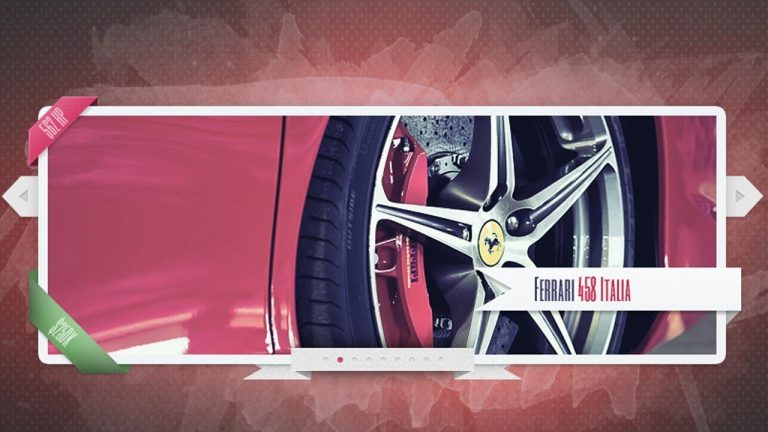
The ribbon is all the rage these days, it’s like a graphical “ribbon-sanity”! Well, maybe not, but it’s still a sweet skill to have in your graphic making tool kit. Ribbons are ultra versatile and seem to be everywhere in advertising and web design. From that slick new marketing piece, newsletter, or package design, a nicely placed ribbon can really spruce things up!

Jump right in and we’ll look at using a mixture of Shape layers, Masking, Layer Styles, and even a little burning to learn how to create straight, simple ribbons, corner ribbons, and beautiful rounded ribbons! This is truly the best ribbon-making tutorial on the web!

Tutorial Inspiration: http://365psd.com/day/2-162/

This tutorial is one in the continued series the Howard from http://www.IceflowStudios.com and I are creating. Inspiration is draw from the amazing http://www.365psd.com and any number of the quality, free PSD downloads they provide! Check them out now!

Canvas Size & Expanding your PSD

0

Check out another of my videos: “BREAKDOWN: Select and Mask vs. Refine Edge – Photoshop CC”

-~-~~-~~~-~~-~-

In this tutorial we’ll talk about expanding your canvas outside of where your PSD began. By using Canvas Size we can crop without deleting parts of our image (we can do this with the newer Crop tool too,) we can expand our image and add transparency or a color to any or all sides of our image, and we can even automatically trim away any leftover transparent bits of the image. You’re going to enjoy this tutorial!

See written tutorial on site: http://tutvid.com/photoshop-tutorials/canvas-size-expanding-your-psd/

Advanced Photoshop Course: http://tutvid.com/advanced-photoshop-tutorial-bundle/
How to Retouch Images Course: http://tutvid.com/retouching-photos-photoshop/

INSTAGRAM & MORE:
http://instagram.com/tutvid

https://www.facebook.com/tutvid

Create & Animate Lower Third Graphics and Titles in Premiere Pro CC

0

Check out another of my videos: “BREAKDOWN: Select and Mask vs. Refine Edge – Photoshop CC”

-~-~~-~~~-~~-~-

In this tutorial we’re going to take a look at creating and animating a lower third graphic in Premiere Pro which you can use for titles, identifying who is on screen or even to promote your social media profiles. We have the option to create a lower third graphic either in Photoshop or Premiere Pro and we’ll cover both options in this tutorial so you can do what you want the way you want!

Check out the blog post on my website here:

Pick up my image retouching tutorial package ($27) right here: http://tutvid.com/retouching-photos-photoshop/

SNAPCHAT & MORE:
http://instagram.com/tutvid

https://www.facebook.com/tutvid
? tutvid.com

Photoshop Tutorial: HOW TO USE THE PEN TOOL

0

Check out another of my videos: “BREAKDOWN: Select and Mask vs. Refine Edge – Photoshop CC”

-~-~~-~~~-~~-~-

Join the discussion and view the tutorial on Tutvid.com: http://tutvid.com/photoshop/photoshop-tutorial-2014-use-pen-tool/

VIDEO GUIDE:
0:00 Intro
1:37 Starting with The Pen Tool
1:57 The Freeform Pen Tool
3:00 The Pen Tool
4:57: Draw a path to cut out an object
6:47: Complex selection intro
8:23 Creating and editing paths that bend
10:10 Cutting out the Ferrari
13:27 Joining/Completing a path
14:05 Cutting out areas of Car
15:42 Cutting out the rest of the car parts
16:26 Adding and removing anchors to a completed path
17:34 Tweaking the path
18:12 Filling our path + Fill Layers
18:40 Colorize our car
19:29 Tweak the path once it’s filled
19:49 Creating a selection from the path
20:40 Convert Point Tool

CONNECT:

https://www.facebook.com/tutvid
https://plus.google.com/+NathanielDodson
http://instagram.com/endyphoto

DESCRIPTION:
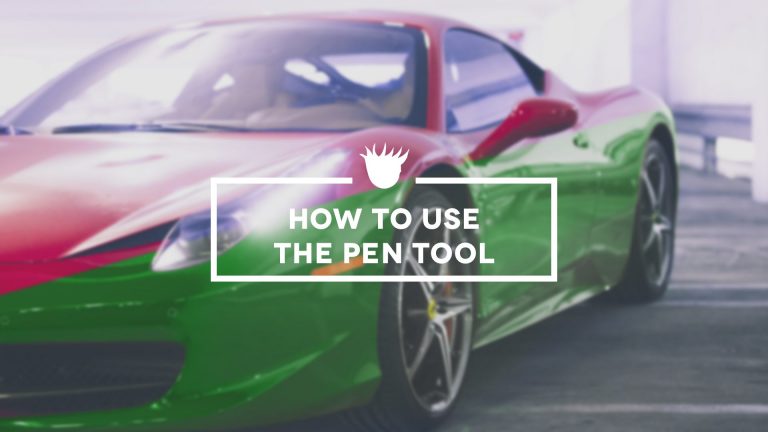
The almighty and powerful pen tool is a tricky tool to figure out when using Photoshop and can be frustrating as well, but when you do conquer the pen tool you will have one of the more useful and powerful tools at your fingertips. In this tutorial we will start from the very basics of using the pen tool and advance through a number of the features of this amazing and powerful tool option in Photoshop. Sit tight and enjoy!

Epic Video Game Color and Tone for your Photos (Photoshop Tutorial)

0

Check out another of my videos: “BREAKDOWN: Select and Mask vs. Refine Edge – Photoshop CC”

-~-~~-~~~-~~-~-

In this Photoshop CC tutorial we’re going to create an intense Photoshop action that will edit the color and tone of any image and give you some really cool, epic, moody color and tone for your images and tends to make them look like they’re almost right out of a video game. This is such a cool adjustment effect for images that you’re looking to use in some commercial applications, high end composites, or just having fun with your landscape and portrait photography in Photoshop. Check it out and enjoy!

LINK TO ACTION: https://www.dropbox.com/s/ijtl5cx01iu9hbq/tutvid-video-game-tones.atn?dl=0

Download a couple of the photos I used in this tutorial: https://unsplash.com/photos/_SmZSuZwkHg
https://unsplash.com/photos/jpMyAqHat7g
https://unsplash.com/photos/ycBgDfqqcHw

See written tutorial on site: http://tutvid.com/photoshop-tutorials/video-game-style-tones-photoshop-cc/

Pick up my image retouching tutorial package ($27) right here: http://tutvid.com/retouching-photos-photoshop/

SNAPCHAT & MORE:
http://instagram.com/tutvid

https://www.facebook.com/tutvid
? tutvid.com

The Basics of Video Editing w/ Premiere Pro CC ??

0

Check out another of my videos: “BREAKDOWN: Select and Mask vs. Refine Edge – Photoshop CC”

-~-~~-~~~-~~-~-

Written Premiere Pro tutorial: http://bit.ly/tutvid-basic-video-editing

This is THE guide that you need to get started editing your very own video projects today! In this basic tutorial we’ll cover everything from setting up a Project in Premiere Pro to importing media, working with clips, lots of valuable hotkeys, trimming and cutting clips, the power of the ripple delete, syncing video to a soundtrack or audio, as well as a full vlog style video edit to showcase the power and speed of Premiere Pro to the new and even average user to help you get the very most out of this application ASAP!

Pick up my image retouching tutorial package ($27) right here: http://tutvid.com/retouching-photos-photoshop/

SNAPCHAT & MORE:
http://instagram.com/tutvid

https://www.facebook.com/tutvid
? tutvid.com

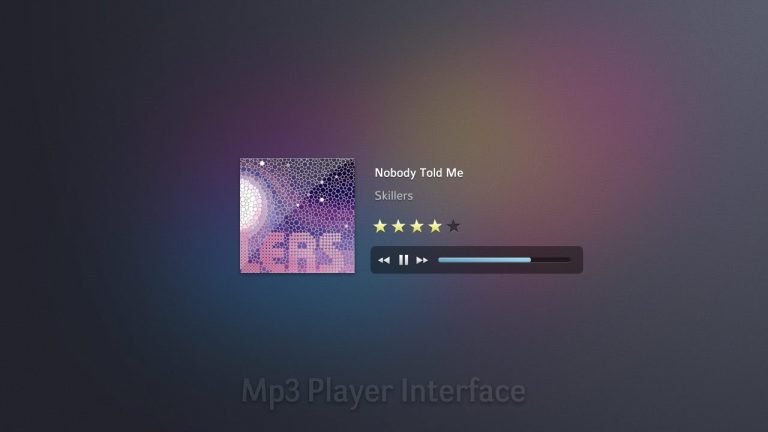
Create a Simple Mp3 Player — Photoshop Tutorial

0

Check out another of my videos: “BREAKDOWN: Select and Mask vs. Refine Edge – Photoshop CC”

-~-~~-~~~-~~-~-

Check out the written tutorial! http://tutvid.com/create-simple-mp3-player-photoshop-tutorial/

Like Tutvid on Facebook: http://www.facebook.com/tutvidFan
Follow me on Twitter: http://www.twitter.com/tutvid

Ever want to walk through the steps to creating your very own sweet Mp3 player interface using Photoshop? This tutorial will get you going in no time with a super sleek Mp3 player modeled after the player used at CodeBase Hero, but inspired by the great folks over at 365PSD.com. Learn about and gain some experience with Clipping Masks, Shape Layers, Layer Styles, Alignment and more in this quick tutorial!

Tutorial Inspiration: http://365psd.com/day/302/

This tutorial is one in the continued series the Howard from http://www.IceflowStudios.com and I are creating. Inspiration is draw from the amazing http://www.365psd.com and any number of the quality, free PSD downloads they provide! Check them out now!