Home Blog Page 378

Roundtrip Premiere Pro to Davinci Resolve Color Grading Workflow

0

In this video editing tutorial, we’ll cover how to use Davinci Resolve to color grade a project that has been edited in Premiere Pro. We can export AAF or XML from Premiere and import a full project directly into Davinci Resolve to take advantage of it’s amazing color grading power and then export that AAF or XML right back into Premiere Pro so we can finish adding titles, captions, finishing transitions, cut tweaks, and more before exporting the finished movie, film, or YouTube video. It really is an amazing workflow and allows you to use the incredible power of Davinci Resolve without fear or worry on your next video editing project!

Check out Davinci Resolve Lite here: https://www.blackmagicdesign.com/products/davinciresolve

Written Premiere tutorial: http://bit.ly/2hXZxf5

Pick up my image retouching tutorial package ($27) right here: http://tutvid.com/retouching-photos-photoshop/

INSTAGRAM, SNAPCHAT, & MORE:
http://instagram.com/tutvid

https://www.facebook.com/tutvid
? tutvid.com

CREDITS:
Social Icons in outro: http://www.freepik.com/free-vector/six-social-networking-icons-with-infographic-resources_982300.htm
Create an Epic Cinematic Composite Image in Photoshop CC

0

Check out another of my videos: “BREAKDOWN: Select and Mask vs. Refine Edge – Photoshop CC”

-~-~~-~~~-~~-~-

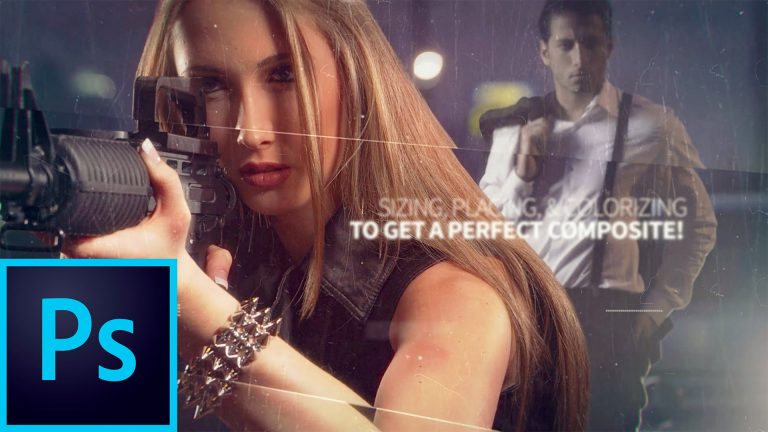
Learn how to create a composite image in Photoshop CC with this tutorial! You can download both of the RAW images by going to my blog post and grabbing that file by signing up for my newsletter. Here is the link: http://tutvid.com/photoshop-tutorials/create-an-epic-cinematic-composite-image-in-photoshop-cc/ We’re going to learn how to expand a background, use the new Select and Mask to cut our model out, match the color of our image using adjustment layers, adding flares, cleaning up the edges and removing halos, sharpening and also the finishing grain layers that will help you smooth out and clean up your image and make them better than ever.

Pick up my image retouching tutorial package ($27) right here: http://tutvid.com/retouching-photos-photoshop/

SNAPCHAT & MORE:
http://instagram.com/tutvid

https://www.facebook.com/tutvid
? tutvid.com

Convert Shapes and Text Effects to CSS in Photoshop

0

Check out another of my videos: “BREAKDOWN: Select and Mask vs. Refine Edge – Photoshop CC”

-~-~~-~~~-~~-~-

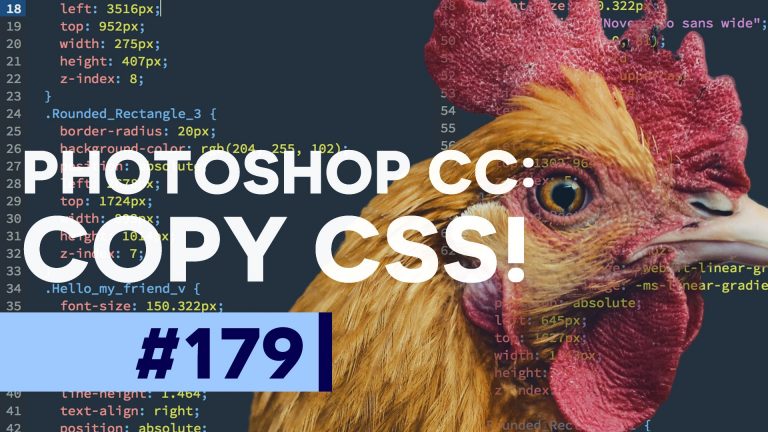
In this tutorial we’ll talk about the somewhat ill-advised “Copy CSS” feature of Photoshop and how it works. We’ll take code for text and a button that we’ve created and move it over into Dreamweaver and adjust and tweak the CSS code until it creates a graphic similar to what we had in Photoshop. You will see some of the pros and the cons of using this method for creating web design elements or entire web pages.

Find the written tutorial on site: http://tutvid.com/photoshop-tutorials/copy-css-convert-shapes-and-text-effects-to-css-in-photoshop/

Pick up my image retouching tutorial package ($27) right here: http://tutvid.com/retouching-photos-photoshop/

SNAPCHAT & MORE:
http://instagram.com/tutvid

https://www.facebook.com/tutvid
? tutvid.com

iOS7 Interface – Photoshop CS6 Tutorial

0

Check out another of my videos: “BREAKDOWN: Select and Mask vs. Refine Edge – Photoshop CC”

-~-~~-~~~-~~-~-

Link to written tutorial: http://tutvid.com/ios7-interface-photoshop-cs6-tutorial/

With Apple’s announcement of the brand new (as of the middle of June, 2013) iOS7 and the radical changes that have been implemented thanks to the change Apple made, placing Jony Ive in charge of the interface aspect of the new iOS7. Let’s have some fun with the changes and create some of this new interface including icons, background, the dock, date, and top-most information bar.

GET MORE FROM TUTVID.COM

Facebook
https://www.facebook.com/tutvid

Twitter

Google+
http://gplus.to/tutvid

Website
http://tutvid.com

Please subscribe if you enjoyed this video!

How to Edit Videos on a Tablet – Drop Zones & Multi Touch Editing in Premiere Pro CC

0

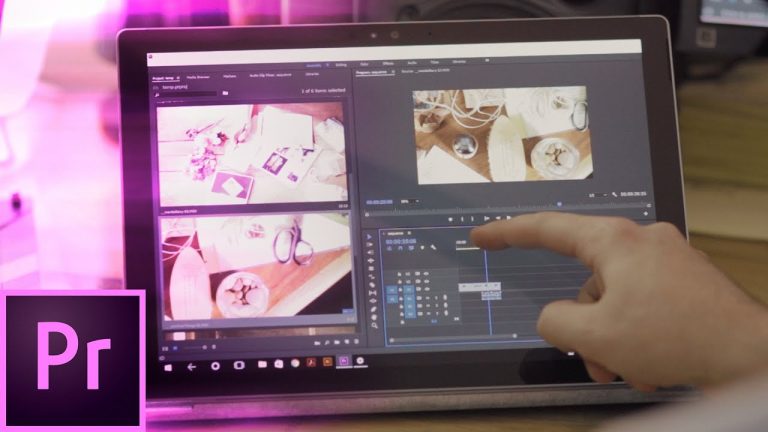
Did you know that you can edit videos on a tablet and using just your fingers? In Premiere Pro, you can use the multi-touch and gesture functionality to quickly edit your videos and films on your tablet with relative ease. We will cover how to use the drop zones feature which will allow you to place a video clip exactly where you want on your timeline, Premiere’s auto-collapsing panels, multi-touch scrolling of clips, timelines, and media in the project bin, we will cover the secret pop-up controller for multi-touch users, marking clips in/out points for faster (and more accurate!) timeline placement and easier editing on a mobile device, and so much more! If you’d like to be able to hack together rough cuts and spend more time relaxing while you edit video, you’re going to love multi-touch and gestures in Premiere Pro! Check it out and leave a big ole thumbs up if you enjoy this video! Thank you!

Check out the written tutorial: http://bit.ly/2h8GWvT

Pick up my image retouching tutorial package ($27) right here: http://tutvid.com/retouching-photos-photoshop/

INSTAGRAM, SNAPCHAT, & MORE:
http://instagram.com/tutvid

https://www.facebook.com/tutvid
? tutvid.com

CREDITS:
Social Icons in outro: http://www.freepik.com/free-vector/six-social-networking-icons-with-infographic-resources_982300.htm

Best & Worst Things About Refine Edge Tool Photoshop CC

0

Check out another of my videos: “BREAKDOWN: Select and Mask vs. Refine Edge – Photoshop CC”

-~-~~-~~~-~~-~-

Pick up my image retouching tutorial package ($27) right here: http://bit.ly/support-tutvid

Find the written tutorial on site: http://tutvid.com/photoshop-tutorials/best-worst-things-about-refine-edge-photoshop-cc/

In Photoshop CC we have a powerful feature called “Refine Edge” which will help you create complex selections with ease. I will cover some of the things I love about this tool in this tutorial, but I’m also going to talk about some of where it has flaws. Overall it’s a great tool, but if you know when to use it and when another method would be better, it becomes an even more powerful feature!

VIDEO GUIDE:
0:44 Begin with a selection
1:30 Refine Edge
9:30 Adjusting and tweaking the mask
10:51 Cutting out the fox
11:05 Refine Edge
13:55 Adjusting and tweaking the mask
15:22 One last tip

SNAPCHAT & MORE:
http://instagram.com/tutvid

https://www.facebook.com/tutvid
? tutvid.com

Sky Replacement – Photoshop CS6 Tutorial

0

Check out another of my videos: “BREAKDOWN: Select and Mask vs. Refine Edge – Photoshop CC”

-~-~~-~~~-~~-~-

Link to written tutorial: http://tutvid.com/sky-replacement-photoshop-cs6-tutorial/

For a portrait or landscape photographer it is often extremely important to be able to replace a sky here and there when the weather or clouds are not cooperating with the look you want. In addition, replacing a sky is a quick and sure-fire way to drama, mood, and color to just about any photo.

GET MORE FROM TUTVID.COM

Facebook
https://www.facebook.com/tutvid

Twitter

Google+
http://gplus.to/tutvid

Website
http://tutvid.com

Please subscribe if you enjoyed this video!

The Power of the Camera RAW Filter Photoshop CC

0

Check out another of my videos: “BREAKDOWN: Select and Mask vs. Refine Edge – Photoshop CC”

-~-~~-~~~-~~-~-

Pick up my image retouching tutorial package ($27) right here: http://bit.ly/support-tutvid

Find the written tutorial on site: http://tutvid.com/photoshop-tutorials/the-power-of-the-camera-raw-filter/

Among the Smart Filters you have at your disposal in Photoshop CC, you have the Camera RAW Filter. This filter allows you to edit any image or graphic in your PSD with the Camera RAW editor. Changing light, color, and tone all with a simple slider has never been easier! Also, if you’re just more comfortable using Lightroom or working in the Camera RAW editor, this is the way to bring those sliders into your PSD no matter what kind of image you’re working with.

VIDEO GUIDE:
0:32 Preparing for Smart Filters
0:47 Opening Camera RAW
1:09 Temperature and Tint
1:34 Adjusting the tone of the photo
3:17 Manual Lens Corrections
4:45 Camera Profiles
5:53 Graduated Filter Tool
7:52 Gritty Black and White Process
12:15 Outro

SNAPCHAT & MORE:
http://instagram.com/tutvid

https://www.facebook.com/tutvid
? tutvid.com

Create a Colorful Apple Wallpaper in Photoshop CC

0

Check out another of my videos: “BREAKDOWN: Select and Mask vs. Refine Edge – Photoshop CC”

-~-~~-~~~-~~-~-

Written Photoshop tutorial: http://bit.ly/2dMtbDU

In this Photoshop tutorial, we’ll take a look at how to use the existing Apple Wallpapers to create a vibrant colorful effect that is sure to make your desktop pop. Even if you don’t have access to the Apple wallpapers (I wish I could share a download with you!), you can run a quick Google search and find one of the thousands of amazing and free wallpapers available to you with a mere click of your mouse. We will cover finding the wallpaper files in Mac OS X, creating a custom brush to layer on the color effect, using a few filters and blurs to really bring it out, and then some adjustment layer magic to really cap this effect and create a sweet wallpaper that you can share with all of your friends. Hope you enjoy it!

Pick up my image retouching tutorial package ($27) right here: http://tutvid.com/retouching-photos-photoshop/

SNAPCHAT & MORE:
http://instagram.com/tutvid

https://www.facebook.com/tutvid
? tutvid.com