Home Blog Page 388

Cool Animated Glass Rollovers: Flash AS3 Tutorial!

0

Check out another of my videos: “BREAKDOWN: Select and Mask vs. Refine Edge – Photoshop CC”

-~-~~-~~~-~~-~-

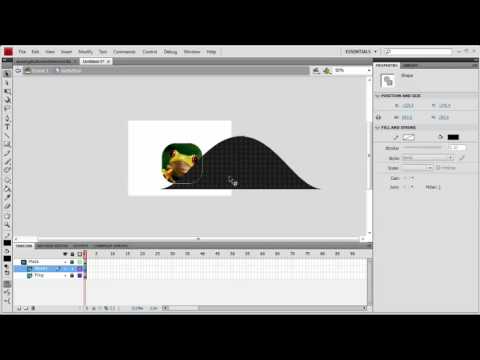
For those of you that remember just mere months ago the “older” version of tutvid.com was a bit different looking than the new. On the tutorials page for the various programs I make tutorials on I had these sort of flowing glass rollovers. This tutorial is how to make exactly those buttons. Pretty easy, but also pretty tricky, but nothing too, too difficult. We will take a look at tweening in the timeline to create a seamless loop, using the pen tool a little, masking, reversing many frames at at time and more!

Be sure to check out http://www.tutvid.com
Check out the blog @ http://tutvid.wordpress.com

Check this video out in Hi-Res here: http://www.tutvid.com/tutorials/flash/tutorials/waveGlassRollovers.php

Dreamweaver Tutorial – Create a basic Webpage Insert Content

0

Check out another of my videos: “BREAKDOWN: Select and Mask vs. Refine Edge – Photoshop CC”

-~-~~-~~~-~~-~-

Check this video out at Hi-Res here: http://www.tutvid.com/tutorials/dreamweaver/tutorials/basicPage.php

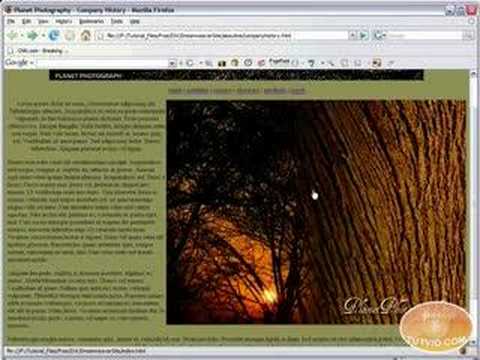
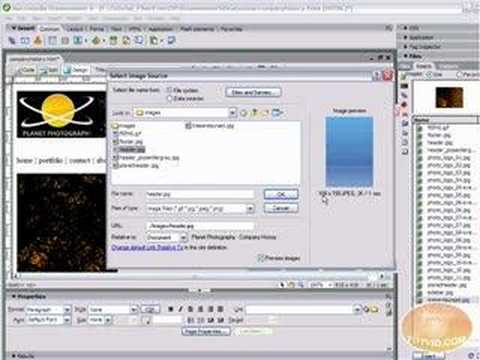
Learn how to Insert text and images, as well as change page properties and aligning your placed objects into some kind of order. Enjoy!

Draw Vector Heart Artwork: Adobe Illustrator Tutorial

0

Check out another of my videos: “BREAKDOWN: Select and Mask vs. Refine Edge – Photoshop CC”

-~-~~-~~~-~~-~-

Check this video out at Hi-Res here: http://www.tutvid.com/tutorials/illustrator/tutorials/vectorHearts.php

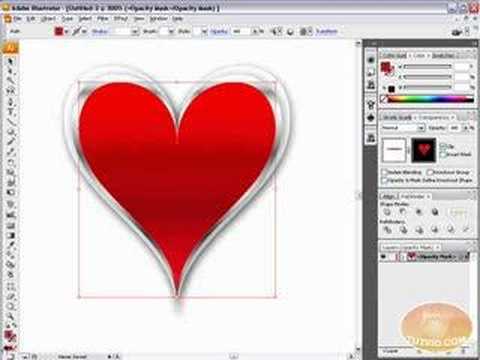
This tutorial covers how to draw a vector heart! No source files are needed just Adobe Illustrator and some time! I cover: Using the Grid, Basic Pen tool, Gradients, Swatches, Blend modes, Masking, and so much more! Enjoy the video and check out www.tutvid.com for more free videos!

[HD] 3D Spiral Light Beams: Photoshop Tutorial

0

Check out another of my videos: “BREAKDOWN: Select and Mask vs. Refine Edge – Photoshop CC”

-~-~~-~~~-~~-~-

In this tutorial I start with a simple 3D object created in Photoshop and to really show off the 3D nature of this object we will “wrap” it with light, specifically these light zips, or bands. A pretty cool effect and really as soon as you create the path(s) you can tweak and create whatever kind of effect you want.

Remember to check out http://www.tutvid.com for more great video tutorials and resources!
Also check out the blog http://tutvid.wordpress.com

ActionScript 3 Preloader! Flash Tutorial!

0

Check out another of my videos: “BREAKDOWN: Select and Mask vs. Refine Edge – Photoshop CC”

-~-~~-~~~-~~-~-

Check this out in higher res here: http://www.tutvid.com/tutorials/flash/tutorials/as3Preloader.php

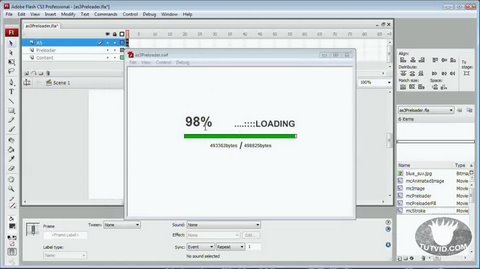
Check out this super easy to customize and edit preloader in flash! It is based on actionscript 3.0, simple to build and code, and even easier to edit! The beauty of this preloader is you can essentially create it one time and copy the vector graphics and coding to any flash project you are working on and WHAMMO! you have a nice preloader ready to go!

Dreamweaver Tutorial – Creating Hyperlinks, Email links!

0

Check out another of my videos: “BREAKDOWN: Select and Mask vs. Refine Edge – Photoshop CC”

-~-~~-~~~-~~-~-

FULL VIDEO: http://www.tutvid.com/tutorials/dreamweaver/tutorials/hyperLinks.php

This video was somehow automatically shortened by Youtube in Feb. of 2009. Instead of taking it down I decided to simply include a link to the full video on tutvid.com.

This is a video tutorial on creating Hyperlinks to your local site as well as sites already out on the web, Targeting those links so they open a new window or take over the window you are using, and creating email links so people can email you right from your site! Enjoy this tutorial and check out http://www.tutvid.com for more!

Draw a Smooth Vector Ribbon: Adobe Illustrator!

0

Check out another of my videos: “BREAKDOWN: Select and Mask vs. Refine Edge – Photoshop CC”

-~-~~-~~~-~~-~-

Check this video out at Hi-Res here: http://www.tutvid.com/tutorials/illustrator/tutorials/vectorRibbons.php

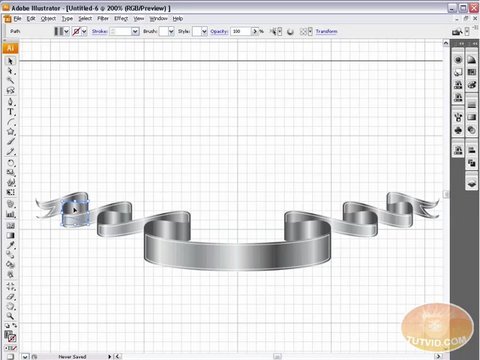
Learn how to create a smooth silver ribbon with multiple folds in this video. We are using Illustrator so it is entirely vector and very versatile. This one gets a little complicated so prep yourself to be frustrated at first glance, but once you have the anchor points, tangent handles, and grid lines solved, sit back and admire your work of beauty! Have fun with this one! Check out www.tutvid.com for more great video tutorials!

Import/Export Flv Video: Flash Tutorial

0

Check out another of my videos: “BREAKDOWN: Select and Mask vs. Refine Edge – Photoshop CC”

-~-~~-~~~-~~-~-

Check this video out at Hi-Res here: http://www.tutvid.com/tutorials/flash/tutorials/importVideo.php

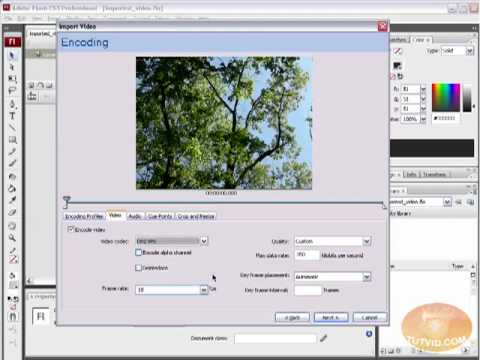
Learn all about importing and compressing your video files and converting them to flash video! We will cover Importing flash video, Compressing the video using presets, compressing just the video or just the audio, adding cue points and using cue points, and cropping, trimming, and resizing your video. We will also learn how to use the basic skins provided to us by Adobe in Flash to skin our video components. Have fun and please check out www.tutvid.com for more great video tutorials!

[HD] Basics of Using 3D Objects: Photoshop Tutorial

0

Check out another of my videos: “BREAKDOWN: Select and Mask vs. Refine Edge – Photoshop CC”

-~-~~-~~~-~~-~-

3D is very new to Photoshop only really coming into existence when CS3 was released. In CS3 however the 3D capabilities were pretty limited, but with the release of CS4 3D exploded into Photoshop and now has it’s own set of tools and even it’s own panel. You are now able to even create true 3D objects right from within Photoshop and texture them.
In the following tutorial we will learn about creating a base 3D object and creating a few basic textures for that object. We will also take a moment to explore the 3D tools.
There is a ton to learn about 3D and not everything is covered in this quick video tutorial. Stay tuned for more tutorials on 3D!

Be sure to check out http://www.tutvid.com
Check out the blog @ http://tutvid.wordpress.com