Home Blog Page 387

Combining Images/Composite Photoshop Tutorial

0

Check out another of my videos: “BREAKDOWN: Select and Mask vs. Refine Edge – Photoshop CC”

-~-~~-~~~-~~-~-

Bottle Image: http://www.sxc.hu/photo/658864
Water Image: http://www.stockxpert.com/browse_image/view/32624941

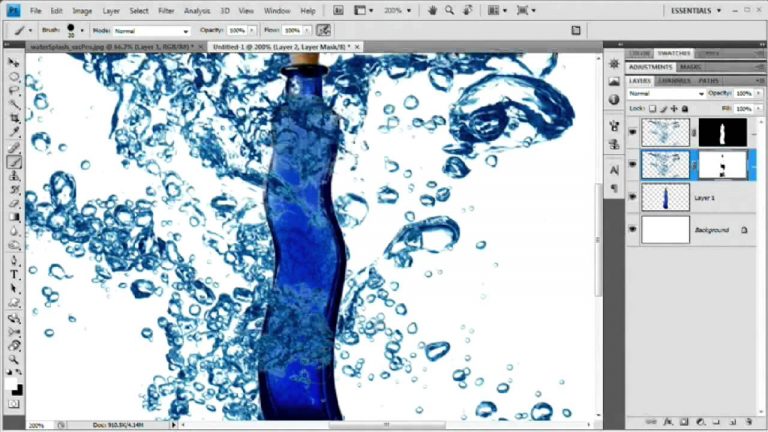
In this video we will use simple techniques to combine a couple images. We are actually using a couple image which are pretty difficult to combine and my hope is that you will take a few tricks from this video that will help you with combining images of all types-including those that have transparency in them-form this video.
We cover selecting with channels, copying and pasting, masking, burning, and a few other cool little things. Check it out and get started building your own “composite images”!

Be sure to check out http://www.tutvid.com
Check out the blog @ http://tutvid.wordpress.com

Tweening with Actionscript 3.0 Flash Tutorial [HQ]

0

Check out another of my videos: “BREAKDOWN: Select and Mask vs. Refine Edge – Photoshop CC”

-~-~~-~~~-~~-~-

40+ minutes of video on tweening with Actionscript 3.0. We are going to start out simple with a simple fade in animation and things will get more complex from there. I do label this tutorial advanced, but I try to explain everything out in a decent way which should allow you to learn even if you do not consider yourself an “advanced” flash user.
We will learn about the tween class, creating tweens, timers, timer events, tween events, using event listeners, functions, and lots of other little things along the way!

Be sure to download the starting image from the site! You can find it here: http://www.tutvid.com/resources/projectFiles/index.php

Be sure to check out http://www.tutvid.com
Check out the blog @ http://tutvid.wordpress.com

Validate Forms Using Dreamweaver!

0

Check out another of my videos: “BREAKDOWN: Select and Mask vs. Refine Edge – Photoshop CC”

-~-~~-~~~-~~-~-

Check this video out at Hi-Res here: http://www.tutvid.com/tutorials/dreamweaver/tutorials/formValidation.php

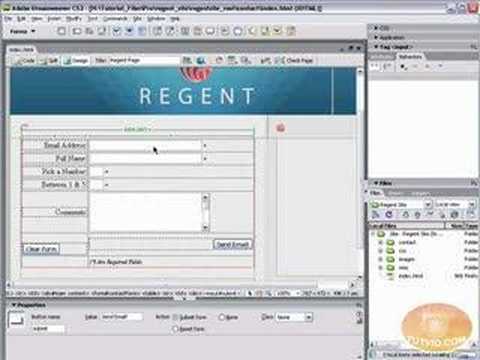
In this video we will cover form validation. Form validation is a super important aspect of forms in dreamweaver and in all of web design for that matter. Form validation insures you recieve emails with valid information(for the most part) and helps users understand when they need to submit more information about themselves when they use your web form! Have fun and please check out http://www.tutvid.com for more free training material!

Sliding Rollover Info Panels: AS 3.0 Tutorial!

0

Check out another of my videos: “BREAKDOWN: Select and Mask vs. Refine Edge – Photoshop CC”

-~-~~-~~~-~~-~-

IF YOU ENJOYED(OR NOT) THE VIDEO PLEASE RATE AND COMMENT!

Check out this video in Hi-Res here: http://www.tutvid.com/tutorials/flash/tutorials/slideOutInfoPanels.php

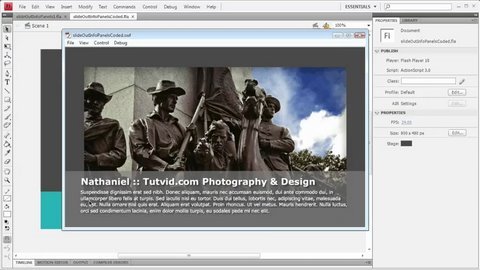
Well now in addition to your flash master piece you can now add this rollover panel which pops up and displays the info of your choice, matter of fact do a little duplicating and changing a few instance names and that panel can become those panels. Very easy to do, just don’t get lost in the small maze of instance names. Follow along with me as I create Information Scroll or Pop up panels in Flash CS4! NOTE: Flash CS3 is more than adequate for this tutorial as we are using Actionscript 3.0, nothing is CS4 specific, just a few interface differences and you are good.

[HD] Photoshop Tutorial: Add and Remove Tattoos

0

Check out another of my videos: “BREAKDOWN: Select and Mask vs. Refine Edge – Photoshop CC”

-~-~~-~~~-~~-~-

For many photography projects removing tattoos is a must have skin, and for some fun projects knowing how to add a tattoo and knowing how to make it follow the flow of the persons skill is pretty cool.
We will talk about using the healing brush in tough spots, how displacement maps allow us to make realistic changes to photographs, as well as using multiple blend modes to make a realistic tattoo on this brides back. Enjoy!
Be sure to check out http://www.tutvid.com
Check out the blog @ http://tutvid.wordpress.com

Dreamweaver tutorial! Define Local Root/Site Folder

0

Check out another of my videos: “BREAKDOWN: Select and Mask vs. Refine Edge – Photoshop CC”

-~-~~-~~~-~~-~-

Check this video out at Hi-Res here: http://www.tutvid.com/tutorials/dreamweaver/tutorials/defineLocalRoot.php

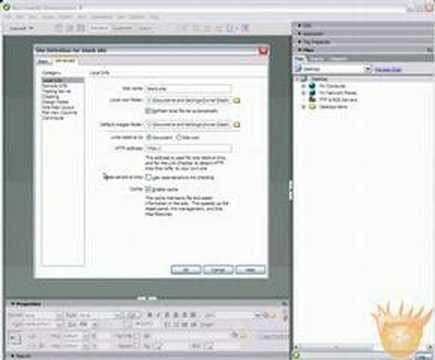
Learn how to Define the Local Root folder, sometimes called the Local Site folder. Defining a “Site” in Dreamweaver is the best way to start building your websites, so watch, learn, and have fun!

[HD] Smart Collections: Adobe Bridge Tutorial

0

Check out another of my videos: “BREAKDOWN: Select and Mask vs. Refine Edge – Photoshop CC”

-~-~~-~~~-~~-~-

I absolutely love The Adobe Bridge and Collections & Smart Collections are great work flow features available. Organizing your files without messing up your folder structure and automatically bringing files in that you want based on settings you assign to that collection. Check them out and learn a great new feature of Bridge CS4!

Be sure to check out http://www.tutvid.com
Check out the blog @ http://tutvid.wordpress.com

Full Screen Flv Video and SWFs: Flash CS4 Tutorial

0

Check out another of my videos: “BREAKDOWN: Select and Mask vs. Refine Edge – Photoshop CC”

-~-~~-~~~-~~-~-

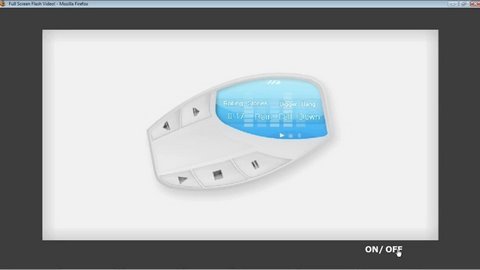
Well here it is, one of the tutorials I get so many requests about. We will cover using stage.displayState to set the stage to full screen and further control whether or not the actual content of the SWF file or the video fills the screen or if the background color of our flash file’s stage fills the screen. We will also create a mini-controller which will allow us to toggle between the full screen and normal view modes. This is NOT using the skins available to us in the Import Video dialog, we will actually be doing a little coding here. Really any flash file you want, video or not!

If you enjoyed the video please comment and rate!

Dreamweaver tutorial – Button Rollovers – Video Tutorial

0

Check out another of my videos: “BREAKDOWN: Select and Mask vs. Refine Edge – Photoshop CC”

-~-~~-~~~-~~-~-

FULL VIDEO: http://www.tutvid.com/tutorials/dreamweaver/tutorials/basicRollOvers.php

This video was somehow automatically shortened by Youtube in Feb. of 2009. Instead of taking it down I decided to simply include a link to the full video on tutvid.com.

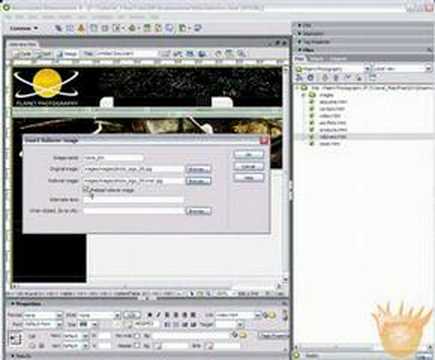
Learn how to create Web button rollovers quickly and easily in Dreamweaver!

Create iPhone Icons w/ Illustrator CS4!

0

Check out another of my videos: “BREAKDOWN: Select and Mask vs. Refine Edge – Photoshop CC”

-~-~~-~~~-~~-~-

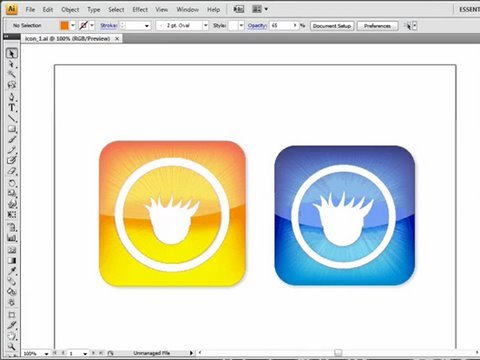
Here is a requested tutorial, actually requested a few times and I had some fun making this one (as I always do!). Anyway in this video we will look at creating and editing gradients, using blend modes with effects, creating and editing masks, and the click and drag multiple shapes tip using the tilde (`) key. Be sure to stay and watch the entire video as I throw in a bonus tip/ afterthought to the tutorial right at the end. Check out Tutvid.com for more great video tutorials!

Be sure to comment and subscribe if you enjoy the video!