Home Blog Page 441

After Effects Video Tutorial: Creating Realistic Snow

0

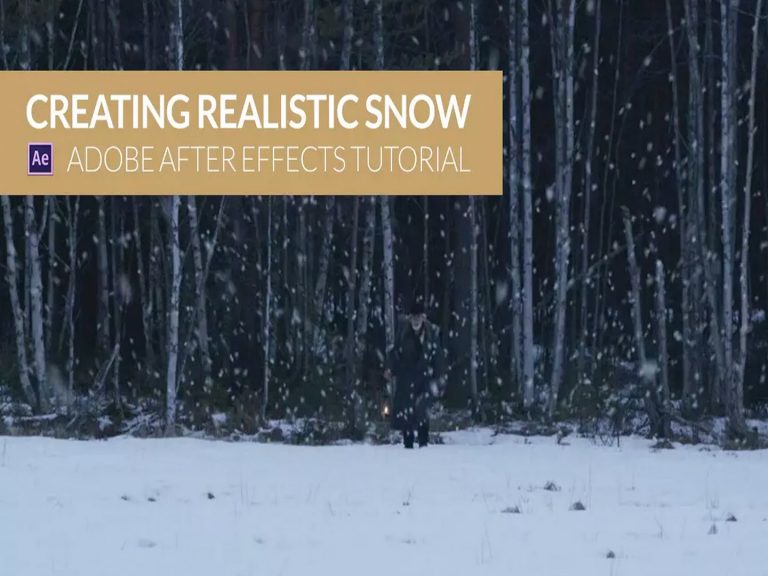
Finally – a video tutorial for creating REALISTIC snow in After Effects. We’ll show you how using Trapcode Particular in After Effects.

Get more info in our tutorial blog post: bit.ly/11sWkvB

Need music for your video and media projects? Give us a listen: bit.ly/pb-music

Alien Invasion Part 2: After Effects Video Tutorial

0

Check out the FINAL PROJECT here: http://www.vimeo.com/111007748

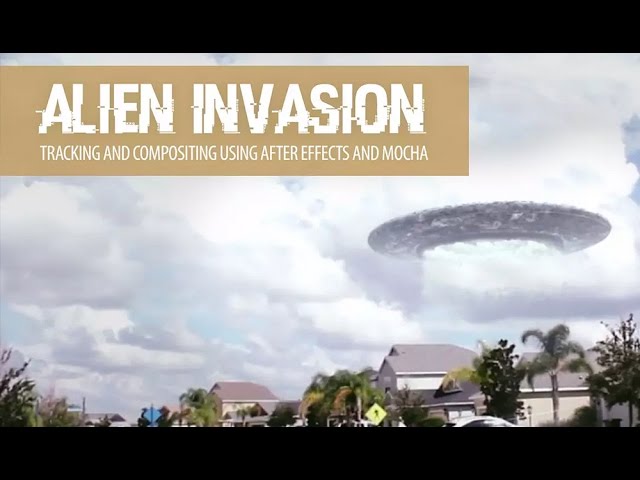
In the second part of our two part ‘Alien Invasion’ tutorial series we will take a look at how to composite our new Alien Spaceship model into a scene in After Effects.

Get more info in our tutorial blog post: http://www.premiumbeat.com/blog/effects-video-tutorial-alien-invasion/

Need music for your media projects? Give us a listen: bit.ly/pb-music

How to Create A Vintage Effect in After Effects + Free Presets

0

Learn how to give your footage a vintage look with this After Effects tutorial. Plus, download 7 free After Effects presets.

Download Free Footage and Presets for After Effects: http://bit.ly/29QuZwE

Music: ‘A Sparkling Journey’ by Alexis Messier: http://bit.ly/2953gF7

After Effects Tutorial: 1980s Inspired Logo Reveal

0

In this quick tutorial we’ll show you how to create a 1980s inspired logo reveal in After Effects without 3rd party plugins.
Download Free Project File: http://www.premiumbeat.com/blog/create-80s-inspired-logo-reveal-effects-free-project-file/

Song – Some Kinda Groove by Monty Taylor: http://www.premiumbeat.com/royalty_free_music/songs/some-kinda-groove

Create a Dr Strange Inspired Shield in After Effects

0

In this After Effects tutorial we’ll take a look at how to create this Dr. Strange inspired mandala shield using native plugins and effects.

Download the Free Project File and Video Assets: http://www.premiumbeat.com/blog/how-to-create-doctor-strange-shield-in-after-effects/

Music: ‘Brooklyn Bridge’ by Mattijs Muller – http://www.premiumbeat.com/royalty_free_music/songs/brooklyn-bridge

How to Quickly Move Assets Between Premiere and After Effects

0

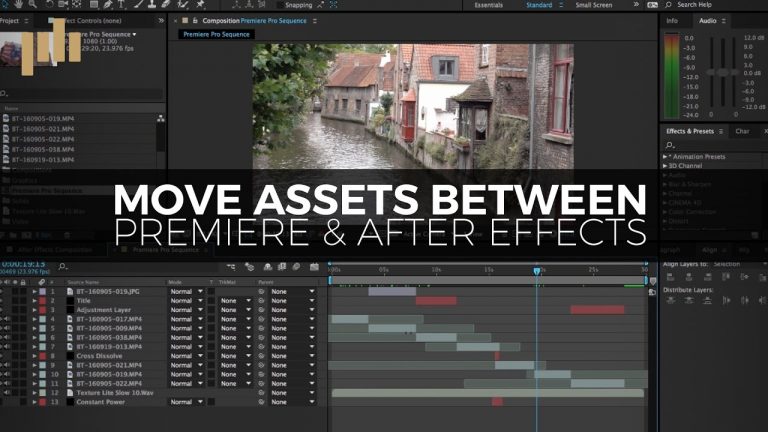
After Effects and Premiere Pro are designed to work well with eachother. In this helpful tutorial we’ll take a look at how to quickly move assets between the programs. Read More: http://bit.ly/2g5zhAn

Song: ‘We’re Taking Off’ by Vincent Tone: http://bit.ly/2aH59Ix

Create a Star Wars Inspired Hologram in After Effects

0

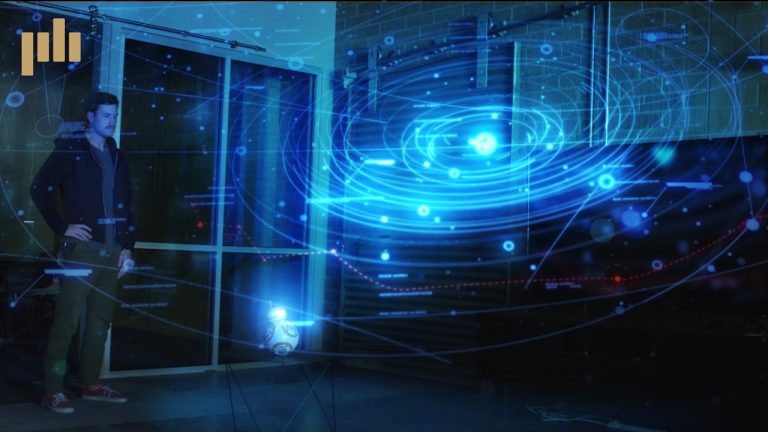
Learn how to create a Star Wars inspired hologram in this exclusive After Effects tutorial.
Download the Free Project File + Assets: http://bit.ly/2h2enVo Song: ‘We’re Taking Off’ by Vincent Tone: http://bit.ly/2gPYPBg

Tutorial 01 – Character Rigging

0

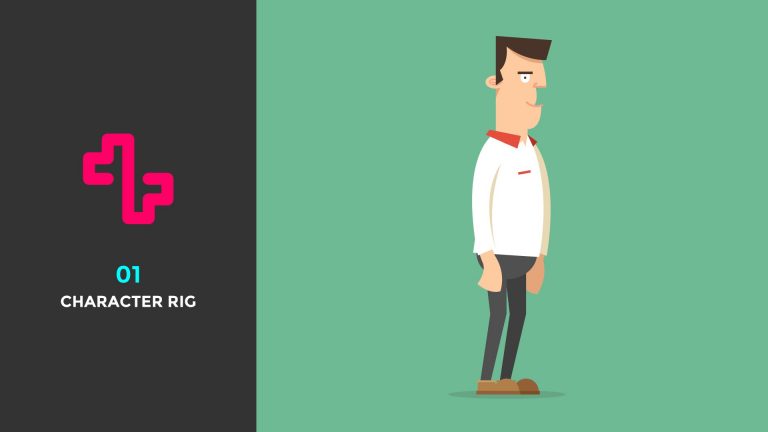
In this tutorial I’ll be showing you how to set up a character in Adobe Illustrator ready to import into Adobe After Effects to be rigged using the free plug-in Duik.

I created this rig for a client project and found it really easy to use and control so I hope you enjoy the tutorial.

Download character file here:

https://www.dropbox.com/s/ps7ioigjuradxrp/Character%20Rig.ai?dl=0

Download Duik here:

http://duduf.net/

*note Duik is a free plug-in for Adobe After Effects. Created by Nicolas Dufresne, please support his amazing work by donating as much as you can so he can continue to make amazing products.

As always thank you for watching my tutorials, if you like what you’ve just watched please subscribe and share.

If you have any suggestions for what my next tutorial should be or you just want to drop me a friendly message then email me at : tutorials@mwmotion.tv

Follow me on:

Behance: https://www.behance.net/innomattive
Dribbble: https://dribbble.com/mwmotion
Instagram: https://www.instagram.com/mw_motion/
Tumblr: http://mwmotion.tumblr.com/
Twitter: @mw_motion
Vimeo: https://vimeo.com/mwmotion

www.mwmotion.tv
Quick Tip 01 – Slider Controls

0

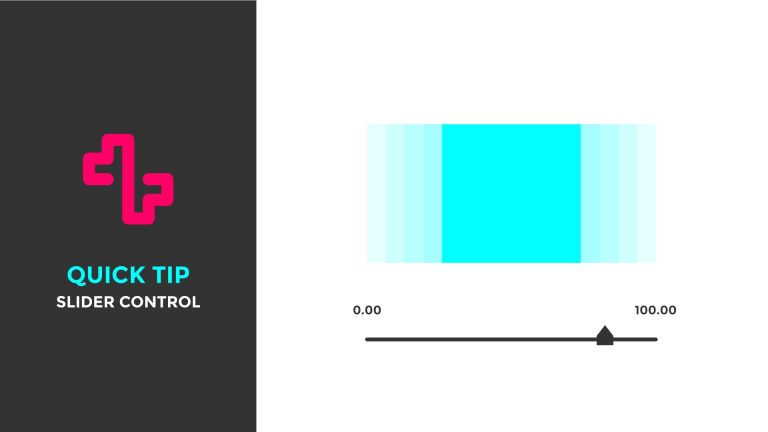
In this quick tip I’ll be showing you how to combine a Slider Control with the Wiggle Expression in After Effects. This allows you to have control of the Wiggle enabling you the ability to control the amount of Wiggle.

This technique can be applied to any property and opening up hundreds of possibilities.

As always thank you for watching my tutorials, if you like what you’ve just watched please subscribe and share.

If you have any suggestions for what my next tutorial should be or you just want to drop me a friendly message then email me at : tutorials@mwmotion.tv

Follow me on:

Behance: https://www.behance.net/innomattive
Dribbble: https://dribbble.com/mwmotion
Instagram: https://www.instagram.com/mw_motion/
Tumblr: http://mwmotion.tumblr.com/
Twitter: @mw_motion
Vimeo: https://vimeo.com/mwmotion

www.mwmotion.tv
02 – Do A Barrel Roll

0

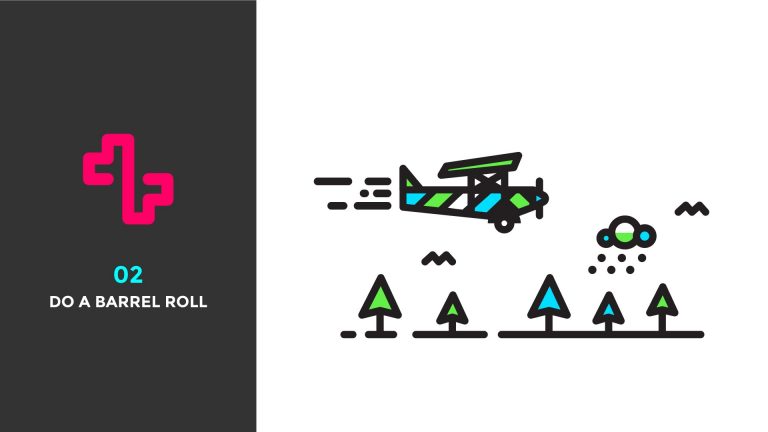
After several requests I’ve finally made a tutorial on the E-X-P-L-O-R-E collaboration series with the legendary Jonathan Quintin from Studio JQ! http://www.studiojq.co/

In this tutorial I’ll be showing you how I achieved the barrel roll in the Pretty fly animation using Adobe After Effects. I’ll teach you how to work with Shape Layers imported from Adobe Illustrator and how to achieve a fake 3d illusion using simple key framing and expressions to easily manipulate and control your layers.

As always thank you for watching my tutorials, if you like what you’ve just watched please subscribe and share.

If you have any suggestions for what my next tutorial should be or you just want to drop me a friendly message then email me at : tutorials@mwmotion.tv

Follow me on:

Behance: https://www.behance.net/innomattive
Dribbble: https://dribbble.com/mwmotion
Instagram: https://www.instagram.com/mw_motion/
Tumblr: http://mwmotion.tumblr.com/
Twitter: @mw_motion
Vimeo: https://vimeo.com/mwmotion

www.mwmotion.tv