Home Blog Page 442

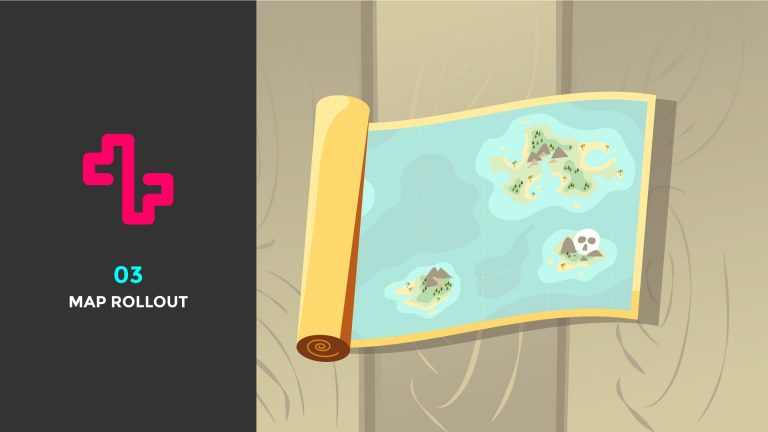
03 – Map Rollout

0

In this tutorial I’ll be showing you how I animated a map roll out in one of my client works. I’ll be showing you how you can use Null Objects to control multiple layers and by being clever with Masks you can create an illusion of a roll out. I’ll show you how to use Trim Paths to aid in selling the effect and how you can reverse the direction of a path, a very simple but time saving trick.

This tutorial was suggested by Rough Moves, so huge shout out for allowing me to create content that you, the viewer may be interested in!

As always thank you for watching my tutorials, if you like what you’ve just watched please subscribe and share.

If you have any suggestions for what my next tutorial should be or you just want to drop me a friendly message then email me at : tutorials@mwmotion.tv

Follow me on:

Behance: https://www.behance.net/innomattive
Dribbble: https://dribbble.com/mwmotion
Instagram: https://www.instagram.com/mw_motion/
Tumblr: http://mwmotion.tumblr.com/
Twitter: @mw_motion
Vimeo: https://vimeo.com/mwmotion

www.mwmotion.tv
Quick Tip 02 – Organisation

0

In this quick tip I’ll be showing you how to effectively manage and organise your projects in After Effects. Using these techniques you’ll save yourself hours of time and will help other designers navigate your files if necessary.

Being organised when you work is invaluable, you’ll thank yourself for applying these techniques to your workflow.

As always thank you for watching my tutorials, if you like what you’ve just watched please subscribe and share.

If you have any suggestions for what my next tutorial should be or you just want to drop me a friendly message then email me at : tutorials@mwmotion.tv

Follow me on:

Behance: https://www.behance.net/innomattive
Dribbble: https://dribbble.com/mwmotion
Instagram: https://www.instagram.com/mw_motion/
Tumblr: http://mwmotion.tumblr.com/
Twitter: @mw_motion
Vimeo: https://vimeo.com/mwmotion

www.mwmotion.tv
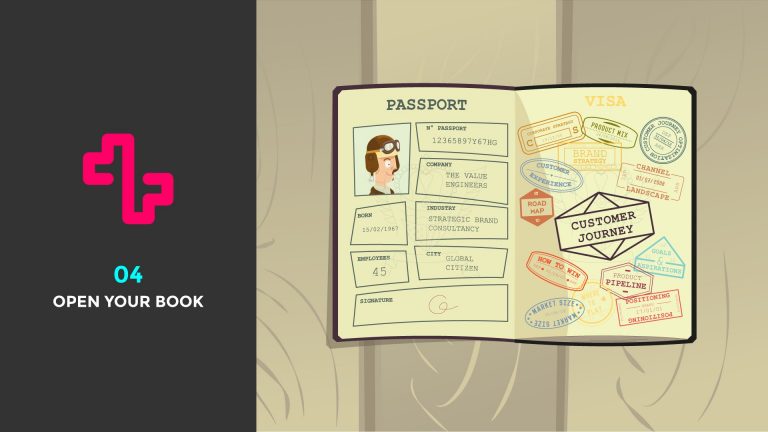
04 – Open Your Book

0

In this tutorial I’ll be showing you how I animated a book opening for one of my client works. I’ll teach you how to give the illusion of a page opening and folding over to reveal content on both sides. I will also show you how to effectively use a Null Object to control the book whilst maintaining animations to individual pages.

This tutorial was suggested by Rough Moves, so huge shout out for allowing me to create content that you, the viewer may be interested in!

As always thank you for watching my tutorials, if you like what you’ve just watched please subscribe and share.

If you have any suggestions for what my next tutorial should be or you just want to drop me a friendly message then email me at : tutorials@mwmotion.tv

Follow me on:

Behance: https://www.behance.net/innomattive
Dribbble: https://dribbble.com/mwmotion
Instagram: https://www.instagram.com/mw_motion/
Tumblr: http://mwmotion.tumblr.com/
Twitter: @mw_motion
Vimeo: https://vimeo.com/mwmotion

www.mwmotion.tv
03 Time Reverse Keyframes

0

In this quick tip I’ll be showing you how to use Time Reverse Keyframes, a little trick that saves me a ton of time when animating in After Effects.

As always thank you for watching my tutorials, if you like what you’ve just watched please subscribe and share.

If you have any suggestions for what my next tutorial should be or you just want to drop me a friendly message then email me at : tutorials@mwmotion.tv

Follow me on:

Behance: https://www.behance.net/innomattive
Dribbble: https://dribbble.com/mwmotion
Instagram: https://www.instagram.com/mw_motion/
Tumblr: http://mwmotion.tumblr.com/
Twitter: @mw_motion
Vimeo: https://vimeo.com/mwmotion

www.mwmotion.tv
04 Attach Object To Path

0

In this Quick Tip I’ll show you how to attach an object to a path and how to create a smooth figure of eight looping motion. This is handy for several things so get your learn on!

As always thank you for watching my tutorials, if you like what you’ve just watched please subscribe and share.

If you have any suggestions for what my next tutorial should be or you just want to drop me a friendly message then email me at : tutorials@mwmotion.tv

Follow me on:

Behance: https://www.behance.net/innomattive
Dribbble: https://dribbble.com/mwmotion
Instagram: https://www.instagram.com/mw_motion/
Tumblr: http://mwmotion.tumblr.com/
Twitter: @mw_motion
Vimeo: https://vimeo.com/mwmotion

www.mwmotion.tv
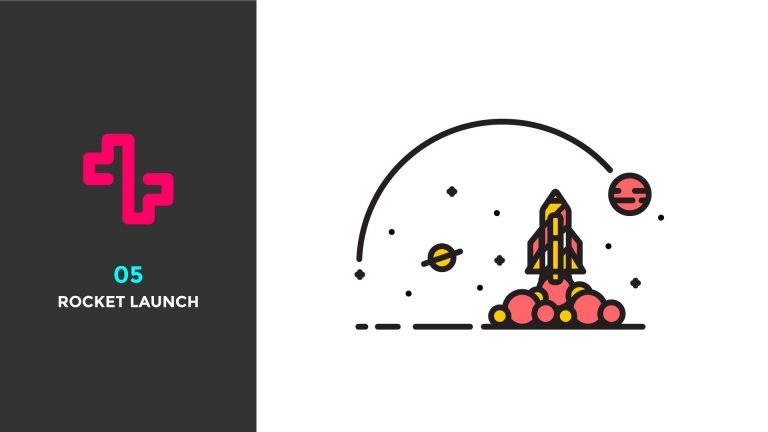
05 – Rocket Launch

0

In this tutorial, I’ll be walking you through how I animated the Rocket Launch from the E-X-P-L-O-R-E Collaboration with the super talent, John Quintin.

You will learn how to maintain a constant stroke width when scaling shape layers and how to use several simple techniques to achieve a feeling of force and momentum.

As always thank you for watching my tutorials, if you like what you’ve just watched please subscribe and share.

If you have any suggestions for what my next tutorial should be or you just want to drop me a friendly message then email me at : tutorials@mwmotion.tv

Follow me on:

Behance: https://www.behance.net/innomattive
Dribbble: https://dribbble.com/mwmotion
Instagram: https://www.instagram.com/mw_motion/
Tumblr: http://mwmotion.tumblr.com/
Twitter: @mw_motion
Vimeo: https://vimeo.com/mwmotion

www.mwmotion.tv
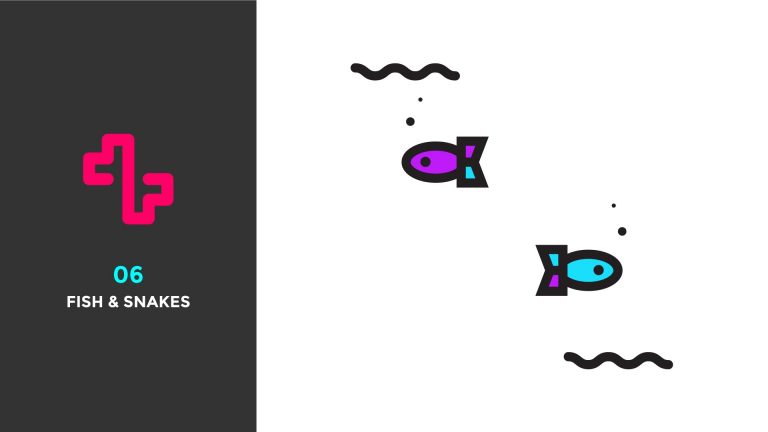
06 Fish & Snakes

0

In this tutorial I’ll be showing you how to animate some fish like the ones I created for the E-X-P-L-O-R-E series with the amazing Jonathan Quintin. I’ll be teaching you how to use Squash and Stretch to target individual layers whilst using Null Objects to controller the layers Position whilst keeping everything linked together. I’ll also be showing you to use a simple Offset technique to Keyframes to create smooth organic looking movements which are great for snakes, fish and a ton of other stuff!

See the E-X-P-L-O-R-E series here: https://www.behance.net/gallery/23061557/E-X-P-L-O-R-E

Unfortunately this may be my last tutorial for a while as I’m going to be super busy moving flat with my lovely girlfriend and work is getting very busy so finding time to record tutorials may be difficult. I’m aiming to come back strong and have some great content to offer you guys so keep an eye out!

As always thank you for watching my tutorials, if you like what you’ve just watched please subscribe and share.

If you have any suggestions for what my next tutorial should be or you just want to drop me a friendly message then email me at : tutorials@mwmotion.tv

Follow me on:

Behance: https://www.behance.net/innomattive
Dribbble: https://dribbble.com/mwmotion
Instagram: https://www.instagram.com/mw_motion/
Tumblr: http://mwmotion.tumblr.com/
Twitter: @mw_motion
Vimeo: https://vimeo.com/mwmotion

www.mwmotion.tv
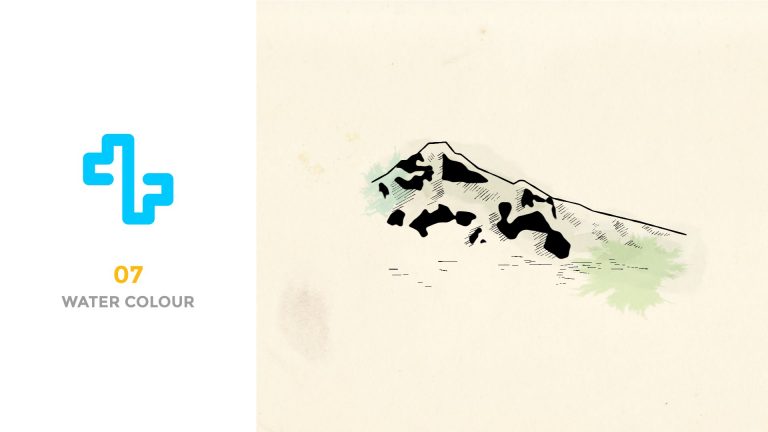
07 Water Colour

0

In this tutorial I’ll be showing you how to create a water colour effect in After Effects. We’ll be combining textures with simple line work to create a kickass paint draw on effects which can be used for many different projects!

Here is a Dropbox link to all the assets you’ll need to follow along:

https://www.dropbox.com/sh/kh0xxkm67379o7i/AABGKvJz-S-sR7OUWTPJ1oIKa?dl=0

Here is the link to MikaelPal’s ink splatters:

As always thank you for watching my tutorials, if you like what you’ve just watched please subscribe and share.

If you have any suggestions for what my next tutorial should be or you just want to drop me a friendly message then email me at : tutorials@mwmotion.tv

Follow me on:

Behance: https://www.behance.net/innomattive
Dribbble: https://dribbble.com/mwmotion
Instagram: https://www.instagram.com/mw_motion/
Tumblr: http://mwmotion.tumblr.com/
Twitter: @mw_motion
Vimeo: https://vimeo.com/mwmotion

www.mwmotion.tv

08 Walk Cycle

0

After receiving several requests, I’ll be picking up from the first ever tutorial I made, using the same character rig and teaching you how to build a walk cycle by breaking it down into it’s main keyframes Contacts, Ups, Downs and Pass Positions. Apologies if the video seems slow, there are no shortcuts when it comes to character animations!

I unfortunately did not save the rig from the first tutorial, I had to re-rig the character and I also used the new version of Duik to do so which means it may be slightly different.

Download Duik here: http://duduf.net/?page_id=151

Here is a speed rig using the new version of Duik, it’s even easier to use and offers even more control, I highly recommend checking it out!

Speed Rig Video: https://www.youtube.com/watch?v=qxY_weOzYo4&feature=youtu.be

Character File: https://www.dropbox.com/s/ps7ioigjuradxrp/Character%20Rig.ai?dl=0

Purchase Motion 2 here: http://www.mtmograph.com/motion/ Please do not find illegal versions of Matt Jylkka’s code, he puts a lot of effort into making his products and deserves the small amounts he asks his consumers to pay.

*Note the cycle I make in this video is not at all the best, usually when I animate characters I spend a lot longer than half an hour but this will give you a good idea as to how it is achieved.

As always thank you for watching my tutorials, if you like what you’ve just watched please subscribe and share.

If you have any suggestions for what my next tutorial should be or you just want to drop me a friendly message then email me at : tutorials@mwmotion.tv

Follow me on:

Behance: https://www.behance.net/innomattive
Dribbble: https://dribbble.com/Innomattive
Instagram: https://instagram.com/innomattive
Tumblr: http://innomattive.tumblr.com
Twitter: @innomattive
Vimeo: https://vimeo.com/innomattive

www.mattwilsondesigns.co.uk

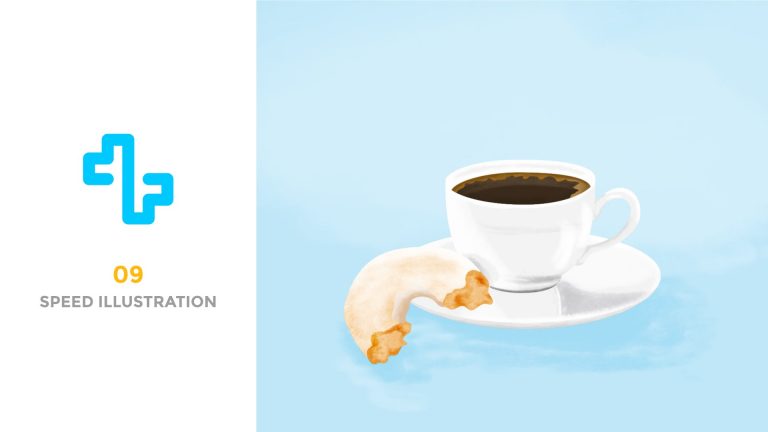
09 – Coffee & Doughnuts Speed Recording

0

Recently I’ve been sketching for a few hours each morning to improve my illustration ability. On of my good friends Devon Moodley asked if I’d make a recording of the process so I figured I would share it with all of you guys too!

Check out Devon’s work: http://www.devonmoodley.com/

As always thank you for watching my tutorials, if you like what you’ve just watched please subscribe and share.

If you have any suggestions for what my next tutorial should be or you just want to drop me a friendly message then email me at : tutorials@mwmotion.tv

Follow me on:

Behance: https://www.behance.net/innomattive
Dribbble: https://dribbble.com/mwmotion
Instagram: https://www.instagram.com/mw_motion/
Tumblr: http://mwmotion.tumblr.com/
Twitter: @mw_motion
Vimeo: https://vimeo.com/mwmotion

www.mwmotion.tv