Home Blog Page 443

10 Place & Drop

0

In this tutorial I’ll be teaching you how to draw and layer a hand ready to animate, we’ll then rig this hand and animate it placing and dropping a photo onto a scene and finally using the photo as the next scene of an animation to create a super slick transition. I’ve used this technique in an upcoming film and the results are fantastic!

I’m using the amazing new plugin Rubberhose created by the super talented Adam Plouff, the plugin is very powerful, I highly recommend getting a copy!

Buy Rubberhose:

http://www.battleaxe.co/rubberhose/

As always thank you for watching my tutorials, if you like what you’ve just watched please subscribe and share.

If you have any suggestions for what my next tutorial should be or you just want to drop me a friendly message then email me at : tutorials@mwmotion.tv

Follow me on:

Behance: https://www.behance.net/innomattive
Dribbble: https://dribbble.com/mwmotion
Instagram: https://www.instagram.com/mw_motion/
Tumblr: http://mwmotion.tumblr.com/
Twitter: @mw_motion
Vimeo: https://vimeo.com/mwmotion

www.mwmotion.tv
11 Face & Lip Sync

0

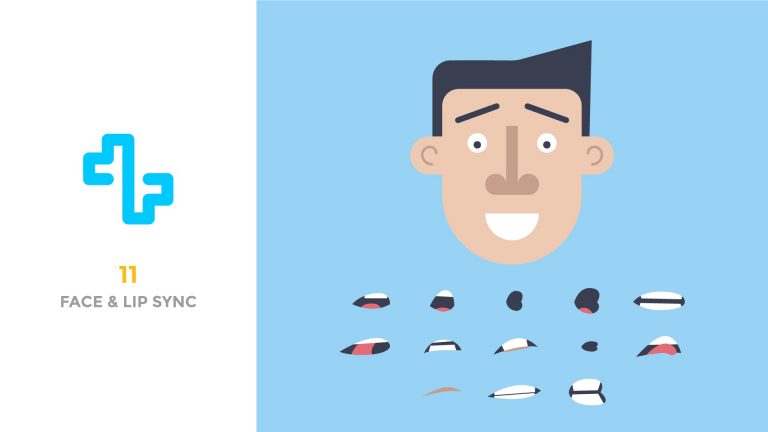
In this tutorial I’ll be teaching you techniques that I use to animate facial expressions and how to lip sync a character’s mouth to an audio file.

This is a little bit of a tedious watch but such is the nature of lip syncing so please bare with it!

Here is a link to download the character mouth shapes and audio files:

https://www.dropbox.com/sh/qdwawjkd49p9s52/AAAGgL9R-DtAc4x736_xOzAda?dl=0

As always thank you for watching my tutorials, if you like what you’ve just watched please subscribe and share.

If you have any suggestions for what my next tutorial should be or you just want to drop me a friendly message then email me at : tutorials@mwmotion.tv

Follow me on:

Behance: https://www.behance.net/innomattive
Dribbble: https://dribbble.com/mwmotion
Instagram: https://www.instagram.com/mw_motion/
Tumblr: http://mwmotion.tumblr.com/
Twitter: @mw_motion
Vimeo: https://vimeo.com/mwmotion

www.mwmotion.tv
12 Bodymovin

0

In this tutorial I’ll be showing you how to install and use the After Effects Extension Bodymovin. I’ve heard numerous animators say they don’t quite understand how to get this working so I thought I’d explain it in a quick tutorial.

I am in no way a web coder, nor do I pretend to be. This might not be the best way to use the Extension but it’s how I figured out how to use it. If you need technical support please refer to the Bodymovin user guide:

https://github.com/bodymovin/bodymovin

Things you’ll need:

MAMP – Remote Web Server
https://www.mamp.info/en/downloads/

Bodymovin Zip:
https://github.com/bodymovin/bodymovin

Adobe Add-ons Installer:
https://creative.adobe.com/addons/products/12557

Finally here is the file I made during the tutorial:
https://www.dropbox.com/sh/rkj45u6mruqm88w/AADjkiP7JPn7dBpayXirzk74a?dl=0

The Huhbub logo was designed by Fiasco Design and the animation was created in close collaboration. I highly recommend checking out their work and the full branding for Huhbub:

http://www.fiascodesign.co.uk

Home

As always thank you for watching my tutorials, if you like what you’ve just watched please subscribe and share.

If you have any suggestions for what my next tutorial should be or you just want to drop me a friendly message then email me at : tutorials@mwmotion.tv

Follow me on:

Behance: https://www.behance.net/mw_motion
Dribbble: https://dribbble.com/mwmotion
Instagram: https://www.instagram.com/mw_motion/
Tumblr: http://mwmotion.tumblr.com/
Twitter: @mw_motion
Vimeo: https://vimeo.com/mwmotion

www.mwmotion.tv
Adobe After Effects Color Correction Free Preset Pack & Canon 60D

0

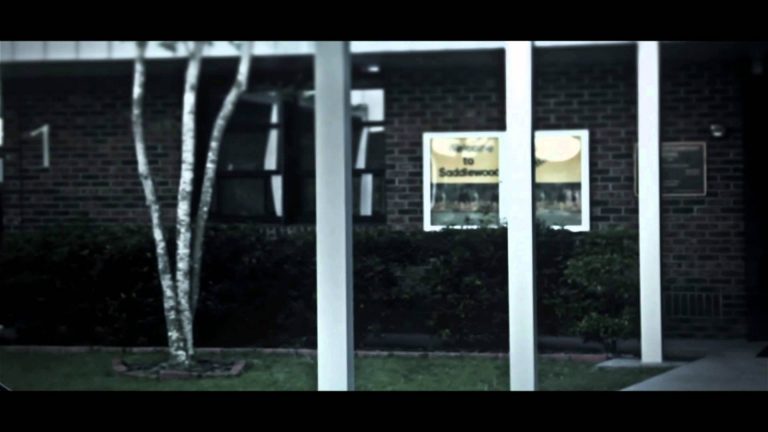
Twelve free color correction presets. If you download the pack can you please ‘Like’ this video and leave a comment letting me know you downloaded it, Thank you!

Link to download:

Adobe After Effects Color Correction Free Preset Pack

Like me on Facebook:
https://www.facebook.com/pages/Sonduck/379975878717823

Subscribe for the beauty of film!

Cinematography Film Look | Canon 60D

0

A quick reel of shots I threw together.

Subscribe Please
http://www.youtube.com/subscription_center?src_vid=cp5cnYSSqXM&add_user_id=5DmsBrVi62DWBASLK5gMEw&feature=player_embedded

Film Look Using A DSLR – Canon 60D

0

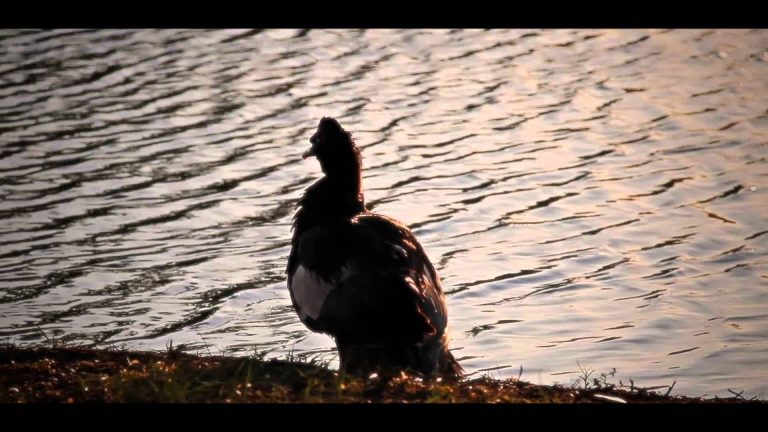
A montage of shots taken at dusk using the Canon 60D.
I will have future upcoming tutorials on how to create artistic and clean images using your camera and then manipulating the footage in post. So please consider subscribing to watch those tutorials.

Watch my last Cinematography video:

Click here and I will love you forever!
http://www.youtube.com/subscription_center?src_vid=cp5cnYSSqXM&add_user_id=5DmsBrVi62DWBASLK5gMEw&feature=player_embedded

Like my new Facebook Page:
http://www.facebook.com/pages/Sonduck/379975878717823

Music Composed and Written by:
http://www.dexterbritain.co.uk

Thanks to my friends Brittney and Joseph for helping with the shoot!

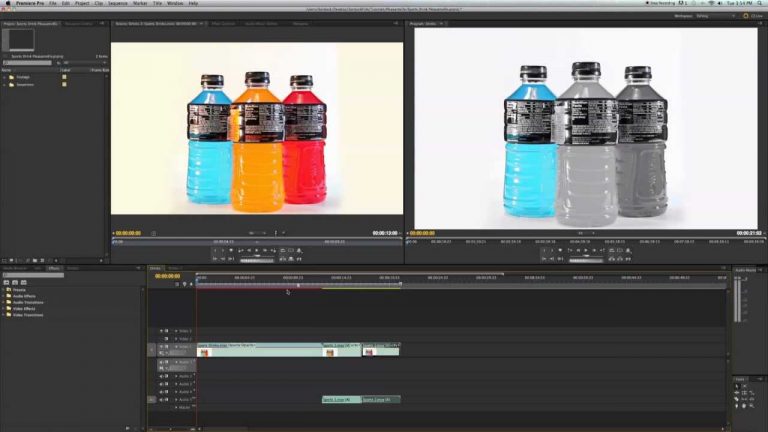
Pleasantville Effect Tutorial – Adobe Premiere ( Sin City Effect )

0

You can also do this effect in After Effects the same exact way.

Please Like me on Facebook for cool tips (Need 100 Likes)
http://www.facebook.com/pages/Sonduck/379975878717823

Background Music By:
http://www.dexterbritain.co.uk

The Perfect Night – Black Magic Cinema Camera

0

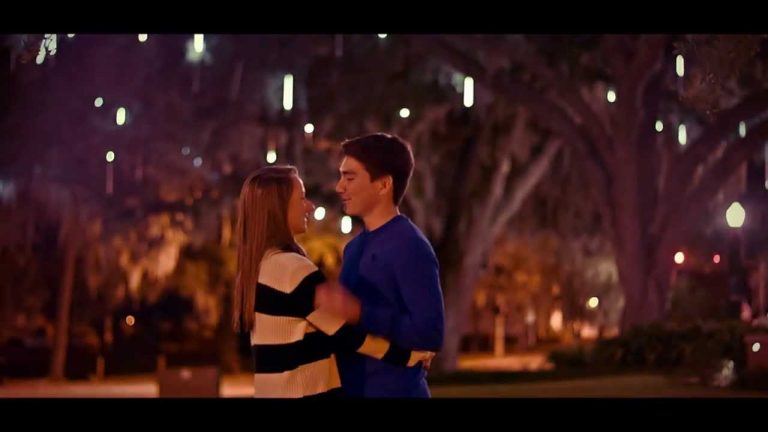
Shot on the Black Magic Cinema Camera in Raw 2.5K with the Canon EF 50mm 1.8mm.

My thoughts on the camera: This is one of my first projects with the BMCC and as a low budget filmmaker, I can tell you that you don’t need a lot of fancy equipment to use this camera. Though you will have to invest in a decent SSD that has a lot of storage and a few ND filters if you plan to shoot in direct daylight. I found it easy for me to edit my footage on an average computing set-up. I have an iMac with 12GB of RAM (all other specs came with the computer). If you plan to buy this camera, be prepared use a lot of hard drive space per project. For this two minute video, I used about 130GB of storage, which isn’t too bad. Perhaps the biggest downside of the BMCC is it’s internal battery life. This becomes a problem after sixty minutes the camera is on.

For post, I took a different approach by not using DaVinci Resolve. I loaded all the footage into After Effects and did all my color grading from there. Then I exported everything in ProRess 422 and finished editing in Premiere. It took 12 hours to render from after effects and about twenty minutes to render from Premiere.

Overall, for the quality that this camera shoots at, it’s worth every penny and every minute.

Like me on Facekbook:
https://www.facebook.com/pages/Sonduck/379975878717823

Photoshop Tutorial – Mask out any object & add shadows

0

In this tutorial, I’ll be showing you how to cut out an object from a picture and add shadows to make it look like it’s sitting on a surface.

Follow me on Facebook for exciting giveaways and information:
https://www.facebook.com/pages/Sonduck/379975878717823?ref=hl

DaVinci Resolve Tutorial – Professional Color Correction / Grading

0

DaVinci Resolve 12 Advanced Color Grading Tutorial:

Subscribe for more tutorials on color correction!

Visit our website https://www.sonduckfilm.com for more tutorials, giveaways, and filmmaking tips!

Black Magic 2.5K Raw Download Footage: http://www.sonduckfilm.com/tutorials/01-davinci-resolve-professional-color-correction-grading/

————————————
Drop a like on Facebook: https://www.facebook.com/sonduckfilm

Hit me up on Instagram: http://instagram.com/sonduckfilm

Connect with me on Linkedin (You endorse me, I’ll endorse you): https://www.linkedin.com/in/joshnoel