Home Blog Page 453

Remove Video Noise & Film Grain in After Effects | NO PLUGINS

0

Is your video footage noisy? In this tutorial, we take a look at removing film grain from your clips. No plugins are required, just After Effects.
Most people use Denoiser from Red Giant or Neat Video, we use the built-in effect, remove grain to clean up our footage.

Visit our website https://www.sonduckfilm.com for more tutorials, giveaways and film and photo gear!

Social Media:
Drop a like on Facebook: https://www.facebook.com/sonduckfilm
Hit me up on Instagram: http://instagram.com/sonduckfilm
Connect with me on Linkedin: https://www.linkedin.com/in/joshnoel
Follow me on Twitter: https://twitter.com/SonduckFilm

Suggested Tutorials:
How to shoot a Long Take: https://youtu.be/PSuRlBQ-Fvc
DaVinci Resolve Grading Guide: https://youtu.be/0KhVYVM4Lxs
Epic Freeze Frame Animation: https://youtu.be/E8DdN7vMnmE
Create Instagram Filters for Video: https://youtu.be/PVUPTcfJ5HY
Top 5 Cameras Under $3K: https://youtu.be/91MJbpJ-yBI
Create Super Slow Motion: https://youtu.be/c70y39Y9Fog
After Effects Tutorial: 2D Fire Explosion to Smoke Cartoon GFX

0

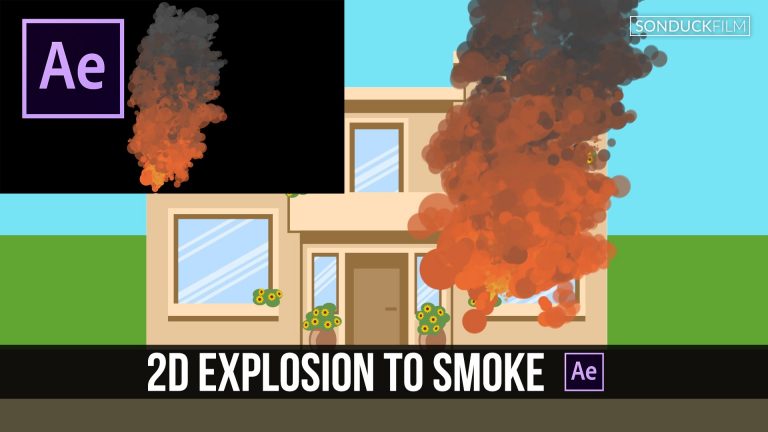
In this After Effects tutorial, we will create a fire explosion that will transition to smoke in a cartoon GFX style. This is a great all in one tutorial for fire, smoke, and just for the explosion. This tutorial uses the plugin Trapcode Particular from Red Giant.

Visit our website https://www.sonduckfilm.com for more tutorials, giveaways and film and photo gear!

Download Project Files Here:

After Effects: Fiery Explosion to Smoke Cartoon FX

Social Media:
Drop a like on Facebook: https://www.facebook.com/sonduckfilm
Hit me up on Instagram: http://instagram.com/sonduckfilm
Connect with me on Linkedin: https://www.linkedin.com/in/joshnoel
Follow me on Twitter: https://twitter.com/SonduckFilm

Suggested After Effects Tutorials:
Accent Explosions: https://youtu.be/C7dvRpceouk
2D Planets & Solar System: https://youtu.be/yttn1Rl1-EU
Glitch Text: https://youtu.be/uerHEmZ3uc0
3D Particle Intro: https://youtu.be/jt0o5ca1sFE
Particle Logo Animation: https://youtu.be/yCRm_50vAJA
Easy 2D Animation: https://youtu.be/X3i3MtdmoEI

After Effects Tutorial: GEOMETRIC Sequence with Animated Lines

0

In this After Effects Tutorial, create a relaxing geometric sequence with shape layers and design something cool! We will animate lines and talk about the minimalistic style. A geometric style can be used for intros, lower thirds, and other types of motion graphics.

Visit our website https://www.sonduckfilm.com for more tutorials, giveaways and film and photo gear!

Download Project Files Here:

After Effects: Geometric Sequence with Animated Lines

Social Media:
Drop a like on Facebook: https://www.facebook.com/sonduckfilm
Hit me up on Instagram: http://instagram.com/sonduckfilm
Connect with me on Linkedin: https://www.linkedin.com/in/joshnoel
Follow me on Twitter: https://twitter.com/SonduckFilm

Suggested After Effects Tutorials:
Cartoon Explosion to Smoke Effects: https://youtu.be/tLl1rrvYmnE
Animated Icons: https://youtu.be/OZFuYj_ohWw
Accent Explosions: https://youtu.be/C7dvRpceouk
Epic Freeze Frame Animation: https://youtu.be/E8DdN7vMnmE
Design Beautiful Motion Titles: https://youtu.be/RpW8zn-AFO0

After Effects Tutorial: Flat 3D Building (No Plugins)

0

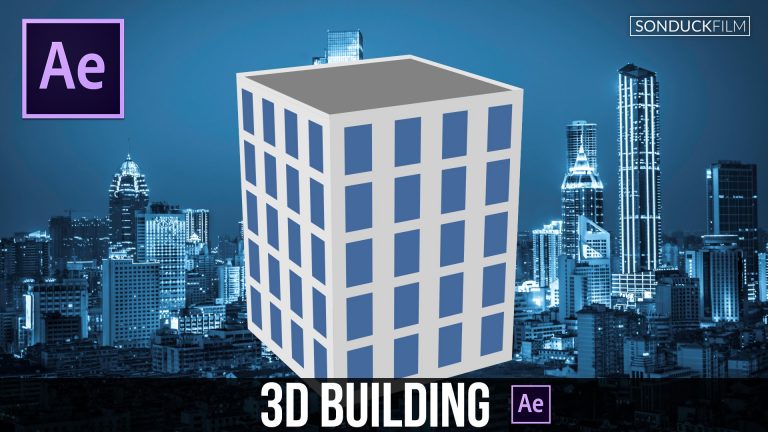
In this After Effects Tutorial, we will create a flat 3D building with AE’s 3D interface. No plugins are required for this tutorial. Use the techniques in this video to create a 3D city or a more advanced 3D object.

Visit our website https://www.sonduckfilm.com for more tutorials, giveaways and film and photo gear!

Social Media:
Drop a like on Facebook: https://www.facebook.com/sonduckfilm
Hit me up on Instagram: http://instagram.com/sonduckfilm
Connect with me on Linkedin: https://www.linkedin.com/in/joshnoel
Follow me on Twitter: https://twitter.com/SonduckFilm

Suggested After Effects Tutorials:
Cartoon Explosion to Smoke Effects: https://youtu.be/tLl1rrvYmnE
2D Planets & Solar System: https://youtu.be/yttn1Rl1-EU
Easy 2D Animation: https://youtu.be/X3i3MtdmoEI
Epic Freeze Frame Animation: https://youtu.be/E8DdN7vMnmE
Intro to Motion Graphics: https://youtu.be/eEbFsuVR4RQ
Cartoon Animation Night City: https://youtu.be/65em6dTeSfM

After Effects Tutorial: Precise Infographics with Controlled Expressions

0

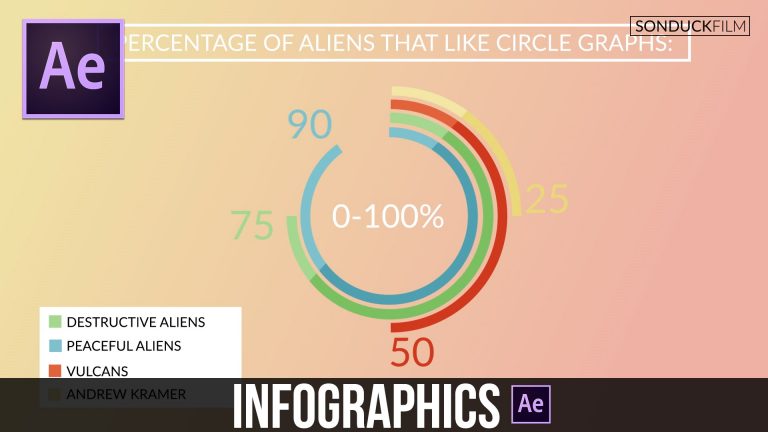
In this After Effects tutorial, we will create infographics with expressions that give you precise control over your project. Setting up your AE projects with slider expressions will allow you to quickly make adjustments on the fly.

Visit our website https://www.sonduckfilm.com for more tutorials, giveaways and film and photo gear!

Download Project Files Here:

After Effects: Precise Infographics with Controlled Expressions

Social Media:
Drop a like on Facebook: https://www.facebook.com/sonduckfilm
Hit me up on Instagram: http://instagram.com/sonduckfilm
Connect with me on Linkedin: https://www.linkedin.com/in/joshnoel
Follow me on Twitter: https://twitter.com/SonduckFilm

Suggested After Effects Tutorials:
3D Light Text Stroke Effect: https://youtu.be/r4hYFOcRwoY
RGB Splitting Glitch Effect: https://youtu.be/gV5vlD6Psv0
Audio React Anything: https://youtu.be/k6xZUlhlZxs
2D Motion Graphics Slideshow: https://youtu.be/XBBed9cFnn8
Design Beautiful Motion Titles: https://youtu.be/RpW8zn-AFO0

After Effects Tutorial: Create Flat Icons – Motion Graphic Animation

0

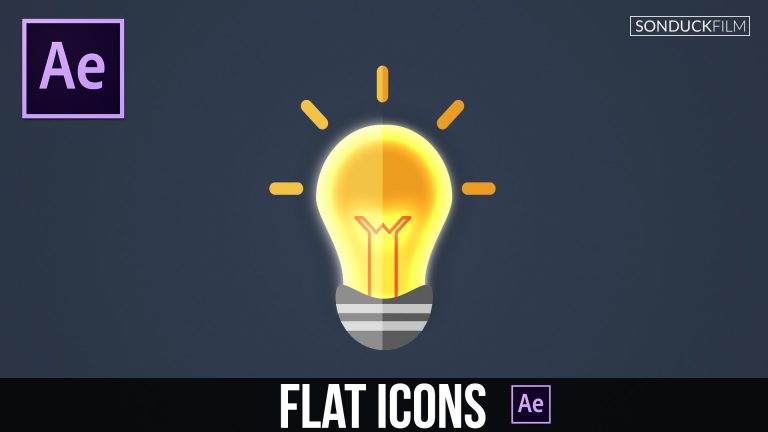
In this After Effects Tutorial, create any kind of flat icons using shape layers. We will use motion graphics to design a flat lightbulb animation. Creating flat icons in After Effects can be a great solution since you don’t have to leave the software. With everything already setup for animation, you’ll be able to animate each piece of graphics with ease and unlimited possibilities.

Visit our website https://www.sonduckfilm.com for more tutorials, giveaways and film and photo gear!

Download Project Files Here:

After Effects: Create Flat Icons

Social Media:
Drop a like on Facebook: https://www.facebook.com/sonduckfilm
Hit me up on Instagram: http://instagram.com/sonduckfilm
Connect with me on Linkedin: https://www.linkedin.com/in/joshnoel
Follow me on Twitter: https://twitter.com/SonduckFilm

Suggested After Effects Tutorials:
Animated Icons: https://youtu.be/OZFuYj_ohWw
Precise Infographics: https://youtu.be/pArivwQxgVY
Cartoon Explosion to Smoke Effects: https://youtu.be/tLl1rrvYmnE
Accent Explosions: https://youtu.be/C7dvRpceouk
2D Planets & Solar System: https://youtu.be/yttn1Rl1-EU

Illustrator to After Effects Workflow: Vector Icon Animation Design

0

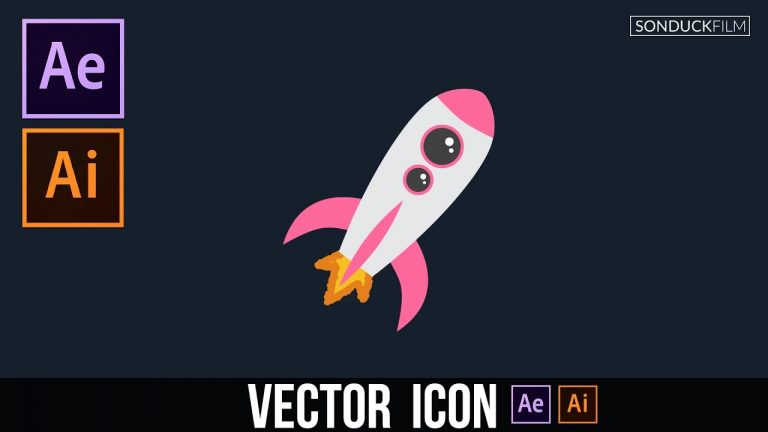
We will be taking a look at how to properly design icons and vector graphics in Illustrator that will be ready for motion design. This tutorial covers the workflow process between Adobe Illustrator and After Effects. This tutorial covers how to create an object in Illustrator and step it up in After Effects. The final step covers how to copy each path into a shape layer inside of After Effects for Animation!

Visit our website https://www.sonduckfilm.com for more tutorials, giveaways and film and photo gear!

Download Projects Files Here:

Illustrator to After Effects: Vector Icon Animation Design

Social Media:
Drop a like on Facebook: https://www.facebook.com/sonduckfilm
Hit me up on Instagram: http://instagram.com/sonduckfilm
Connect with me on Linkedin: https://www.linkedin.com/in/joshnoel
Follow me on Twitter: https://twitter.com/SonduckFilm

Suggested After Effects Tutorials:
Animated Icons: https://youtu.be/OZFuYj_ohWw
Cartoon Animation Night City: https://youtu.be/65em6dTeSfM
Creative Promo: https://youtu.be/rR9XHg1swpk
Epic Freeze Frame Animation: https://youtu.be/E8DdN7vMnmE

Illustrator
Flat Icon Design: https://youtu.be/B1nzX0e5LCI
Cartoon Vector City: https://youtu.be/8gKx4-1ZJSg

After Effects Tutorial: Intro to HUD Motion Graphics

0

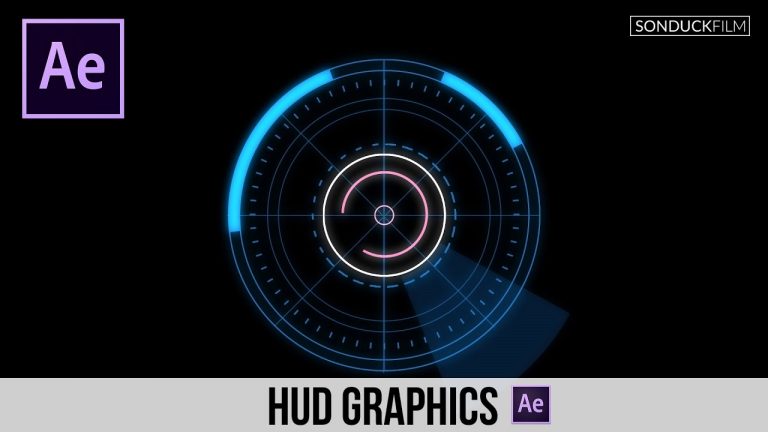
In this intro tutorial, we will create HUD motion graphics using shape layers. With the techniques used in this AE tutorial, you will be able to quickly build your own HUD graphics and incorporate into your projects. No plugins are needed.

Visit our website https://www.sonduckfilm.com for more tutorials, giveaways and film and photo gear!

Download Project Files Here:

After Effects: Intro to HUD Motion Graphics

Social Media:
Drop a like on Facebook: https://www.facebook.com/sonduckfilm
Hit me up on Instagram: http://instagram.com/sonduckfilm
Connect with me on Linkedin: https://www.linkedin.com/in/joshnoel
Follow me on Twitter: https://twitter.com/SonduckFilm

Suggested After Effects Tutorials:
Precise Infographics: https://youtu.be/pArivwQxgVY
Animated Icons: https://youtu.be/OZFuYj_ohWw
Accent Explosions: https://youtu.be/C7dvRpceouk
Quick Tutorial Custom Distortion: https://youtu.be/Ri51–HlLck
3D Light Text Stroke Effect: https://youtu.be/r4hYFOcRwoY

After Effects Tutorial: Advanced 3D HUD GFX Motion Graphics

0

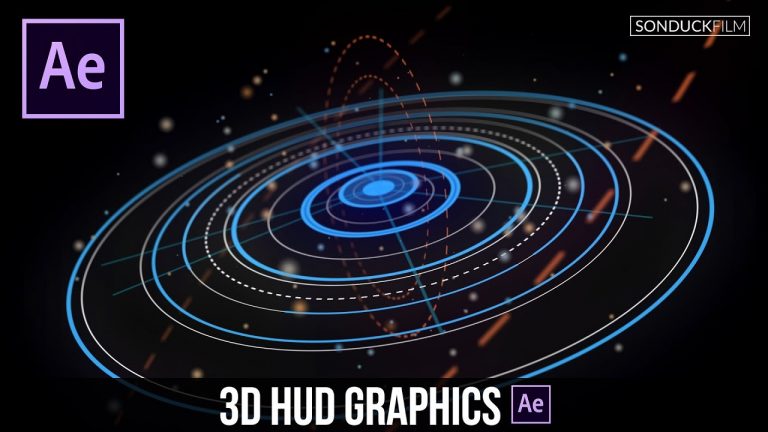
Learn how to create advanced 3D HUD Motion Graphics in this After Effects Tutorial. We focus on design and setting up HUD graphics for 3D. Creating depth within your HUD GFX can add another layer of realism and detail. Creating detailed motion graphics can time consuming, but with this tutorial you will be creating 3D elements with ease. Watch our previous After Effects HUD tutorial if you are fairly new to AE: https://youtu.be/joLaKW8o2ng

Visit our website https://www.sonduckfilm.com for more tutorials, giveaways and film and photo gear!

Download Project Files Here:

After Effects: Advanced 3D HUD GFX Motion Graphics

Social Media:
Drop a like on Facebook: https://www.facebook.com/sonduckfilm
Hit me up on Instagram: http://instagram.com/sonduckfilm
Connect with me on Linkedin: https://www.linkedin.com/in/joshnoel
Follow me on Twitter: https://twitter.com/SonduckFilm

Suggested After Effects Tutorials:
Intro to HUD Motion Graphics: https://youtu.be/joLaKW8o2ng
Geometric Sequence: https://youtu.be/kjCAXXlnKR4
Precise Infographics: https://youtu.be/pArivwQxgVY
Particle Audio Reaction: https://youtu.be/EgcMERrT23M
3D Light Text Stroke Effect: https://youtu.be/r4hYFOcRwoY
Accent Explosions: https://youtu.be/C7dvRpceouk

After Effects Tutorial: Retro Infinite Tunnel Loop

0

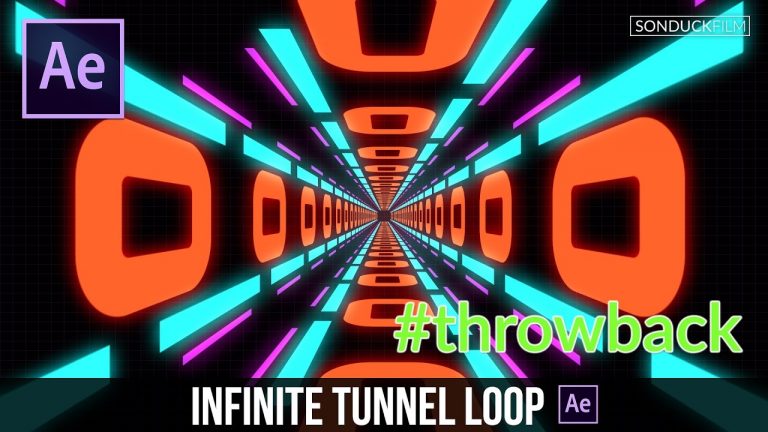
Create a endless loop in After Effects using shape layers. We will design a tunnel with a retro feel that might be used in lyric videos and abstract projects. With this tutorial you will be able to create an infinite loop with shape layers and repeaters extremely fast. The good news about using the methods in this tutorial is that the time it takes to update a shape is close to none. If you change the design of one shape, all of these other shapes in the loop update.

Visit our website https://www.sonduckfilm.com for more tutorials, giveaways and film and photo gear!

Download Project Files Here:

After Effects: Retro Infinite Tunnel Loop

Social Media:
Drop a like on Facebook: https://www.facebook.com/sonduckfilm
Hit me up on Instagram: http://instagram.com/sonduckfilm
Connect with me on Linkedin: https://www.linkedin.com/in/joshnoel
Follow me on Twitter: https://twitter.com/SonduckFilm

Suggested After Effects Tutorials:
Animated Icons: https://youtu.be/OZFuYj_ohWw
Geometric Sequence: https://youtu.be/kjCAXXlnKR4
Precise Infographics: https://youtu.be/pArivwQxgVY
Animated Flat Icons: https://youtu.be/YGBRpCOtjNM
Illustrator to After Effects Vectos: https://youtu.be/YGBRpCOtjNM
Intro to HUD Motion Graphics: https://youtu.be/joLaKW8o2ng