Home Blog Page 452

Quick Tutorials: Bokeh Animation in After Effects

0

In this After Effects Quick Tutorial, we will create bokeh using CC Particle World. No plugins are required!

Script:
Create a solid and go to effect – simulation – CC Particle World. Move the layer inward until you see constant particles Set the birth rate to 1 and the longevity to 3. For the producer settings, set the position Z to – 0.94 and the Radius X&Y to 0.650. Set the Radius Z to 0.190. Under the Physics tab, change the animation to Jet Sideways. Set the Velocity to 0.10 and the Gravity to .010. Open the particle tab and set the particle type to Textured Disc. Drag in a texture into the timeline. Remember you can download this project file in the video description. Back to Particle World, set the texture layer to your texture and adjust the scatter settings. I’m using a value of 43. Set the birth size to 0.540 and the death size to 0.700. Change the brith and death color. Set the volume shade to 100%.

With our particles set, let’s go to effect – stylize – glow. Set the glow radius to 200, the glow intensity to 5. Glow Colors to A&B Colors and finally change the color of color A. Lastly, create an adjustment layer and go to effect – blur & sharpen – Camera Lens Blur.
Set the blur radius to 20. The shape to whatever you like, the aspect ratio to 2.0, the diffraction fringe to 500 and check in the edge behavior. Also, for an optional element, you can create a camera and animate unique movements.

Visit our website https://www.sonduckfilm.com for more tutorials, giveaways and film and photo gear!

Download Project Files Here:

Quick Tutorials: Bokeh Animation

Social Media:
Drop a like on Facebook: https://www.facebook.com/sonduckfilm
Hit me up on Instagram: http://instagram.com/sonduckfilm
Connect with me on Linkedin: https://www.linkedin.com/in/joshnoel
Follow me on Twitter: https://twitter.com/SonduckFilm

Suggested Tutorials:
Create a Cartoon Vortex Background: https://youtu.be/-1fJdUwDDv4
Quick Tutorial Custom Distortion: https://youtu.be/Ri51–HlLck
Design Beautiful Motion Titles: https://youtu.be/RpW8zn-AFO0
3D Particle Intro: https://youtu.be/jt0o5ca1sFE
3D Light Text Stroke Effect: https://youtu.be/r4hYFOcRwoY
After Effects Tutorial: Epic Freeze Frame Animation

0

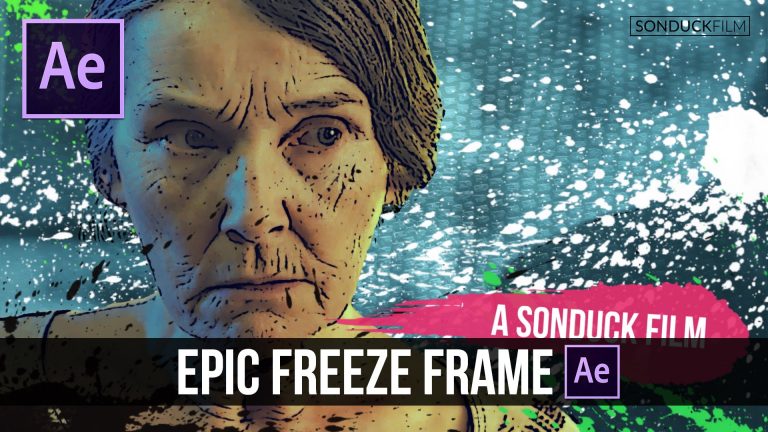
In this After Effects Tutorial, learn how to create a freeze frame and add a stylized animation to your frame. No plugins required. We will be working with splatter images in this video.

Visit our website https://www.sonduckfilm.com for more tutorials, giveaways and film and photo gear!

Download Project Files Here:

After Effects: Epic Freeze Frame Animation

Social Media:
Drop a like on Facebook: https://www.facebook.com/sonduckfilm
Hit me up on Instagram: http://instagram.com/sonduckfilm
Connect with me on Linkedin: https://www.linkedin.com/in/joshnoel
Follow me on Twitter: https://twitter.com/SonduckFilm

Suggested After Effects Tutorials:
Creating Space: https://youtu.be/uas5iFGecag
Cartoon Animation Night City: https://youtu.be/65em6dTeSfM
Top 10 Effects: https://youtu.be/EgcMERrT23M
3D Light Text Stroke Effect: https://youtu.be/r4hYFOcRwoY
Design Beautiful Motion Titles: https://youtu.be/RpW8zn-AFO0
RGB Splitting Glitch Effect: https://youtu.be/gV5vlD6Psv0
Invisible Walk-By Transition: https://youtu.be/PyAyT3plVZw

DaVinci Resolve 12: Color Grading Guide for Pro Correction Tutorial

0

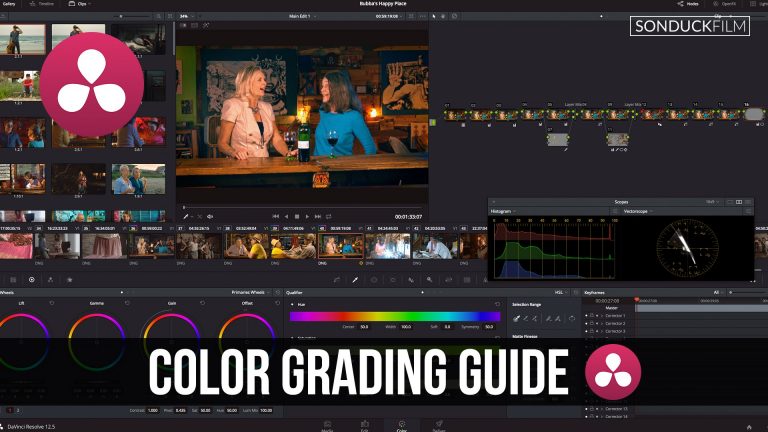
Whether you are a beginner or have been using DaVinci Resolve for some time, this Tutorial will serve as your color grading guide for professional correction. We will be taking a look at most of the tools for correcting in DaVinci Resolve 12.5. We will talk about RAW and compressed video, color match, LUTS, color wheels, secondary adjustments, curves, layer nodes, masking, isolating single colors and objects, tracking, creating vignettes, and much more. Sit back and enjoy this in-depth tutorial on DaVinci Resolve.

Visit our website https://www.sonduckfilm.com for more tutorials, giveaways and film and photo gear!

X-Rite ColorChecker Classic: http://amzn.to/2bGyDbN

Download a few frames of the clip we used here:

DaVinci Resolve 12: Color Grading Guide for Pro Correction

Social Media:
Drop a like on Facebook: https://www.facebook.com/sonduckfilm
Hit me up on Instagram: http://instagram.com/sonduckfilm
Connect with me on Linkedin: https://www.linkedin.com/in/joshnoel
Follow me on Twitter: https://twitter.com/SonduckFilm

Suggested DaVinci Resolve Tutorials:
DaVinci Resolve Color Grading: https://youtu.be/ZN5484XDGw8
Correctly Using LUTS: https://youtu.be/VSVtn23aH1o
Using Color Match: https://youtu.be/T92Y0VBxfH4
Sin City Effect: https://youtu.be/N94GhqpQ6SI

Quick Tutorials: Fast Glitch Text Animation in After Effects – Tutorial

0

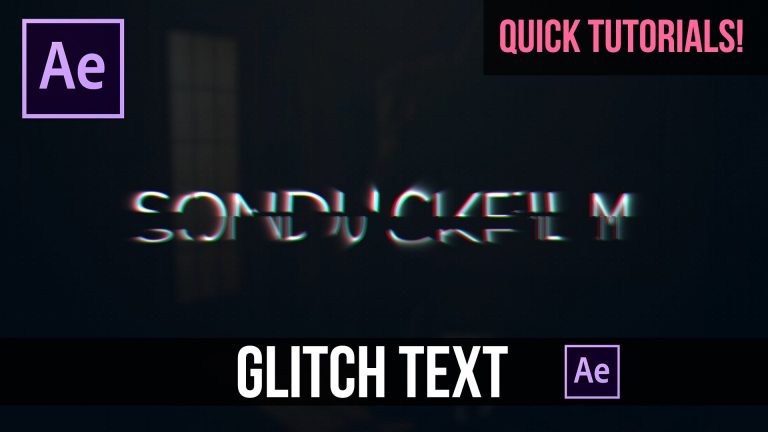
In this After Effects Quick Tutorial, we will create easy glitch text animation that can be used for sci-fi or “hacker” type projects.

Script:
First, Type your text and make the layer a 3D layer. Then animate the Position of the Z property to fly into the composition. Make the last keyframe an easy ease keyframe. Then go to effect – Transitions – Card Wipe. Animate the Transition Completion from 50% to 0%. The animation should last for around 2 seconds. Then change the Rows to 8, the flip axis to Random, Flip Direction to Positive, and the Flip Order to anything that you like. Now go to effect – Blur – CC Radial Fast Blur. We’ll go to 8 frames and animate the amount from 46 to 0 over 1 second of time.

Precompose the text layer. Duplicate the new precomped text layer and make sure the duplicated layer is selected. Go to effect – Channel – Set Channels. We are going to do RGB splitting. If this tutorial is to fast, I have a more in-depth video on RGB splitting. Turn the Green and Blue to off. Then duplicate the layer and set Red to off and Turn Green on for it’s channel. Duplicate the layer again and set green to off and set the blue channel to blue. Then alt click the position property to add the expression wiggle(2,20). Copy and paste the expression the other text layers, except for the original layer. Finally, fade out the RGB effect for each layer, by animating the opacity property to 0%.

Visit our website https://www.sonduckfilm.com for more tutorials, giveaways and film and photo gear!

Download Project Files Here:

Fast Glitch Text Animation

Social Media:
Drop a like on Facebook: https://www.facebook.com/sonduckfilm
Hit me up on Instagram: http://instagram.com/sonduckfilm
Connect with me on Linkedin: https://www.linkedin.com/in/joshnoel
Follow me on Twitter: https://twitter.com/SonduckFilm

Suggested After Effects Tutorials:
3D Light Text Stroke Effect: https://youtu.be/r4hYFOcRwoY
Create a Text Message Chat: https://youtu.be/6d6c5amcv2A
Quick Tutorial Custom Distortion: https://youtu.be/Ri51–HlLck
RGB Splitting Glitch Effect: https://youtu.be/gV5vlD6Psv0
Audio React Anything: https://youtu.be/k6xZUlhlZxs
Star Trek Cinematic Titles: https://youtu.be/bB81o49zesY

After Effects Tutorial: Accent Explosion 2D Motion Graphics

0

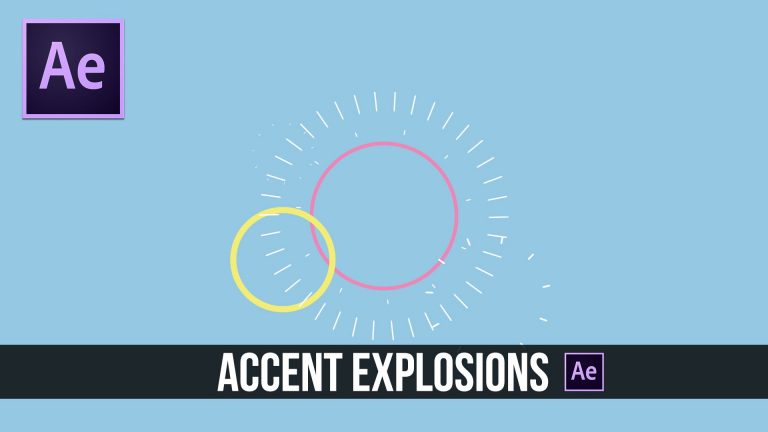
In this Adobe After Effects Tutorial, we will create 2D accent explosion graphics. It’s great to incorporate these type of graphics into your motion graphic projects.

Visit our website https://www.sonduckfilm.com for more tutorials, giveaways and film and photo gear!

Download Project Files Here:

After Effects: Accent Explosion 2D Motion Graphics

Social Media:
Drop a like on Facebook: https://www.facebook.com/sonduckfilm
Hit me up on Instagram: http://instagram.com/sonduckfilm
Connect with me on Linkedin: https://www.linkedin.com/in/joshnoel
Follow me on Twitter: https://twitter.com/SonduckFilm

Suggest After Effects Tutorials:
Glitch Text: https://youtu.be/uerHEmZ3uc0
Epic Freeze Frame Animation: https://youtu.be/E8DdN7vMnmE
Particle Audio Reaction: https://youtu.be/EgcMERrT23M
2D Motion Graphics Slideshow: https://youtu.be/XBBed9cFnn8
Easy 2D Animation: https://youtu.be/X3i3MtdmoEI
RGB Splitting Glitch Effect: https://youtu.be/gV5vlD6Psv0

After Effects Tutorial: 2D Planets & Solar System Motion Graphics

0

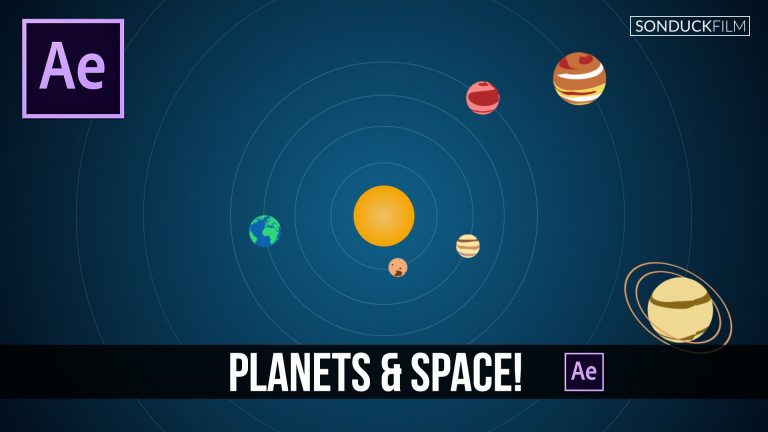
In this After Effects Tutorial, we will create planet textures in After Effects and design our solar system with epic animation.

Visit our website https://www.sonduckfilm.com for more tutorials, giveaways and film and photo gear!

Download Project Files Here:

After Effects: 2D Planets & Solar System Motion Graphics

Social Media:
Drop a like on Facebook: https://www.facebook.com/sonduckfilm
Hit me up on Instagram: http://instagram.com/sonduckfilm
Connect with me on Linkedin: https://www.linkedin.com/in/joshnoel
Follow me on Twitter: https://twitter.com/SonduckFilm

Suggest After Effects Tutorials:
Glitch Text: https://youtu.be/uerHEmZ3uc0
Epic Freeze Frame Animation: https://youtu.be/E8DdN7vMnmE
Particle Audio Reaction: https://youtu.be/EgcMERrT23M
2D Motion Graphics Slideshow: https://youtu.be/XBBed9cFnn8
Easy 2D Animation: https://youtu.be/X3i3MtdmoEI
RGB Splitting Glitch Effect: https://youtu.be/gV5vlD6Psv0

How to Shoot a Long Take “Oner” Filmmaking Tips

0

In this filmmaking how-to video, we will be talking about doing a Long Take or as known as a “Oner”.

Visit our website https://www.sonduckfilm.com for more tutorials, giveaways and film and photo gear!

Social Media:
Drop a like on Facebook: https://www.facebook.com/sonduckfilm
Hit me up on Instagram: http://instagram.com/sonduckfilm
Connect with me on Linkedin: https://www.linkedin.com/in/joshnoel
Follow me on Twitter: https://twitter.com/SonduckFilm

After Effects Tutorial: 3D Lines Depth Compositing with Cinema 4D

0

In this After Effects to Cinema 4D integration tutorial, we will be creating 3D lines that will revolve around your logo or object. No plugins are required for this tutorial!

Visit our website https://www.sonduckfilm.com for more tutorials, giveaways and film and photo gear!

Download Project Files Here:

After Effects: 3D Lines Depth Compositing with Cinema 4D

Social Media:
Drop a like on Facebook: https://www.facebook.com/sonduckfilm
Hit me up on Instagram: http://instagram.com/sonduckfilm
Connect with me on Linkedin: https://www.linkedin.com/in/joshnoel
Follow me on Twitter: https://twitter.com/SonduckFilm

Suggested Tutorials:
Accent Explosions: https://youtu.be/C7dvRpceouk
2D Planets & Solar System: https://youtu.be/yttn1Rl1-EU
Glitch Text: https://youtu.be/uerHEmZ3uc0
3D Particle Intro: https://youtu.be/jt0o5ca1sFE
3D Light Text Stroke Effect: https://youtu.be/r4hYFOcRwoY
Particle Logo Animation: https://youtu.be/yCRm_50vAJA

Top 10 Time Saving Keyboard Shortcuts For After Effects

0

In this top 10 countdown for After Effects, we go through our list of time saving keyboard shortcuts. These are shortcuts that will dramatically improve the time of your workflow. Some of the shortcuts may be common knowledge to users who have been using After Effects for some time, but we hope for those of you who are new to AE will learn a few new tricks.

Visit our website https://www.sonduckfilm.com for more tutorials, giveaways and film and photo gear!

Previous After Effects Top 10:
Top 10 Plugins: https://youtu.be/PtVgo-WaXEE
Top 10 Effects: https://youtu.be/EgcMERrT23M

Suggested Tutorials:
Accent Explosions: https://youtu.be/C7dvRpceouk
2D Planets & Solar System: https://youtu.be/yttn1Rl1-EU
3D Light Text Stroke Effect: https://youtu.be/r4hYFOcRwoY
Cartoon Animation Night City: https://youtu.be/65em6dTeSfM
Epic Freeze Frame Animation: https://youtu.be/E8DdN7vMnmE
3D Lines Logo Animation: https://youtu.be/MNt6x1PkH_0

Social Media:
Drop a like on Facebook: https://www.facebook.com/sonduckfilm
Hit me up on Instagram: http://instagram.com/sonduckfilm
Connect with me on Linkedin: https://www.linkedin.com/in/joshnoel
Follow me on Twitter: https://twitter.com/SonduckFilm

After Effects Tutorial: Create Animated Icons for Clients

0

In this After Effects tutorial, we talk about how to create any type of animated icon for your client work. I find myself having to create some type of animated infographic when working with corporate businesses. By the end of this tutorial, you should be able to design and animate whatever icon you need.

Visit our website https://www.sonduckfilm.com for more tutorials, giveaways and film and photo gear!

Download Project Files Here:
Will post tonight!

Social Media:
Drop a like on Facebook: https://www.facebook.com/sonduckfilm
Hit me up on Instagram: http://instagram.com/sonduckfilm
Connect with me on Linkedin: https://www.linkedin.com/in/joshnoel
Follow me on Twitter: https://twitter.com/SonduckFilm

Suggested After Effects Tutorials:
Corporate Logo Intro: https://youtu.be/gxSy90VCHxI
Accent Explosions: https://youtu.be/C7dvRpceouk
2D Planets & Solar System: https://youtu.be/yttn1Rl1-EU
3D Light Text Stroke Effect: https://youtu.be/r4hYFOcRwoY
Design Beautiful Motion Titles: https://youtu.be/RpW8zn-AFO0