Home Blog Page 489

How to cut someone out of a backdrop in photoshop

0

Website: http://phlearn.com/
Facebook: https://www.facebook.com/Phlearn
Twitter: https://twitter.com/aknacer
Google+: https://plus.google.com/105267656376269695918/posts

For more tutorials and how to videos check out our extensive Photoshop and photography video channel: http://www.youtube.com/user/PhlearnLLC
We cover everything from Photoshop tutorials, photography tutorials, how to videos and more!
How to make a vintage photo

0

Website: http://phlearn.com/
Facebook: https://www.facebook.com/Phlearn
Twitter: https://twitter.com/aknacer
Google+: https://plus.google.com/105267656376269695918/posts

For more tutorials and how to videos check out our extensive Photoshop and photography video channel: http://www.youtube.com/user/PhlearnLLC
We cover everything from Photoshop tutorials, photography tutorials, how to videos and more!
Getting information from your Highlights & Shadows

0

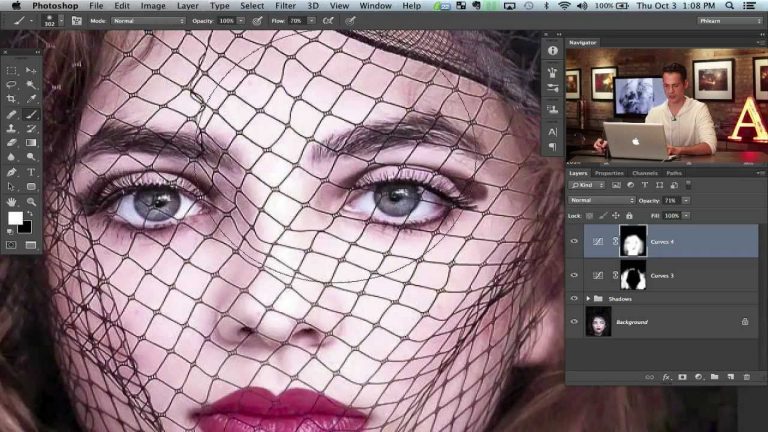
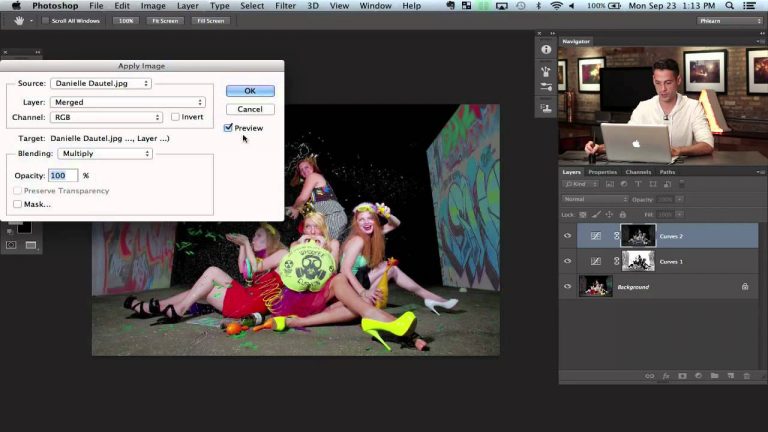
It may be hard to see at times, but you are often capturing more information in a photo than you realize; the trick is learning how to find that detail. In this tutorial we go over a very simple solution to bring out detail in the shadows as well as the highlights.

Full Information on Episode Here:

How to Recover Detail in Highlight and Shadow

Website: http://phlearn.com/
Facebook: https://www.facebook.com/Phlearn
Twitter: https://twitter.com/phlearn
Google+: https://plus.google.com/105267656376269695918/posts

For more tutorials and how to videos check out our extensive Photoshop and photography video channel: http://www.youtube.com/user/PhlearnLLC

We cover everything from Photoshop tutorials, photography tutorials, how to videos and more!
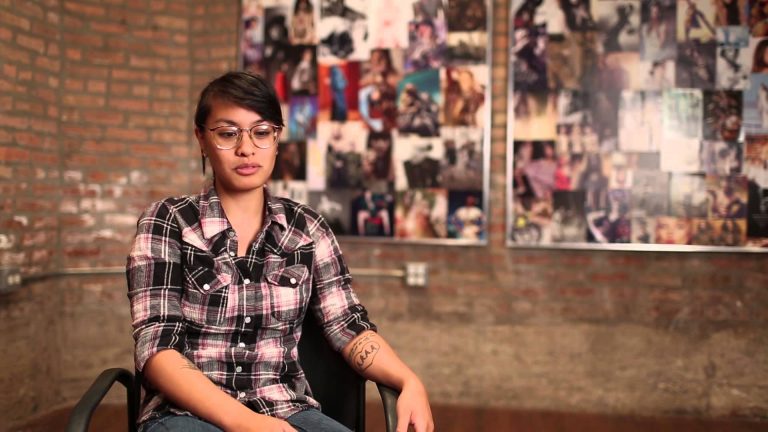
Meet the Phamily: Kat Filipinas

0

Website: http://phlearn.com/
Facebook: https://www.facebook.com/Phlearn
Twitter: https://twitter.com/aknacer
Google+: https://plus.google.com/105267656376269695918/posts

For more tutorials and how to videos check out our extensive Photoshop and photography video channel: http://www.youtube.com/user/PhlearnLLC
We cover everything from Photoshop tutorials, photography tutorials, how to videos and more!
Cut Subject Out Of A White Background in Photoshop Quickly

0

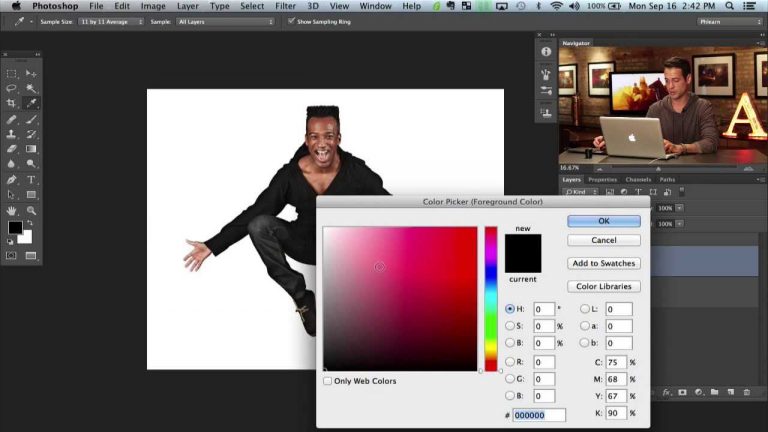
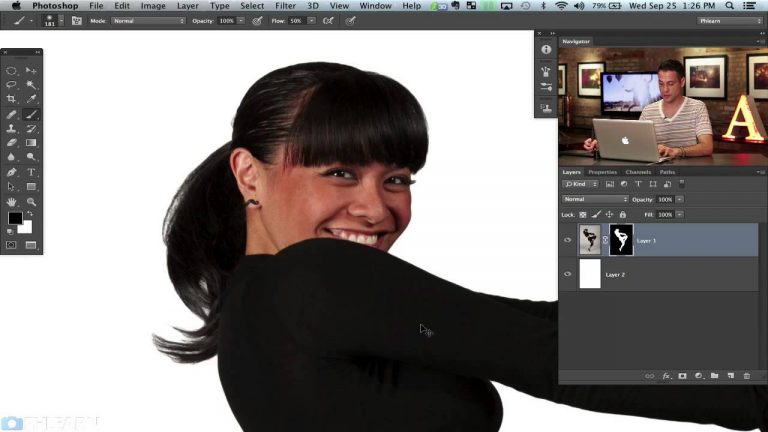
In today’s episode we cover how to cut someone out of their background including a great tip using channels to select hair. After Kat is cut out from her background we then extract her shadow to make it slightly visible under her.

From here you are ready to place your subject on any background you desire, whether it be a solid color, another image, or a playing card.

Here are some of the tools we use in this episode:

Magic Wand Tool — The fastest way to cut someone out of their background if they are photographed on seamless.
Channels — Channels provide a great way to select out hair while keeping detail.
Layer Masks — Layer masks are essential to cutting someone out, they define what remains visible on a layer.

Website: http://phlearn.com/
Facebook: https://www.facebook.com/Phlearn
Twitter: https://twitter.com/aknacer
Google+: https://plus.google.com/105267656376269695918/posts

For more tutorials and how to videos check out our extensive Photoshop and photography video channel: http://www.youtube.com/user/PhlearnLLC. We cover everything from Photoshop tutorials, photography tutorials, how to videos and more!

The Making of a Joker Part 2

0

Website: http://phlearn.com/
Facebook: https://www.facebook.com/Phlearn
Twitter: https://twitter.com/aknacer
Google+: https://plus.google.com/105267656376269695918/posts

For more tutorials and how to videos check out our extensive Photoshop and photography video channel: http://www.youtube.com/user/PhlearnLLC
We cover everything from Photoshop tutorials, photography tutorials, how to videos and more!
Shape Hair Using the Liquify Tool in Photoshop

0

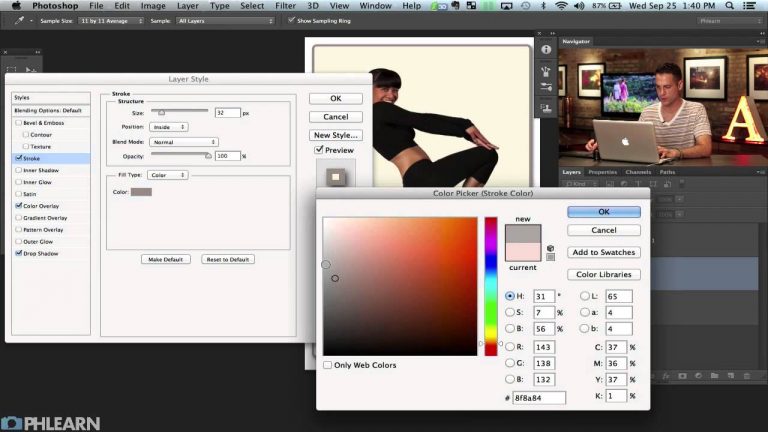
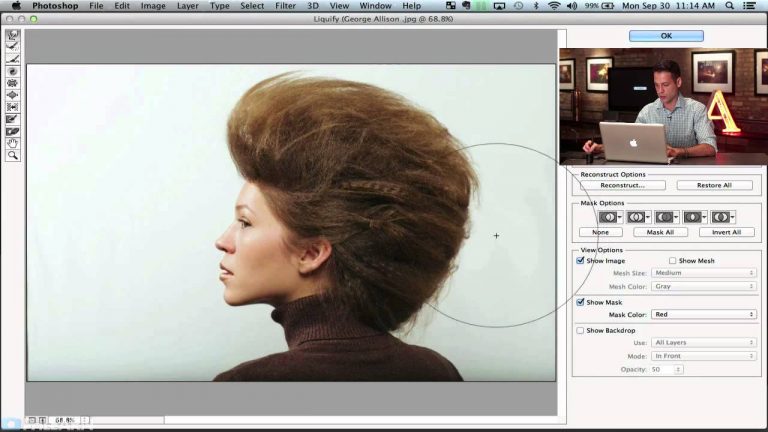
You are going to learn how to fix up a hairstyle in Photoshop using the Liquify Tool. There are a few different strategies to consider when reshaping something like hair. Sometimes it is a good idea to start with the smaller areas and get everything smooth before moving onto general shaping. That is why we start with a small brush and then move to a larger one.

Here are some of the tools we use:
Liquify Tool — Change the shape of anything with the Liquify Tool.

Website: http://phlearn.com/
Facebook: https://www.facebook.com/Phlearn
Twitter: https://twitter.com/aknacer
Google+: https://plus.google.com/105267656376269695918/posts

For more tutorials and how to videos check out our extensive Photoshop and photography video channel: http://www.youtube.com/user/PhlearnLLC
We cover everything from Photoshop tutorials, photography tutorials, how to videos and more!
Creating Dust in Photoshop

0

Phlearn has some amazing deals happening from now until the end of the year!
Check out some of our awesome photoshop products here: http://bit.ly/1wX5X45

Phlearn PRO Photoshop Tutorials
View Our Bestselling Bundles – http://bit.ly/1Abrt1R

Why Create Dust?

Dust particles can create a great feeling of atmosphere in a photo, especially when there is a strong backlight in the image.

In this episode we show you how to create a custom brush that creates dust anywhere you want it. All you have to do it paint over the area you would like the dust and erase the rest!
Click Here to download the brush if you would prefer to use ours.

Create Dust From Scratch in Photoshop

Here are some of the tools we use:
Custom Brush — Custom brushes open a world of possibilities in Photoshop and they are a ton of fun to use! Check out our brush.

Website: http://phlearn.com/
Facebook: https://www.facebook.com/Phlearn
Twitter: https://twitter.com/aknacer
Google+: https://plus.google.com/105267656376269695918/posts

For more tutorials and how to videos check out our extensive Photoshop and photography video channel: http://www.youtube.com/user/PhlearnLLC
We cover everything from Photoshop tutorials, photography tutorials, how to videos and more!
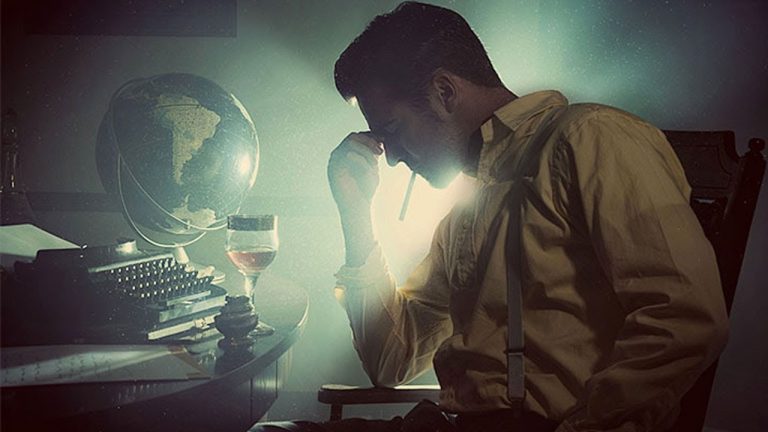
Phlearn Behind the Scenes: Asa Davis

0

Asa Davis: I’m the video guy. I took one film class in high school and was sold. I’m inspired by the idea that the visuals I create can draw emotions from people I’ve never met. I currently run a photography/videography business alongside my wife called, DeepEnd Imagery.

Phlearn has been a great way for me to express my imagination. Being surrounded by so many creatives has been a blessing. Everyday we have an idea and seeing it have a physical manifestation is just a dream come true.

Website: http://phlearn.com/

Facebook: https://www.facebook.com/Phlearn
Twitter: https://twitter.com/aknacer
Google+: https://plus.google.com/105267656376269695918/posts

For more tutorials and how to videos check out our extensive Photoshop and photography video channel: http://www.youtube.com/user/PhlearnLLC
We cover everything from Photoshop tutorials, photography tutorials, how to videos and more!
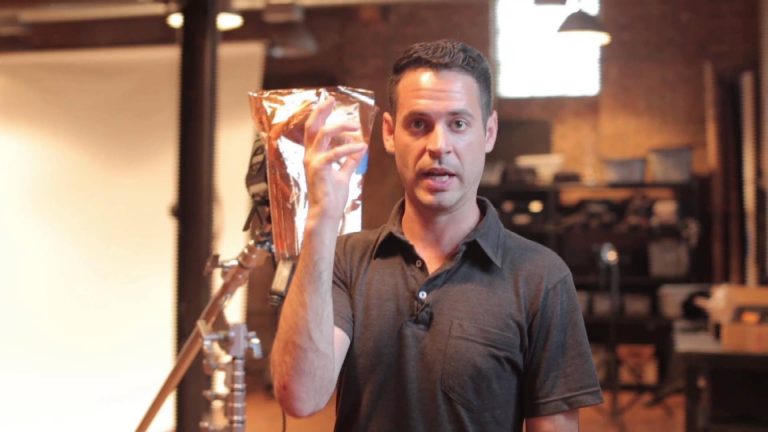
How to Enhance Details From Shadows in Photoshop

0

What is Dynamic Range?

Dynamic range refers to the range between what will show up as pure white and as pure black in your photograph, and is often measured in stops of light. Most digital cameras, even cell phones, have a dynamic range of at least 7 stops. If you’ve ever wondered what one of the advantages of getting a more expensive camera with a better sensor is, it’s that you often get a larger dynamic range. DSLRs often have dynamic ranges up to 14 stops, with some newer sensors having a range of 20 or more stops.

Enhancing Dynamic Range in Photoshop:

Often when you first look at an image out of camera, you may think that your shadows have gone black and you don’t have any detail in them. However, camera sensors are very powerful tools that capture tons of information, you just need to know how to massage that information out of it. This episode shows you how to bring out those details from your shadows.

Website: http://phlearn.com/
Facebook: https://www.facebook.com/Phlearn
Twitter: https://twitter.com/aknacer
Google+: https://plus.google.com/105267656376269695918/posts

For more tutorials and how to videos check out our extensive Photoshop and photography video channel: http://www.youtube.com/user/PhlearnLLC
We cover everything from Photoshop tutorials, photography tutorials, how to videos and more!