Home Blog Page 491

Phlearn Features: Grant Legan (Part 3 of 3)

0

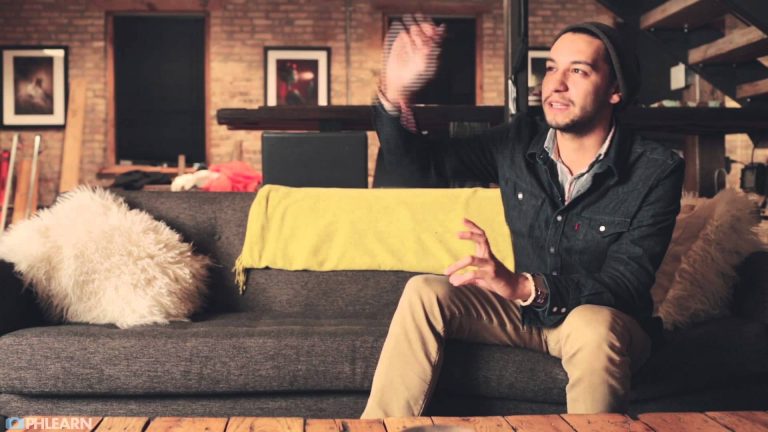
Having a High Movement Model

Movement is the key to variety, and having a model who can’t sit still is actually a good thing. Diego was constantly moving his hands, head and body, and needed just a little direction to help pose those movements. If your model is a little stiff, get them to dance, shake it out, pretend to be a mime or anything else you can think of to get them moving.
For more information on this episode, click here: http://phlearn.com/phlearn-features-grant-legan-part-3-3

Phlearn Accounts
Website: http://phlearn.com
Facebook: https://www.facebook.com/Phlearn
Twitter: https://twitter.com/phlearn
Google+: https://plus.google.com/u/0/116791098…
Instagram: https://instagram.com/phlearn

For more tutorials and how to videos check out our extensive Photoshop and photography video channel: http://www.youtube.com/user/PhlearnLLC
We cover everything from Photoshop tutorials, photography tutorials, how to videos and more!
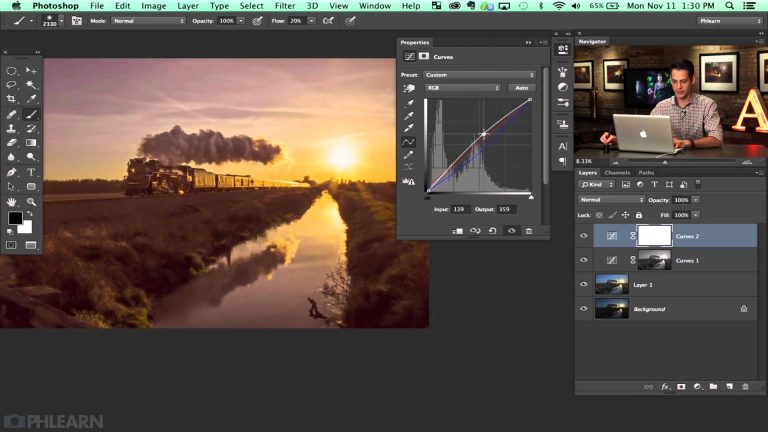
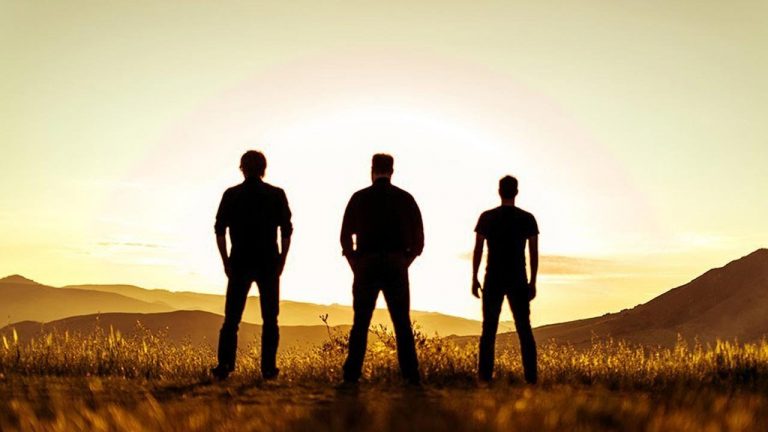
How To Recover Information From Shadows in Photoshop

0

Phlearn Accounts
Website: http://phlearn.com
Facebook: https://www.facebook.com/Phlearn
Twitter: https://twitter.com/phlearn
Google+: https://plus.google.com/u/0/116791098…
Instagram: https://instagram.com/phlearn

For more tutorials and how to videos check out our extensive Photoshop and photography video channel: http://www.youtube.com/user/PhlearnLLC
We cover everything from Photoshop tutorials, photography tutorials, how to videos and more!
Making An Advanced Lens Flare in Photoshop

0

Doing Lens Flares Right
Lens flares can be a fantastic element in an image to add some interest and color. The lens flare filter in Photoshop can also be misused and over done. In this episode we’ll show you how to correctly add some subtle style.

More Episode Description Here:
http://bit.ly/1fC3bos

Phlearn Accounts
Website: http://phlearn.com
Facebook: https://www.facebook.com/Phlearn
Twitter: https://twitter.com/phlearn
Google+: https://plus.google.com/u/0/116791098…
Instagram: https://instagram.com/phlearn

For more tutorials and how to videos check out our extensive Photoshop and photography video channel: http://www.youtube.com/user/PhlearnLLC
We cover everything from Photoshop tutorials, photography tutorials, how to videos and more!
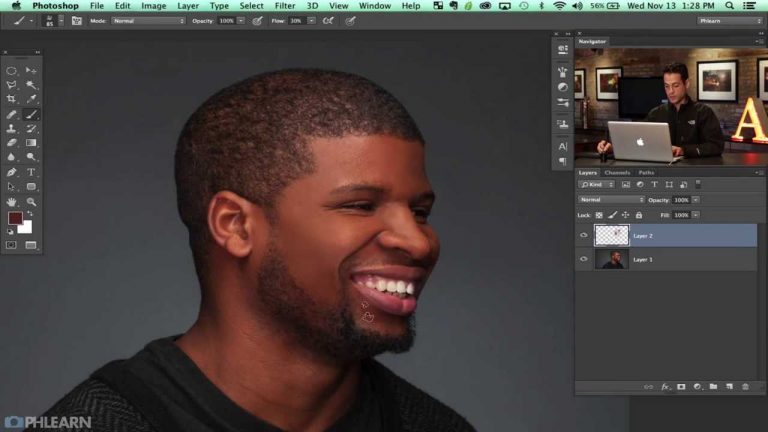
Corporate Editorial Headshot (Behind the Scenes)

0

Phlearn Accounts
Website: http://phlearn.com
Facebook: https://www.facebook.com/Phlearn
Twitter: https://twitter.com/phlearn
Google+: https://plus.google.com/u/0/116791098…
Instagram: https://instagram.com/phlearn

For more tutorials and how to videos check out our extensive Photoshop and photography video channel: http://www.youtube.com/user/PhlearnLLC
We cover everything from Photoshop tutorials, photography tutorials, how to videos and more!
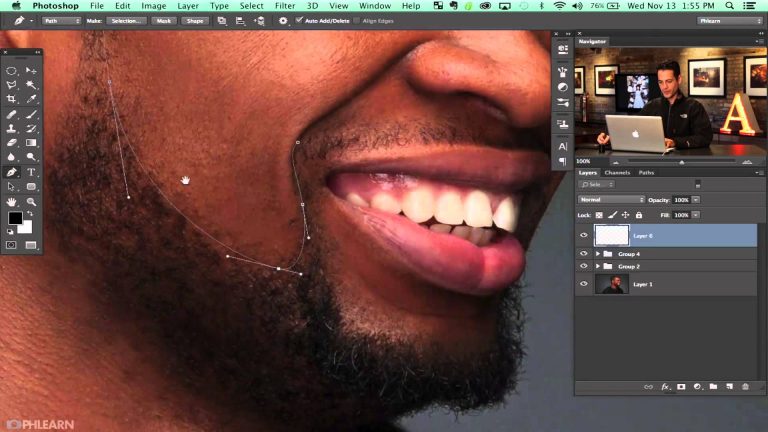
How to Retouch an Editorial Headshot in Photoshop (Part 1 of 3)

0

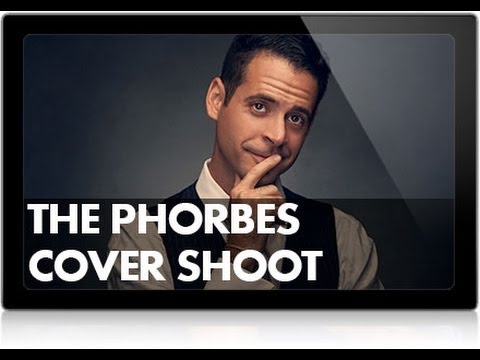
The Phorbes Cover Shoot — Post Processing
You saw the behind the scenes of our corporate/editorial photo shoot, now we take one of the images into Photoshop to start the retouching. The retouching is being split into 3 parts, be sure to check back to see the entire retouching process.

More Information on this episode:
http://bit.ly/1jacXhr

Phlearn Accounts
Website: http://phlearn.com
Facebook: https://www.facebook.com/Phlearn
Twitter: https://twitter.com/phlearn
Google+: https://plus.google.com/u/0/116791098…
Instagram: https://instagram.com/phlearn

For more tutorials and how to videos check out our extensive Photoshop and photography video channel: http://www.youtube.com/user/PhlearnLLC
We cover everything from Photoshop tutorials, photography tutorials, how to videos and more!
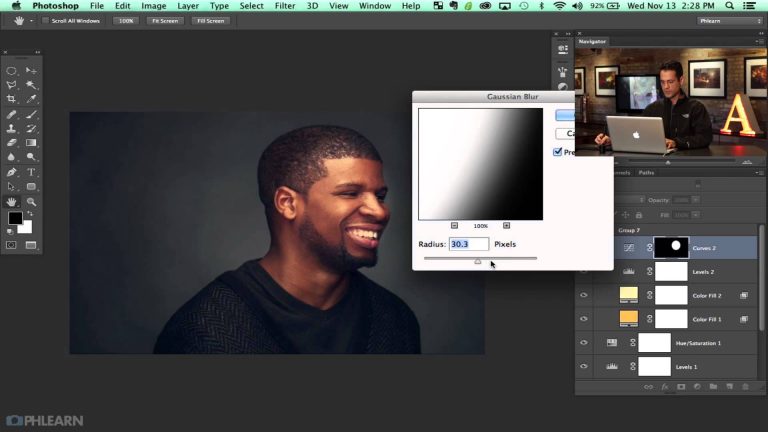
How to Retouch an Editorial Headshot in Photoshop (Part 2 of 3)

0

You saw the behind the scenes of our corporate/editorial photo shoot, and Part 1 of the retouching. Now we’ll continue with the retouching to get this image refined even more.

More information on this episode here:

Editorial Headshot Retouching, Part 2 of 3

Phlearn Accounts
Website: http://phlearn.com
Facebook: https://www.facebook.com/Phlearn
Twitter: https://twitter.com/phlearn
Google+: https://plus.google.com/u/0/116791098…
Instagram: https://instagram.com/phlearn

For more tutorials and how to videos check out our extensive Photoshop and photography video channel: http://www.youtube.com/user/PhlearnLLC
We cover everything from Photoshop tutorials, photography tutorials, how to videos and more!
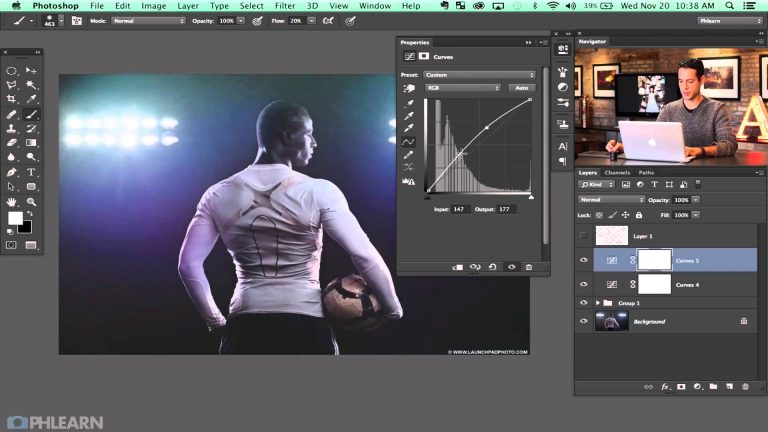
How to Retouch an Editorial Headshot in Photoshop (Part 3 of 3)

0

Phlearn Accounts
Website: http://phlearn.com
Facebook: https://www.facebook.com/Phlearn
Twitter: https://twitter.com/phlearn
Google+: https://plus.google.com/u/0/116791098…
Instagram: https://instagram.com/phlearn

For more tutorials and how to videos check out our extensive Photoshop and photography video channel: http://www.youtube.com/user/PhlearnLLC
We cover everything from Photoshop tutorials, photography tutorials, how to videos and more!
Dramatic Sports Portrait Retouching in Photoshop

0

Phlearn Accounts
Website: http://phlearn.com
Facebook: https://www.facebook.com/Phlearn
Twitter: https://twitter.com/phlearn
Google+: https://plus.google.com/u/0/116791098…
Instagram: https://instagram.com/phlearn

For more tutorials and how to videos check out our extensive Photoshop and photography video channel: http://www.youtube.com/user/PhlearnLLC
We cover everything from Photoshop tutorials, photography tutorials, how to videos and more!
Gap Inspired Fashion Shoot (Behind the Scenes)

0

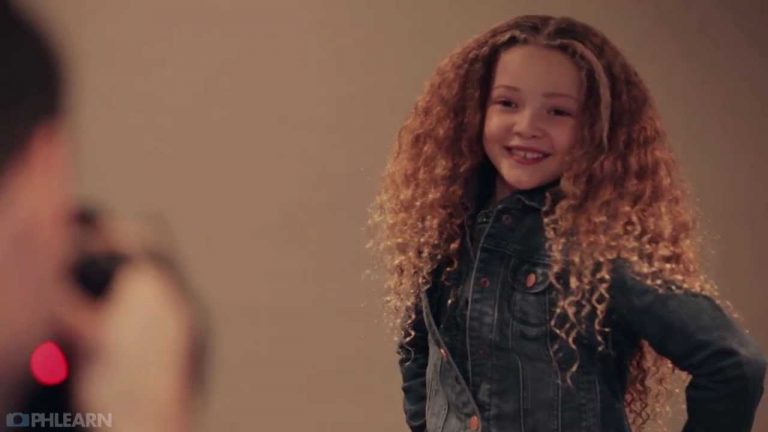
The original concept behind this shoot and tutorial was to show how to do a fun and lighthearted photo shoot similar to something you might see in a Gap advertisement. The goal of a fashion image is to convey the companies message and brand image to consumers through still photos. This is true for both “high fashion” and “retail fashion”. Where high fashion might focus on being overly sexual and extravagant, retail fashion wants to convey the message of fun, comfort and happiness.

Full Episode Description Here:
http://phlearn.com/behind-scenes-gap-inspired-fashion-shoot

Phlearn Accounts
Website: http://phlearn.com
Facebook: https://www.facebook.com/Phlearn
Twitter: https://twitter.com/phlearn
Google+: https://plus.google.com/u/0/116791098…
Instagram: https://instagram.com/phlearn

For more tutorials and how to videos check out our extensive Photoshop and photography video channel: http://www.youtube.com/user/PhlearnLLC
We cover everything from Photoshop tutorials, photography tutorials, how to videos and more!

Gap Inspired Fashion Shoot – Retouching Part 1

0

Commercial Retail Fashion — Post Processing

You saw the behind the scenes of our Gap inspired fashion shoot, now we take the images into Photoshop to start the compositing and retouching process. Make sure to check back for part 2 of the post production later this week.
Cutting Your Subject Out

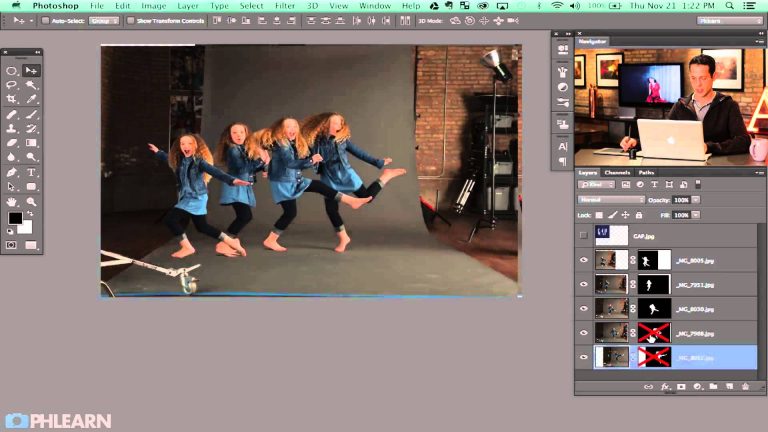
When photographing your subject on a gray seamless it should be relatively easy to cut them out. In today’s episode we use the magic wand tool to select out the background. In this case it makes more sense to select the background rather than the subject because the background is more uniform and easier to select.

After selecting the background we load the selection into a layer mask and invert it to make just the subject visible. This same process is repeated for each of the layers, giving us the opportunity to place them together. After all of the subjects are cut out we align them together to form the final movement.

More information on this episode here:

Gap Inspired Fashion Shoot – Retouching Part 1

Phlearn Accounts
Website: http://phlearn.com
Facebook: https://www.facebook.com/Phlearn
Twitter: https://twitter.com/phlearn
Google+: https://plus.google.com/u/0/116791098…
Instagram: https://instagram.com/phlearn

For more tutorials and how to videos check out our extensive Photoshop and photography video channel: http://www.youtube.com/user/PhlearnLLC
We cover everything from Photoshop tutorials, photography tutorials, how to videos and more!